Manual library
Gate motor manuals in plain English: Centurion, ET, Gemini and more
Every manual page here is written by the Repairs Plus technical team from the manufacturer's own manual: what the lights and beeps mean, how to code a remote, how to set the limits and how to put the motor on manual. Each one links to the official PDF it came from.
Six-month guarantee on our repairs
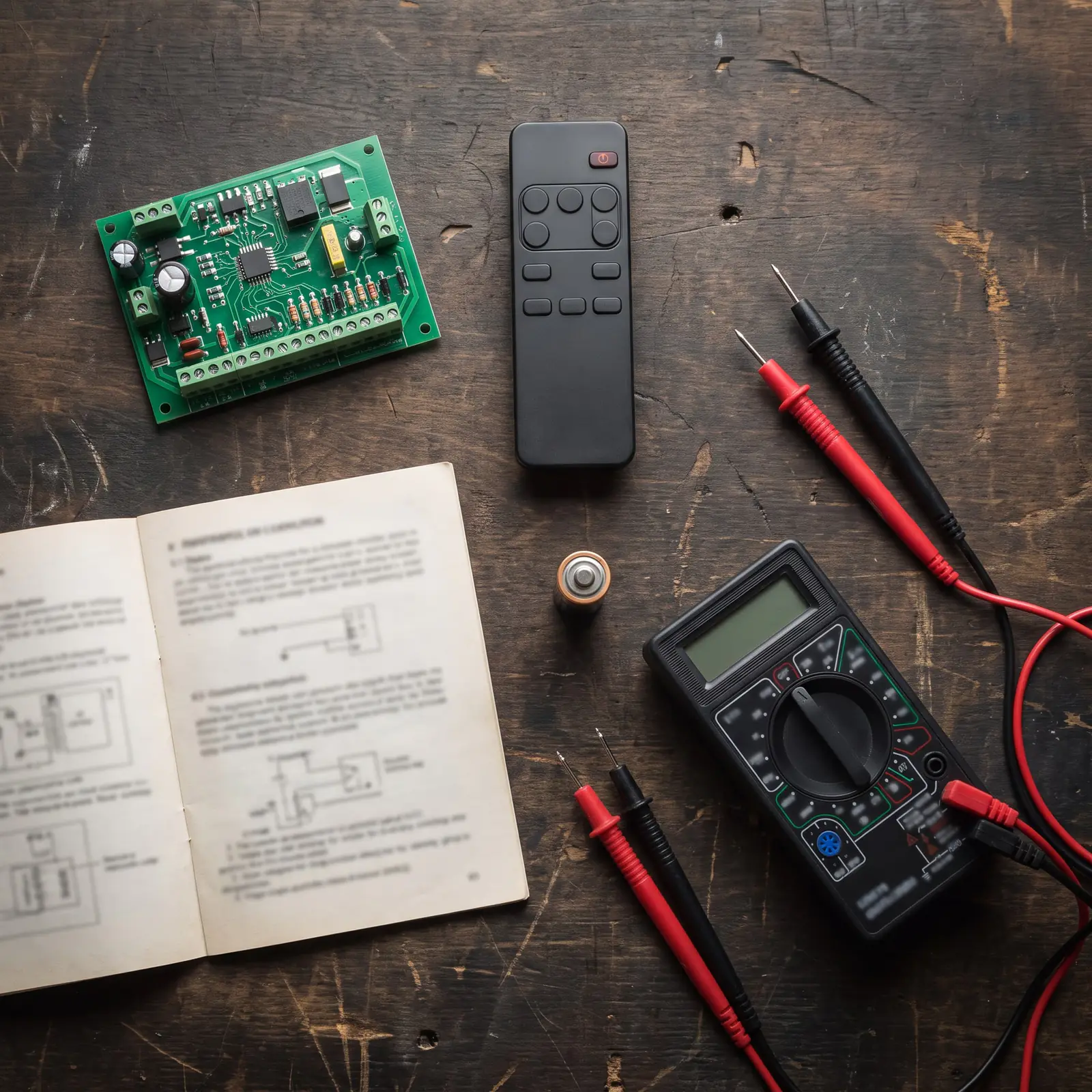
The manuals, brand by brand
Pick your make, then your model. The brand's main page comes first on each shelf, followed by its models and the jobs that have a page of their own, such as fault codes or coding a remote.
Centurion
Manual
Centurion manualsThe Centurion gate motor manual guide: find your model, put the motor on manual, re-engage it, remotes, keypads, wiring and every official Centurion PDF.
Manual
Centurion A10The Centurion A10 manual in plain English: the industrial sliding gate motor's three models, duty cycle, limit and feature setup, status lights and resets.
Manual
Centurion D10The Centurion D10 manual in plain English: the D10 for 1,000 kg gates and the fast D10 Turbo, specs, manual release, limits, batteries, SMART+ models and PDFs.
Task
D10 faultsCenturion D10 no origin found, drive faults, no limits set and battery faults explained from Centurion's manual: the beeps, the checks and the 24 V figures.
Manual
Centurion D2 TurboThe Centurion D2 Turbo manual in plain English: specs, the two-dial setup, limits, remotes, the status light and beeps, manual release, batteries and resets.
Manual
Centurion D3 and D5Centurion D3 D5 manual in plain English: the classic D3 and D5 sliders, status light, settings, pedestrian opening, manual release, maintenance and prices.
Manual
Centurion D3 SMARTThe Centurion D3 SMART manual in plain English: D3 SMART and SMART+ specs, what the 300 kg model leaves out, remotes in the app, power cuts and upkeep.
Manual
Centurion D5-EvoThe Centurion D5-Evo manual in plain English: specs for the standard and Low-Voltage models, the setup wizard, features, battery and charger, and official PDFs.
Task
D5-Evo fault findingCenturion D5-Evo problems explained: what the status light, beeps and display mean, Centurion's own fault-finder, battery and collision checks, and reset.
Manual
Centurion D5 SMARTThe Centurion D5 SMART manual in plain English: the D5-Evo SMART and SMART+ specs, the MyCentsys apps, Bluetooth and Wi-Fi, setup, the cage and official PDFs.
Task
D5 SMART troubleshootingCenturion D5 SMART troubleshooting from Centurion's SMART+ manual: manual release and latching, gate checks, battery, charger and fuses, alarms and the app.
Manual
Centurion D6 SMARTThe Centurion D6 SMART manual in plain English: the 24 V, 600 kg SMART slider's specs, power-saving mode, battery standby, the D5 vs D6 choice and PDFs.
Manual
Centurion G-ULTRAThe Centurion G-ULTRA manual in plain English: what the GSM module does, wiring it to a gate motor, the SIM and tokens, G-WEB and G-REMOTE setup, the screen.
Manual
Centurion R3 and R5The Centurion R3 manual in plain English: the R3 and R5 rotary swing motors and the R6, their leaf limits, limit setup, status lights, faults and resets.
Manual
Centurion remote programmingHow to program a Centurion remote: NOVA remotes on the D5-Evo and D10 menu, master-remote receivers, garage receivers, the shift button, deleting lost remotes.
Manual
Centurion Sector IIThe Centurion Sector 2 boom gate manual in plain English: controller setup, spring balance, loop settings, status lights, maintenance, defaults and the PDF.
Manual
Centurion SMART appThe Centurion SMART app explained: MyCentsys, MyCentsys Pro and MyCentsys Remote for D-series and Vantage gate motors and the SDO4 SMART garage motor.
Manual
Centurion SMARTGUARD keypadCenturion keypad reset code explained: the SMARTGUARD default master code, adding and deleting codes, defaulting a lost master code, anti-hack and the air.
Manual
Centurion VantageThe Centurion Vantage manual in plain English: the 300, 400 and 500 SMART swing arms, with specs, leaf limits, wind, fitting, setup, release and PDFs.
Manual
Centurion Vector2The Centurion Vector manual in plain English: Vector2 specs, limit setup and menus on the LCD controller, remotes, defaults, status lights and beeps.
Manual
Centurion G-SPEAK ULTRAThe Centurion G-SPEAK ULTRA in plain English: the 4G intercom that rings your phone, its gate stations, wiring to a gate motor, G-WEB setup, resets and repairs.
Manual
Centurion RDO DigitalThe Centurion RDO Digital manual in plain English: fitting it, setting the limits on its display, the safety offset, the menu, a factory reset and its alerts.
Manual
Centurion RDOCenturion RDO setup in plain English: fitting the RDO II to a roll-up door, the limit cams, force learning, remotes, the release cord, faults and the PDF.
Task
Remote programmingCenturion RDO Digital programming in plain English: learning NOVA remotes on the RDO Digital and the older RDO II, what each flash means, and deleting them.
Task
RDO light flashingCenturion RDO light flashing explained for the RDO II and RDO Digital: learning, holiday lockout, the door service monitor, display alerts and how to fix each.
Manual
Centurion SDO4The Centurion SDO4 manual in plain English: SDO4 or SDO4 SMART, end-stops and limits, remotes, batteries, the release, error codes and Centurion's PDFs.
Task
SDO4 remote programmingCenturion SDO4 SMART programming and original SDO4 remote programming, step by step: adding remotes, the wall switch, lockout, open-only buttons and deleting.
ET
Manual
ET Drive 500 and 600The ET Drive 500 manual in plain English: limits, remotes, status lights, battery, reset and the old ET 500, for the Drive 500 and Drive 600. Official PDFs.
Task
Drive 500 fault messagesEvery ET Drive 500 and 600 fault message explained: encoder stall and E01 overload codes, 12 V aux errors, limits, battery, remotes and what to do next.
Manual
ET Drive 300The ET Drive 300 manual in plain English: run-time setup, coding ET remotes, the three-letter display, status light, transformer and battery. Official PDFs.
Manual
ET remote programmingHow do I reset my ET remote, and add or erase one? ET BLUE and BLU MIX remotes, the receivers that learn them, the old code setting and lost remotes.
Manual
ET DC Blue AdvancedThe ET DC Blue Advanced manual in plain English: the Pico and double-door models, limits, force and auto-close, display and buzzer warnings, the roll-up.
Task
DC Blue Advanced remotesET DC Blue Advanced remote programming, step by step: the quick method, the receiver menu, the light button, erasing remotes, and the roll-up version.
Manual
ET DC BlueThe ET DC Blue Digital manual in plain English: the older DC Blue and DC Blue Plus garage motors, their limits, remotes, beeps and lockout, and the Blue-Roll.
Gemini
Manual
Gemini gate motorsThe Gemini gate motor manual in plain English: 12 V and 24 V sliders, swing motors, remote programming, auto-close DIP switches, wiring, Gemlink and the PDFs.
Task
Gemini fault findingGemini gate motor problems explained: what 2, 3 and 4 flashes of the status light mean, a gate that won't open, close or stop, charging faults and resetting.
Manual
Gemini garage door motorsThe Gemini garage door motor manual in plain English: the sectional, tip-up and roll-up operators, adding remotes, the limits, lock-out, faults and the price.
Digidoor
Manual
Digidoor 2Digidoor 2 problems explained: a door that won't open or close, remotes that stop working, the light and battery, safe checks, and when to call us.
Manual
Digidoor manualsThe Digidoor garage motor manual in plain English: limits, force, auto-close and remote programming on the Digi One, Digi 6, Digi 7 and Digidoor III.
Which motor do you have?
You can usually tell without opening anything:
- Look at the cover. Most motors carry the maker's name moulded into the lid or on a badge: Centurion, ET, Gemini or Digidoor.
- Find the label. A sticker on the side of the motor or on the gearbox usually gives the model, such as D5-Evo, Drive 500 or Digi One.
- Check the remote. It is often the same make as the motor, and its name is printed on the front.
- Look for the installer's paperwork. The invoice or a sticker inside the cover lid usually names the kit.
Still not sure? Send us a photo of the motor with its cover on, on WhatsApp, and we'll tell you what it is.
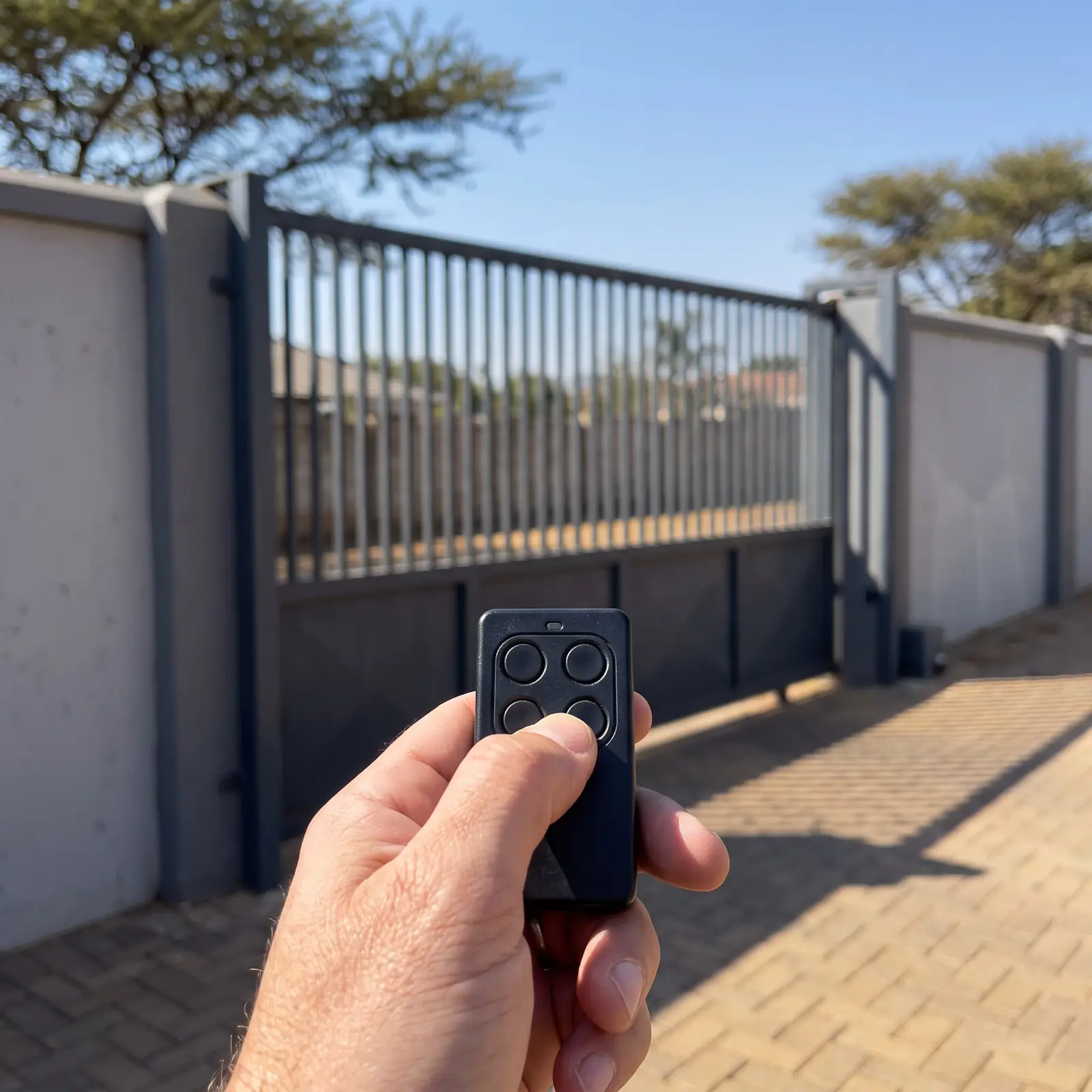
Common jobs, and where they're covered
| The job | Where it's covered |
|---|---|
| Adding or deleting a remote | Centurion remote programming, the RDO's remotes and gate remotes |
| Reading a status light or beeps | D5-Evo troubleshooting and the classic D3 and D5 |
| A fault message on a display | ET Drive 500 error codes |
| A Gemini that misbehaves | Gemini troubleshooting |
| A keypad at the gate | SMARTGUARD keypads |
| Garage door limits and force | Centurion SDO4, Centurion RDO and ET DC Blue Advanced |
| Bigger and older motors | Centurion D10, ET Drive 300 and Digidoor 2 |
| Opening by hand in a power cut | A gate or a garage door |
What we leave out on purpose: factory default codes for keypads and installer menus. A gate keypad is in reach of anyone in the street, so the safe course is the one the manuals give, setting your own code, rather than a default printed on the internet.
User manuals and installer manuals
Most makers publish two documents for each motor, and they're written for different people.
- The user manual is for the owner: the manual release, the remotes, what the status light means, holiday lock-out and the safety checks. Everything in it is meant to be done by you.
- The installer manual is for the technician: mounting, wiring, the limit and force settings, and the full fault tables. It assumes the cover is off and the person reading it knows the risks.
Our pages follow the same line. The owner's jobs are written as steps; the installer's jobs are explained so you understand what's wrong, with a clear point where it becomes our job. Anything to do with the mains supply to a motor is a job for a registered electrician.
Where the official PDFs come from
We link to each manufacturer's own copy rather than re-hosting it, so you always get their latest version:
| Brand | Equipment | Official site |
|---|---|---|
| Centurion | Gate and garage motors, keypads, receivers, beams | centsys.co.za |
| ET (Nice) | Drive gate motors, DC Blue garage motors, swing and boom gates | niceforyou.com |
| Gemini | Sliding and swing gate motors, garage door operators | geminigates.co.za |
| Digidoor | Digi garage door motors | hydrodoors.co.za |
| Nemtek | Druid and Wizord energisers, Merlin keypads | nemtek.co.za |
| JVA | Z-series energisers and keypads | jvasecurity.co.za |
| Zartek | Wireless intercoms | zartek.co.za |
If a model has no page of ours yet, its maker's site is the place to find the manual.
When the manual isn't enough
A manual tells you what a fault message means; it can't replace a burnt-out control card, a stripped gear or a battery that has given up. When the steps don't fix it, book a technician. All our spare parts are genuine, and every repair carries our six-month guarantee on our repairs. Your exact price is set in a free quote before any work starts. No call-out fee when we do the work. If no work is done, a R650 call-out fee applies.
Questions
Questions about manuals
Where can I download a gate motor manual?
From the manufacturer's own website: Centurion's are on centsys.co.za, ET's on niceforyou.com and Gemini's on geminigates.co.za. Every manual page in our library links straight to the right PDF. Browse the shelves.
What's the difference between a user manual and an installer manual?
The user manual is for the owner: the manual release, remotes, status lights and safety checks. The installer manual covers mounting, wiring and the deeper settings, and assumes a technician with the cover off. Read more about the two.
Do you have manuals for garage door motors?
Yes: the Centurion SDO4 and RDO, the ET DC Blue Advanced and Digidoor's Digi motors sit on the shelves alongside the gate motors, and each page links to the maker's official PDF. See every shelf.
My motor isn't in the library. What now?
Check its maker's website for the official manual, or send us a photo of the motor on WhatsApp and we'll tell you what it is and whether we work on it. See where the official PDFs live.
Book a technician
Fill in the job card
Job card
We WhatsApp or call you back. Fields marked (required) are needed.