Manual · Centurion D5 SMART
Centurion D5 SMART manual: the app, the specs and the setup
Centurion's D5 SMART, sold as the D5-Evo SMART and now the D5-Evo SMART+, moves sliding gates up to 500 kg and is set up from a smartphone instead of a display on the motor. This is its manual in plain English: the specifications, the apps, how setup works, what the SMART range adds, and Centurion's own PDFs.
Six-month guarantee on our repairs
1-year guarantee on every motor kit we supply and install
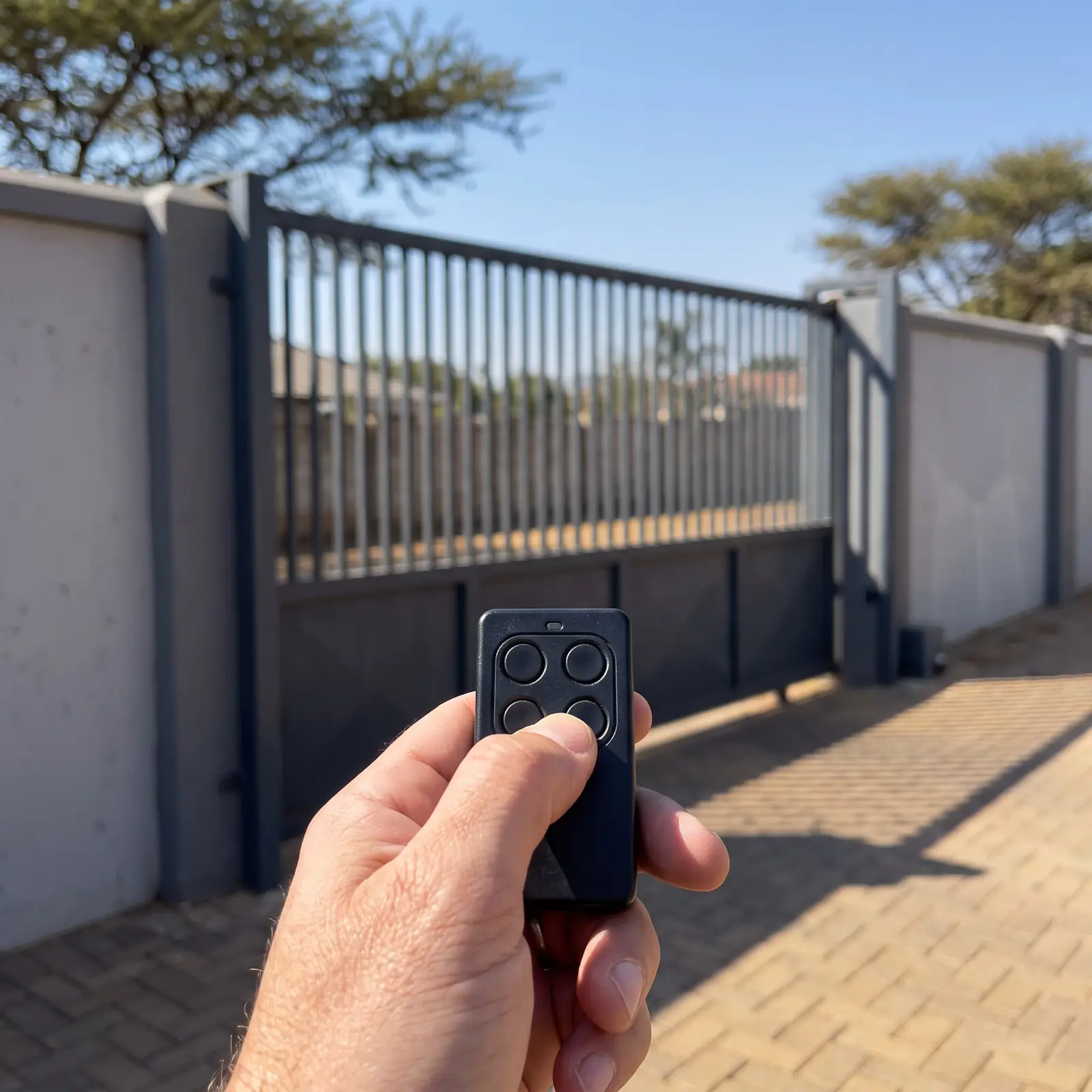
D5-Evo SMART+ specifications
| Item | D5-Evo SMART+ |
|---|---|
| Heaviest gate | 500 kg |
| Longest gate | 20 m |
| Supply | 100 to 240 V AC |
| Charger | 1.8 A at 14.3 V |
| Battery | One 12 V 7 Ah, inside the motor |
| Operations a day | 150 |
| Duty cycle, mains present | 50% |
| Starting and running push force | 30 kgf and 17 kgf |
| Gate speed | Up to 24 m a minute, or up to 19 m a minute at its working load |
| Wireless | Bluetooth Low Energy and 2.4 GHz Wi-Fi |
| Remotes | On-board NOVA receiver, 1,500 remotes |
The earlier D5-Evo SMART has the same weight, length, force and battery figures in Centurion's D-series SMART manual. In the same range, the D3 SMART takes gates up to 300 kg and the D6 SMART up to 600 kg.
What the SMART range adds
Centurion lists these among the SMART+ controller's features:
- Set up from a phone: an interactive app replaces the buttons and display of older controllers.
- Automatic limit setup: the motor learns its open and closed positions.
- A non-contact Hall-effect position sensor, which Centurion chose because it resists dust, oil, dirt and insects.
- Separate opening and closing speeds, with adjustable soft start and stop.
- Collision detection with auto-reverse, with adjustable sensitivity.
- Separate inputs for opening and closing beams, with an automatic beam test.
- Positive Close, auto-close, pedestrian opening and several operating modes.
- Lightning and surge protection, which, as on every Centurion, depends on a proper earth.
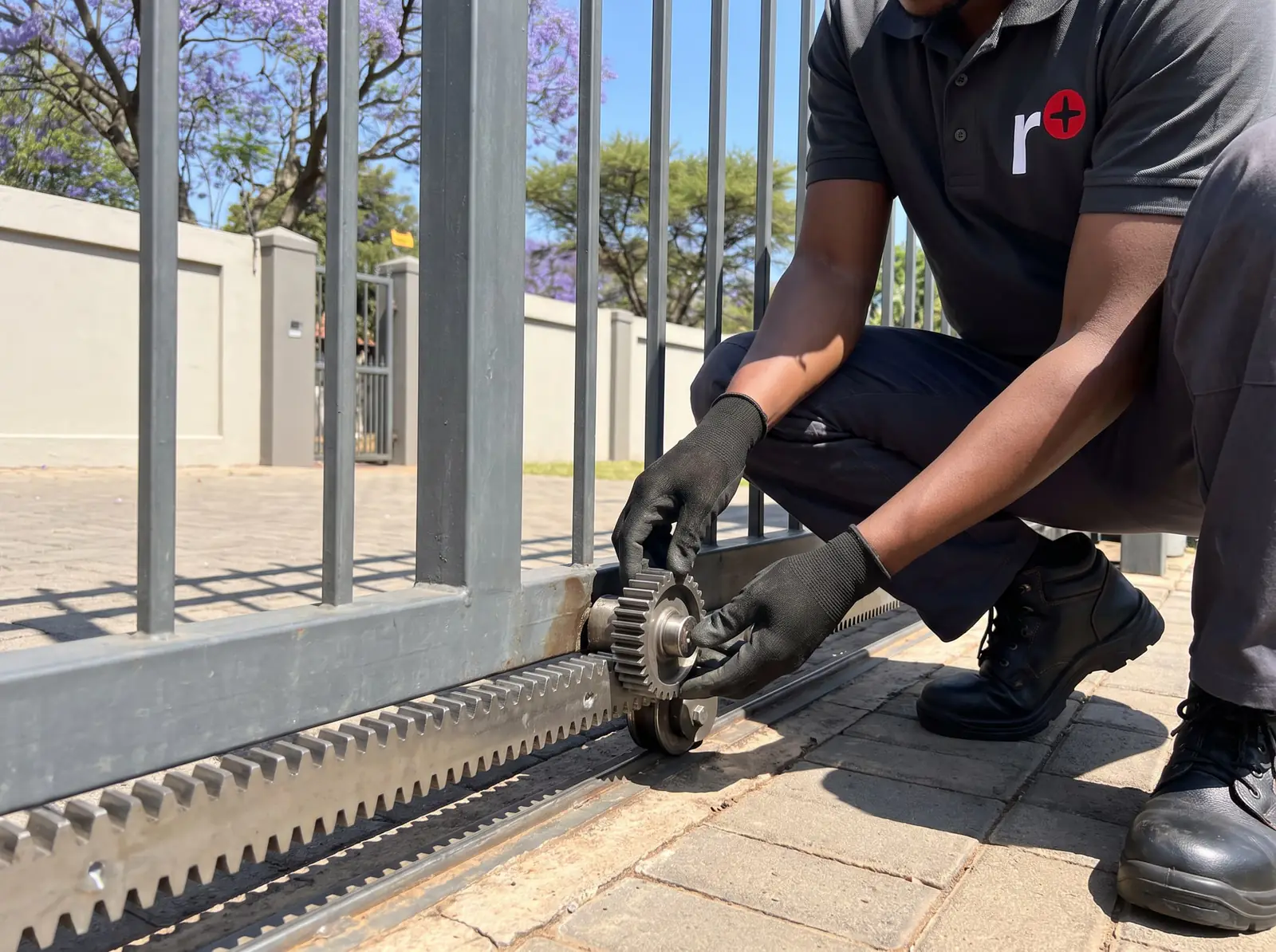
The gearbox is filled with oil at installation, and the motor is released by hand with a lockable release handle and key.
The MyCentsys apps
Centurion publishes three apps for its SMART motors, on the Apple App Store, Google Play and Huawei AppGallery:
- MyCentsys Pro, the installer's app, used to configure the motor during installation.
- MyCentsys, for owners, to change user settings.
- MyCentsys Remote, for phones added to the motor as remote users, alongside NOVA remotes.
Centurion's minimum requirements are a phone with Bluetooth Low Energy, and iOS 13 on an iPhone 6s or newer, or Android 8.0. In each app you choose your motor from the list, connect to it, and follow the prompts.
How a D5 SMART is set up
Centurion's commissioning is short, because the app leads it:
- With the motor mounted, the rack fixed and the origin harness connected, the installer opens MyCentsys Pro.
- They select the motor from the list and connect to it.
- The app prompts them through the setup, including the automatic limit setup, in which the motor learns the gate's open and closed positions.
- Features such as auto-close, the pedestrian opening, beams and Positive Close are then set in the same app.
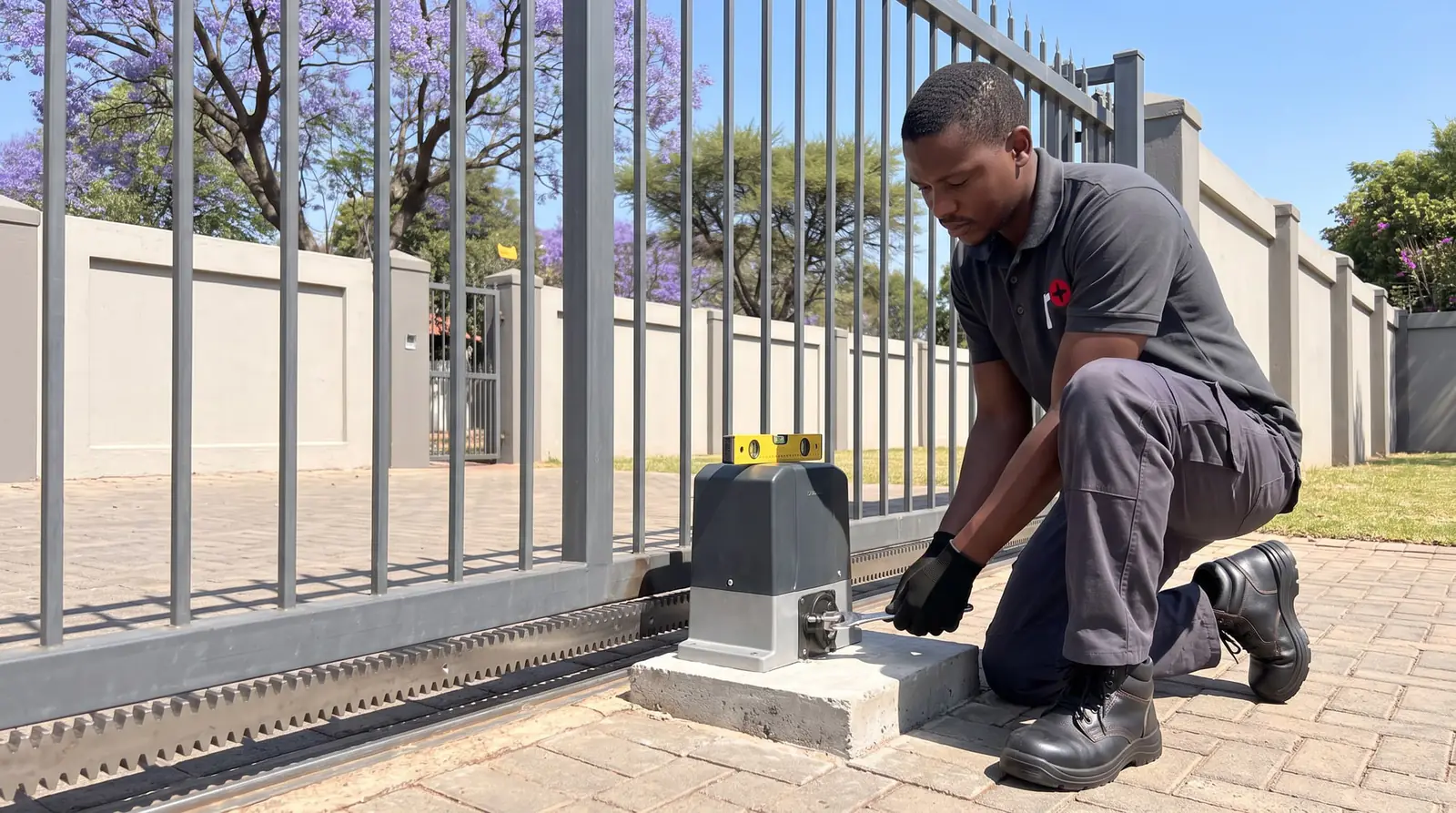
Before that comes the mechanical work: the foundation plate, the gearbox with its oil, the rack sitting just above the pinion, end stoppers that can stop the gate at full speed, and anti-lift brackets so the gate can't be lifted off the pinion. A new mains supply to the motor is a job for a registered electrician. The rest is on gate motor installation.
Power cuts: how far the battery goes
Centurion's SMART+ manual gives the D5-Evo SMART+'s standby on its 7.2 Ah battery for two kinds of gate, and the gap between them is the best argument for a free-running gate:
| Gate | Over half a day | Over a full day |
|---|---|---|
| Light gate, needing 7 kgf, at up to 24 m a minute | 90 | 70 |
| Heavier gate, needing 17 kgf, at up to 18 m a minute | 44 | 35 |
A gate that drags halves the number of times it opens in a power cut. Centurion adds that a larger battery gives longer standby; we test and fit them, see gate motor batteries.
The theft-deterrent cage
Centurion makes a steel theft-deterrent cage that fits over the D3, D5-Evo and D6 SMART to make the motor much harder to get at. Centurion is clear that it reduces the risk rather than removing it. We fit it on new installations or to an existing SMART motor; Centurion's fitting instructions are in Centurion D3/D5/D6 SMART theft-deterrent cage, installer manual.
When a D5 SMART misbehaves
Most problems are the same as on any sliding gate: a battery worn out after years of power cuts, a gate that drags on its wheels or rollers, a rack pressing down on the pinion, beams knocked out of line. Start with the gate on manual: if it doesn't push freely, the gate needs attention before the motor.
The SMART's own messages and settings are read in the app, and D5 SMART troubleshooting takes the checks in order. We repair SMART control cards, chargers, position sensors, gearboxes and receivers. All our spare parts are genuine, and every repair carries our six-month guarantee on our repairs.
D5 SMART price
In South African shops, a Centurion D5-Evo SMART / SMART+ kit (500 kg) costs about R7 500–R8 000 (Takealot); motor only about R6 000 (Takealot), without installation. Our Centurion D5-Evo SMART sliding gate kit is R7 999 installed, with what's listed on the card below. Prices checked October 2026. Your exact price is set in a free quote before any work starts. No call-out fee when we do the work. If no work is done, a R650 call-out fee applies.
Sliding gate kit
Centurion D5-Evo SMART sliding gate kit
R7 999incl. installation
In the kit
- D5-Evo SMART motor (gates up to 500 kg)
- 12 V 7 Ah battery
- 2 × 4-button NOVA remotes
- 4 m steel rack
Our promise1-year guarantee on every motor kit we supply and install
Prices checked October 2026. Price includes the kit listed, standard installation on a gate or door that already runs freely, and our 1-year kit guarantee. Not included: a power point at the motor if there isn't one (a job for a registered electrician), extra rack, gate or door repairs, and accessories. These are quoted before any work starts.
Centurion's PDFs
- Centurion D-series SMART+ installation manual: the current D3, D4, D5-Evo, D6 and D10 SMART+ range
- Centurion D-series SMART installation manual: the earlier D3 and D5-Evo SMART
- Centurion D3/D5/D6 SMART theft-deterrent cage, installer manual: the theft-deterrent cage
For the D5-Evo set up from its own display, see the D5-Evo manual, and for every other Centurion model, Centurion manuals.
Questions
Centurion D5 SMART questions
Does Centurion D5 Smart have WiFi?
The current D5-Evo SMART+ does: Centurion's specification lists Bluetooth Low Energy and 2.4 GHz Wi-Fi. The apps connect to it from a phone with Bluetooth Low Energy. See the specifications.
How to connect d5 smart gate motor to phone?
Install Centurion's MyCentsys app (or MyCentsys Pro for installers) from your phone's app store, open it, pick your motor from the list and connect, then follow the prompts. Your phone needs Bluetooth Low Energy and iOS 13 or Android 8.0 or newer. Read about the apps.
What are the key differences between the D5 Smart and D5 Evo gate motors?
Same 500 kg rating, different controllers: the D5 SMART is set up through Centurion's apps, with automatic limit setup and a Hall-effect position sensor, while the original D5-Evo is set up on an LCD display on its control card. See the D5-Evo manual.
How much is a D5 smart gate motor?
In shops, a Centurion D5-Evo SMART / SMART+ kit (500 kg) costs about R7 500–R8 000 without installation; our installed kit is on the card above. Prices checked October 2026. See the price.
How to install Centurion D5 Smart?
Mount the foundation plate and gearbox, add the oil, fix the rack just above the pinion, fit end stoppers and anti-lift brackets, wire and earth it, then commission it in the MyCentsys Pro app, which runs the automatic limit setup. It's installer work because of the mains and safety settings. See how it's set up.
Book a technician
Get a gate motor quote
Job card
We WhatsApp or call you back. Fields marked (required) are needed.