Manual · Centurion D3 SMART
Centurion D3 SMART manual: the light SMART slider, explained
The Centurion D3 SMART is the smallest motor in Centurion's app-controlled D-series: a 12 V sliding gate motor for light domestic gates up to 300 kg, now sold as the D3 SMART+. It is set up from a phone, like its bigger brothers, but it is built for fewer, lighter runs. This is its manual in plain English, with what it can and can't do and Centurion's own PDFs.
Six-month guarantee on our repairs
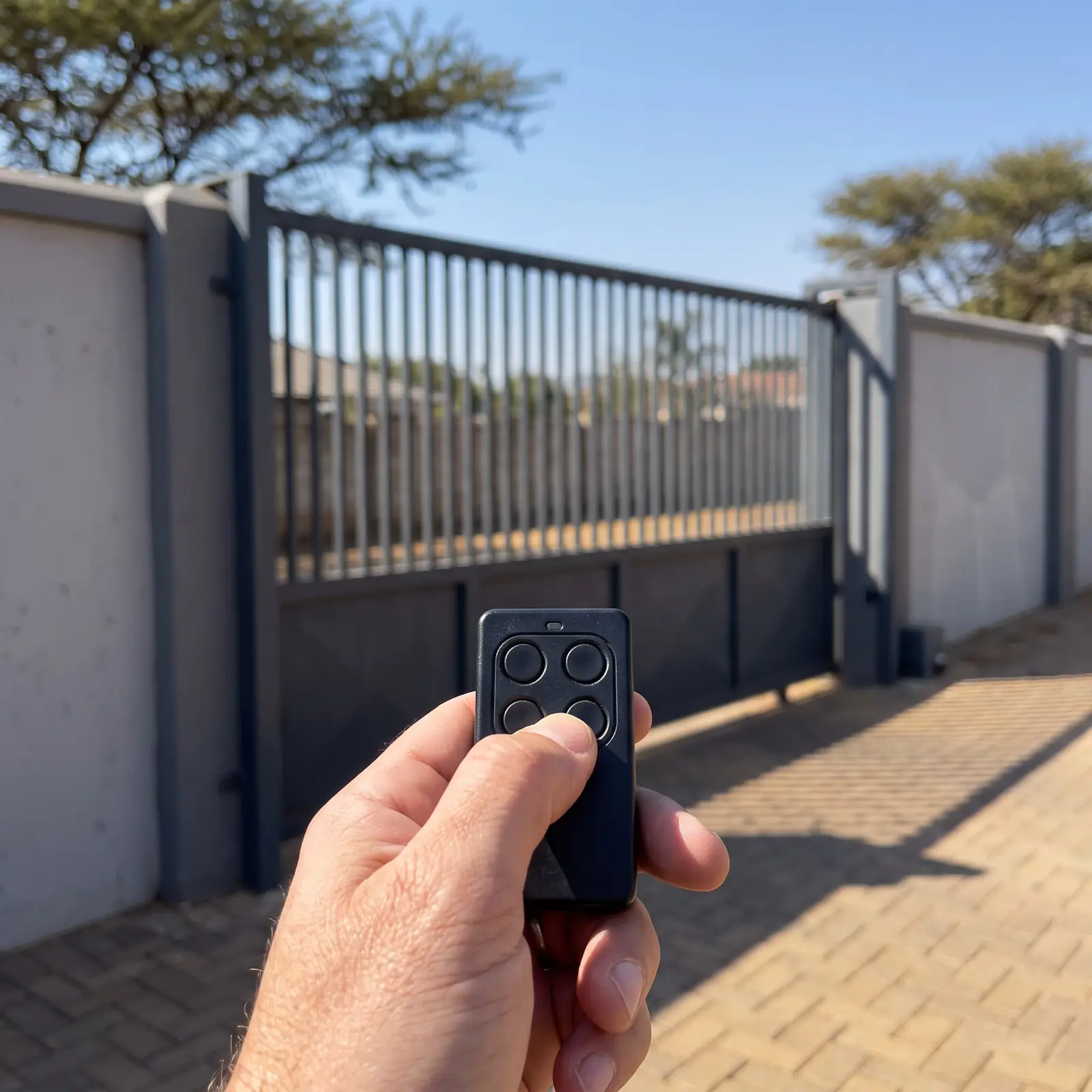
D3 SMART+ specifications, beside the D4 SMART+
Centurion lists the D3 SMART+ in the same table as the D4 SMART+, a slightly bigger 12 V motor, which makes the difference easy to see:
| D3 SMART+ | D4 SMART+ | |
|---|---|---|
| Heaviest gate | 300 kg | 450 kg |
| Longest gate | 10 m | 10 m |
| Starting and running push force | 18 kgf and 12 kgf at most | 18 kgf and 12 kgf |
| Operations a day | 20 | 75 |
| Duty cycle, mains present | 25% | 25% |
| Speed | Up to 24 m a minute, about 21 at its working load | Up to 28 m a minute, about 24 at its working load |
| Supply and charger | 100 to 240 V AC, 1.8 A charger | 100 to 240 V AC, 1.8 A charger |
| Battery | One 12 V 7 Ah, inside the motor | One 12 V 7 Ah, inside the motor |
| Accessory supply | 12 V, 300 mA | 12 V, 300 mA |
| Wireless | Bluetooth Low Energy and 2.4 GHz Wi-Fi | Bluetooth Low Energy and 2.4 GHz Wi-Fi |
| Remotes | 1,500, several buttons per remote | 1,500, several buttons per remote |
| Weather rating | IP55 | IP55 |
The figure that matters most for a D3 is the twenty operations a day: plenty for a couple coming and going, too few for a busy family home with deliveries, children and visitors all day.
Is a D3 SMART right for your gate?
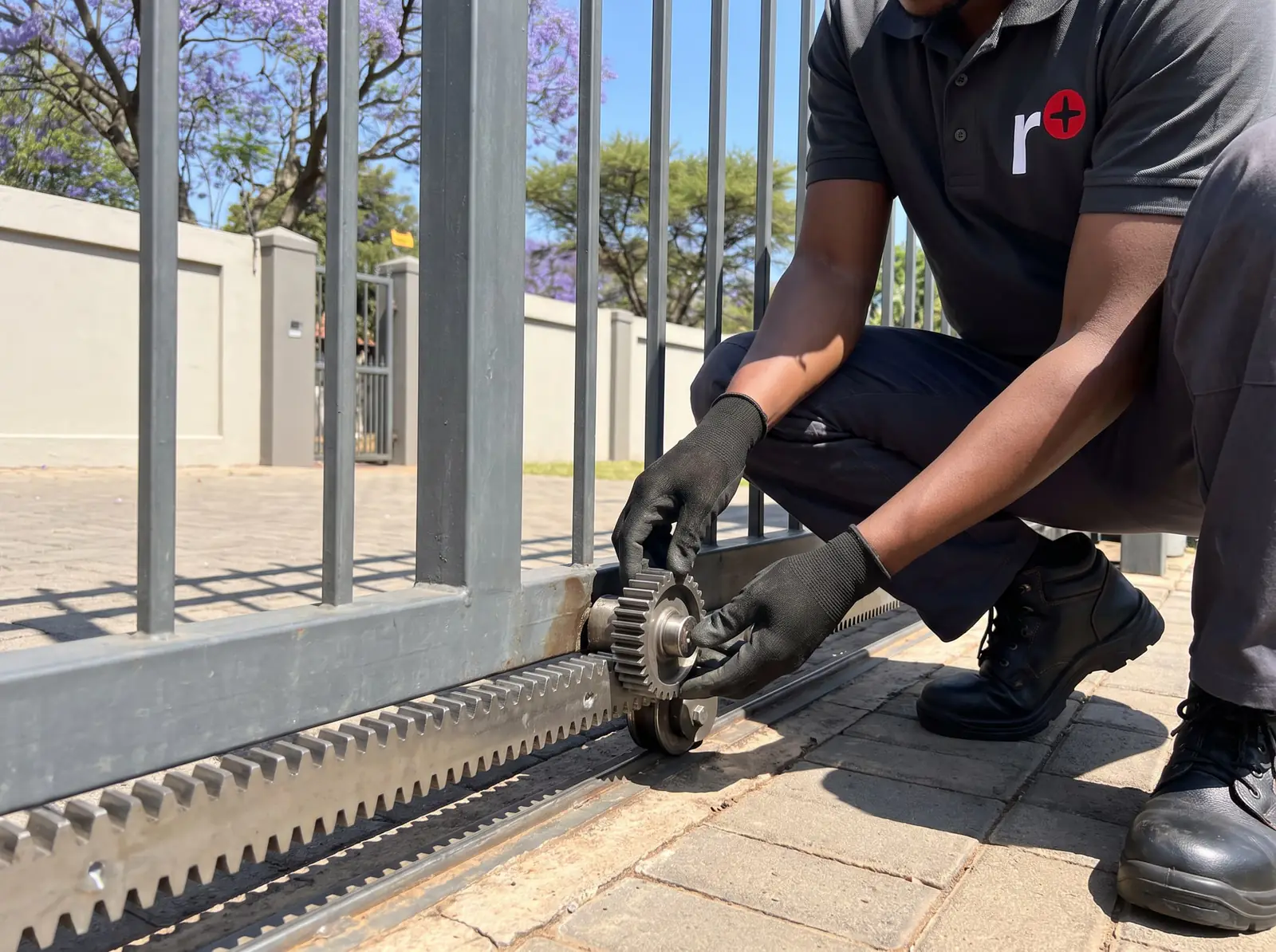
Centurion's limits are measured, not guessed. Before fitting, the installer hooks a pull scale to the gate and reads the force it takes to start the gate moving and to keep it running, over its whole travel. For a D3 SMART+ that's 18 kgf to start and 12 kgf to keep going at most, on a gate of no more than 300 kg. A gate that's heavier or stiffer voids Centurion's cover and wears the motor out early.
Three more things set the D3 apart:
- Nylon rack only. Centurion says not to use a steel rack with the D3 SMART+, because it can damage the pinion. Nylon RAZ or nylon angle rack goes on instead.
- Short gates. Ten metres is the longest gate Centurion allows for it, half the D5-Evo SMART+'s twenty.
- A light duty cycle. At 25% with the mains on, it needs rest between runs on a long, slow gate.
If your gate is heavier, longer or busier, the D4 SMART+ (450 kg, 75 operations) or the D5-Evo SMART (500 kg, 150 operations) is the better match.
What the D3 leaves out
The D3 shares the SMART controller's look and the phone setup with the bigger models, but Centurion's manual marks a few things as not applicable to it:
- No automatic beam test. The larger SMART+ motors test their opening and closing beams automatically; the D3 doesn't. Beams can still be fitted, and we always recommend them.
- No extra input and output terminals. The I/O terminals the D4 and D5-Evo use for accessories aren't on the D3.
- No SMART siren. Centurion's wired and wireless sirens for SMART motors don't work with the D3.
- No SMART PowerPack. The pack that runs busy gates straight from the mains isn't available for the D3 or the D5-Evo SMART+.
- A small accessory supply. 300 mA at 12 V, enough for beams and a receiver but not much more.
None of that matters on a quiet home gate. It does matter if you planned to add a siren or a string of accessories later.
How many runs the battery gives in a power cut
The D3 SMART+ always runs from its 7 Ah battery; the mains only charges it. Centurion's standby figures, for a 4 m gate without accessories:
| Gate | Over half a day | Over a full day |
|---|---|---|
| Light gate, 7 kgf to move, at up to 24 m a minute | 90 | 70 |
| Heavier gate, 12 kgf to move, at up to 21 m a minute | 80 | 65 |
Beams, a receiver and other accessories all draw on the same battery, so a real installation gets fewer runs than the table. A larger battery gives longer standby, and the motor can also be charged from solar. We test and fit batteries: see gate motor batteries.
Remotes and phones on a D3 SMART
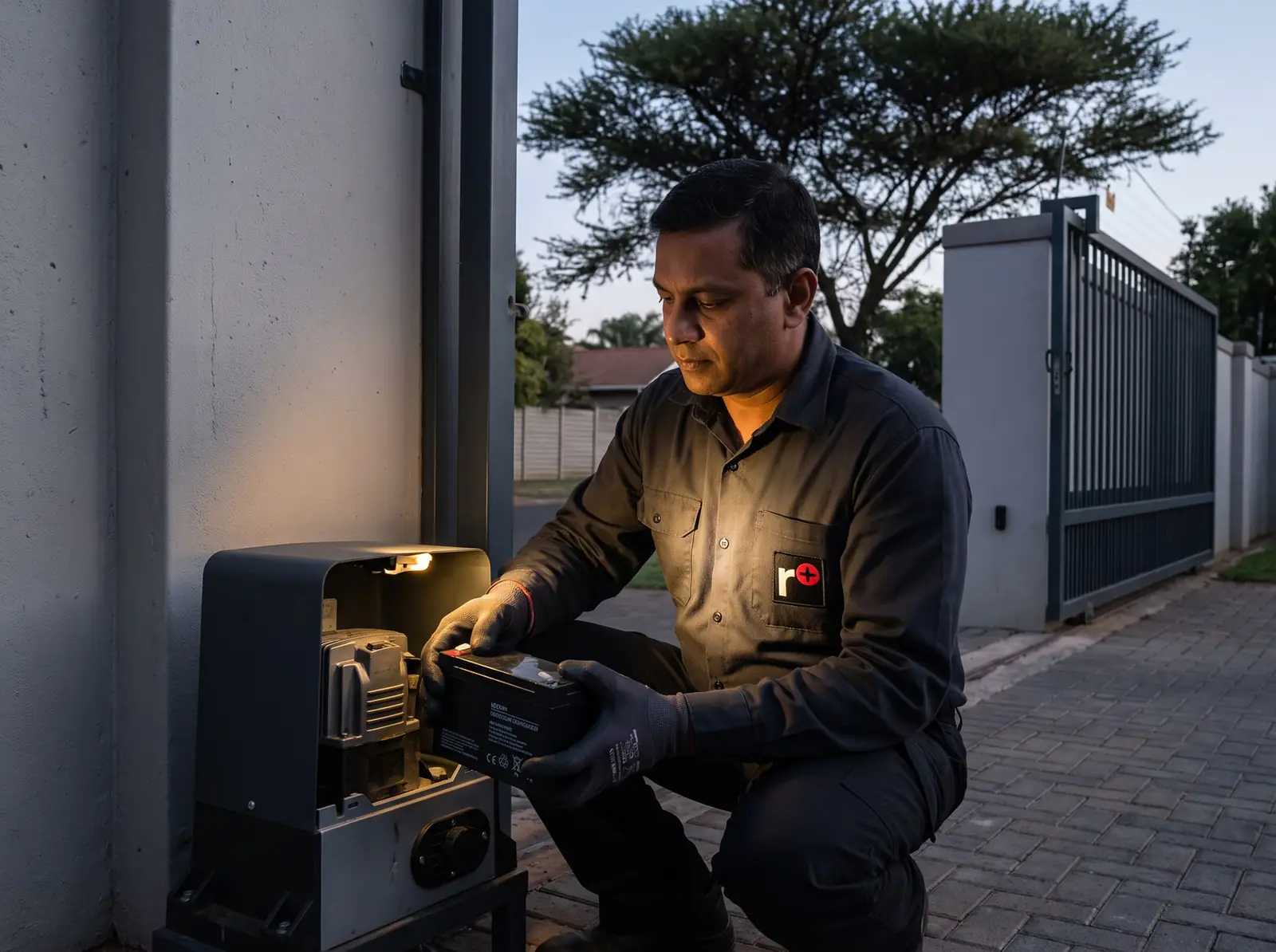
A D3 SMART has no buttons or display for coding remotes: NOVA remotes, phones and other users are all added in Centurion's MyCentsys app, from a phone with Bluetooth Low Energy. The installer commissions the motor in MyCentsys Pro, and family members can use their phones as remotes through MyCentsys Remote once the admin adds their numbers. How each app works, and what to do when one won't connect, is on the Centurion SMART app page.
The receiver holds 1,500 remotes, and each button on a NOVA remote can be given its own job. Remotes and phone users are removed in the same MyCentsys app, which is how a lost remote is shut out. Our Centurion remote programming page covers the NOVA remotes themselves.
The original D3 SMART or the D3 SMART+?
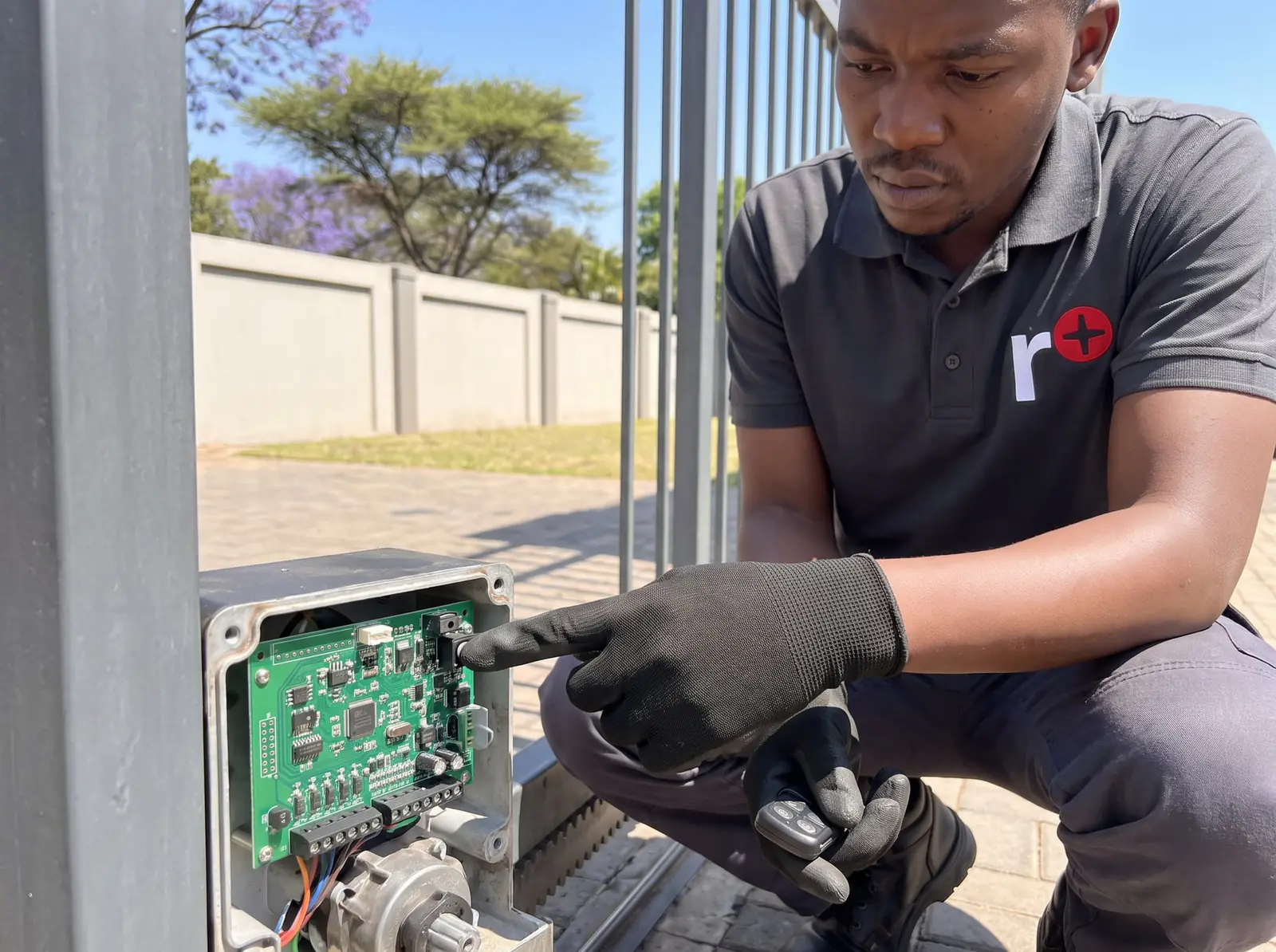
Centurion's earlier D-series SMART manual gives the original D3 SMART the same 300 kg, 10 m, 18 and 12 kgf, 20 operations and 25% duty cycle as the SMART+, from a 110 to 240 V supply. The visible difference is Wi-Fi: the original connects over Bluetooth only, while the SMART+ adds 2.4 GHz Wi-Fi. Centurion's owner apps, MyCentsys and MyCentsys Remote, work with both, so a motor labelled just SMART is reached from a phone standing near the gate.
Releasing it by hand, and latching it released
To release a D3 SMART, unlock the camlock with its key and pull the release handle as far left as it will go: the motor lets go and the gate slides by hand. Return the handle and lock the camlock to engage it again.
For a long power cut, Centurion describes latching the release. With the handle open, slide the override cam on the inside of the handle towards the gearbox until it clicks, then close and lock the handle. The gate stays free to move by hand while the cover stays locked, which protects the motor's parts from theft and weather. Slide the cam back to return to normal. While the gate is on manual, the property is only as secure as the gate's own lock; opening a gate manually has more on that.
Centurion's upkeep schedule for a SMART slider
Centurion splits the care into the gate and the motor. With the motor isolated first (mains off, battery disconnected) for anything inside it:
- Daily: keep the track clear of debris. Centurion suggests gate brooms on the bottom edge of the gate.
- Every three months: end stops solid and secure, the rack fixed along the full length of the gate, and the motor checked for insects and nests. A mothball in the bottom of the gearbox helps keep insects away from the control card.
- Every six months: the gate sliding smoothly on manual, wheels, rollers and track checked for wear, damage and rust, the beams tested by an installer, no sand built up inside the motor, the pinion not worn, the rack not riding on it, and the override cam and any cage lock dry-lubricated with graphite.
Tightening the foundation nuts to 20 Nm, clearing sand from under the battery tray and resetting the rack are jobs for a technician. The mains supply to the motor is a job for a registered electrician.
When a D3 SMART stops working properly
Start with the gate itself. Put the motor on manual and slide the gate: if it drags, catches or needs a shove, the D3's small push force runs out quickly, and the fix is the wheels, rollers, track or rack. A battery several years old fails first in a power cut. A beam knocked out of line stops the gate closing. The motor's own messages and settings are read in the MyCentsys apps.
Call us when the motor won't run on a charged battery, the gate stops short or overruns, or the app can't connect. We repair D3 SMART control cards, chargers, position sensors and gearboxes, and fit beams, batteries and theft-deterrent cages. All our spare parts are genuine, and every repair carries our six-month guarantee on our repairs.
D3 SMART price
In South African shops, a Centurion D3 SMART / SMART+ kit (max 300 kg gate) costs about R6 100–R6 300 (Takealot); motor only about R4 400 (Takealot), without installation. Prices checked October 2026. Your exact price is set in a free quote before any work starts. No call-out fee when we do the work. If no work is done, a R650 call-out fee applies.
Centurion's PDFs
- Centurion D-series SMART+ installation manual: the D3 SMART+ with the rest of the SMART+ range
- Centurion D-series SMART installation manual: the original D3 SMART
The other app-controlled sliders are on the D5 SMART page, and every other Centurion model is on Centurion manuals.
Questions
Centurion D3 SMART questions
How do I program the Centurion D3 Smart remote?
In the MyCentsys app: connect to the motor from the list of operators and add the NOVA remote there, choosing what each button does. A phone can be added as a remote through the MyCentsys Remote app. See remotes and phones.
What are the specifications of the D3 Smart gate motor?
The D3 SMART+ moves sliding gates up to 300 kg and 10 m long, with 18 kgf to start and 12 kgf running, up to 20 operations a day, one 12 V 7 Ah battery, Bluetooth and Wi-Fi, and room for 1,500 remotes. See the specifications.
How to program Centurion D3 Smart gate motor?
With Centurion's MyCentsys Pro app: install it, pick the motor from the list of operators, connect and follow the prompts, which include the automatic limit setup. Owners then change their own settings in the MyCentsys app. See the apps.
How to reset Centurion D3 Smart gate motor?
Centurion's SMART manuals don't give a button reset: settings, remotes and the limits are all changed in the MyCentsys apps, and an installer can run the setup again in MyCentsys Pro. Most stoppages are the gate, the battery or a beam, so check those first. See the fault checks.
Book a technician
Get a gate motor quote
Job card
We WhatsApp or call you back. Fields marked (required) are needed.