Manual · Centurion remotes
How to program a Centurion remote: NOVA remotes, receivers and lost remotes
Centurion's NOVA remotes use code-hopping, so each has to be learnt into the receiver it will open. How that's done depends on the receiver: the menu on a D5-Evo or D10, a phone app on a SMART motor, or a master remote on Centurion's plug-in and stand-alone receivers. Here's each method, and how to remove a remote that's been lost.
Six-month guarantee on our repairs
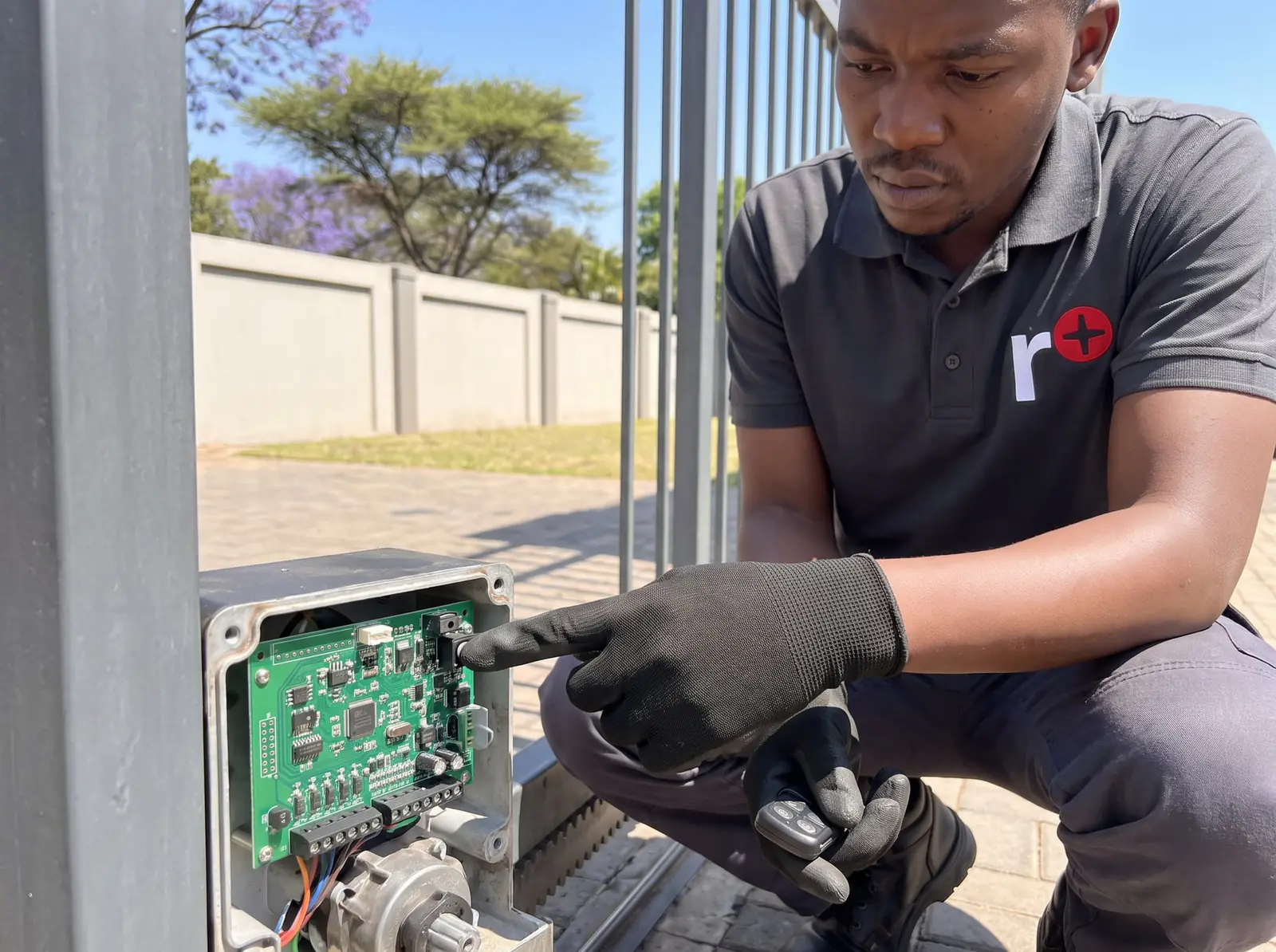
First, which receiver does your gate have?
| Receiver | Found on | How remotes are added | Memory |
|---|---|---|---|
| On-board receiver with LCD menu | D5-Evo, D10 and D10 Turbo | The Remote Controls menu on the controller | 500 buttons |
| On-board receiver, app-controlled | D-series SMART and SMART+ | Centurion's MyCentsys apps | 1,500 remotes |
| NOVA Voyager plug-in | Older Centurion controllers with an RX plug | A master remote | 36 buttons |
| NOVA HELIX stand-alone | Older motors, garage doors and other equipment | A remote that already works, or a link on the board | 250 buttons on the multichannel model |
Each button of a multi-button remote takes its own place in memory, so a four-button remote coded on every button uses four.
On a D5-Evo or D10: the Remote Controls menu
The D5-Evo, D10 and D10 Turbo learn remotes through menu 11, Remote Controls, on the controller's display. Hold the enter key for two seconds to open setup, choose Remote Controls, then:
- Add Remotes: press the new remote's button when the display asks, and choose what it does: full opening, pedestrian, holiday lockout and so on.
- Edit Remote Button: change what a button does, such as turning a full-opening button into a pedestrian button.
- Autolearn: for a set period, from one hour to seven days, any button pressed is learnt to a chosen function. Useful when remotes are being handed out at a complex.
- Lock Tx Menu: locks the remote menu, so it can only be opened by pressing a remote that is already learnt.
- Onboard Receiver: turns the built-in receiver off, if it interferes with an external one.
The controller sits inside the motor, beside the charger and the mains connection on the standard model, so this is where we come in. The rest of the D5-Evo's menus are on the D5-Evo manual page.
Deleting lost or stolen remotes
The D5-Evo and D10 menu offers more ways to remove a remote than most motors:
- Delete Remote by ID: removes one remote by its memory number, without needing the remote. Centurion's advice is to note each remote's number and owner when it's learnt, so a lost one can be found.
- Delete Remote by Button: removes a remote you have in hand, every button of it.
- Delete Remote Button: removes one button's function only, such as holiday lockout on a remote that should no longer have it.
- Delete not Present: removes every remote not used within a period you choose, from one hour to seven days. A quick way to clear out remotes that have gone missing over the years.
- Delete all Remotes: clears the whole memory.
On a NOVA Voyager plug-in receiver there's only one option: clear everything by bridging a link on the receiver, then learn a new master and every remote you're keeping.
The shift button: more functions from one remote
The D5-Evo and D10's on-board receiver can treat one button as a shift key: hold it and press another button, and the pair counts as a new button. A three-button remote gains a fourth function and a four-button remote gains two more, for six in all. That's enough for the gate, the pedestrian opening and a Centurion garage door from one remote.
Centurion points out a second benefit: a function on a two-button combination, such as holiday lockout, can't be switched on by accident in a pocket. Only Centurion motors with an on-board receiver recognise shift combinations; other receivers ignore them.
Receivers that learn from a master remote
Centurion's NOVA Voyager plugs into older Centurion controllers and is learnt entirely from remotes:
- In an empty receiver, the first button held down for at least five seconds becomes the master. Mark that remote: it's needed every time you add another.
- To add a remote, hold any button on the master until the receiver's LED has flashed ten times, about ten seconds, and let go before twenty. The receiver stays in learn mode for ten seconds.
- Press each new button during that time; every press adds another ten seconds.
- Ten seconds after the last press, the LED goes off and the receiver is back to normal.
The master shows itself with one long and one short flash of the LED. If it's lost, Centurion's only route is to clear the memory and start again.
Centurion's stand-alone NOVA HELIX receivers follow the same idea, and Centurion's guide gives a garage door as the example: to add a remote, hold the button that already opens the door; after 10 seconds the receiver goes into learn mode, and any new button pressed is learnt. HELIX receivers can also be put into learn mode with a link on the board, which is our job.
When a Centurion remote stops working
- Its battery is flat. The commonest cause by far: the remote works only close up, or not at all.
- It was deleted. "Delete not Present" removes remotes that haven't been used for the chosen period, so a spare left in a drawer may have gone.
- The remote menu is locked or the on-board receiver is off. Both are settings on a D5-Evo or D10.
- The memory is full. Nothing new learns until places are freed.
- A lock-out is on. Holiday lockout ignores every remote until it's switched off.
The checks every make shares, from trying another remote to replacing a failed receiver, are on gate remotes.
Centurion remote prices
In South African shops, a Centurion NOVA remote costs R210–R390 (1 to 4 buttons; Takealot). Supplied and programmed, the cost guides put a new remote at R350–R750 (Kandua). Prices checked October 2026. All our spare parts are genuine: we fit Centurion's own NOVA remotes. Your exact price is set in a free quote before any work starts. No call-out fee when we do the work. If no work is done, a R650 call-out fee applies.
Centurion's documents, as official PDFs: Centurion D5-Evo installation manual (the Remote Controls menu), Centurion NOVA Voyager remotes, user manual and Centurion NOVA Helix multichannel receiver, installer manual.
Questions
Centurion remote questions
How to program Centurion remote?
It depends on the receiver. On a D5-Evo or D10, open setup, choose Remote Controls and Add Remotes, and press the new button when asked; on a SMART motor, use Centurion's app; on a Voyager receiver, hold the master remote for ten flashes, then press the new remote. Find your receiver.
How to reset Centurion remote?
A remote isn't reset on its own: it's removed from the receiver and learnt again. On a D5-Evo or D10 you can delete one remote by its number, one button, or every remote; a Voyager receiver can only be cleared completely. Read about deleting remotes.
How do I pair a Centurion garage door remote with my opener?
On a Centurion NOVA HELIX receiver, hold the button that already opens the door; after 10 seconds the receiver goes into learn mode, then press the new remote's button. If no working remote is left, the receiver has to be put into learn mode on the board. See the master-remote method.
How to program a Centurion remote with another remote?
On receivers that use a master remote, such as the NOVA Voyager, hold any button on the master until the LED has flashed ten times, release it, then press the new remote's buttons within ten seconds. On a D5-Evo or D10, the remote menu can be locked so only a learnt remote opens it. Read the steps.
My Centurion gate motor isn't responding to the remote. What can I do to fix this?
Change the remote's battery first, then try another remote. If none work, check for holiday lockout and that the motor has power. On a D5-Evo or D10, a remote unused for a while may have been removed by "Delete not Present". See what stops a remote working.
Book a technician
Get a gate motor quote
Job card
We WhatsApp or call you back. Fields marked (required) are needed.