Manual · Centurion D5-Evo
Centurion D5-Evo manual: setup, features and specs in plain English
The Centurion D5-Evo is a domestic sliding gate motor for gates up to 500 kg, set up from its own LCD display. This is its manual in plain English: the specifications of the standard and Low-Voltage versions, the setup wizard, the features worth knowing about, the battery, and Centurion's own PDFs.
Six-month guarantee on our repairs
1-year guarantee on every motor kit we supply and install
D5-Evo specifications
The D5-Evo comes in two versions that differ only in how they're powered: the standard model takes mains at the motor, and the Low-Voltage model a safe low-voltage feed.
| D5-Evo | D5-Evo Low-Voltage | |
|---|---|---|
| Supply | 90 to 240 V AC | 15 to 19 V AC, or 21 to 26 V DC |
| Charger output | 1 A to 2.2 A, by input voltage | 400 mA to 1 A, by input voltage |
| Operations a day | 150 | 55 |
| Duty cycle, mains present | 50% | 20% |
| Heaviest gate | 500 kg | 500 kg |
| Longest gate | 100 m | 100 m |
| Gate speed | 18 to 22 m a minute | 18 to 22 m a minute |
| Starting and running push force | 30 kgf and 17 kgf | 30 kgf and 17 kgf |
| Battery | 12 V 7 Ah, inside the motor | 12 V 7 Ah, inside the motor |
| Receiver | On board, code-hopping, 500 remote buttons | On board, code-hopping, 500 remote buttons |
| Weather rating | IP55 | IP55 |
Both run the motor from the 12 V battery; the supply keeps it charged. Centurion's duty figures assume a gate needing less than half the motor's running force, at 25°C and out of direct sun.
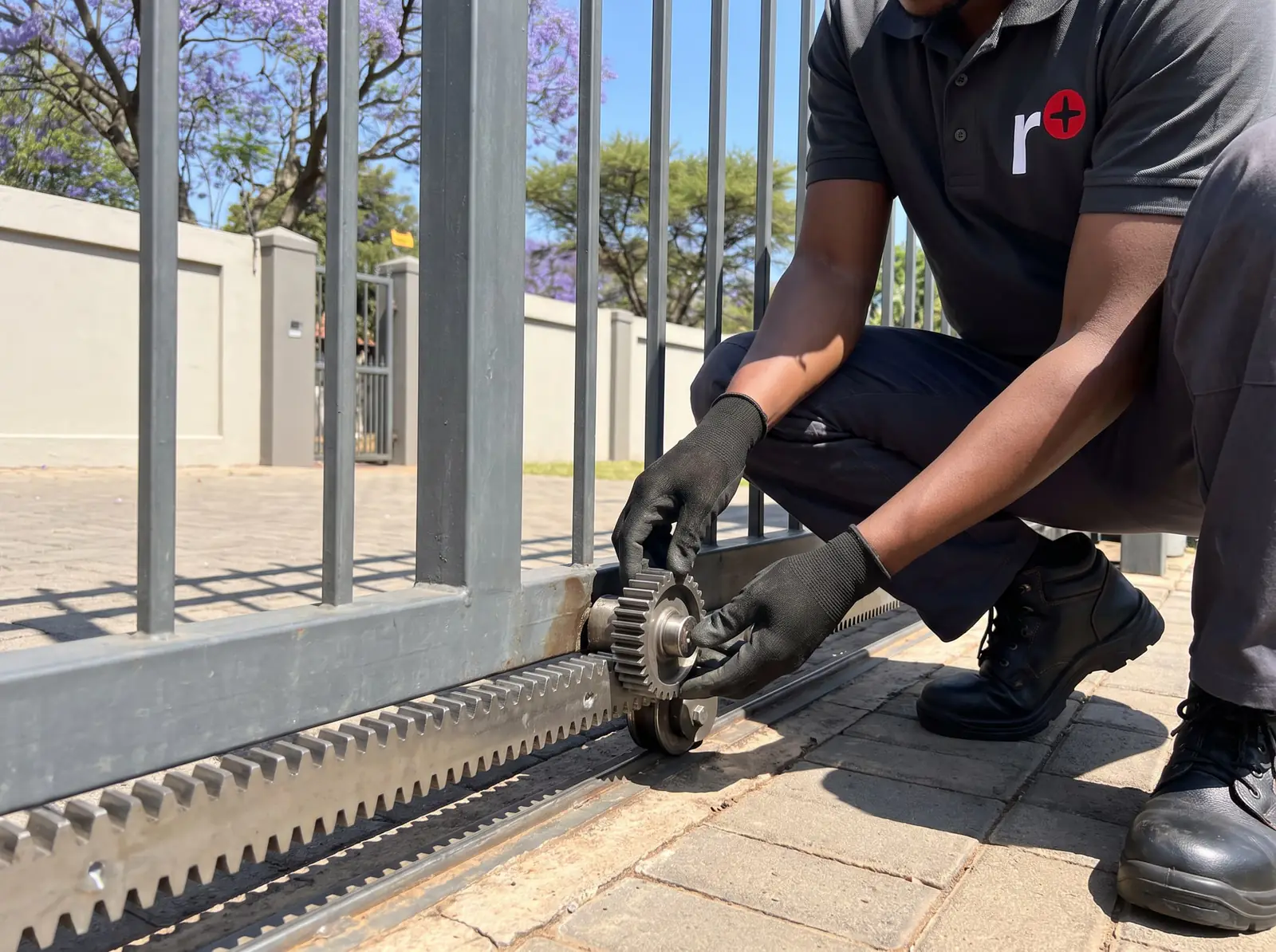
Setting up a D5-Evo: the setup wizard
The D5-Evo is set up on its control card, with an LCD display and unmarked keys whose job at each step is shown on the screen. Centurion's commissioning starts like this:
- With the origin marker correctly fitted on the gate, put the motor on manual, move the gate to the middle of its travel, and re-engage it.
- On a new controller, the display first asks for the operating profile: ZA for South Africa, CE for the European Union or UL325 for the USA. The profile loads that region's factory defaults.
- The controller then goes straight into the limits setup. Follow the steps on the display as the gate runs to learn its closed and open positions.
- Later, to change anything, hold the oblong enter key for two seconds to enter setup, choose a menu and follow the display.
Outside setup, the enter key works as a test button that runs the gate, and the up and down keys scroll through the diagnostic screens. Each feature has a factory default for the chosen profile, so only the settings that don't suit your gate need changing.
How to put the motor on manual, and back, is on the Centurion manual page.
Features worth knowing about
- Operating modes: Standard, Reversing, Condominium, PLC and Deadman, set in the menu, plus auto-close with an override.
- PIRAC: the gate closes once a car has passed the safety beams, instead of waiting for a timer.
- Pedestrian opening and free-exit: a part opening for people, and a ground loop inside the property that opens the gate for a car leaving.
- Holiday Lockout: keeps the gate shut against every trigger until it's switched off.
- Positive Close: pushes the gate firmly against its end post in the last few millimetres, for example so the electric fence's gate contact closes properly. Centurion suggests a rubber strip on the gate's leading edge to quieten it.
- Intruder alarms: with Break-in Alarm set, the buzzer sounds for 30 seconds when the beams are broken; with Ambush Alarm set, it sounds until the beams are cleared, which catches someone covering the beams to keep the gate open.
- ChronoGuard: a built-in clock and calendar that can open the gate, block remotes, set holiday lockout or switch the pillar lights at set times.
- Courtesy light: switches the pillar lights with the gate, or uses them as a warning light before it moves.
Coding NOVA remotes into the on-board receiver is on Centurion remote programming.
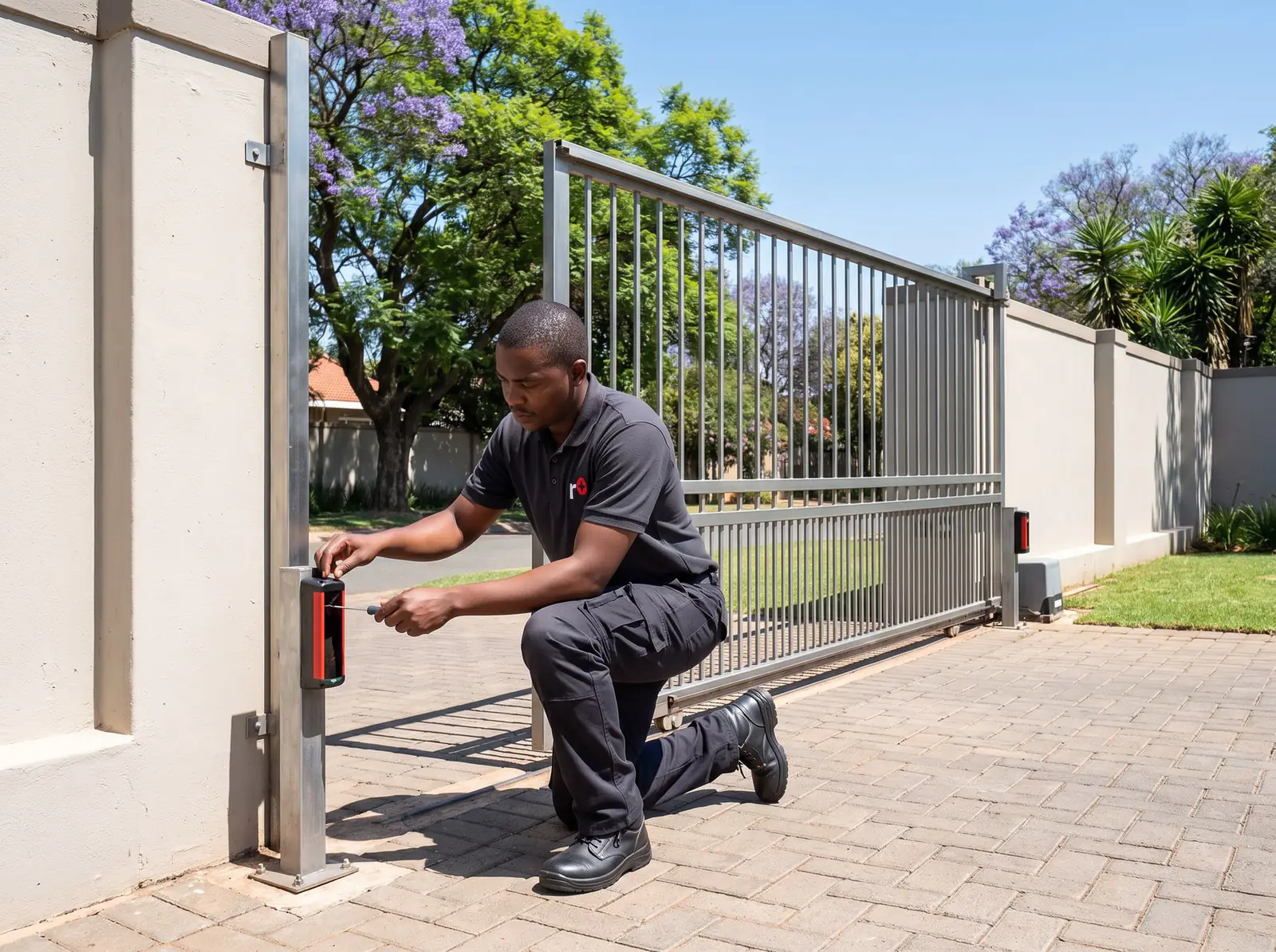
Battery, charger and power cuts
The standard D5-Evo carries a 12 V 7 Ah battery and a switch-mode charger whose output rises with the supply voltage. On that battery, Centurion gives 44 operations over half a day of power failure and 35 over a full day, for a 4 m gate and not counting the safety beams; a bigger battery gives longer standby.
When the battery falls below 10.5 V, Battery Low Protection lets the gate finish what it's doing, closes it and shuts the motor down until the battery recovers. The status light then flashes three times every two seconds, the buzzer gives three beeps every two seconds for 30 seconds, and the display reads "Battery Low". Centurion's first check is that the power feeding the motor is switched on.
Centurion expects at least three years from a maintenance-free battery. We test and replace them: see gate motor batteries.
Faults, lights and beeps
The D5-Evo reports faults on its display, its status light and its buzzer, and Centurion's fault-finder covers each, with two procedures of their own: one for low battery voltage and one for false collision detection. They are explained step by step on D5-Evo fault finding.
Most collision faults are the gate rather than the motor: Centurion's own maintenance list starts with a clear track, free-running rollers and a rack that doesn't press on the pinion.
Installation, in outline
Centurion's fast-track checklist for installers runs: site checks, cabling, the foundation plate, oil in the gearbox, the gearbox, the rack, the origin marker, warning decals, wiring, the limits and then any extra features. The origin marker matters: it's the magnet on the gate that the controller counts every position from.
The standard model's mains supply, and the earth that Centurion's lightning protection depends on, are wired at the motor; a new mains circuit is a job for a registered electrician. The rest is on gate motor installation.
Our D5-Evo kit
Our installed D5-Evo SMART kit, with what's in the box. Prices checked October 2026.
Sliding gate kit
Centurion D5-Evo SMART sliding gate kit
R7 999incl. installation
In the kit
- D5-Evo SMART motor (gates up to 500 kg)
- 12 V 7 Ah battery
- 2 × 4-button NOVA remotes
- 4 m steel rack
Our promise1-year guarantee on every motor kit we supply and install
Prices checked October 2026. Price includes the kit listed, standard installation on a gate or door that already runs freely, and our 1-year kit guarantee. Not included: a power point at the motor if there isn't one (a job for a registered electrician), extra rack, gate or door repairs, and accessories. These are quoted before any work starts.
When to call us, and Centurion's PDFs
Call us when the display shows a fault you can't clear, when the gate keeps reporting collisions with nothing in the way, or when the motor won't run after the battery has charged. We repair D5-Evo control cards, chargers, gearboxes, origin sensors and receivers. All our spare parts are genuine, and every repair carries our six-month guarantee on our repairs. Your exact price is set in a free quote before any work starts. No call-out fee when we do the work. If no work is done, a R650 call-out fee applies.
Centurion's documents, as official PDFs:
- Centurion D5-Evo installation manual: specifications, installation, wiring, the full menu and the fault-finder
- Centurion D5-Evo and D10 user guide: the features, the status light and the owner's maintenance list
Questions
Centurion D5-Evo questions
What is the difference between D5 and D5 Evo?
The D5-Evo is the later model: an LCD controller with a setup wizard and regional profiles, an on-board receiver for 500 remote buttons, ChronoGuard and the intruder alarms. The older D3 and D5 have their own Centurion user guide. Both are for domestic sliding gates. See the D5-Evo's features.
What is the difference between D5 Evo and D5 Smart?
Both move gates up to 500 kg. The D5-Evo is set up on its own LCD display; Centurion's D-series SMART motors, including the D5-Evo SMART+, are set up from a smartphone app. See the D5 SMART manual.
Why does my D5 Evo keep turning off?
Usually Battery Low Protection: below 10.5 V the motor closes the gate and shuts down until the battery recovers, with three flashes and three beeps every two seconds. Check the power to the motor is on; if it is, the battery or charger needs testing. Read about the battery and charger.
How to setup Centurion D5 Evo gate motor?
Fit the origin marker, put the motor on manual, move the gate to mid-travel and re-engage it. On a new controller, choose the ZA profile, then follow the limits setup on the display; later changes start with a two-second press of the enter key. Read the setup steps.
How can I repair my D5-EVO PC board?
Board faults need a technician with a meter: lightning, surges and insects are the usual causes, and the manufacturer's warranty doesn't cover lightning. In shops, a new D5-Evo control card costs Centurion D5-Evo R1 550–R1 880 (Takealot, NeonSales). Prices checked October 2026. Book a technician.
Is the Centurion D5-Evo discontinued?
Centurion still publishes the D5-Evo's manuals, and its current D-series SMART+ range includes a D5-Evo SMART+. Which versions a dealer stocks changes over time; our installed kit is the D5-Evo SMART. See our kit.
Book a technician
Get a gate motor quote
Job card
We WhatsApp or call you back. Fields marked (required) are needed.