Manual · Centurion D5-Evo
Centurion D5-Evo problems: lights, beeps and fault finding
A Centurion D5-Evo tells you what's wrong three ways: its status light, its buzzer and the display on its controller. Here is what each signal means, from Centurion's own fault-finder, which checks you can safely do yourself, and when it's time to call a technician.
Six-month guarantee on our repairs
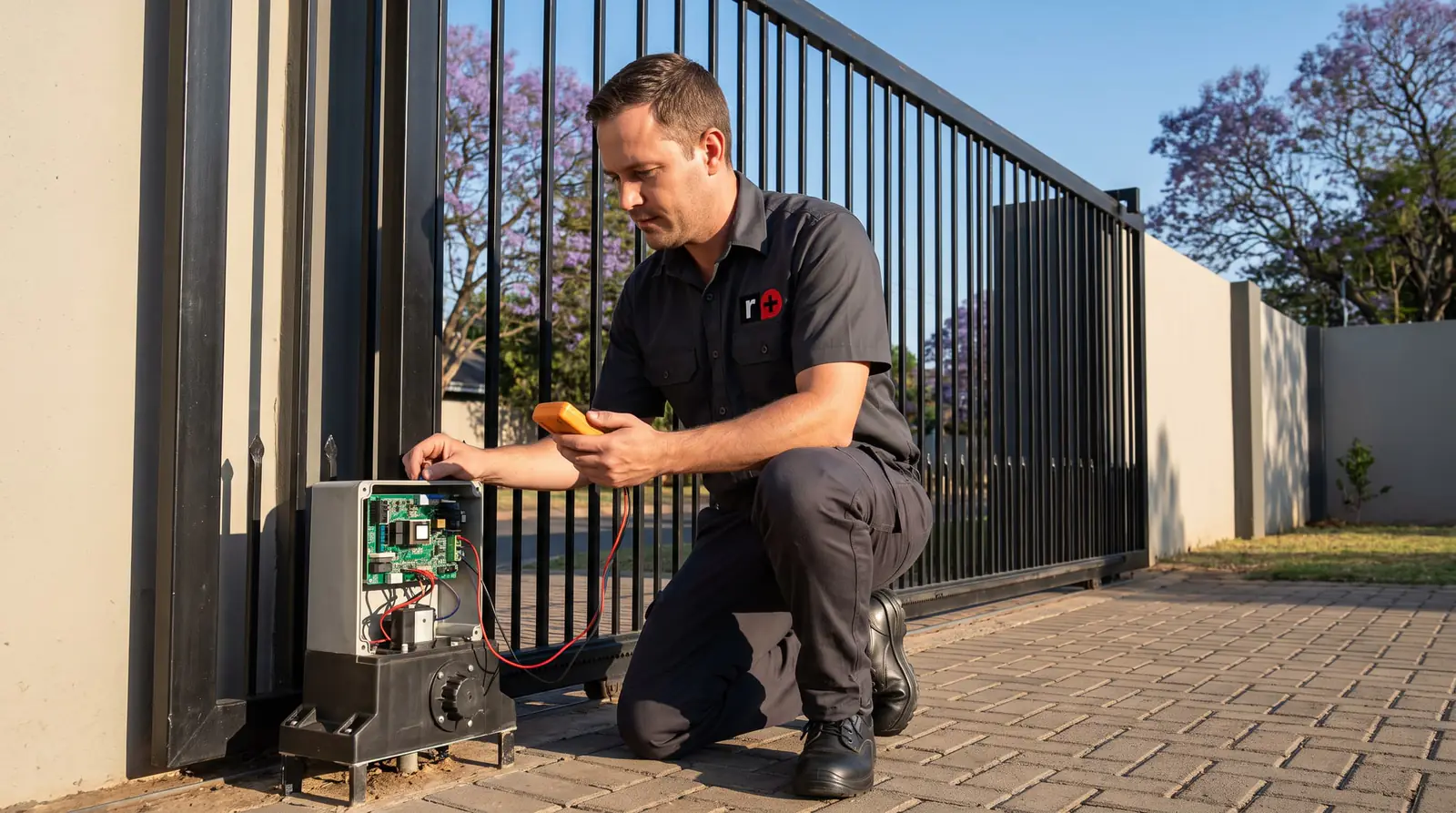
Start here: the safe checks
Before anything else, from outside the motor:
- Is the power on? Check the breaker or isolator that feeds the motor. With the mains off, a D5-Evo still runs on its battery for a while, then stops.
- Is the gate free? Put the motor on manual and push the gate the whole way. Centurion's fault-finder starts its collision checks here: something in the way, a rack pressing on the pinion, a seized wheel, a guide roller that pinches, dirt or damage on the rail.
- Are the beams clear? Look for anything in front of them, including a plant that has grown into the beam.
- Is a lock-out on? One beep repeated for 30 seconds when you press the remote means holiday lockout, an emergency stop or a broken beam.
How to put the motor on manual is on the Centurion manual page. If the gate still won't run, the signals below say where to look next.
The status light
The status light is on the controller, and often also on an indicator wired to the intercom or beside the gate:
| Status light | Meaning |
|---|---|
| Off | Gate closed |
| On | Gate partly or fully open |
| Slow continuous flash | Opening |
| Fast continuous flash | Closing |
| One flash every two seconds | Pillar light override on |
| Two flashes every two seconds | No mains |
| Three flashes every two seconds | Battery low |
| Four flashes | Too many collisions in a row |
What the beeps mean
The buzzer is often the first sign of a fault. Centurion's table also says whether the gate keeps working and whether an owner can put it right:
| Beeps | Fault | Gate keeps working? |
|---|---|---|
| Continuous for 30 seconds | Break-in alarm: beams broken | Not applicable |
| Continuous until the beams clear | Ambush alarm | Not applicable |
| Repeated until cleared | Multiple collisions | No |
| Three beeps, repeated for 30 seconds | Battery low | Yes, until it closes and shuts down |
| Two beeps, repeated for 30 seconds | Mains failure | Yes, on the battery |
| One beep, repeated for 30 seconds | Holiday lockout, emergency stop, or beams broken | No |
| One beep for 5 seconds | Time-barred by ChronoGuard | No |
| Three short beeps for 5 seconds | No limits set | No |
| Four beeps for 10 seconds | Gate stalled | No |
| Five beeps, repeated for 30 seconds | A hardware fault: beams failure, auxiliary overload, position sensor (DOSS) disconnected, fuse blown, motor disconnected or motor drive damaged | No |
| Repeated until cleared | No origin magnet detected | Yes |
Five beeps is the one to take seriously: it covers six different hardware faults, and the display is what tells them apart.
The display and the diagnostic lights
On the controller, the LCD shows a battery icon (four bars full, two bars half, no bars and flashing when empty) and a mains plug icon (solid when the mains is on and charging, hollow and flashing when it's off). It also spells out faults such as "Battery Low" or "Max Collisions".
Beside it, a row of small lights shows the state of each input. The green ones, for the closing beam, the opening beam and the lock input, should be on; a green light that's off means that input is active, for example a broken beam. The red ones, for trigger, pedestrian and free-exit, should be off; one that stays on means a stuck button, a latching receiver or moisture on that input's wiring, and the gate won't run normally until it clears.
These are inside the motor, next to the charger and, on the standard model, the mains connection, so they're for a technician to read.
Centurion's fault-finder, in plain English
- The gate doesn't move at all. The 30 A motor fuse, holiday lockout, a beam input, a latching trigger, an automatic time-bar, a flat battery, or a collision lock-out. Last of all, the controller.
- It moves a short way and stops. Usually the battery or false collisions, sometimes beams with too little voltage or moisture on a trigger input.
- It starts closing, stops and opens again. The collision sensing: the gate is stiff somewhere, or the sensitivity needs adjusting.
- It runs past its limits. The origin marker on the gate has moved or fallen off, or its sensor or wiring is faulty. The gate may beep while running when it can't find the origin.
- Auto-close is unreliable. A latching receiver or a long trigger pulse switching on the auto-close override, a faulty closing beam, or intermittent power.
- It opens from the intercom but not the remote. The receiver: remotes not learnt, a locked or faulty receiver, or, with an external receiver, its wiring or power.
Behind those sit Centurion's two procedures. Procedure A, for a low battery, checks the mains, the charger's light and fuse, the charging voltage (about 13.6 to 13.8 V) and the battery under load: below 11.5 V with the motor running, it's replaced. Procedure B, for false collisions, checks the gate on manual, then the end stop, then the position sensor (DOSS) for ants, dirt, oil or water.
The load test runs the motor straight off the battery, and the supply checks are at mains voltage on the standard model: a job for a technician. A fault in the supply itself is a job for a registered electrician.
Resetting a D5-Evo
The controller's Reset Options menu has four choices, and they do very different things:
- Factory Defaults restores every setting to the defaults of the chosen profile. Remotes and gate limits stay.
- Delete All Remotes removes every remote and changes no settings.
- Delete All Time-Periods clears the ChronoGuard auto-activations and time-bars.
- Reset All clears everything, settings, remotes and time periods, back to new.
A reset rarely fixes a fault: most of the signals above are the gate, the battery or the wiring. Try the checks first, and use Reset All only if you're ready to set the limits and code every remote again.
When to call us
Call us for five-beep hardware faults, a gate that keeps overrunning its limits, a battery that fails Centurion's test, or any check that means opening the motor. We repair D5-Evo controllers, chargers, origin and position sensors, gearboxes and wiring. All our spare parts are genuine, and every repair carries our six-month guarantee on our repairs. Your exact price is set in a free quote before any work starts. No call-out fee when we do the work. If no work is done, a R650 call-out fee applies.
The full fault-finder is in Centurion D5-Evo installation manual, sections 17 and 18. The rest of the D5-Evo, from setup to specifications, is on the D5-Evo manual page.
Questions
D5-Evo fault questions
Why does my Centurion D5-Evo beep five times?
Five beeps repeated for 30 seconds is a hardware fault: a beam failure, an overloaded auxiliary output, a disconnected position sensor or motor, a blown fuse or a damaged motor drive. The display says which, and most need a technician. See what the beeps mean.
Why does my D5-Evo gate stop and go back open?
Because its collision sensing thinks something is in the way. Usually the gate is stiff somewhere, on a seized wheel, a pinching guide roller or a rack pressing on the pinion. Put it on manual and push it the whole way to find the spot. Read the safe checks.
How do I reset a Centurion D5-Evo?
Through the Reset Options menu on the controller: Factory Defaults restores the settings but keeps remotes and limits, while Reset All clears everything. Most faults aren't cured by a reset, so try the checks first. See the reset options.
Book a technician
Get a gate motor quote
Job card
We WhatsApp or call you back. Fields marked (required) are needed.