Manual · Centurion D10
Centurion D10 manual: the D10, the D10 Turbo and their SMART+ versions
The Centurion D10 is a heavy-duty sliding gate motor for gates up to 1,000 kg, built for complexes, office parks and busy entrances. Its sister, the D10 Turbo, runs almost twice as fast but only on gates up to 240 kg. This is their manual in plain English, with the SMART+ versions and Centurion's own PDFs.
Six-month guarantee on our repairs
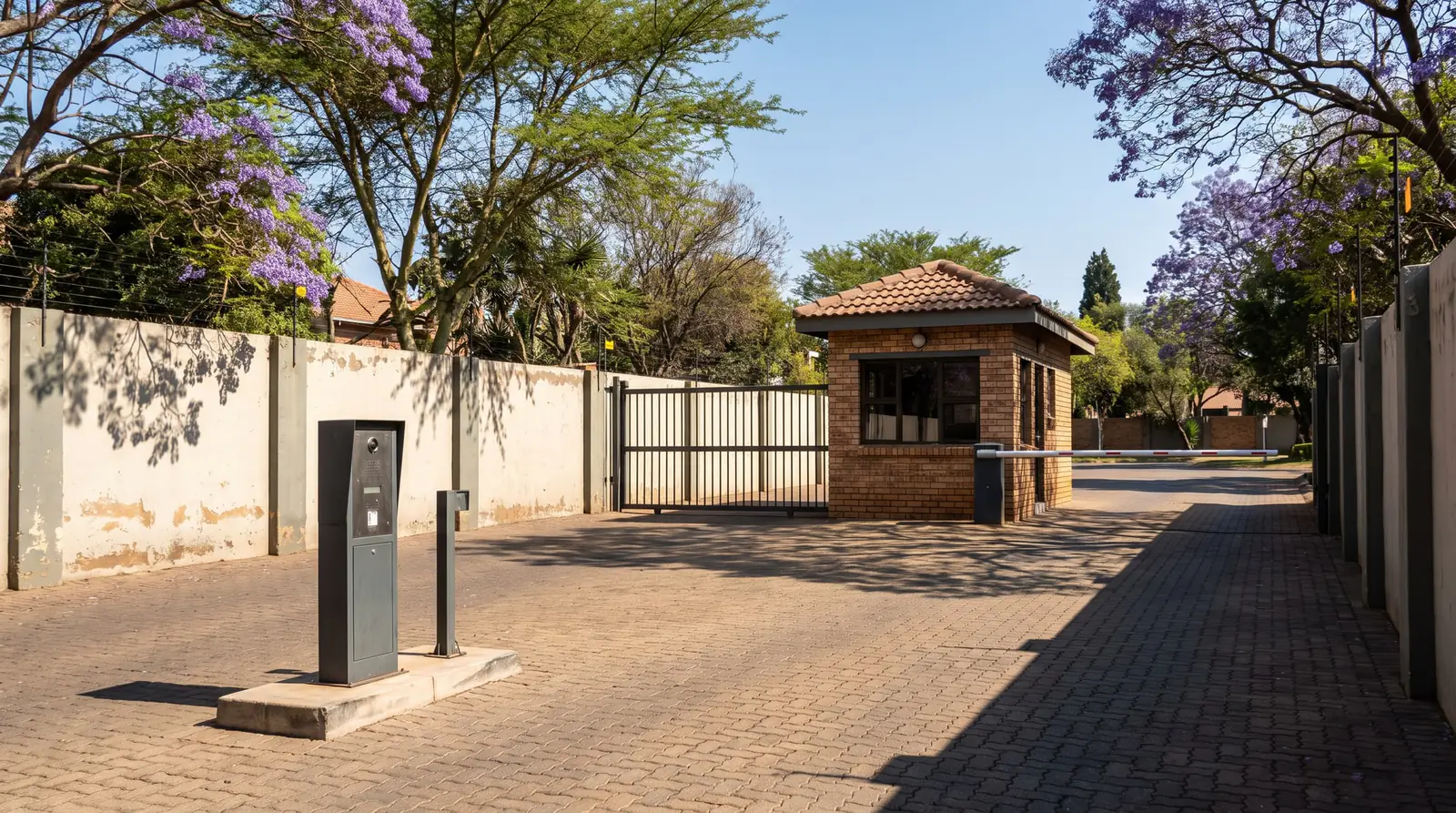
D10 and D10 Turbo specifications
| D10 | D10 Turbo | |
|---|---|---|
| Heaviest gate | 1,000 kg | 240 kg |
| Longest gate | 100 m | 50 m |
| Gate speed | 22 to 26 m a minute | 40 to 50 m a minute |
| Starting and running push force | 40 kgf and 30 kgf | 20 kgf and 15 kgf |
| Operations a day | 750 | 750 |
| Duty cycle, mains present | 45% | 25% |
| Motor | 24 V DC, battery-driven | 24 V DC, battery-driven |
| Batteries | Two 12 V 7 Ah | Two 12 V 7 Ah |
| Charger | 2 A at 27.5 V | 2 A at 27.5 V |
| Receiver | Rolling code, 500 remote buttons | Rolling code, 500 remote buttons |
| Weather rating | IP54 | IP54 |
The two share a die-cast aluminium gearbox but not its gears: the D10 has a 34-tooth internal gear and a 17-tooth pinion, the Turbo a 22-tooth internal gear and a 20-tooth pinion. Centurion warns against putting a Turbo on a gate over 240 kg, because the inertia of a heavy gate at that speed harms the gearbox.
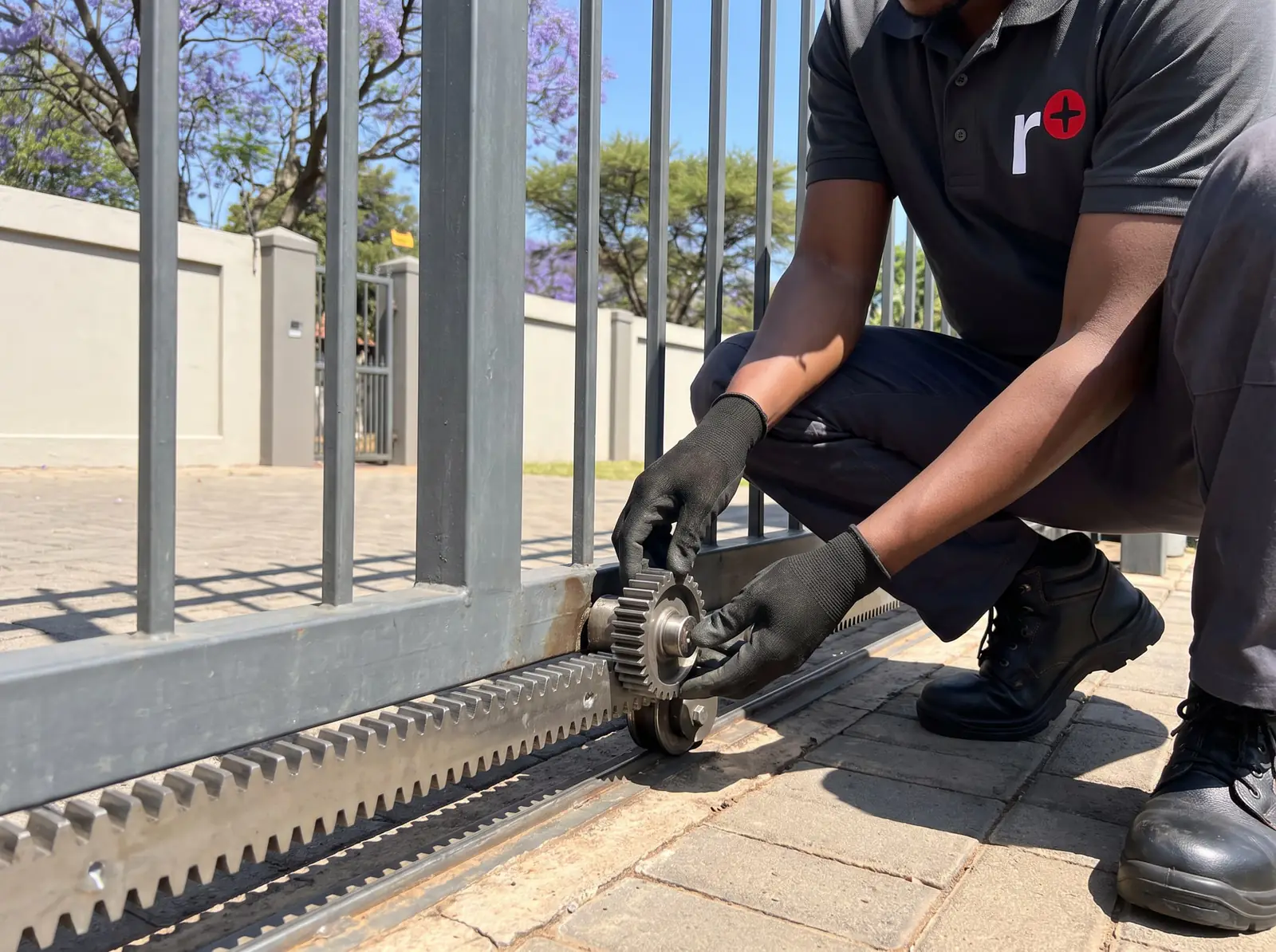
The SMART+ versions
Centurion's D-series SMART+ range has its own D10 models, set up from a phone app instead of the LCD display:
| D10 SMART+ | D10 Turbo SMART+ | |
|---|---|---|
| Heaviest gate | 1,000 kg | 250 kg |
| Longest gate | 50 m | 100 m |
| Top speed | Up to 26 m a minute | Up to 43 m a minute |
| Batteries | Two 12 V 7 Ah | Two 12 V 7 Ah |
| Wireless | Bluetooth Low Energy and 2.4 GHz Wi-Fi | Bluetooth Low Energy and 2.4 GHz Wi-Fi |
| Remotes | 1,500 | 1,500 |
The SMART+ setup through the MyCentsys apps is explained on the D5 SMART page.
Releasing a D10, and latching it on manual
- Flip down the lock cover, put in the key and turn it 90° clockwise.
- Pull the release handle down. The gearbox lets go and the gate moves by hand.
- To re-engage, reverse the steps.
If the gate has to stay on manual for a long time, Centurion recommends latching the release: with the handle down, a split pin from the mounting kit goes through the hole in the gearbox to hold it released, and the handle is then raised back and locked. That locks the cover too, which keeps people away from the high voltages inside, protects the parts from theft and keeps the weather out.
Setting the limits
The D10 and D10 Turbo are set up on the same LCD controller as the D5-Evo: with the origin marker fitted and the gate engaged at mid-travel, the controller asks for its operating profile (ZA for South Africa) and runs the limits setup on screen. A two-second press of the enter key opens setup later. The steps are on the D5-Evo page.
One thing is particular to the D10: switching the controller between standard and Turbo mode means the limits must be learnt again. Position is tracked by an origin magnet on the gate and a rotary encoder inside the gearbox, so a magnet that has moved or fallen off shows up as a gate that stops short or runs past its stops.
Batteries and power cuts
The D10 runs from two 12 V batteries in series, kept charged by a 2 A charger. Centurion's figures for operations on battery alone:
| Batteries | D10, half a day | D10, full day | D10 Turbo, half a day | D10 Turbo, full day |
|---|---|---|---|---|
| Two 7 Ah | 87 | 69 | 58 | 37 |
| 35 Ah | 507 | 489 | 372 | 351 |
At a busy complex gate that difference matters: a larger battery bank keeps the gate working through a long power cut. Battery Low Protection shuts a D10 down below 21 V, after closing the gate. We test and replace batteries: see gate motor batteries.
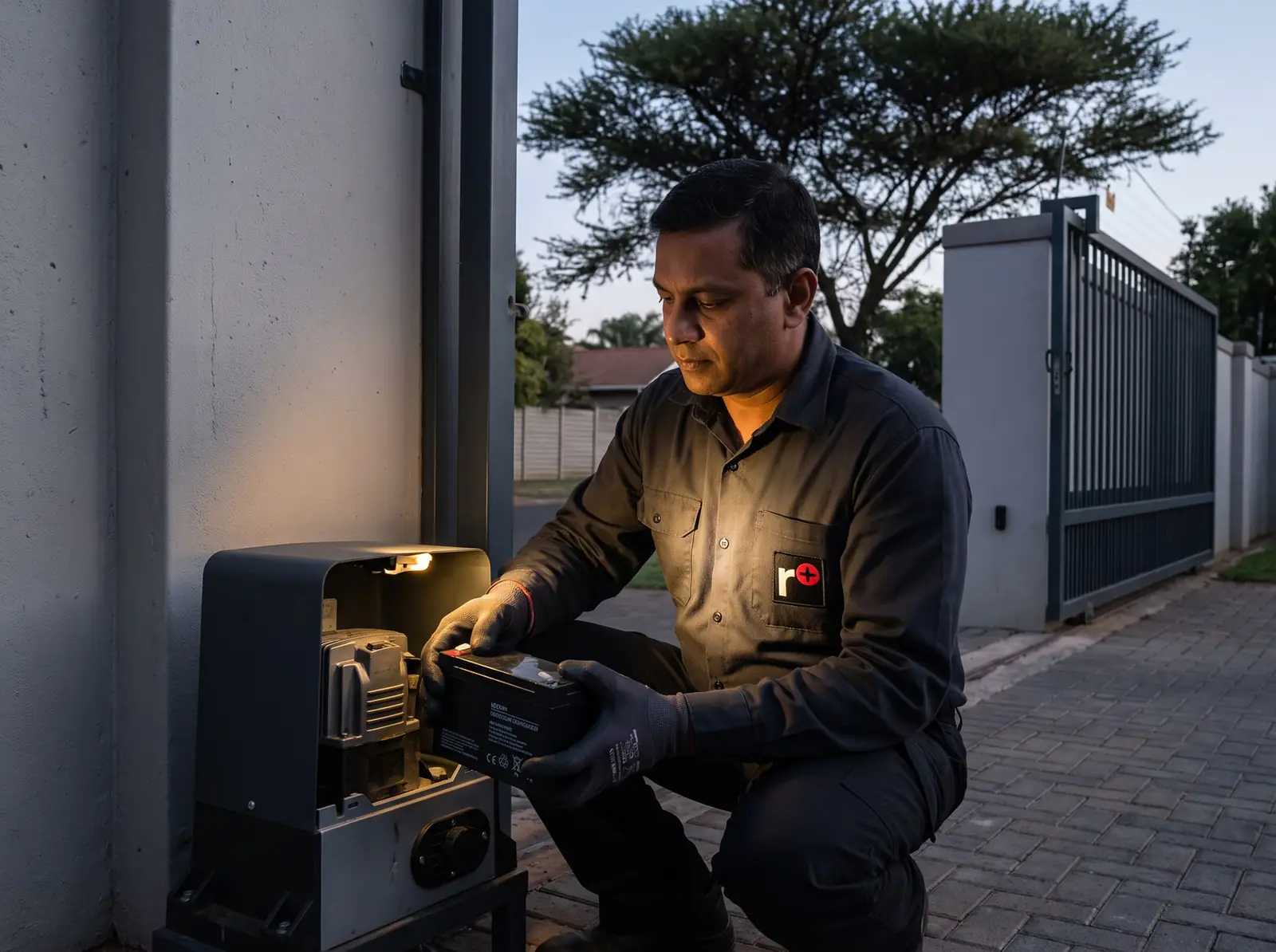
Faults and when to call us
The D10 reports faults through the same status light, buzzer and display as the D5-Evo, explained on D5-Evo fault finding; the D10's own list is on D10 error codes. On a heavy gate the usual suspects are the gate's own wheels and track: a 1,000 kg gate that drags puts the gearbox and motor under heavy load on every run.
Call us for faults you can't clear, a gate that keeps overrunning its limits, or a motor that won't run on a charged battery. We repair D10 controllers, chargers, gearboxes, encoders and receivers, and the supply to the motor's 220 V input is a job for a registered electrician if it needs work. All our spare parts are genuine, and every repair carries our six-month guarantee on our repairs.
D10 prices
| Item | Typical shop price |
|---|---|
| Centurion D10 SMART kit (1,000 kg) | about R14 000 (Takealot); motor only about R11 900 (Takealot); D10 SMART Turbo motor about R13 450 (Takealot) |
| D10 control card | D10 and D6/D10/D20 SMART+ about R1 970–R2 000 (NeonSales) |
Prices checked October 2026. Installation on a heavy or busy gate is quoted for the site. Your exact price is set in a free quote before any work starts. No call-out fee when we do the work. If no work is done, a R650 call-out fee applies.
Centurion's PDFs
- Centurion D10 and D10 Turbo installation manual: specifications, installation, wiring and setup
- Centurion D5-Evo and D10 user guide: features, the status light, manual release and maintenance
- Centurion D-series SMART+ installation manual: the D10 SMART+ and D10 Turbo SMART+
Every other Centurion model is on Centurion manuals.
Questions
Centurion D10 questions
How much is a D10 Centurion gate motor?
In South African shops, a Centurion D10 SMART kit (1,000 kg) costs about R14 000 for the kit, without installation. Prices checked October 2026. See D10 prices.
What is the difference between a Centurion D5 and D10 gate motor?
The D10 is the heavy-duty model: 24 V instead of 12 V, two batteries, gates up to 1,000 kg instead of 500 kg, and up to 750 operations a day instead of 150, for complexes and businesses. The D5-Evo is the domestic motor. See the D10 specifications.
How to set limits on Centurion D10 gate motor?
Make sure the origin marker is fitted, put the gate on manual, move it to mid-travel and re-engage. On a new controller choose the ZA profile and follow the limits setup on screen; later, hold the enter key for two seconds and choose the limits menu. Changing between standard and Turbo mode needs the limits learnt again. Read about the limits.
What is the top speed of the Centurion D10 Turbo Smart High-Speed Gate Motor?
Centurion gives the D10 Turbo SMART+ a top speed of up to 43 m a minute, for gates up to 250 kg. The original D10 Turbo runs at 40 to 50 m a minute on gates up to 240 kg. See the SMART+ versions.
What do the different error codes mean on a Centurion D10 gate motor?
The D10 uses the same signals as the D5-Evo: the status light's flash count, the buzzer's beeps and the fault spelt out on the display, such as "Battery Low" or "Max Collisions". Five beeps point to a hardware fault. Read the D10 error codes.
Book a technician
Get a gate motor quote
Job card
We WhatsApp or call you back. Fields marked (required) are needed.