Manual · Centurion D10
Centurion D10 no origin found, drive faults and no limits set
The Centurion D10 and D10 Turbo report the same everyday warnings as a D5-Evo, but their buzzer table has a set of hardware faults of their own: the origin magnet not seen, the position sensor or motor disconnected, a blown fuse, a damaged drive bridge and a stalled gate. This page takes each one from Centurion's manual, with the 24 V battery figures that differ from the D5's, and says which you can check and which need a technician.
Six-month guarantee on our repairs
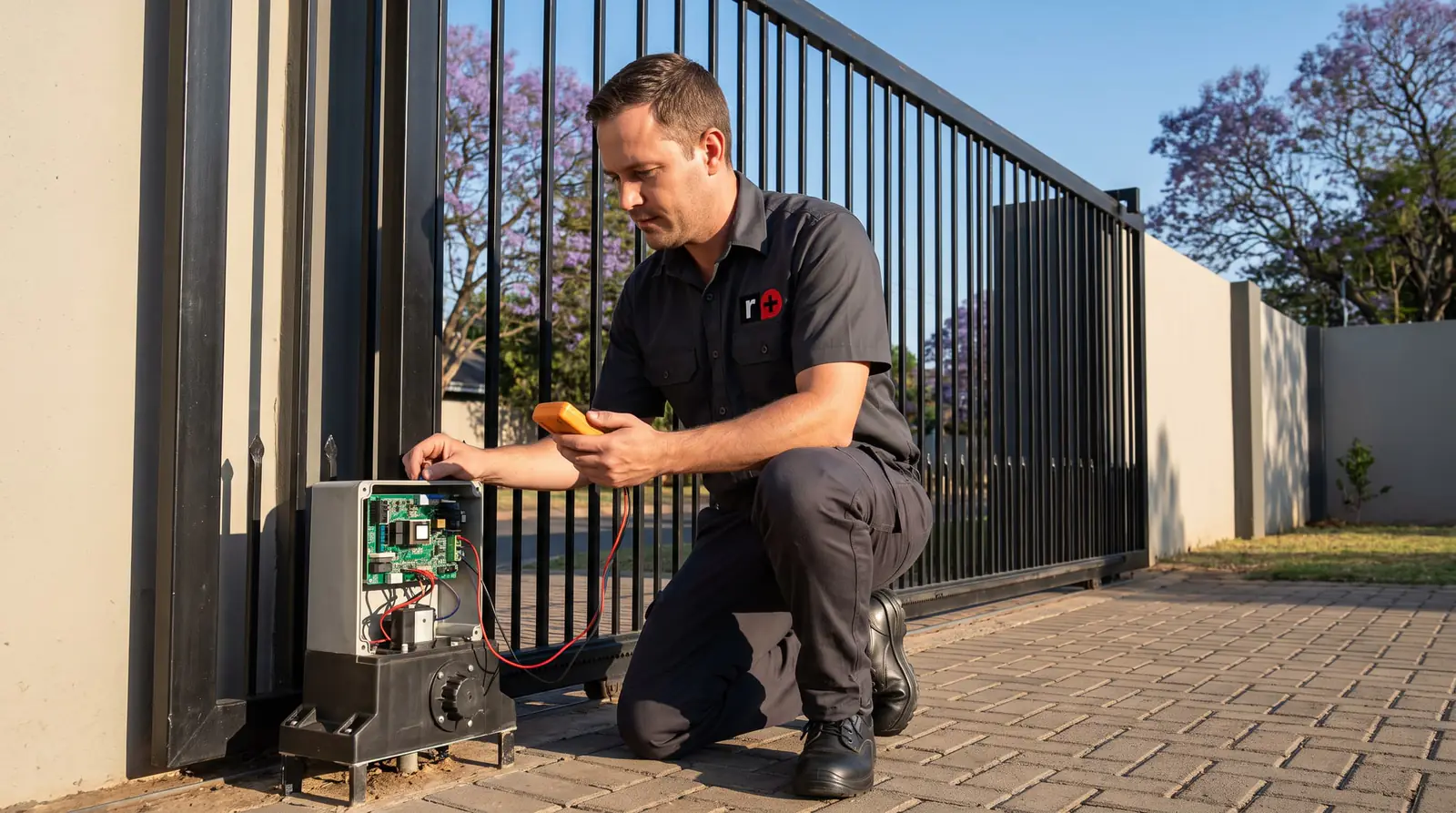
The D10's fault beeps
The buzzer is the quickest way to tell which fault you have. Centurion's table for the D10, starting with the warnings it shares with other D-series motors:
| What you hear | Fault | Does the gate still run? | Can the owner clear it? |
|---|---|---|---|
| 3 beeps now and then for 30 seconds | Battery low | Closes fully, then shuts down for two minutes | Yes |
| Beeping until it's cleared | Multiple collisions | No | Yes |
| 3 short beeps for 5 seconds | No limits set | No | Yes, by setting the limits |
| 2 beeps now and then for 30 seconds | Mains failure | Yes | Yes |
| 4 beeps now and then for 10 seconds | Gate stalled | No | Yes |
| Beeping while the gate runs | No magnet detected (origin not seen) | Yes | Yes |
| 5 beeps now and then for 30 seconds | DOSS position sensor disconnected | No | No |
| 5 beeps now and then for 30 seconds | Fuse blown | No | Yes |
| 5 beeps now and then for 30 seconds | Motor disconnected | No | Yes |
| 5 beeps now and then for 30 seconds | Drive bridge damaged | No | No |
| 5 beeps now and then for 30 seconds | Accessory supply overloaded, or safety beams failed | No | No |
Five beeps always mean hardware, so the display and the board are needed to tell which. The status light, the one-beep lockouts and the alarms work as on the D5-Evo: see D5-Evo fault finding.
No origin found: the origin magnet
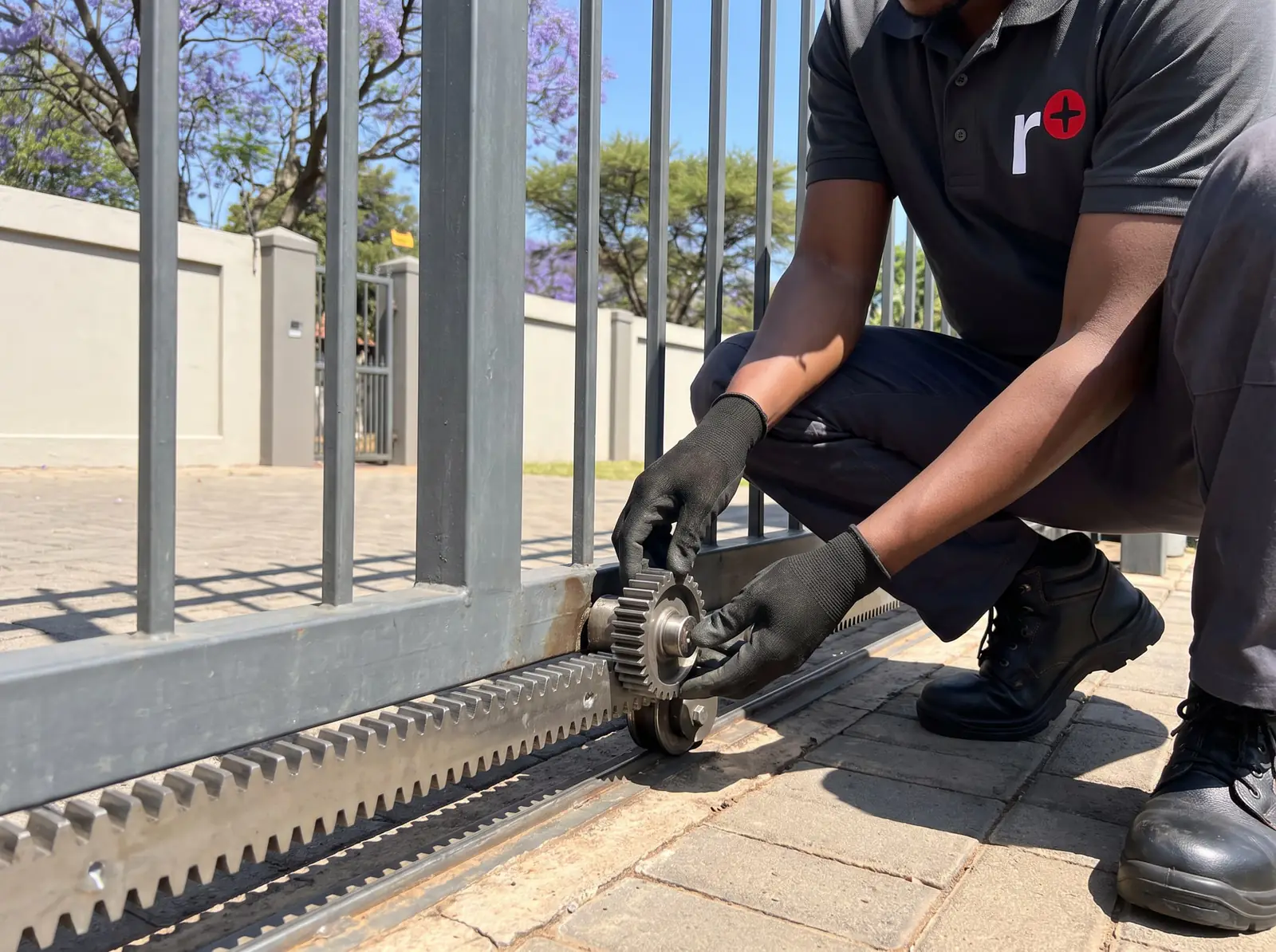
The D10 knows where the gate is from two things: an internal rotary encoder counting the motor's turns, and a magnet on the rack, the origin marker, that it passes on every run to check its count. If it doesn't see the magnet, Centurion's controller starts beeping while the gate runs but keeps working normally. Left alone, the gate may then start overrunning its limits.
Centurion's checks, in order:
- The marker itself. Is it still where it was fitted on the rack, at least 500 mm from the origin sensor with the gate closed? A marker that has moved means the limits need setting again.
- The harness. Is the position-sensor harness properly plugged into the magnetic origin switch, the DOSS sensor and the controller, with no bad crimp joints?
- The switch. With the motor on manual, slide the gate back and forth past the magnet and listen for the switch's distinct click each time. The diagnostic screen also shows which side the magnet is on.
- The clip. Is the origin switch firmly clipped into the housing?
- The sensor. Unclip the DOSS sensor and look for oil on its eyes, or ants and dirt.
Only after all of that does Centurion point at the controller. Steps 2 to 5 are inside the motor, so they're for a technician unless you're comfortable working there with the power off.
Drive faults: fuse, motor and bridge
What many people call a drive fault on a D10 is one of three hardware faults in Centurion's table, all five beeps:
- Fuse blown. The motor circuit is protected by a 30 A ATO automotive fuse on the controller. A blown fuse stops the gate dead; Centurion lists it first when a gate won't move at all. A fuse that keeps blowing has a cause to find, not just a fuse to replace.
- Motor disconnected. The controller can't see the motor, so the motor leads and their connections are the first place to look.
- Bridge damaged. The drive bridge is the circuit on the controller that powers the motor. Centurion marks it as a fault the owner can't correct: the controller needs repair or replacement.
A gate that stops with four beeps is different: gate stalled, which Centurion classes as a collision fault, not hardware. Treat it like one: put the motor on manual and check the gate runs freely.
No limits set
Three short beeps for five seconds, and a gate that won't run, mean the controller has no limits. It happens on a new or fully reset controller, and the fix is to run the limit setup. After a Reset All, the controller also overrides the safety inputs until beams are connected, so beams fitted later need their circuit closed again if they're ever removed.
Centurion's reset menu has four levels, so check which one was used before assuming the worst:
| Reset | What it clears | What it keeps |
|---|---|---|
| Factory defaults | Every setting back to the profile's defaults | Remotes and gate limits |
| Delete all remotes | All remotes | Every setting |
| Delete all time periods | Auto-activations and time-bars | Everything else |
| Reset all | Settings, remotes and time periods | Nothing |
How the limits are set is on the D10 manual.
Battery low and not charging: the 24 V figures
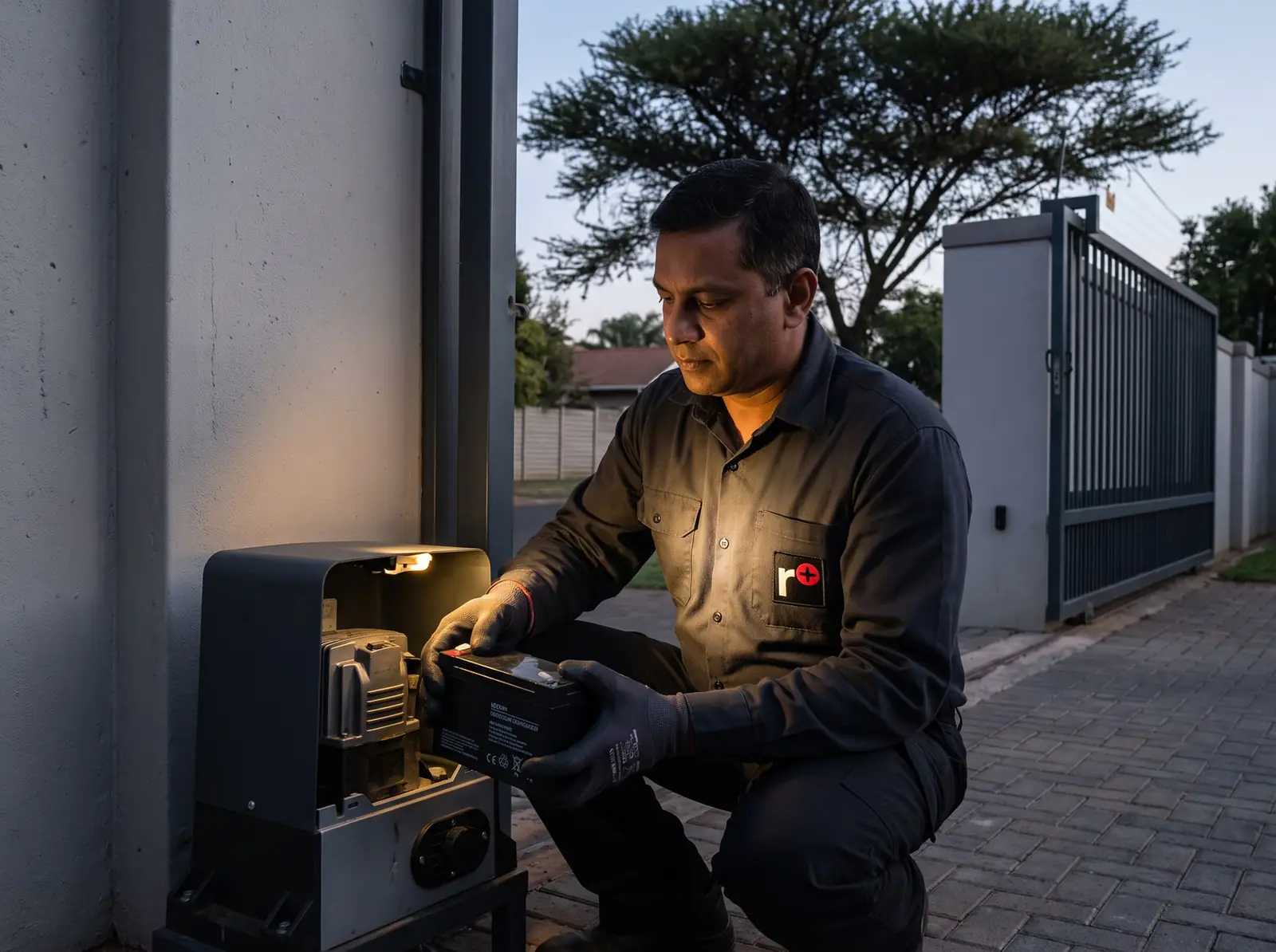
The D10 runs on two 12 V batteries in series, so its numbers are double a D5-Evo's. Centurion's procedure A:
| Check | What it should read |
|---|---|
| The motor won't run at all below | 21.0 V |
| Charger output on its diagnostic screen | 27.6 V |
| Charger output on the battery leads, battery disconnected | 27.4 to 27.6 V |
| Battery with the charger connected: flat if below | 25.0 V |
| Battery under load (motor leads straight to the battery): replace if it falls below | 22.4 V |
Before blaming the batteries, Centurion's list checks the mains is on (220 V at the connector), the charger's red light is lit, its 3 A supply fuse, the white charger plug and the battery leads for corrosion. It also points to the trip counter: too many runs an hour can drain good batteries faster than the charger refills them. The load test with the motor wired straight to the battery moves the gate, so it's a technician's job. Mains work at the motor is a job for a registered electrician.
Max collisions and a gate that stops and reverses
"Max Collisions" on the display, with four flashes of the status light, means the gate has hit resistance more times than the collision counter allows. Centurion's procedure B checks the gate first, with the motor on manual: anything in the way along the whole run, the rack pressing down on the pinion, bad rack joints, seized or rough wheels, top guide rollers that pinch, dirt or damage on the rail, and a wheel catching the side of the pinion. Back in normal mode, check the gate isn't hitting its end stop.
Only then the motor: ants, dirt, oil or water around the DOSS sensor, loose motor wires, and the sensor harness and clip.
When to call us
The beeps you can clear yourself are the ones about the gate and the power: battery low, mains failure, multiple collisions, a stalled gate. Anything with five beeps, a gate overrunning its limits, or a controller that has lost its limits for no reason needs the cover off and a meter.
We repair D10 and D10 Turbo controllers, drive bridges, DOSS sensors and origin switches, chargers and battery pairs, and reset and set up limits and remotes. All our spare parts are genuine, and every repair carries our six-month guarantee on our repairs. Your exact price is set in a free quote before any work starts. No call-out fee when we do the work. If no work is done, a R650 call-out fee applies.
- Centurion D10 and D10 Turbo installation manual: Centurion's own diagnostics and fault-finders guide
Book a technician
Get a gate motor quote
Job card
We WhatsApp or call you back. Fields marked (required) are needed.