Manual · Centurion
Centurion gate motor manual: every model, in plain English
Centurion makes gate motors for everything from 250 kg domestic gates up to 1,000 kg and beyond, plus swing arms and boom gates. Start here: find your model, put it on manual and back again, and get the right official manual.
Six-month guarantee on our repairs
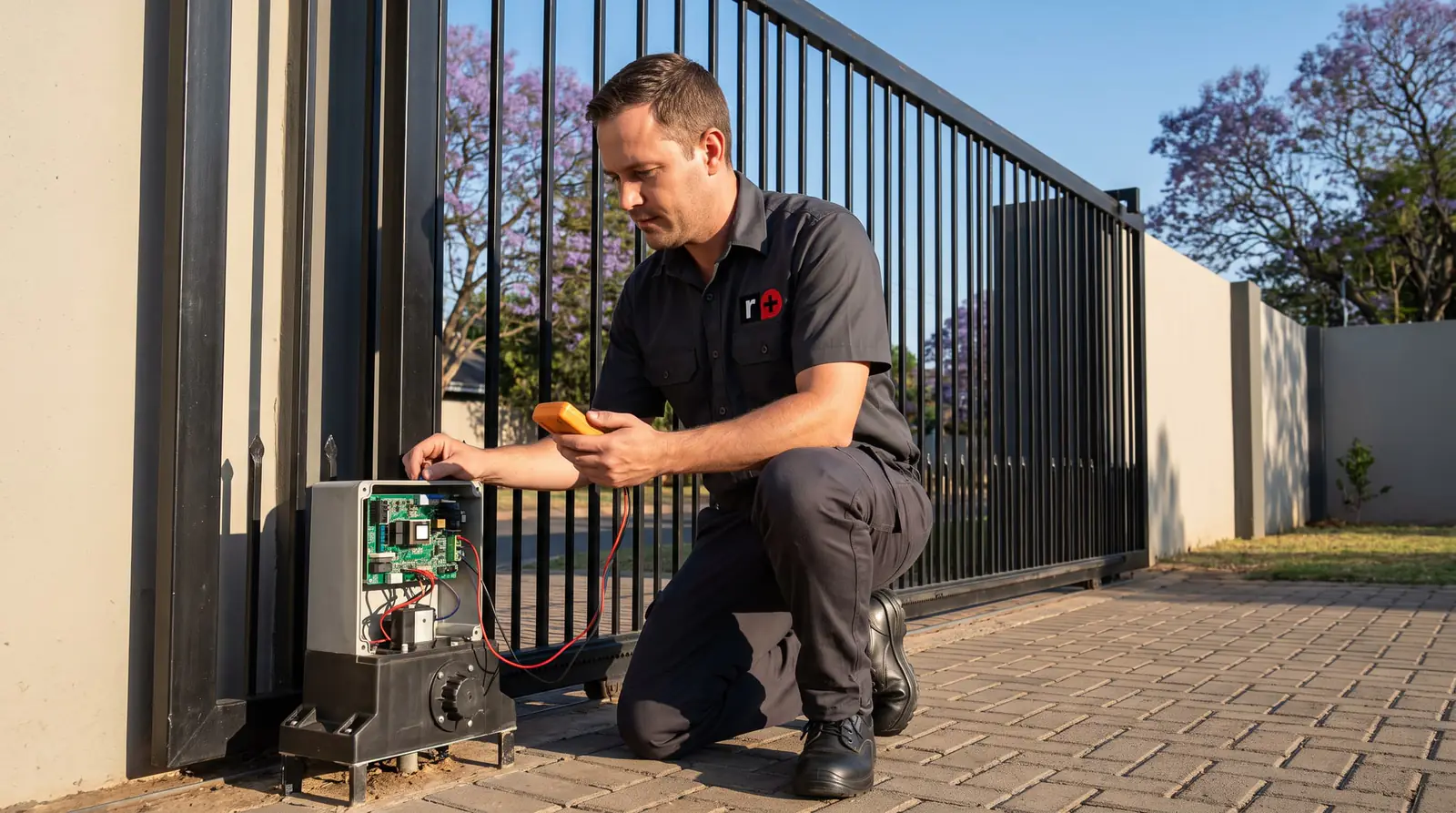
Which Centurion motor do you have?
The model name is on the label on the motor or inside its cover. Most driveway gates in Gauteng run on one of the sliding motors below; the table gives the heaviest gate each is built for, from Centurion's own manuals, and where to read more.
| Model | Gate | Heaviest gate | Read more |
|---|---|---|---|
| D2 Turbo | Sliding, light domestic | 250 kg | D2 Turbo manual |
| D3 SMART | Sliding, domestic | 300 kg | D3 SMART manual |
| D3 and D5 (classic) | Sliding, domestic, earlier models | 300 kg and 500 kg | D3 and D5 manual |
| D5-Evo | Sliding, domestic | 500 kg | D5-Evo manual |
| D5 SMART | Sliding, domestic | 500 kg | D5 SMART manual |
| D6 SMART | Sliding, heavier domestic | 600 kg | D6 SMART manual |
| D10 | Sliding, heavy or busy | 1,000 kg | D10 manual |
| D10 Turbo | Sliding, fast | 240 kg | D10 manual |
| Vantage | Swing, one or two leaves | depends on leaf width | Vantage manual |
| Vector 2 | Swing, articulated arm | depends on leaf width | Vector manual |
| R3 and R5 | Swing, articulated arm | 400 kg and 600 kg on short leaves | R3 and R5 manual |
| Sector II | Boom gate | not applicable | Sector II manual |
The D3, D5 and D6 SMART and their SMART+ successors are set up from a phone with Centurion's MyCentsys Pro app; the D5-Evo and D10 are set up from their own control card. Swing gate limits depend on how wide each leaf is and how far it swings, so their manuals give a table rather than one figure.
Putting a Centurion motor on manual
In a power cut with a flat battery, or when the motor has a fault, you can release the gearbox and push the gate by hand. You'll need the motor's key. The release differs between the families:
D5-Evo
- Flip the camlock cover aside, put the key in and turn it 90 degrees clockwise.
- Keep hold of the key and pull the access door open. The release thumbwheel is behind it.
- Turn the thumbwheel clockwise until the gearbox lets go and the gate moves freely.
D10 and D10 Turbo
- Flip the lock cover down, put the key in and turn it 90 degrees clockwise.
- Pull the manual release handle down. The gate can now be pushed.
D3, D5 and D6 SMART (SMART+)
- Make sure the camlock is unlocked.
- Pull the release handle as far left as it goes. The gate is free.
Push the gate slowly and keep children and pets clear: a released gate has no safety sensing. Don't take the thumbwheel off a D5-Evo, even if it seems in the way: Centurion warns that water then gets into the gearbox and the manufacturer's warranty is void.
Putting it back to automatic
- D5-Evo: turn the thumbwheel anticlockwise until it feels loose, close the access door, then slide the gate until the gearbox engages.
- D10 and D10 Turbo: reverse the release, pushing the handle back up and locking it with the key.
- SMART models: return the release handle to its locked position.
On every model, move the gate a little by hand after re-engaging until you feel the drive take up, before using a remote. Centurion is clear that the motor must never be run while the gearbox is still released.
If you need the gate on manual for days, for example while a part is on order, the manuals describe latching the release so the cover can be locked again: a split pin through the gearbox on the D10, and the override cam on the SMART release handle, slid towards the gearbox until it clicks. That keeps the motor's electronics covered and harder to steal while the gate is worked by hand.
When the release won't move
A key that won't turn, a thumbwheel that won't budge or a handle that has seized is usually down to dirt, rust or ants in the lock or the release, or a release that was forced before. Don't lever it or hit it: a broken camlock or a cracked release cover turns a simple job into a bigger repair.
If you can't release it and need the gate open, call us and we'll free it. If the release works but the gate still won't slide, the gate itself is binding (a seized wheel, a bent rail or a dropped guide roller) and the motor isn't the problem.
Remotes, keypads and receivers
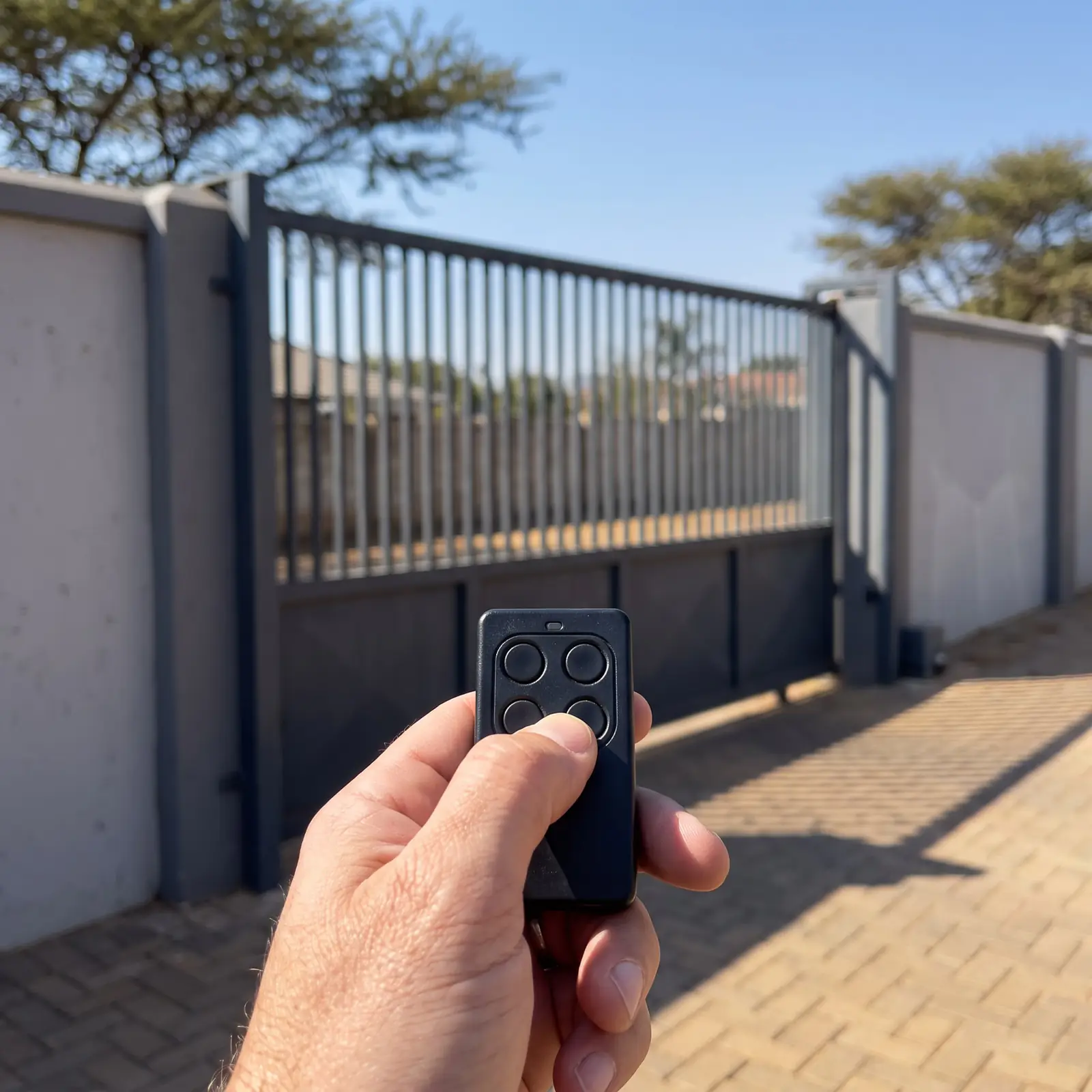
Centurion remotes are the NOVA range, and most Centurion motors have a NOVA receiver on the control card or a separate multichannel receiver beside it. Coding a remote is done at the receiver, or on SMART motors in the MyCentsys Pro app. The step-by-step methods, for adding, deleting and replacing remotes, are on Centurion remote programming.
For staff, visitors and family without remotes, the SMARTGUARD keypad opens the gate with a code; resetting and changing codes is covered on the SMARTGUARD keypad page.
Lights, beeps and faults
Centurion motors report what's wrong through their status LED and buzzer, and the D5-Evo and D10 also show detailed fault codes on a diagnostics display. A battery-low or mains-off warning is the most common, followed by beam and collision faults. Read what yours is saying on D5-Evo problems and fault codes, or start from the sound on what a beeping gate motor is telling you.
Wiring diagrams and installation manuals
Every Centurion installation manual includes the wiring diagrams for its control card: the power supply, the battery, the safety beams, the receiver, keypads and intercoms. They're written for installers, and the diagrams change between control card versions, so match the manual to the card in your motor.
The low-voltage side (beams, keypads, intercom triggers) is technician work. The mains supply to the motor, where there is one, is a job for a registered electrician; some Centurion sliders, the D2 Turbo among them, run from a low-voltage supply instead, which keeps mains away from the gate.
Official Centurion PDFs
Centurion's own documents, linked to their website:
- D5-Evo installation manual
- D5-Evo, D10 and D10 Turbo user guide
- D10 and D10 Turbo installation manual
- D-Series SMART+ manual (D3 to D20 SMART+)
- D2 Turbo installation manual
- D3, D5 and A10 user guide (older models)
- V-Series (Vantage) manual
- Vector 2 installation manual
- R3 and R5 installation manual
- Sector II boom gate installation manual
For garage door motors, see the Centurion SDO4 manual and the Centurion RDO manual; every other brand is in our manual library.
When to call us
Call us when the gate still won't run after re-engaging, when a fault comes back, when the release is stuck, or when the motor needs a part. We repair Centurion motors: control cards, gearboxes, chargers, batteries, receivers, beams and racks, and we install new Centurion kits when an old motor is done. All our spare parts are genuine, and every repair comes with our six-month guarantee on our repairs. More on the brand: Centurion.
Questions
Centurion manual questions
How do I put a Centurion gate motor on manual?
Unlock it with the motor's key, then release the gearbox: on a D5-Evo, open the access door and turn the thumbwheel clockwise; on a D10, pull the release handle down; on a SMART model, pull the release handle fully to the left. The gate can then be pushed by hand. See the steps for each model.
Why is my Centurion manual override stuck?
Usually dirt, rust or ants in the lock or the release, or damage from being forced before. Don't lever or hammer it, which can break the camlock or the cover. If the release moves but the gate won't, the gate is binding, not the motor. Read what to do when the release won't move.
Where can I find a Centurion gate motor wiring diagram?
In the installation manual for your model, which shows the control card's connections for power, battery, beams, receivers and accessories. Match the manual to your control card version, since diagrams change between versions. Get the official Centurion PDFs.
Is there a Centurion boom gate manual?
Yes: Centurion's Sector II boom gate has its own installation manual, covering how it's installed, set up and wired. It's an installer's document, since a boom gate is set up on site. Find the Sector II PDF.
How do I know which Centurion gate motor I have?
Look at the label on the motor or inside its cover for the model name. A sliding gate motor beside the gate on a concrete base is a D-series (D2, D3, D5, D6 or D10); arms on the pillars are a swing motor such as the Vantage or Vector; a barrier arm is a Sector II boom. Compare the Centurion models.
Can I run the Centurion motor while it's on manual?
No. Centurion's manuals say the motor must never be run with the gearbox released. Re-engage it first, move the gate by hand until the drive takes up, and only then use the remote. Read how to put it back to automatic.
Book a technician
Get a gate motor quote
Job card
We WhatsApp or call you back. Fields marked (required) are needed.