Manual · Centurion R3, R5 and R6
Centurion R3 manual: the R3 and R5 rotary swing motors, and the R6
Centurion's R3 and R5 are rotary swing gate motors: instead of a straight arm pushing the leaf, a gearbox on a pedestal or the pillar turns a drive arm, and a connecting arm folds and unfolds with the gate. They run from a 12 V battery through Centurion's CP75 controller, and the newer R6 does the same job on the CP77. This is the R3 and R5 manual in plain English, with how the R6 compares and Centurion's PDFs at the end.
Six-month guarantee on our repairs
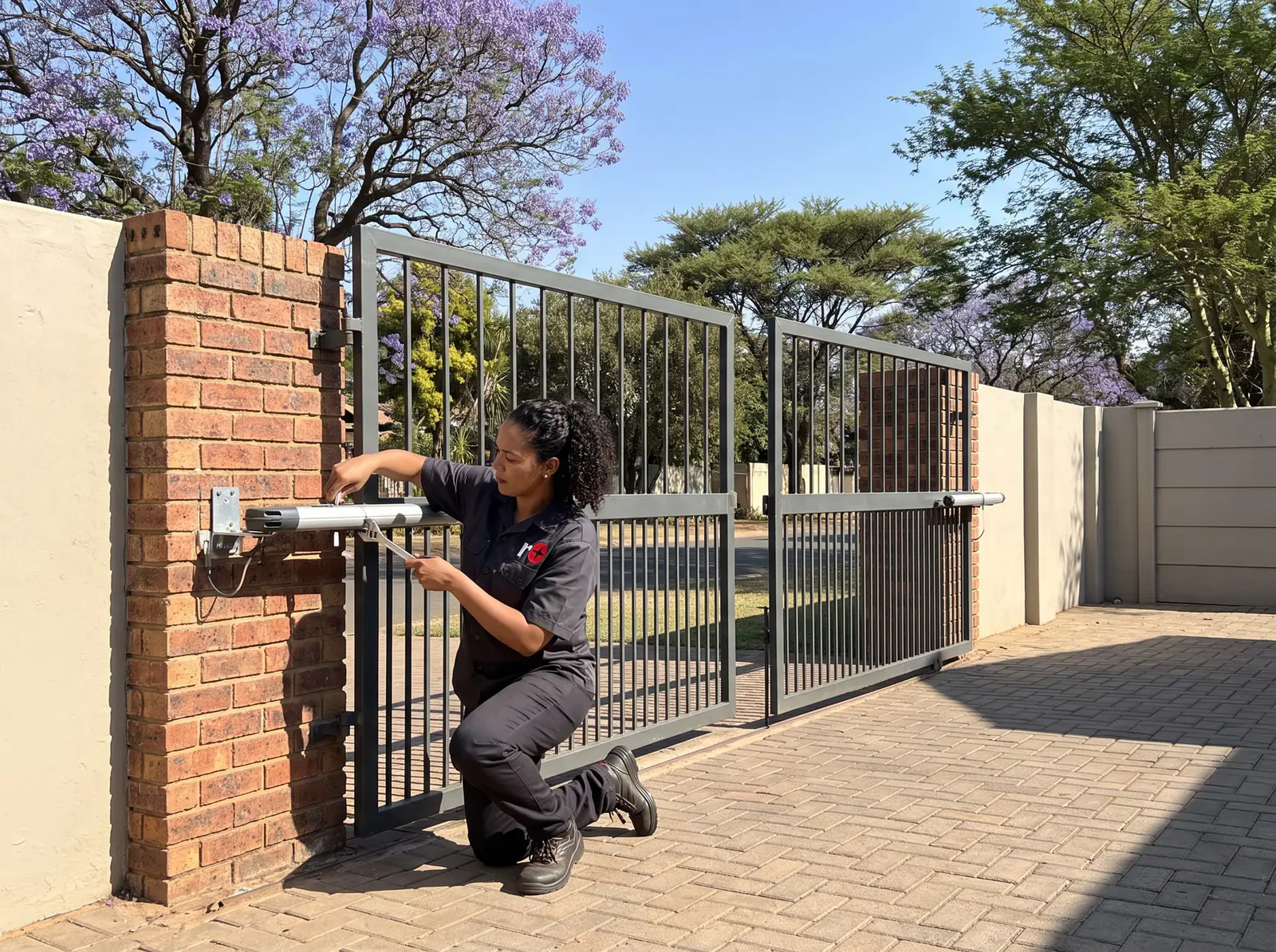
R3 and R5 specifications
| R3 | R5 | |
|---|---|---|
| Maximum output torque | 95 Nm | 250 Nm |
| Output shaft speed | 3.5 rpm | 2.6 rpm |
| Typical time to open or close | 10 seconds | 13 seconds |
| Operations a day, domestic (1 A charger) | 20 | 20 |
| Operations a day, light industrial (10 A power pack) | 100 | 250 |
| Operations in a row | 20 | 100 |
| Operations on a 7 Ah battery in a power cut | About 20 | About 20 |
| Controller | CP75, single or double | CP75, single or double |
| Housing | IP55 | IP55 |
Both run a 12 V DC motor from the battery, with the mains charging it, and work from −20 °C to +50 °C. The limits come from a sealed optical counter with an origin switch, and the baseplate and arms are zinc passivated and lacquered against rust. On the standard domestic charger the R3 and R5 are low-duty motors: 20 operations a day is the figure, and a busier gate needs Centurion's 10 A power pack.
How heavy a leaf each one moves
The R5's extra torque shows in Centurion's tables. For a standard inward-opening or limited-space installation:
| Leaf length | R3 | R5 |
|---|---|---|
| 1.5 m | 400 kg | 600 kg |
| 2 m | 400 kg | 600 kg |
| 2.5 m | 320 kg | 510 kg |
| 3 m | 225 kg | 360 kg |
| 3.5 m | 160 kg | 260 kg |
Mounted on the wall (parallel or perpendicular) or on an outward-opening gate, Centurion only covers leaves up to 2 m: 400 kg and 300 kg for the R3 at 1.5 m and 2 m, and 600 kg for the R5 at both. Its wind figures assume the recommended position with collision sensitivity set to low, and a solid 1.8 m high leaf halves the wind each model can open against: a solid 2.5 m leaf is good for 22 km/h on an R3 and 37 km/h on an R5.
Pedestal or wall mount
Centurion offers two ways to fit an R3 or R5, each with its own linkage:
| Pedestal mount | Wall mount | |
|---|---|---|
| Connecting arm | Long | Short |
| Pillar | Doesn't depend on the pillar's size or strength | Needs a pillar strong enough for the motor and for the gate being forced |
| Gate lock recommended | Leaves over 3 m | Leaves over 2.5 m |
| Strengths | The smoothest gate movement and the best locking, with no gate end stops needed; inward or outward gates and tight spaces | Very compact; perpendicular to the pillar locks better than parallel |
The closed limit is set where the drive arm and connecting arm hinge points line up in a straight line. Fine adjustment of the closed position is done by lengthening or shortening the connecting arm.
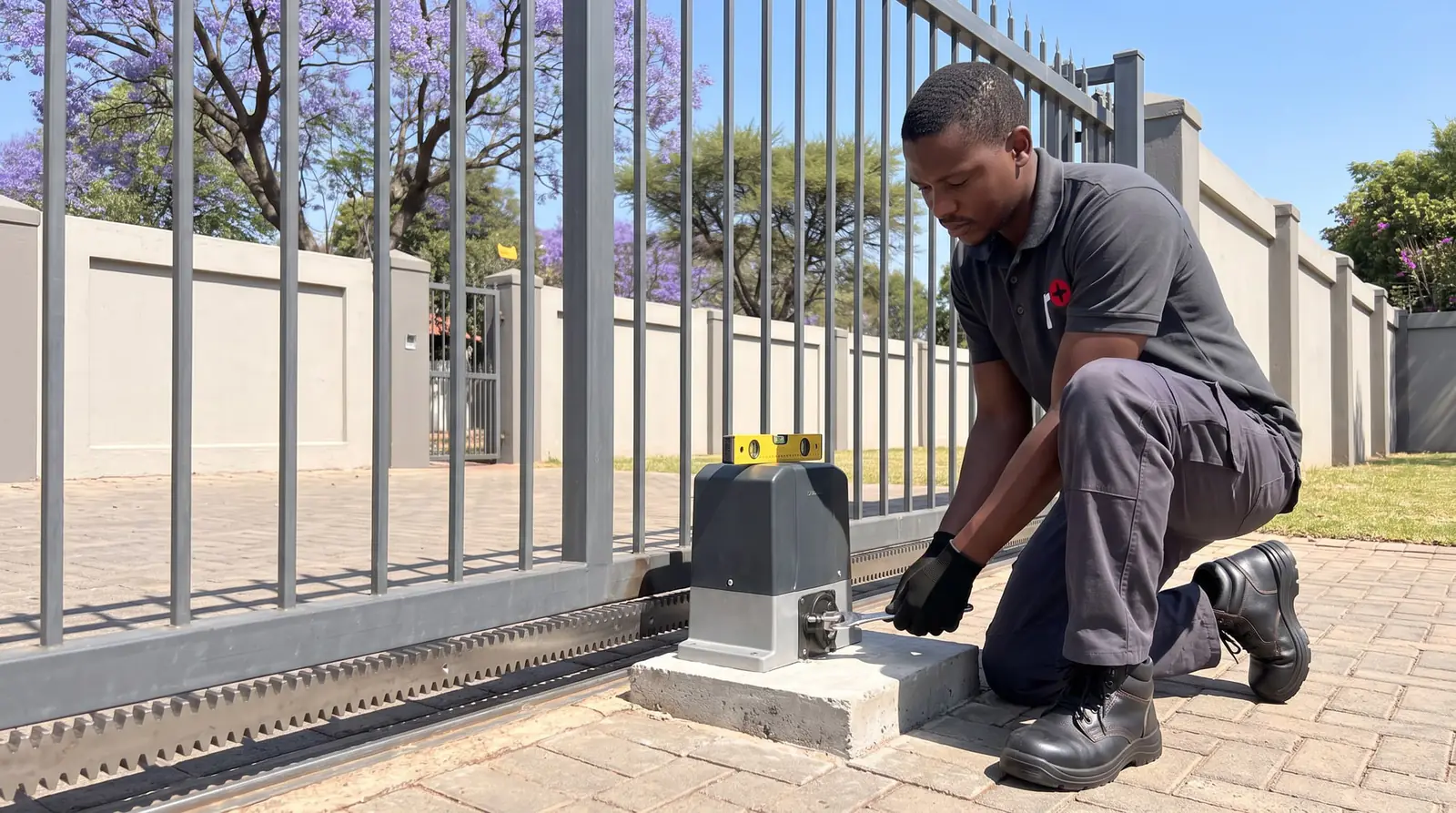
Setting up the origin and limits
The R3 and R5 find their position from an origin set by hand with a tool stored in the controller enclosure. Centurion's procedure, for each motor:
- With the gates in manual mode, move them closed.
- Flip over the controller enclosure, open the override dust cover and take out the origin tool.
- Push the tool into the release mechanism with a twist until it seats, then turn it until its arrow lines up with the correct mark on the release cover. Repeat on the other motor of a double gate, then put the tool back and close the cover.
- Move the gates half-way open and unscrew the manual release until the top of the screw is flush with the top of the shaft.
Then programming mode and the limits:
- Remove all power, charger plug and battery. Fit the SET link, then reconnect the charger plug and the battery. STATUS flashes five times and the SET and L2 lights come on.
- Hold TEST until L1 flashes once, then let go. Hold TEST again and let go after one STATUS flash for the master motor, or two for the slave. Master and slave limits are set separately.
- Hold TEST: within about 60 seconds the release engages and the leaf closes slowly. If it opens instead, let go and swap that motor's two wires. Let go when the drive and connecting arm hinge points are in a straight line.
- Hold TEST again: the leaf opens slowly. Let go at the open position, then press and release TEST once more to confirm.
- On the master, the gate closes, then opens to the shortest pedestrian opening: jog it further by briefly connecting PED to COM, and press TEST at the right spot. On the slave, the leaf just closes slightly. Either way STATUS flashes five times and L2 comes on.
- Take the SET link off, leaving it parked on a single pin, then run the gate several times.
If a limit lands too far or too short, removing and refitting the SET link moves the leaf back slightly to try again.
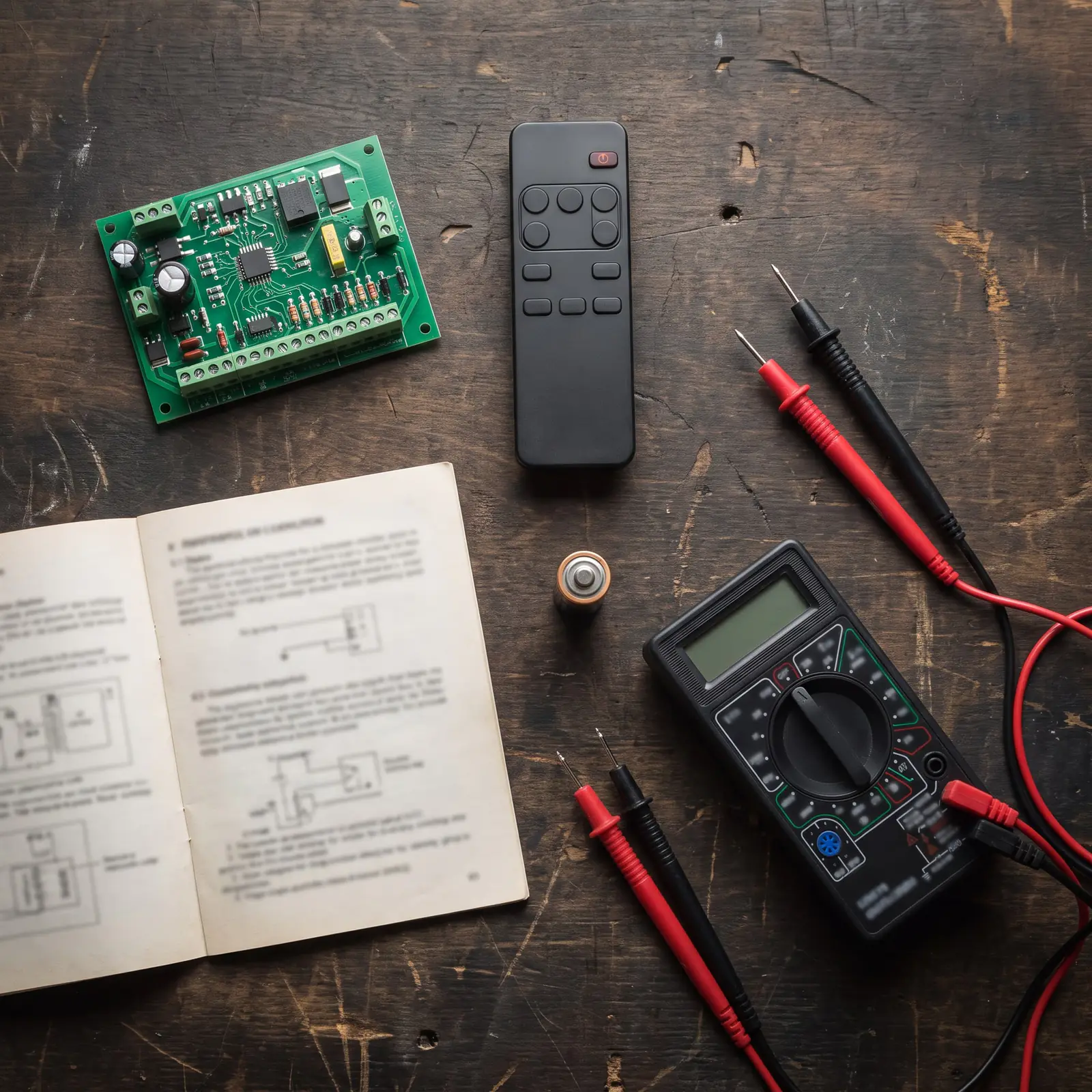
CP75 features and factory settings
Other features are changed in programming mode by counting flashes: L1 for the feature number while holding TEST, then STATUS for its value. Centurion's defaults suit most gates:
| No. | Feature | Default |
|---|---|---|
| 2 and 3 | Auto-close and its time | Off; 15 seconds once on |
| 4 | Mode | Standard (also Condominium, PIRAC, Reversing) |
| 5 | Pedestrian auto-close | 5 seconds |
| 6 | Courtesy light | 120 seconds |
| 7 | Collision sensitivity | High (also Medium, Low) |
| 8 | Auto-close override | 3 seconds |
| 9 | Positive close | Off |
| 10 and 11 | Pre-flashing and its time | Off; 2 seconds |
| 12 | Collision counter | 4 |
| 13 | Leaf delay | Off (slave opening, master closing, or both) |
| 14 | Leaf delay or solenoid strike time | 2 seconds |
To put every feature back to these defaults, Centurion's procedure keeps the gate limits: remove all power, fit the SET link and connect PED and FRX to COM, reconnect the power (L1 and L2 light), remove all power again, then take off the SET link and the PED and FRX connections.
What the CP75's lights mean
In normal use the red STATUS light is on with the gate fully open and off with it closed, and its flash rate reports trouble:
| STATUS light | Meaning |
|---|---|
| 1 flash a second | The pillar light has been switched on permanently |
| 2 flashes a second | Charging failure |
| 3 flashes a second | Battery low |
| 4 flashes a second | The collision detector has tripped too often |
| 5 flashes a second | The microprocessor has reset |
The green lights tell you the rest: CHARGER ON while the battery is charging, IRB while the beams are clear, and LCK while the system is ready. The red TRG, FRX, PED and SET lights should only light while a signal is present. L1 and L2 follow the master and slave origins.
Centurion's fault finder, in short
- The gate won't open at all. Check that the SET light is off (out of programming mode), the green LCK and IRB lights are on, and the TRG and FRX lights are off. A STATUS light flashing four times is the multiple-collision lock: wait 60 seconds or remove and reapply all power.
- The relays click but nothing moves. Battery condition, then the motor wires.
- It moves a little and stops. Often a low battery (STATUS flashing three times), false collisions, motor wires to the slave that are too thin, or a beam that triggers on and off.
- It starts closing, stops and reopens. False collision detection or an intermittent beam. To find which leaf is at fault on a double gate, run it: both stop and reverse when closing, but only the faulty one stops when opening.
- It overruns its limits. The origin sensor's plug or clip, an origin knocked out of place, or ants: Centurion warns that an open origin dust cover lets them in to cause false triggers.
- It opens on its own. A latched or damp trigger input (look at underground joints), a neighbour's remote on the same code with older DIP-switch remotes, a faulty receiver, or a faulty electric fence.
- The slave is slower than the master. Its wires are too thin, or a motor isn't in the recommended position.
Centurion's battery test is telling: below 10.5 V the motor won't run at all; with the charger connected a battery reading under 12.5 V is flat, and the charger itself should give 13.6 to 13.8 V on its leads with the battery disconnected. Most other checks need the cover off the controller, which is where we come in.
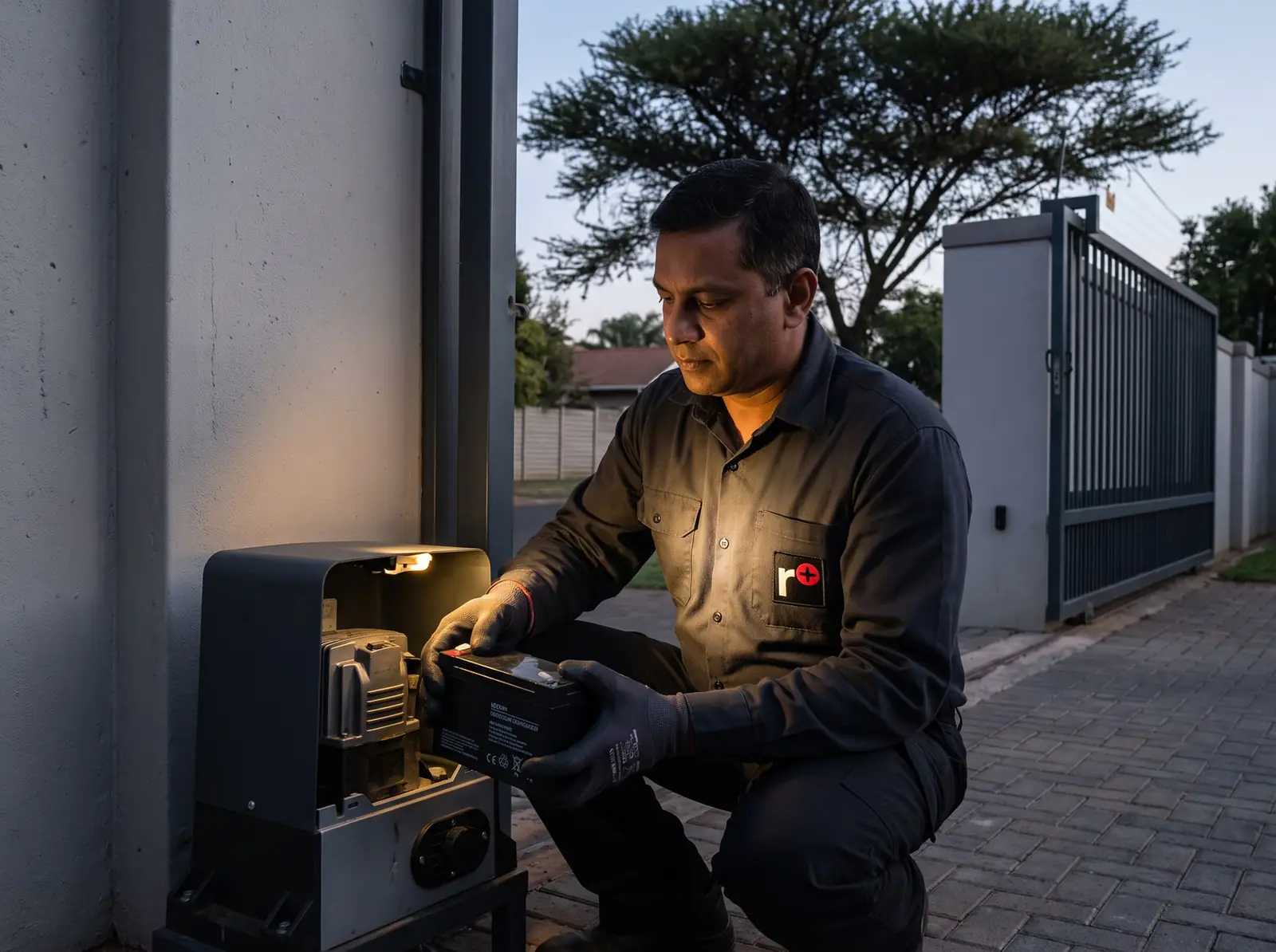
Opening an R3 or R5 by hand
The release frees the output shaft from the motor, so the gate swings without turning anything inside:
- Flip over the controller enclosure and open the override dust cover.
- Put in the 6 mm Allen key that came with the motor.
- Turn it clockwise to release, or anticlockwise to engage again.
- Take the key out and close the dust cover.
Close the dust cover again afterwards. Our guide to opening a gate by hand covers other motors.
R3, R5 or R6?
The R6 is Centurion's later rotary swing motor, with articulated arms like the R3 and R5 but its own CP77 controller and much more torque. It comes in two versions:
| R6 standard-torque | R6 high-torque | |
|---|---|---|
| Maximum output torque | 300 Nm | 390 Nm |
| Typical operating time | 12 seconds | 15 seconds |
| Heaviest leaf at 2 m | 500 kg | 750 kg |
| Heaviest leaf at 3 m | 330 kg | 430 kg |
| Longest leaf in Centurion's tables | 5 m (120 kg) | 5 m (155 kg) |
The R6 is sold with three power setups: domestic on a 0.8 A charger and 7.2 Ah battery (20 operations a day on a double gate, 30 on a single), light industrial on a 1.8 A charger (250 a day with mains), and industrial on a 1.8 A charger with a 33 Ah battery (250 a day even on battery). Centurion asks for an electric gate lock on any R6 leaf wider than 3 m.
When an old R3 or R5 needs a new controller or gearbox, we'll tell you whether repairing it or fitting an R6 or a linear arm makes more sense for that gate. We repair R3, R5 and R6 gearboxes, CP75 and CP77 controllers, origin and position sensors, arms and chargers. All our spare parts are genuine, and every repair carries our six-month guarantee on our repairs. Your exact price is set in a free quote before any work starts. No call-out fee when we do the work. If no work is done, a R650 call-out fee applies.
Centurion's PDFs
- Centurion R3 and R5 installation manual: the R3 and R5, installation, setup and fault finding
- Centurion R6 swing gate operator, installer manual: the R6 standard- and high-torque operators
Linear swing arms are on the Vantage manual, and every other Centurion model is on Centurion manuals.
Book a technician
Get a gate motor quote
Job card
We WhatsApp or call you back. Fields marked (required) are needed.