Manual · Centurion D2 Turbo
Centurion D2 Turbo manual: setup, remotes, faults and resets
The Centurion D2 Turbo is a small sliding gate motor for domestic gates up to 250 kg, with a polymer gearbox that doesn't rust and a single 12 V battery. There are two versions: the standard one with an orange controller fed from the mains, and the Low-Voltage one with a dark-green controller fed from a transformer in the house. This is its manual in plain English, with Centurion's own PDFs at the end.
Six-month guarantee on our repairs
D2 Turbo specifications
| D2 Turbo | D2 Turbo Low-Voltage | |
|---|---|---|
| Supply | 90 to 240 V AC | 10 to 20 V AC, or 10 to 28 V DC |
| Controller colour | Orange | Dark green |
| Motor | 12 V DC, running off the battery | 12 V DC, running off the battery |
| Battery | 12 V 5 Ah as standard, room for a 7 Ah | 12 V 5 Ah as standard, room for a 7 Ah |
| Heaviest gate | 250 kg | 250 kg |
| Longest gate | 20 m | 20 m |
| Starting and running push force | 18 kgf and 9 kgf | 18 kgf and 9 kgf |
| Gate speed | About 24 m a minute (16 on low speed) | About 24 m a minute (16 on low speed) |
| Duty cycle with mains | 50% | 50% |
| Remotes | 32 buttons, code-hopping, 433.92 MHz | 32 buttons, code-hopping, 433.92 MHz |
| Weather rating | IP44 | IP44 |
Centurion rates the motor for ten years at ten operations a day. The 5 Ah battery alone gives about 30 operations in half a day on a 4 m gate. The limits are firm: a gate that needs more than 18 kgf on a pull scale to start, or 9 kgf to keep moving, is too heavy or stiff for this motor.
The Low-Voltage model must never be connected to 220 V: that destroys its electronics. Its transformer sits in the house, with a thicker cable the further the gate is.
Setting up with the two dials
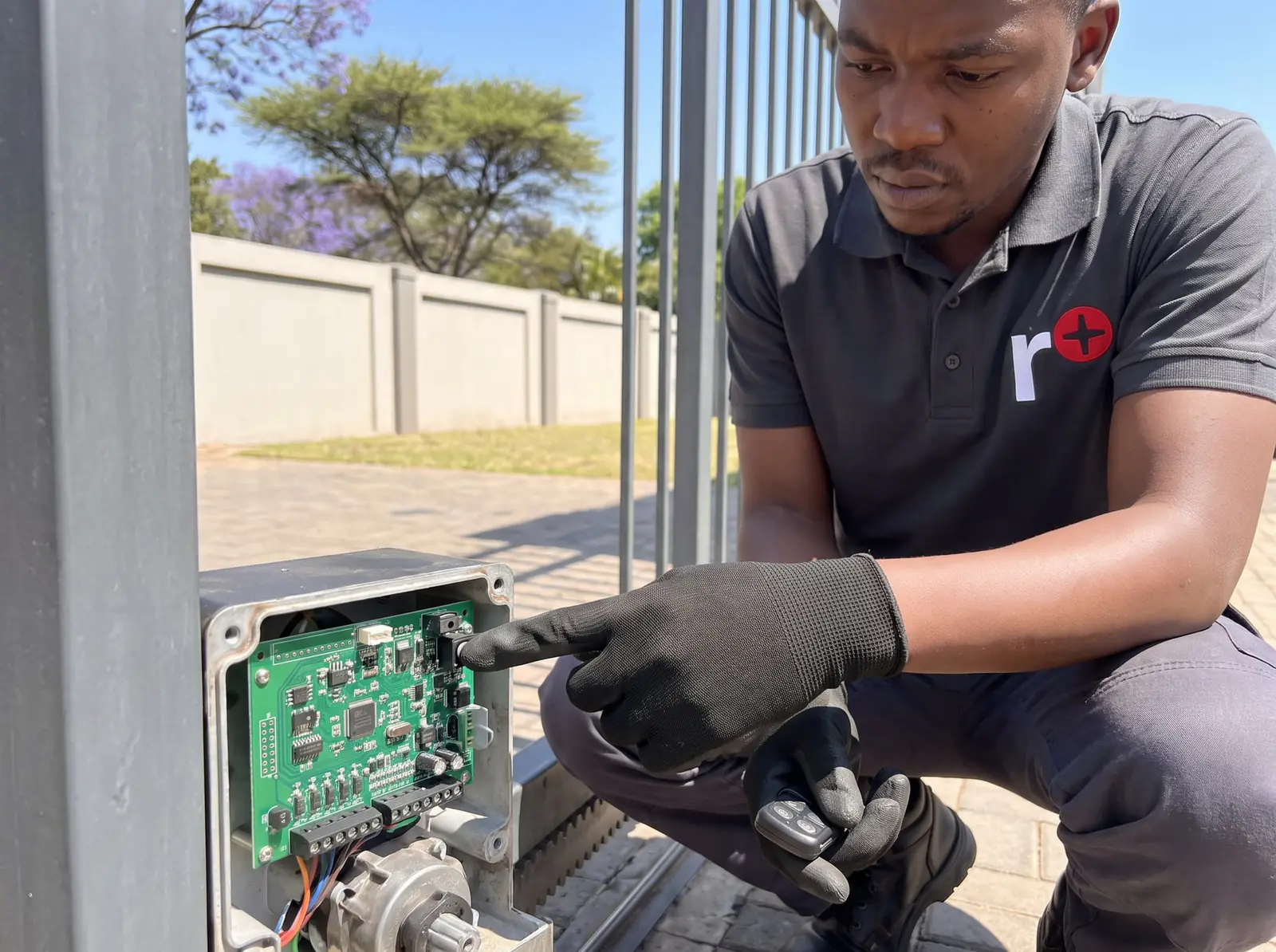
The D2 Turbo has no display. Everything is set with two rotary dials and one pushbutton on the controller:
- The Function Dial (top) picks what you're setting: limits, remotes, the operating mode, autoclose and so on. Always turn it first.
- The Setting Dial (bottom) picks the choice within that function.
- The Select/Toggle pushbutton confirms a single choice, such as a 15-second autoclose, or flips an on/off or high/low choice.
- The status light answers in colour: green for on or high, red for off or low.
When you've finished, turn the Function Dial fully anticlockwise to RUN: the gate doesn't work normally until it's back there.
Setting the D2 Turbo's limits
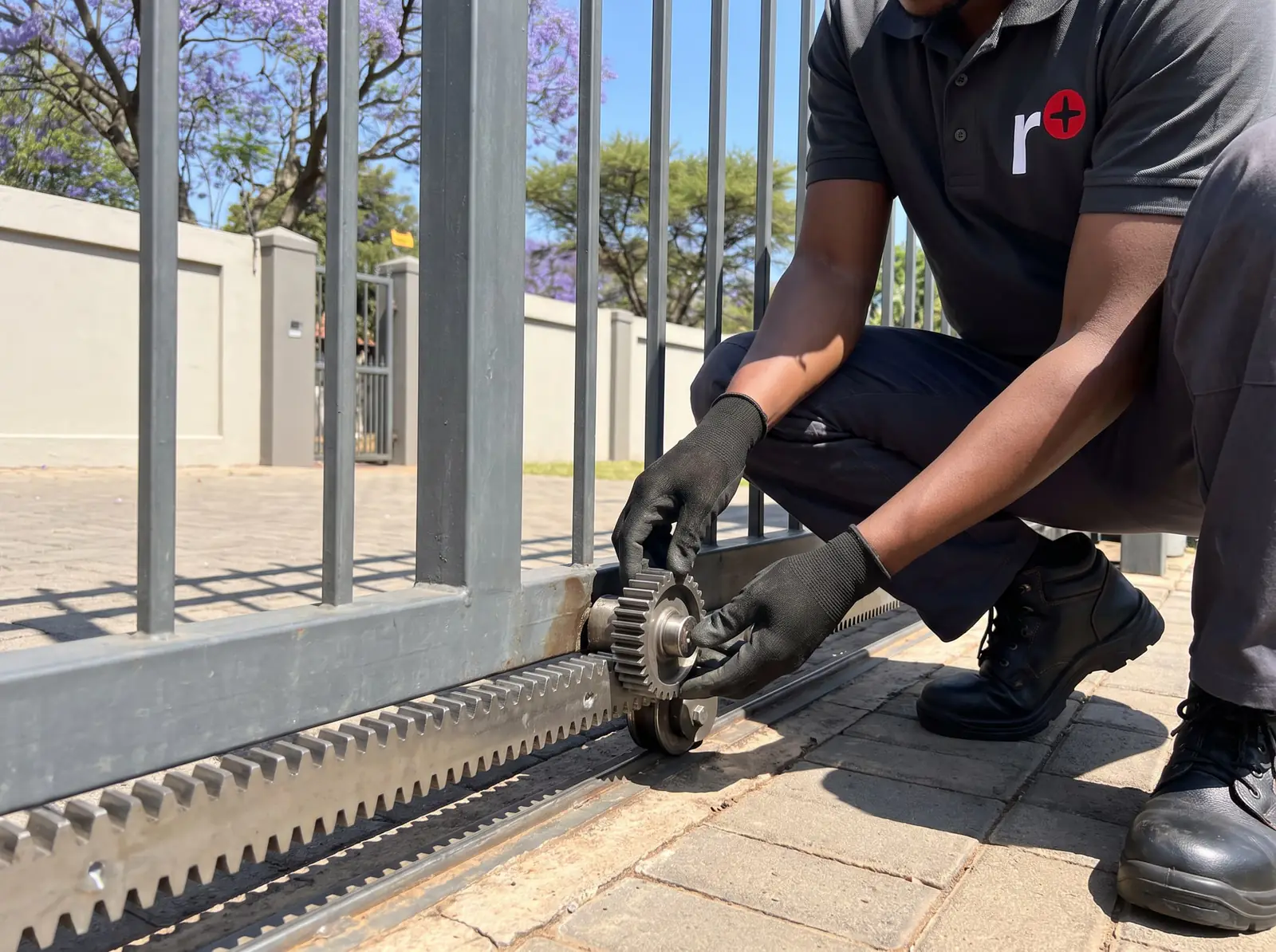
The D2 Turbo finds its own open and closed positions. Before it can, the end stops must be fitted on the track (Centurion makes them compulsory, and the setup needs them), the gap between rack and pinion must be no more than 3 mm, and the origin marker on the gate must be within 10 mm of the sensor in the motor.
- Close the gate fully and engage the motor.
- Turn the Function Dial to LIMITS on the A row, and the Setting Dial to SETUP on the same row.
- Press the pushbutton. The gate runs on its own to find the open and closed positions.
- A green status light means setup worked. Turn the Function Dial back to RUN.
On a new or reset controller, three short beeps and a gate that won't move mean no limits are set yet. If the motor jumps on the rack during setup, the gap between rack and pinion is too big: Centurion even suggests adding weight to a very light gate while it learns.
Adding and deleting D2 Turbo remotes
The onboard receiver learns code-hopping remotes, and each button can be given its own job.
To add a remote button:
- Turn the Function Dial to REMOTES (the B row).
- Turn the Setting Dial to Tx TRG for full opening, Tx PED for pedestrian opening, or Tx LCK for holiday lockout.
- Press the pushbutton: the status light changes from red to green.
- Press the remote button you want to use. The light flashes twice and the buzzer pulses twice when it's learnt.
- Turn the Function Dial back to RUN.
To delete one remote, choose DELETE Tx on the B row instead, press the pushbutton and then any button on that remote: three green flashes and three beeps confirm it. You need the remote in your hand for this, so a lost or stolen one can only be removed with DELETE ALL: hold the pushbutton until the light turns green and three beeps sound, then learn every remote you're keeping again.
One button can also act as a shift key: held with another, it makes a new button, so a four-button remote runs six functions. Needing two hands keeps holiday lockout from being switched on by accident.
Modes and features
- Operating modes. Standard (the default): press to open, again to stop, again to reverse. Open Only, for busy households: presses while opening are ignored and the gate closes by itself. Reversing: a second press sends the gate straight back, handy for closing behind you.
- Autoclose. Off by default in Standard and Reversing modes, always on in Open Only. The gate waits 5, 10, 15 (default), 30 or 45 seconds. Hold the remote button for at least three seconds as the gate opens and it stops briefly, then stays open until you close it.
- Pedestrian opening. About a metre, after a two-second warning delay, closing again five seconds later.
- Holiday lockout. Every remote, keypad and keyswitch stops working, so even tampering outside won't open the gate. Only the device that switched it on can switch it off; a valid remote pressed meanwhile just sets the buzzer beeping for 30 seconds.
- Speed. High, about 24 m a minute (the default), or low, about 16.
- Collision sensing. High (the default) or low, for a gate that runs badly. After four collisions before the gate closes, it stops and the status light flashes four times until a remote or the intercom button is pressed.
- PIRAC. With a closing beam fitted, the gate closes as soon as your car has cleared the beam.
- Positive close. Pushes the gate firmly shut, for an electric fence contact on the gate.
- Pillar lights. On for two minutes each time the gate runs.
- Solar profile. On controllers made after August 2014, stops the mains-failure beeps on a solar-powered gate.
What the D2 Turbo's status light and beeps mean
An indicator light by the intercom, wired to the controller's LED terminal, shows the gate from inside the house:
| Light | Pattern | What it means | Buzzer | 0 to 2 seconds |
|---|---|---|---|---|
| Off | The gate is closed. | None | ||
| On, steady | The gate is open, fully or partly. | None | ||
| Slow flash | The gate is opening. | None | ||
| Fast flash | The gate is closing. | None | ||
| 2 flashes every 2 seconds | No mains: the motor is running on its battery. | Two beeps every two seconds, for 30 seconds | ||
| 3 flashes every 2 seconds | The battery is low and the motor has been shut down to protect it. | Three beeps every two seconds, for 30 seconds |
The buzzer, in order of priority
| What you hear | What it means | Does the gate still work? |
|---|---|---|
| 3 beeps every two seconds for 30 seconds | Battery low | It closes fully, then shuts down for two minutes |
| Beeping until it's cleared | Multiple collisions | No, until a remote or the intercom button is pressed |
| 3 beeps now and then for 30 seconds | Holiday lockout is on | No |
| 2 beeps every two seconds for 30 seconds | Mains failure | Yes, on the battery |
| 1 beep now and then for 30 seconds | A safety beam is broken | No |
| 3 beeps each time the gate is triggered | A safety beam is broken | No |
On the controller, the green beam and lockout lights should be on, and the red trigger and pedestrian lights only light while a signal arrives. A trigger light that stays on means a stuck button or damp in the wiring.
When the gate misbehaves
Centurion's troubleshooting table, in plain English:
- It doesn't move at all. Holiday lockout on, a beam blocked or misaligned, a trigger stuck on, a flat battery, no limits set, or the origin marker knocked out of place: the diagnostic guide says the motor stops working when it gets no pulse from the marker. Then the 30 A motor fuse, and last of all the controller.
- It moves a short way and stops. Usually the battery, or false collisions from a gate that drags. A flickering beam or damp on the trigger input can do it too.
- It starts closing, stops and opens again. The collision sensing: something in the gate's way, or a gate that drags somewhere along the track.
- It runs past its limits. The origin marker has moved or fallen off, or the sensor harness behind it is loose. The installation manual says a D2 Turbo that can't find the marker first beeps while it runs.
- Pedestrian opening misbehaves, or the intercom works but the remotes don't. A keyswitch, keypad or external receiver holding its contact closed.
Behind those are Centurion's two procedures. Procedure A, for a low battery, checks the mains, clean battery leads, at least 12.5 V on the battery and 13.6 to 13.8 V from the charger; below 10.5 V the motor won't run at all. Procedure B, for false collisions, checks the gate on manual: no rack pressing on the pinion, no bad rack joints, seized wheels, tight guide rollers or dirt on the rail.
Checking the gate on manual, the track and the beams is safe for anyone. The voltage tests and anything inside the controller are technician work, and a fault on the mains side of the standard model is a job for a registered electrician.
Releasing the D2 Turbo by hand
- Open the camlock cover, put in the key and turn it 90° clockwise. The cover can come off at this point if you like.
- Turn the manual release thumbwheel 90° anticlockwise until it clicks. The pinion is free and the gate slides by hand.
- To engage the motor again, turn the thumbwheel 90° clockwise until it clicks, then lock the camlock by turning the key 90° anticlockwise.
Lock it every time, or anyone can push the gate open. Our guide to opening a gate manually covers keeping the property secure meanwhile.
Battery, charger and solar
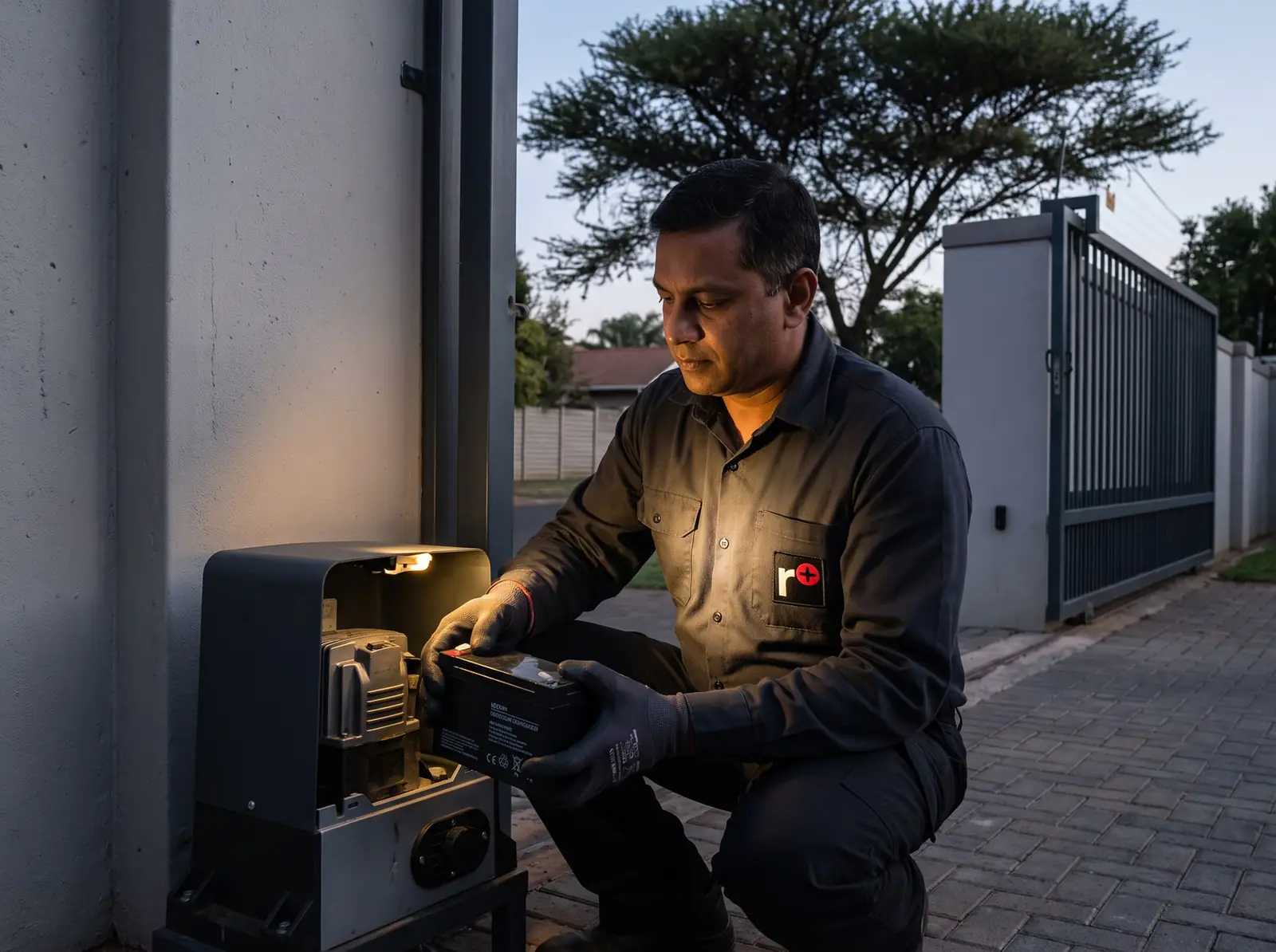
The motor always runs from its battery: the mains, or the transformer on the Low-Voltage model, only keeps it charged. The charger gives out about 13.8 V. When the battery drops below 10.6 V the motor stops to protect it, and Centurion expects a maintenance-free battery to last up to three years. A larger 7 Ah battery fits for longer standby. Because the controller, beams and other devices keep drawing current after the motor has shut down, Centurion offers a low cut-out switch (CP107) that disconnects the battery completely before it's damaged.
A D2 Turbo can also run on solar. Centurion's guide figure for Southern Africa is a 20 W panel for about 20 operations a day, with a deep-cycle battery of at least 35 Ah to carry it through cloudy days. We test and replace batteries: see gate motor batteries.
Clearing everything: the full reset
A full reset puts every setting back to default and clears all remotes and the limits, so the gate must be set up again afterwards. Centurion's steps:
- Remove the power: switch off the mains (or the transformer) and disconnect one battery terminal.
- Press and hold the pushbutton on the controller.
- Reconnect the power, mains or battery first, either way.
- Keep holding. The opening beam, closing beam and lockout lights come on, go off and come on again. Then let go.
Centurion also uses this reset after beams have been removed: until then, or until the beam inputs are linked out, the controller won't run.
| Setting | Default |
|---|---|
| Operating mode | Standard |
| Autoclose | Off (15 seconds once switched on) |
| Collision sensitivity | High |
| Speed | High |
| PIRAC | Off |
| Positive close | Off |
| Pillar light | Courtesy light |
A reset rarely cures a fault, so work through the faults above first.
Six-monthly checks and when to call us
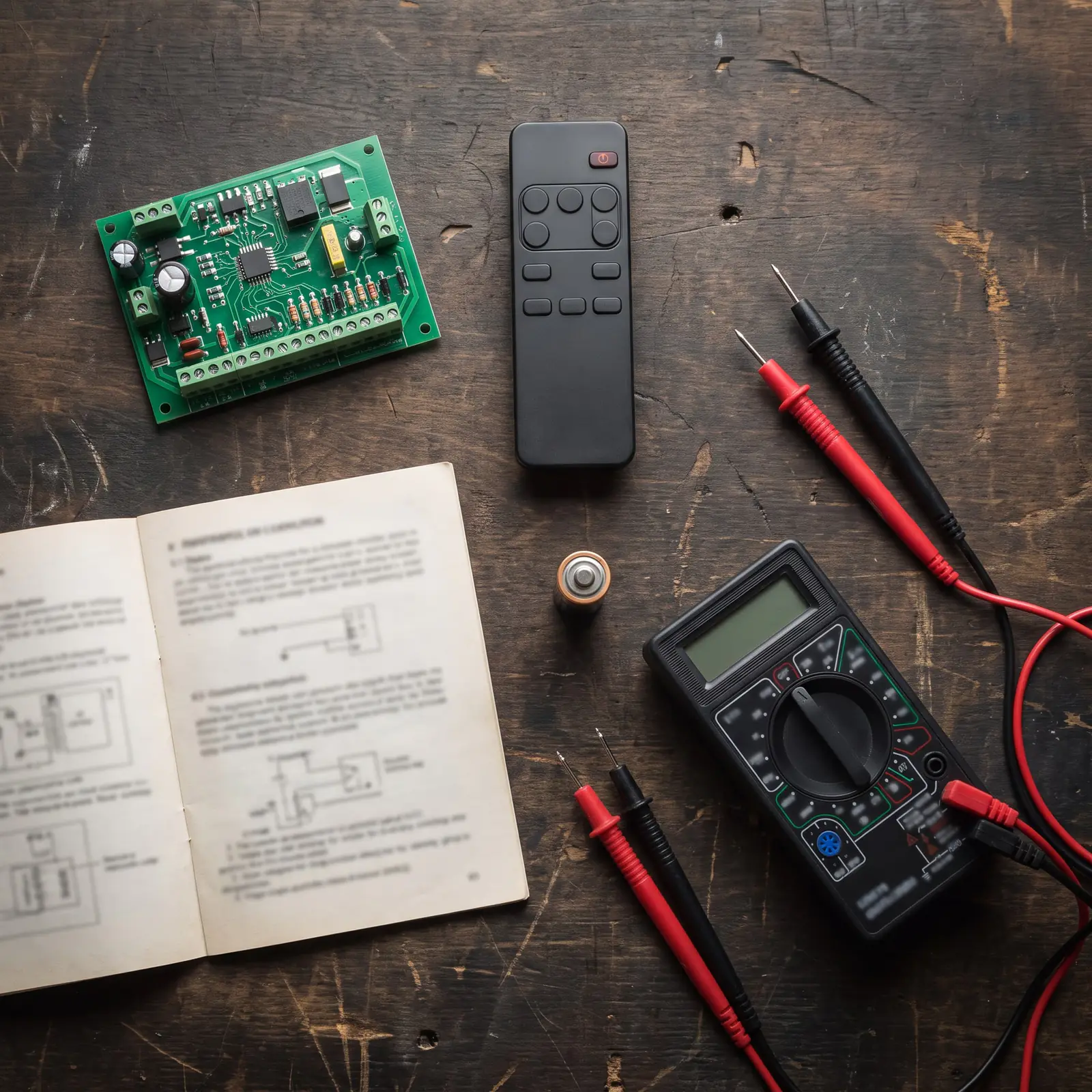
Every six months, with the power off, Centurion asks for a clean track, free-turning wheels and rollers, a gate that slides easily on manual, a rack that never rests on the pinion, plants trimmed back and corrosion-free battery terminals. The gearbox is greased for life at the factory.
Call us when the gate keeps overrunning, the battery fails Centurion's test, the motor won't run on a charged battery, or a fault needs the cover off. We repair D2 Turbo controllers, chargers, origin sensors and motor assemblies, and we fit beams, pillar lights and solar kits. All our spare parts are genuine, and every repair carries our six-month guarantee on our repairs.
D2 Turbo parts prices
| Part | Typical shop price |
|---|---|
| D2 Turbo control card | D2 Turbo about R2 280 (Takealot) |
| 12 V 7 Ah lead-acid battery | R230–R450 (generic to Centurion-branded; Takealot) |
Prices checked October 2026. Fitted, a battery or a card costs more than the part alone. Your exact price is set in a free quote before any work starts. No call-out fee when we do the work. If no work is done, a R650 call-out fee applies.
Centurion's PDFs
- Centurion D2 Turbo installation manual: specifications, installation, wiring, setup, features and troubleshooting
- Centurion D2 Turbo diagnostic guide: the short symptom-and-cause table
Every other Centurion model is on Centurion manuals.
Questions
Centurion D2 Turbo questions
How do I factory reset the Centurion D2 gate motor?
Switch off the mains or the transformer and disconnect one battery terminal, hold down the pushbutton on the controller, reconnect the power and keep holding until the three green input lights have gone off and come back on. Everything returns to default, including the remotes and the limits, so the gate must be set up again. See the full reset.
How to reset Centurion D2 turbo?
It depends on what has stopped it. Four flashes mean the gate has had too many collisions: clear whatever is in its way and press a remote to reset it. Three beeps every two seconds mean a low battery, and the gate rests for two minutes while the charger catches up. A full reset is only for starting the setup from scratch. Read what the beeps mean.
How to program a gate remote Centurion D2?
Turn the Function Dial to REMOTES, the Setting Dial to Tx TRG (or Tx PED for pedestrian opening), press the pushbutton until the light turns green, then press the remote button: two flashes and two beeps confirm it. Turn the Function Dial back to RUN. See remote setup.
How to program Centurion D2 motor?
With two dials and a pushbutton on the controller: the top dial chooses the function, the bottom dial the setting, and the button selects it. Start with the limits: close the gate, choose LIMITS and SETUP, press the button and let the gate learn its positions. See the setup.
Book a technician
Get a gate motor quote
Job card
We WhatsApp or call you back. Fields marked (required) are needed.