Manual · Centurion Sector II
Centurion Sector 2 boom gate manual: setup, spring balance, lights and upkeep
The Centurion Sector II is a traffic barrier for estates, offices and car parks, built to raise and lower up to 3,000 times a day. Its controller has an LCD screen and walks the installer through setup, and it tells you a lot about its own health if you know where to look. This is its manual in plain English: setup, the spring balance, the loop settings, what the lights and screen mean, and the maintenance that keeps a busy boom working.
Six-month guarantee on our repairs
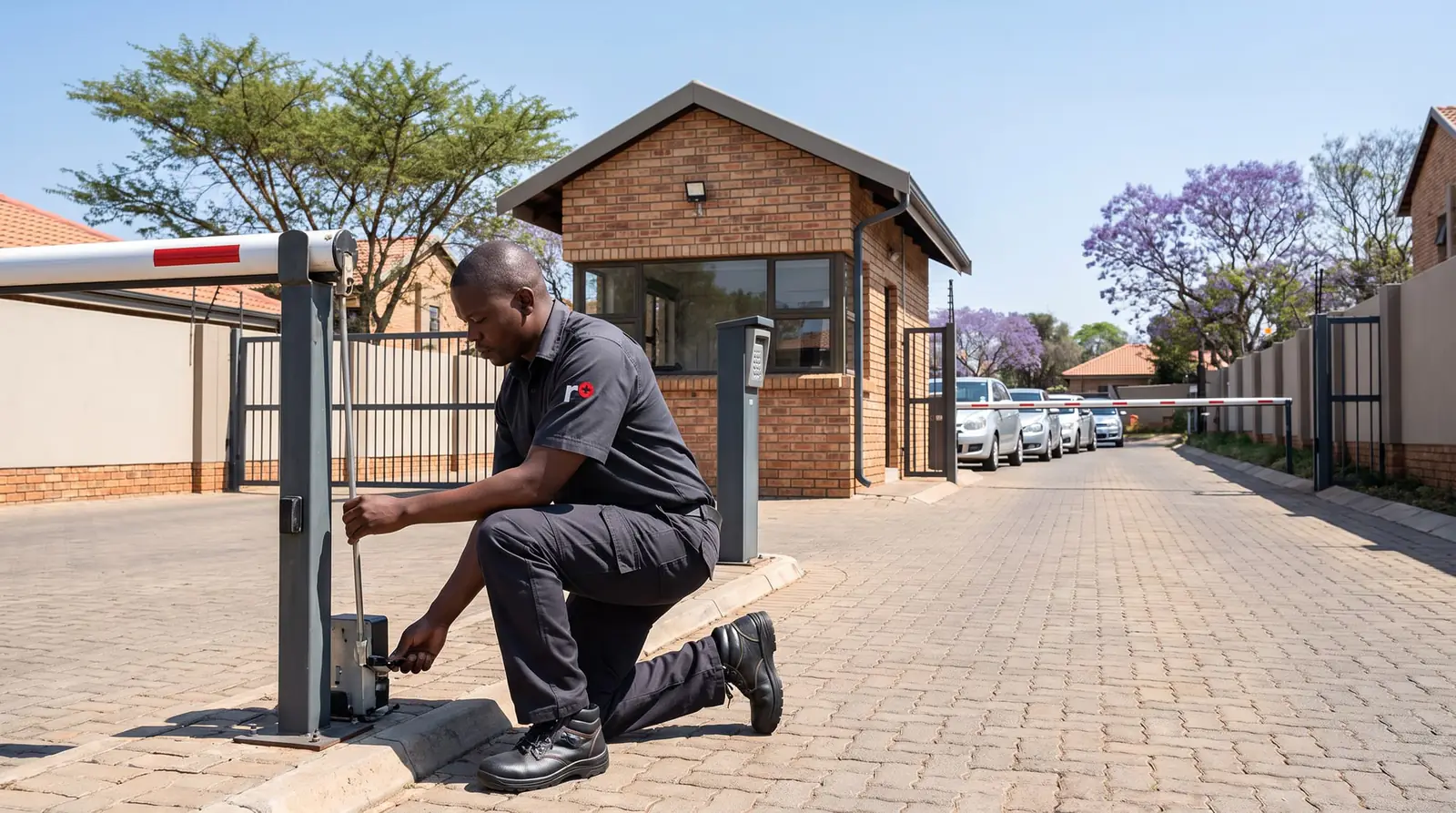
Sector II specifications
| Sector II 3 m | Sector II 4.5 m | Sector II 6 m | |
|---|---|---|---|
| Longest pole | 3 m | 4.5 m | 6 m |
| Raise time (adjustable) | 1.2 seconds | 3 seconds | 3 seconds |
| Mass of pole | 2.4 kg | 3.7 kg | 4.9 kg |
All three run a 12 V DC motor from a 7 Ah battery (up to 33 Ah without a bigger charger), charged by a CP84SM charger at 1.8 A from a 110 to 240 V supply, and are built for up to 3,000 operations a day at an 80% duty cycle. The onboard receiver holds 500 remote buttons on 433.92 MHz, and the operating range is −15 °C to 55 °C, with Centurion advising shade in particularly hot spots. The pole is round aluminium, 76.2 mm across, epoxy-coated white with red reflective tape.
Inside the housing sits an electronics tray with the battery, the S-series controller, the charger and space for one or two FLUX loop detectors. How the three models differ in use, and why the pole must match the spring, is on boom gates.
Setting up the controller
The S-series controller is set up on its LCD screen, following each stage on the display:
- Press and hold the oblong enter button for two seconds to go into Setup Mode.
- On a first power-up from the factory, choose the operating profile: ZA for South Africa (CE is Europe, UL325 North America).
- The controller goes straight into the limit setup. Follow the instructions on screen.
- To change anything later, hold the oblong button for two seconds again to reach the menus.
The menus then cover the limits, safety (collision force), auto-lower, the mode of operation, the run profile (end stops, speeds, ramps and torque), the loop detectors, a traffic light output, the barrier status output, the ticket vendor interlock for pay points, and the remotes.
Collision force has five working levels for raising and lowering separately. A sixth switches collision sensing off and drives at full force until the motor stalls; Centurion says to use it only with extra protection such as loops. Its own footnote is worth repeating: maximum doesn't mean most sensitive, it means the boom pushes hardest.
Balancing the spring
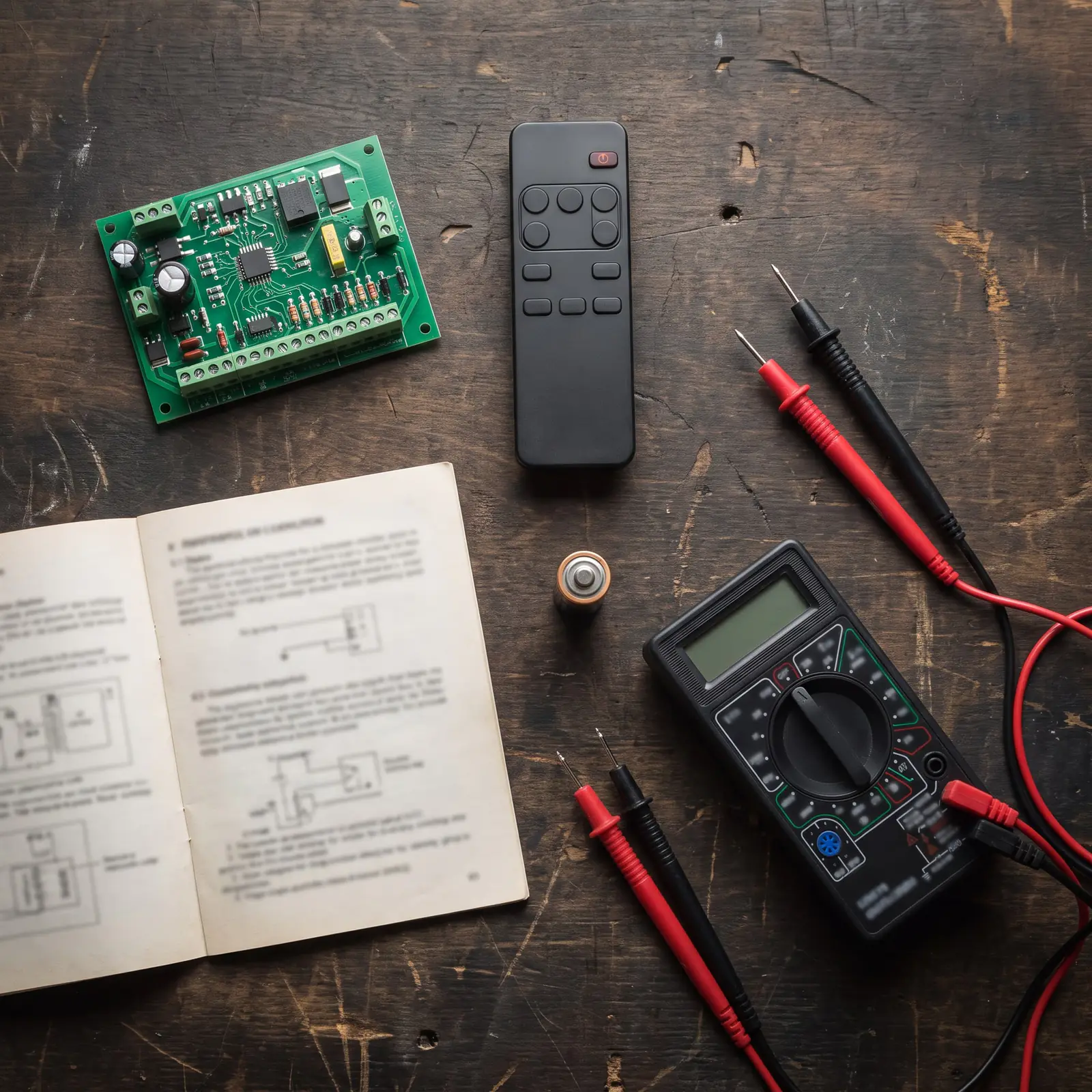
A boom pole is balanced by the spring inside the housing, and the controller helps set it. In standby, one press of the down arrow shows how many turns the spring needs and in which direction. A badly balanced pole makes the controller beep on every operation.
Centurion's method:
- Put the barrier into Simplex Mode (menu 4).
- Raise the pole. The spring is only ever tensioned with the pole raised.
- Turn the ratchet handle in the direction shown, running the barrier every couple of turns.
- Run two full cycles with the round button to refresh the number on screen. Stop when it reads zero.
There's also a quick test with no screen at all. With the pole raised, disconnect the charger and battery, lower the pole by hand and let go: it should come back up and stop at about 45°. If it stays down, the spring is too weak or too slack for the pole; if it rises all the way, it's too strong or too tight. This is close work on a loaded spring beside a moving pole, so it's a job for a technician.
Loop and safety settings
Most Sector II sites use inductive loops cut into the road, and menu 6 decides how the boom treats them:
- ILAC (inductive loop auto-close): the boom lowers as soon as the car moves off the closing loop. Off by default.
- Roll-back time: if a car is detected within this time, the boom goes back up; after it, the boom won't raise. Ten seconds by default.
- Free-exit loop direction: lets one lane with traffic both ways use a free-exit loop, with careful placing of the loops.
- Presence alarm: goes off if the closing loop stays occupied for a set time while the pole is down, such as a car left standing on the loop. Off by default.
Collision count, in menu 2, sets how many collisions in a row the boom accepts before it shuts down; the count resets every time the pole reaches the bottom, and a valid trigger clears the shutdown. In the run profile (menu 5), the end stops can be left in fail-safe mode, so the pole moves by hand, or the controller can hold the pole electronically at the top or bottom, or the end stops can be locked mechanically so only the override key moves it.
What the status light means
The Status light on the controller, and any indicator wired to the status output, shows what the boom is doing:
| Light | Pattern | What it means | 0 to 2 seconds |
|---|---|---|---|
| Off | The boom is down. | ||
| On, steady | The boom is partly or fully raised. | ||
| Slow flash | The boom is raising. | ||
| Fast flash | The boom is lowering. | ||
| 1 flash every 2 seconds | The pillar light override is on. | ||
| 2 flashes every 2 seconds | No mains: the barrier is running on its battery. | ||
| 3 flashes every 2 seconds | The battery voltage is low. | ||
| 4 flashes every 2 seconds | Multiple collisions: the boom has shut down until a valid signal. |
The screen and the board lights
On the LCD, the battery icon shows four bars when full, two at half, and flashes empty when it's flat; the plug icon is solid while the mains is on and charging, and hollow and flashing when there's no mains. The screen also shows the auto-lower countdown, or OVR when auto-lower has been overridden, and the boom's status.
The input lights follow a simple rule: green lights belong to inputs that should normally be closed, and stay on while all is well (ILP for the loop detector, Aux, and Lck/Stp); red lights belong to normally open inputs and light only while their signal is present (memory input, non-memory input, Raise and Lower). A green light that's off, or a red one that won't go out, is the input to check.
When the boom won't finish its setup, the controller has a drive circuit check: in standby with No Limits Set on the screen, press the down arrow until it shows Drive, Motor and Fuse. Three ticks are healthy; an error in any block most likely means a faulty controller.
Maintenance on a busy boom
Centurion asks for maintenance at intervals that match how hard the boom works, and a full service after every 1.75 million operations. Its checklist:
- The position sensor: take out the DOSS sensor, clean the dust from its optics and check it.
- The battery: under load it must not drop below 10.5 V, which the information screen shows; check the terminals for acid and clean them.
- The charger: with the battery disconnected, the screen should show 14.20 V from the charger.
- The wiring: tighten every connection and clear any dirt.
- The pole: tighten the M8 nuts holding it to the coupler, check it's level and adjust it with the adjustment link.
- The mounting: check the barrier is still bolted down tight to its plinth.
- The drive: torque the adjustment link bolts and the drive arm nut to 45 Nm, and tighten or replace the end stops.
- The spring: check the balance on the screen, as above.
- Cables and loops: check every cable's route and condition, and that the loop wires are still twisted.
On a 316 stainless barrier near the coast, a wash with a soft cloth, warm water and a little mild detergent stops the brown tea-staining that salt causes.
When a Sector II won't behave
- It won't complete setup. Centurion's checks: damaged spider couplers under the motor, a slipping drive arm, a DOSS sensor that's unplugged or dusty, then the drive circuit screen above.
- The pole won't raise after setup. Cracked spider couplers, a drive arm that has lost its 45 Nm, or the drive clamp.
- It beeps on every run. The spring is out of balance for the pole.
- The status light flashes three times. A low battery: test it under load, and the charger, as in the maintenance list.
- It goes up as soon as the power fails. That's the ZA profile's default: raise when mains fails is on, and the pole stays up until the mains returns. Whether it should be is the site's decision.
- It comes down on a car, or won't come down. Loop settings, a loop detector, or a broken loop wire in the road.
The Sector II's fuses, from Centurion's table: a 30 A automotive fuse for the motor circuit and a 3 A fast-blow glass fuse for the light circuit on the controller, an electronically limited 300 mA auxiliary supply, and a 3 A fast-blow glass fuse on the charger's mains input. The mains supply to the barrier is a job for a registered electrician.
We service and repair Sector II barriers: controllers, gearboxes and couplers, springs and poles, DOSS sensors, chargers, batteries and loop detectors. All our spare parts are genuine, and every repair carries our six-month guarantee on our repairs.
Factory settings on a South African Sector II
| Setting | Default | Range |
|---|---|---|
| Raising and lowering collision force | Level 3 | 1 to maximum |
| Collisions before shutdown | 4 | 1 to 255 |
| Auto-lower | Off; 30 seconds once on | Up to 4 minutes |
| Raise when mains fails | On | On or off |
| Raising and lowering speed | 37° a second | From 10° a second to maximum |
| Torque limit | 15 A | 5 to 15 A |
| Roll-back time | 10 seconds | 1 to 15 seconds |
| Pillar light timer | 2 minutes | Up to 9 hours 59 minutes |
| Onboard receiver | On | On or off |
Sector II prices
| Barrier | Typical shop price |
|---|---|
| Sector II 3 m, mild steel (component listing) | about R26 200 (NeonSales) |
| 3 m DC barrier, 430 stainless, loop detector and boom pole | about R32 000 (NeonSales) |
| 6 m, same specification | about R36 000 (NeonSales) |
These are prices for the barrier without installation, which depends on the plinth, the loops cut into the road and the power run, so it's priced on site. Prices checked October 2026. The full list, with replacement poles, is on boom gate prices. Your exact price is set in a free quote before any work starts. No call-out fee when we do the work. If no work is done, a R650 call-out fee applies.
Centurion's PDF
- Centurion Sector II boom gate, installer manual: installation, wiring, loop detectors, the menu map, maintenance, diagnostics and defaults
Booms in general are on boom gates, and every other Centurion model is on Centurion manuals.
Book a technician
Get a gate motor quote
Job card
We WhatsApp or call you back. Fields marked (required) are needed.