Manual · Centurion SMART app
Centurion SMART app: MyCentsys for gate motors and the SDO4 garage motor
Centurion's SMART motors have no display to set them up on: everything happens in three free MyCentsys apps on a phone. The same apps run the D-series sliding gate motors, the Vantage SMART swing gate motor and the SDO4 SMART garage door motor. This page explains which app does what, how to turn a phone into a remote, how the apps keep strangers out, and what to try when one won't connect.
Six-month guarantee on our repairs
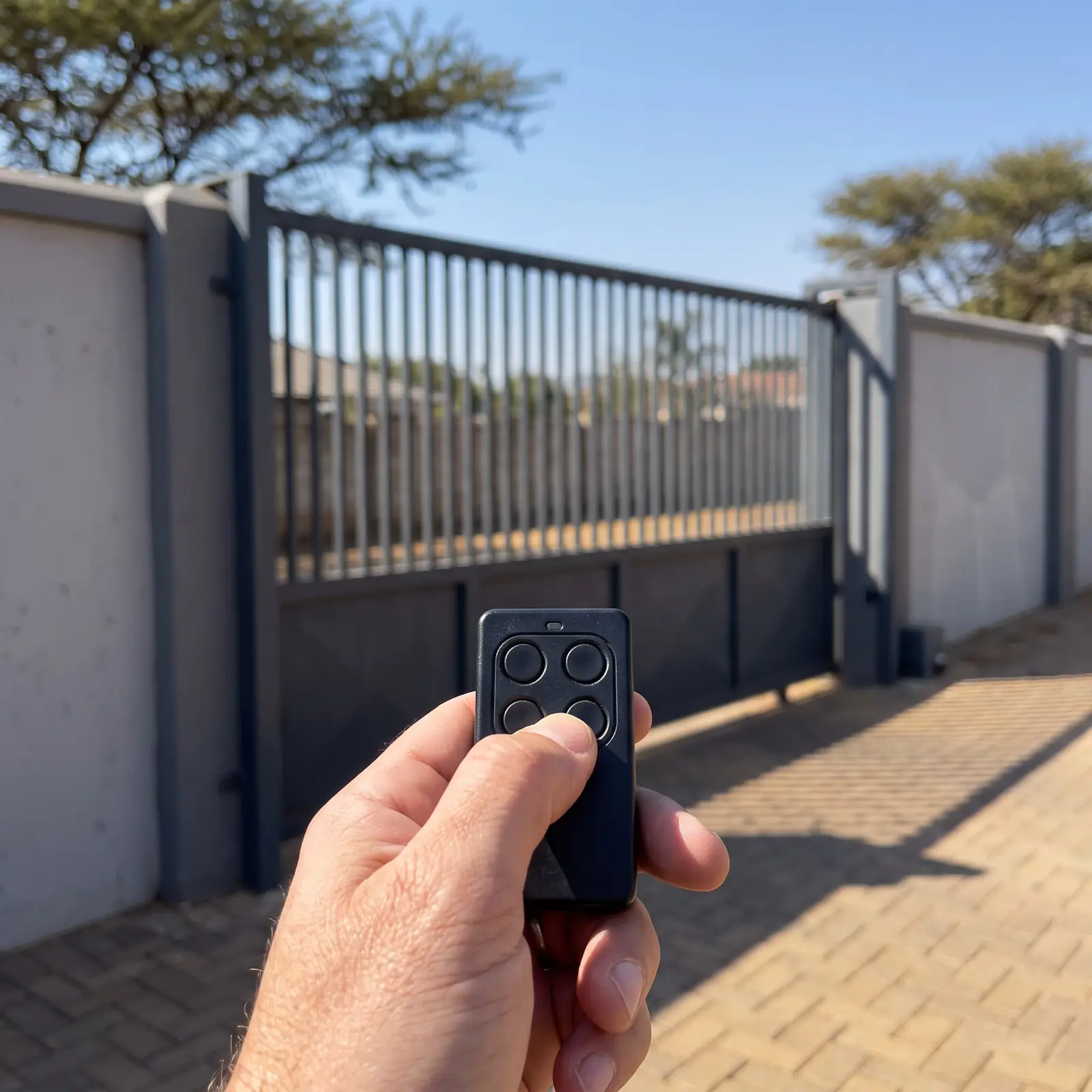
Three apps, three jobs
| App | Who it's for | What it does |
|---|---|---|
| MyCentsys Pro | The installer | Commissions the motor: limits, speeds, safety and every other setting |
| MyCentsys | The owner | Adds NOVA remotes, phone users and other admins; sets ChronoGuard time rules; connects a SMART+ to Wi-Fi |
| MyCentsys Remote | Everyone who uses the gate | Opens and closes the motor and shows its status |
All three are on Apple's App Store, Google Play and Huawei's AppGallery, and Centurion's manuals carry a QR code to each. The phone needs Bluetooth Low Energy and either iOS 13 on an iPhone 6s or newer, or Android 8.0 or newer.
Which Centurion motors use the apps
- D-series SMART and SMART+ sliding gate motors: the D3 SMART, D4 SMART+, D5-Evo SMART, D6 SMART, D10 SMART, D10 Turbo SMART and D20 SMART.
- The Vantage SMART linear swing gate motor, in all three models. See the Vantage manual.
- The SDO4 SMART sectional and tip-up garage door motor.
- Centurion's ULTRA devices, such as the G-ULTRA GSM module, which MyCentsys Remote also controls.
Older Centurion motors with their own display or dials, such as the D5-Evo with its LCD or the D2 Turbo, are set up on the motor itself, and their manuals make no mention of these apps. To work one of those from a phone, Centurion's answer is a GSM module: see the G-ULTRA manual.
Turning your phone into a remote
Centurion's steps for MyCentsys Remote, the same for a gate or the SDO4 garage door:
- Install MyCentsys Remote from your phone's app store, or scan the QR code in the motor's manual.
- Open it and register with your details.
- Tap + SMART (or + SMART+).
- Choose your motor from the list of operators.
- Wait for the Device Added message.
- Tap the motor on the home screen to see its buttons and its status.
This only works once the motor's admin has added your mobile number as a remote user in the MyCentsys app; without that, the app can't connect at all. On a SMART+ that's on Wi-Fi, a phone that has been added finds the motor in its list by itself. Centurion's Vantage SMART manual lists room for 1,500 MyCentsys Remote users.
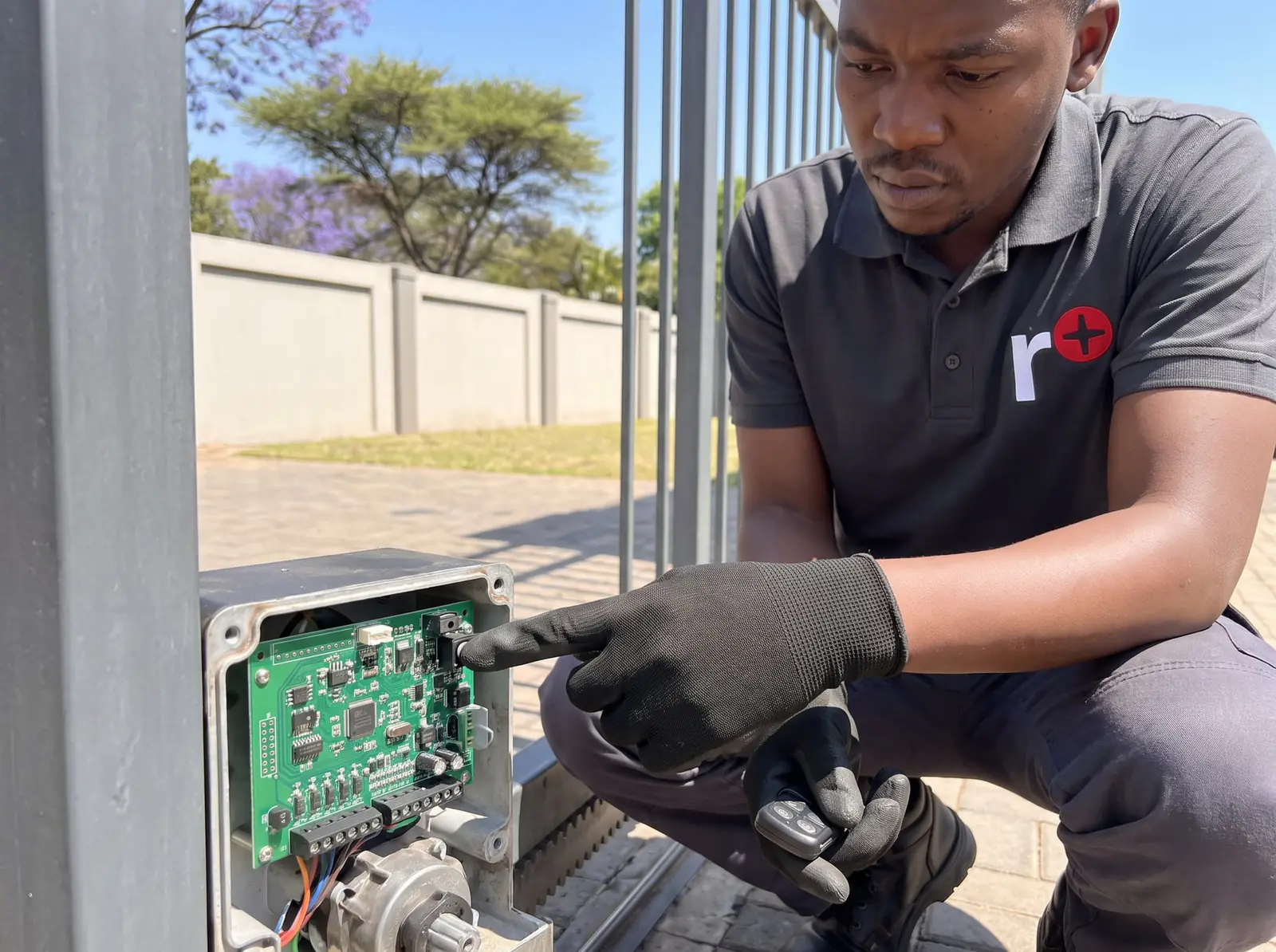
Bluetooth or Wi-Fi?
Every SMART motor talks to the apps over Bluetooth Low Energy, which means standing within reach of the motor. The original SMART models, set up in Centurion's earlier manual, have Bluetooth only. The SMART+ models add 2.4 GHz Wi-Fi, which the owner connects in the MyCentsys app.
Two things to know about Wi-Fi: it has to be the 2.4 GHz band, and if your router or password changes, the motor needs connecting to it again. If the gate is far from the house, the Wi-Fi signal at the motor is the thing to check before blaming the app.
How the apps keep strangers out
Centurion's Vantage SMART manual sets out two safeguards, worth knowing if you're wary of a gate that opens from a phone:
- The settings are locked to people at the motor. Any new connection from MyCentsys Pro has to be authorised by opening and closing the motor's manual override, which needs the key. A phone number already added as an admin can connect without that step.
- Only listed phones can open the gate. MyCentsys Remote can trigger the motor only if that mobile number has been added as a remote user. An unknown phone can't connect.
So the person holding the override key, and whoever they make an admin, decides who gets in.
What your installer should hand over
Centurion's SMART+ handover checklist asks the installer to leave the owner in control, not just with a working gate. Before they leave, make sure that:
- You are an admin user on the motor. Centurion's checklist says so in as many words, because the admin is the one who manages everyone else.
- You know the MyCentsys app well enough to add and remove NOVA remotes, add and remove MyCentsys Remote users, add and remove admins, and, on a SMART+, set up the Wi-Fi.
- MyCentsys Remote is set up on your phone, with its notifications explained: the app shows what the motor is doing, including the alarms that have been switched on, such as tamper or break-in alerts.
- You have the override keys and have seen the manual release work, both the normal release and the latched one.
With admin access you never need the installer back just to add a family member or take a lost remote off the system.
The SDO4 SMART garage door motor
The SDO4 SMART is commissioned in MyCentsys Pro like the gate motors, and MyCentsys Remote opens it from the same phone as the gate. Centurion's manual adds two wireless options: a four-button wireless wall switch that works the door, turns on its light and switches on holiday lockout without running any wires, and SMART sirens that work with SMART gate and garage motors alike. For the motor itself, see Centurion SDO4 remotes.
When the app won't connect
Work through these in order:
- Bluetooth on, phone near the motor. Bluetooth Low Energy has a short range.
- The phone is new enough. An iPhone 6s or newer on iOS 13, or Android 8.0 or newer, with Bluetooth Low Energy.
- Your number is on the motor. For MyCentsys Remote, the admin has to have added your mobile number as a remote user.
- A new installer connection is authorised. MyCentsys Pro asks for the manual override to be opened and closed before it connects.
- The Wi-Fi hasn't changed. On a SMART+, a new router or password means connecting the motor to Wi-Fi again.
If the app still can't see the motor, the controller or its wireless parts may be at fault. We repair SMART control cards and set up the apps, NOVA remotes and Wi-Fi. All our spare parts are genuine, and every repair carries our six-month guarantee on our repairs.
Centurion's PDFs
- Centurion D-series SMART+ installation manual: the D-series SMART+ range and the apps
- Centurion D-series SMART installation manual: the original D-series SMART
- Centurion V-series SMART (Vantage) installation manual: the Vantage SMART and the apps' security
- Centurion SDO4 SMART installation manual: the SDO4 SMART garage door motor
Every other Centurion model is on Centurion manuals.
Questions
Centurion SMART app questions
Can I control my gate remote using my phone?
Yes, on a Centurion SMART motor: once the admin adds your number as a remote user, the free MyCentsys Remote app opens and closes the gate and shows its status. Older motors need a GSM module instead. See the steps.
Can I open my garage door with my phone?
With a Centurion SDO4 SMART, yes: MyCentsys Remote opens it from the same phone as a SMART gate, once your number has been added as a remote user. Read about the SDO4 SMART.
Why is my Centurion D5 Smart not connecting to the app?
Usually Bluetooth is off or the phone is too far away, the phone is older than iOS 13 or Android 8.0, the number hasn't been added as a user, or on a SMART+ the Wi-Fi has changed. A new MyCentsys Pro connection also needs the manual override opened and closed. Work through the checks.
Book a technician
Get a gate motor quote
Job card
We WhatsApp or call you back. Fields marked (required) are needed.