Manual · Centurion G-ULTRA
Centurion G-ULTRA manual: the GSM module that opens your gate from a phone
The Centurion G-ULTRA is a small GSM unit that sits beside a gate motor, an electric fence or an alarm and lets phones control and monitor it from anywhere with signal. It can give an older motor phone control, and give a whole complex gate access by phone instead of a remote for everyone. This is its manual in plain English: what it does, how it's wired and powered, the SIM and airtime, the two apps that run it, and what its screen tells you.
Six-month guarantee on our repairs
What a G-ULTRA does
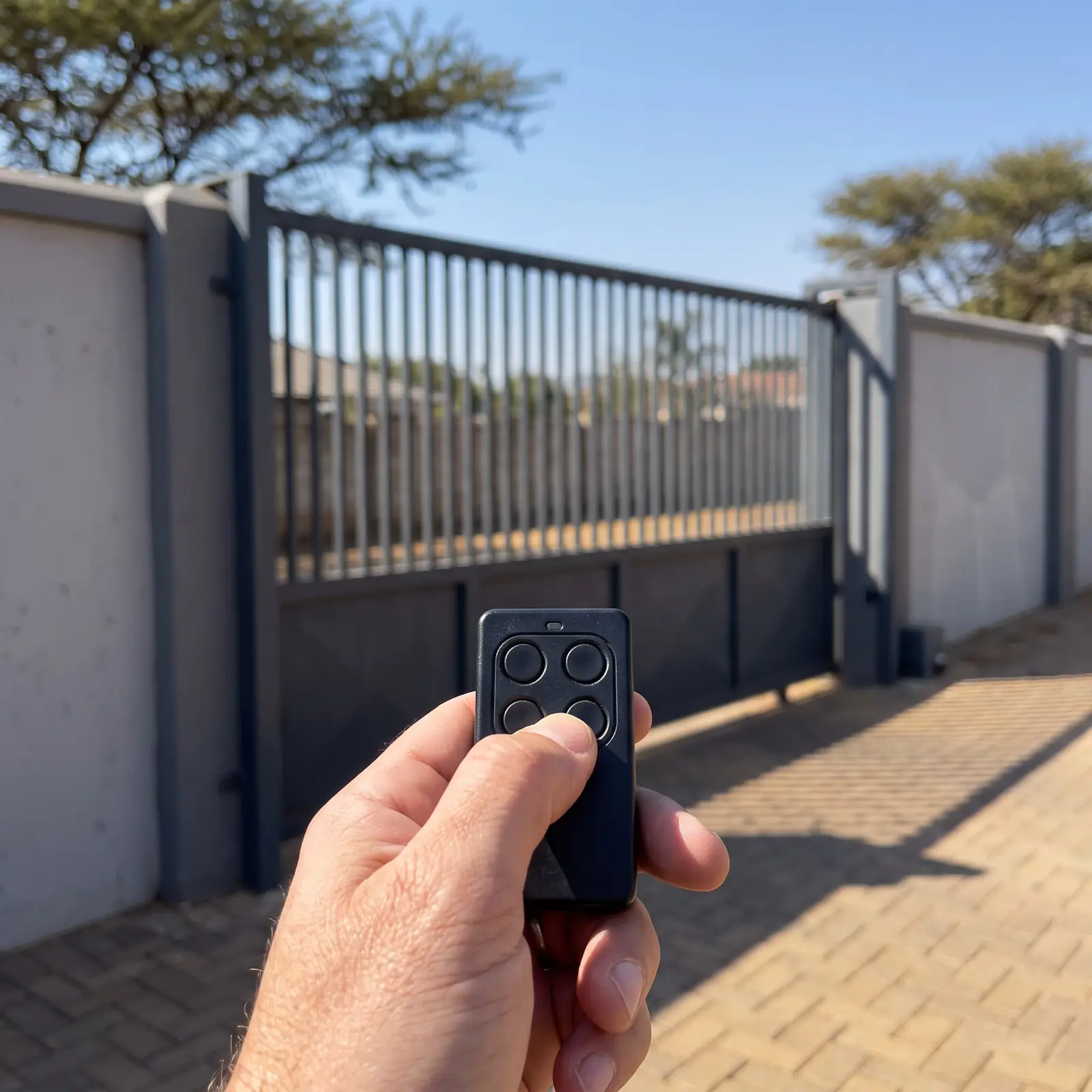
The G-ULTRA has a built-in GSM modem and its own SIM card, so it talks to the cellular network directly. Wired into a gate motor, it lets authorised phones open the gate, open it for pedestrians, hold it open or switch on holiday lockout, and it can send notifications back: gate open or closed, opening or closing, standing open, mains failure, battery low and multiple collisions. Wired into an electric fence or an alarm, it arms and disarms the system and reports alarms.
Two free apps run it. G-WEB, a website and an app, is the administrator's tool: it adds the device, sets up who has access and what each input and output does, and buys airtime. G-REMOTE is for everyone who uses the gate: big, colour-coded buttons and the notifications. A complex can run several G-ULTRAs from one G-WEB account, and the devices don't have to be on the same property.
G-ULTRA specifications
| Item | G-ULTRA |
|---|---|
| Supply | 11 to 24 V DC |
| Current draw | Up to 300 mA at 12 V |
| Inputs and outputs | 4, each set as an input or an output, 50 mA open collector |
| Relays | 2, each switching up to 1 A at 30 V AC or DC |
| Input sensing | 0 to 24 V: below 1.6 V reads low, 5 to 24 V reads high |
| Network | MTN (South Africa only) on the supplied SIM |
The fourth input or output (IO4) has a third job: it is the gate status input, which tells the G-ULTRA whether the gate is open, closed or moving. The relays are for switching bigger loads; the four IO are for signals.
Wiring it to a gate motor
Configuring a feature is always two parts, in Centurion's words: switch it on in G-WEB, then wire it correctly. On a Centurion D-series controller, the wiring Centurion shows for gate status and for a trigger pulse is:
- Power everything down first: mains and battery.
- Lift the G-ULTRA's cover to reach the terminal strip.
- Join the G-ULTRA's GND and VDC minus terminals, and run the VDC minus to the controller's COM.
- Connect IO4 to the controller's STATUS output, for the gate status.
- Connect the G-ULTRA's +VDC to the controller's 12 V auxiliary output.
- For opening, a relay set to pulse (close briefly, then open) is wired across the controller's trigger input. Relay 1 or relay 2 can be used.
- Check every connection, then power up.
Centurion warns against mounting the G-ULTRA close to the motor's DOSS position sensor or its remote receiver. It also says never to power the unit from mains AC, which destroys it, and not to oversupply it.
Power and battery backup
Drawing 300 mA at 12 V, a G-ULTRA on its own 12 V 7 Ah battery would run for about 23 hours in theory, which Centurion offers as a load-shedding figure while warning that a real battery's condition shortens it. Centurion's tip for a G-ULTRA with its own battery and power supply is a diode in the positive line between the supply and the battery, so the supply can't drain the battery when the mains goes; with the diode's 0.6 V drop, a 13.7 V lead-acid charge needs 14.3 V in. It also warns that the input voltage must be kept strictly within limits with a battery fitted, or the battery overcharges.
On a gate motor, Centurion's wiring powers it from the motor's own 12 V auxiliary output, as above, so it shares the motor's battery during a power cut. Any new mains supply for the equipment is a job for a registered electrician.
The SIM card, tokens and signal
The G-ULTRA comes with a nano SIM contracted through Centurion to MTN. It only works in Centurion products, not in a phone. Using the apps to configure and run the device costs nothing for the life of the product on that SIM, but SMS notifications and outgoing calls use tokens, Centurion's airtime, which can only be bought through G-WEB.
The unit isn't network-locked: any South African network's SIM can go in, and G-WEB will still configure it, but G-WEB can then no longer manage its airtime. On the SIM's side the network has to be MTN for Centurion's own SIM; the phones using G-REMOTE can be on any network.
Check signal before installing. Centurion calls coverage best-effort and says poor or patchy coverage affects how the system works. If commands arrive late or notifications take long, an external antenna can be fitted and selected on the unit itself. If the SIM is suspected, power the unit down, release the SIM by pressing its flat edge with closed tweezers, and clean its contacts with an ordinary eraser before trying a new one.
Setting it up in G-WEB
The box carries two things to keep: the unit's IMEI number and its four-digit password. Photograph the flap before it's thrown away. Then:
- Mount the unit on a solid surface away from water and condensation, using its mounting plate as a template rather than drilling through it, and clip the unit back on.
- Power it up. The screen shows the Centurion logo for about ten seconds, then the home screen.
- In G-WEB, log in or create an account, go to My Devices, click Add New Device, choose G-ULTRA and enter the IMEI, the four-digit password and a name for it.
- Set up the inputs, outputs and relays for what's wired to them.
- Add the access numbers: the phones allowed to use it. A whole list can be imported from Centurion's template, and re-importing with "delete numbers not listed" keeps it up to date when residents move.
- Synchronise, which sends the configuration to the device. Over a weak signal it can take more than one try.
Access profiles and time windows then decide who sees which button and when: a cleaner who can open the gate only on weekdays, say, or residents who see the gate button but not the fence alarm. The changes reach users' phones when the permissions are pushed.
Using G-REMOTE
G-REMOTE is free on Android and iOS. It isn't a setup tool: once the administrator has added a user's number, the buttons and notifications for that G-ULTRA are pushed to their phone. Tap a button and wait a moment; it changes colour and label only once the G-ULTRA confirms the action has happened, so a button that doesn't change means the command didn't get through. Buttons can be renamed, recoloured and added to favourites.
For SMART motors with Bluetooth and Wi-Fi, Centurion's phone app is MyCentsys Remote instead, and it can control a G-ULTRA too: see the Centurion SMART app.
What the screen shows
The LCD only shows status; nothing is configured on the unit except the antenna choice. The scroll buttons move between screens:
- Home: signal strength (2G or 3G), an internet connection, an active link to G-WEB, an error, and incoming and outgoing messages and calls. Outgoing ones use a token each.
- IO status: each of the four IO, and whether it is active.
- Output status: each relay's position.
- Voltage, firmware, date and time: a supply reading updated now and then (Centurion says it's not a voltmeter), and the firmware version. Firmware updates are free, though network costs may apply.
- Phone number of the SIM, airtime balance for calls and SMS, and the antenna in use.
- Gate status: closed, moving, open, or a warning, when IO4 is set up as the gate status input.
- SIM: PIN accepted, wrong PIN (the unit then sends and receives nothing), or a SIM error that may need it cleaned or replaced.
- IMEI and the name given to the unit in G-WEB.
When a G-ULTRA stops working
- Buttons don't change in G-REMOTE. The command isn't reaching the unit: signal at the gate, the SIM, or airtime for SMS-based actions. Check the home screen's signal and G-WEB link icons.
- Notifications have stopped. Tokens have run out, or the signal is poor; the airtime screen shows the balance.
- A new resident can't open the gate. Their number isn't in the access numbers, or the permissions weren't pushed after it was added.
- The screen is blank. No power: check the supply from the motor's auxiliary output, and the motor's own battery.
- Gate status is wrong or missing. IO4 isn't set as the gate status input in G-WEB, or the wire to the controller's STATUS output is loose.
We fit, wire and set up G-ULTRAs on gate motors, set up G-WEB access lists for complexes, and repair the gate motors they control. All our spare parts are genuine, and every repair carries our six-month guarantee on our repairs.
Centurion's PDFs
- Centurion G-ULTRA GSM module, installer manual: the unit, wiring diagrams, G-WEB and G-REMOTE in full
- Centurion G-ULTRA GSM module, quick guide: the short version for installers
Every other Centurion product is on Centurion manuals.
Questions
Centurion G-ULTRA questions
What is a G-ultra device?
Centurion's G-ULTRA is a GSM module with its own SIM that lets authorised phones open and monitor a gate motor, electric fence or alarm from anywhere with cellular signal, using the free G-WEB and G-REMOTE apps. See what it does.
How to connect Centurion G-Ultra?
Wire it to the motor's controller (power from the 12 V auxiliary output, IO4 to STATUS, a relay to the trigger), then add it in G-WEB with the IMEI and four-digit password from the box, add the access numbers and synchronise. See the setup.
Book a technician
Get a gate motor quote
Job card
We WhatsApp or call you back. Fields marked (required) are needed.