Manual · Centurion D5 SMART
Centurion D5 SMART troubleshooting: what to check, in order
A Centurion D5-Evo SMART has no display to read a fault from: it is set up and monitored in the MyCentsys apps, and Centurion's SMART+ manual doesn't print a list of fault codes. So troubleshooting one is a matter of working through the gate, the power and the app in a sensible order. Here is that order, using what Centurion's manual does say, and where a technician takes over.
Six-month guarantee on our repairs
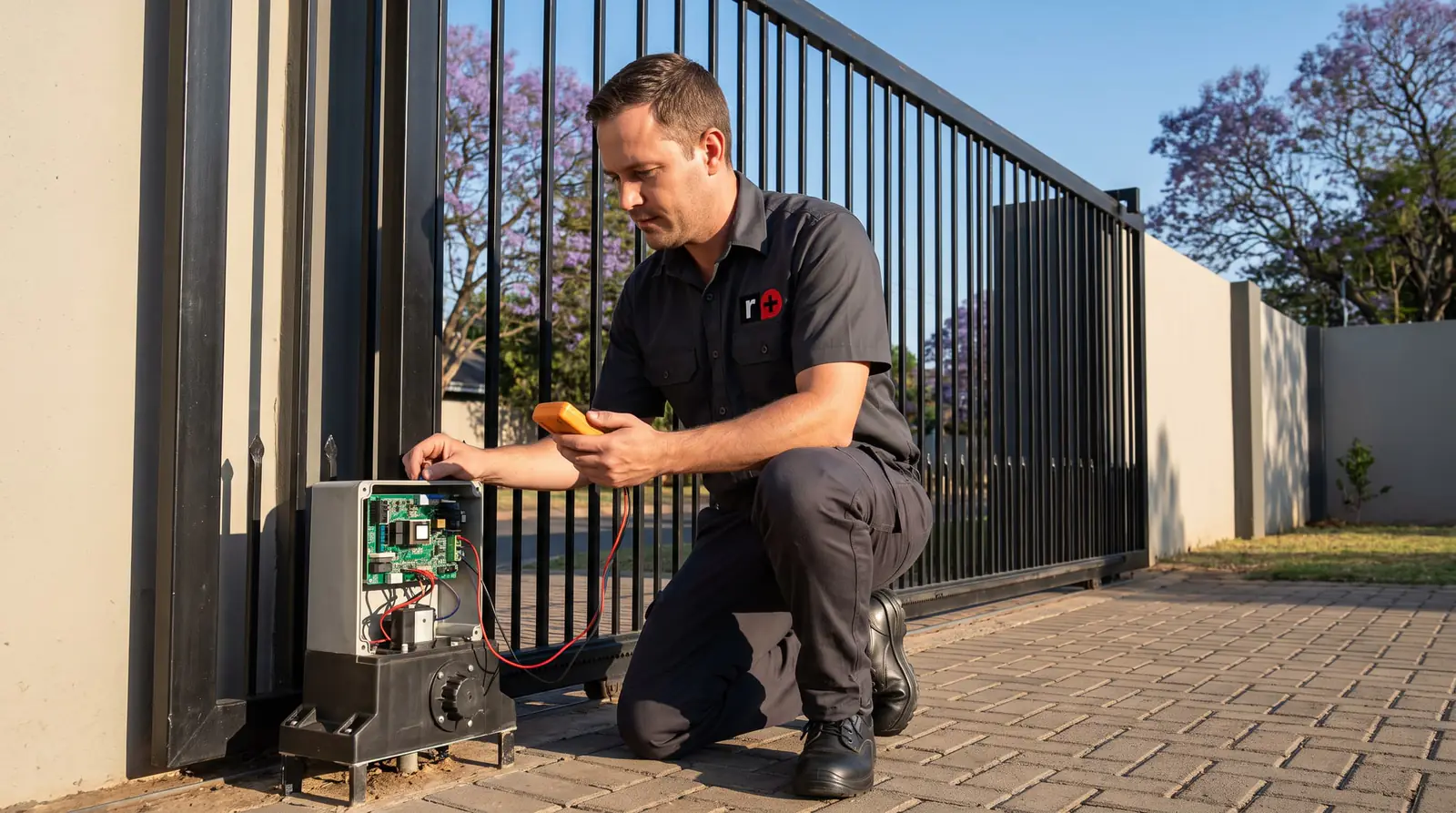
Look in the app first
Centurion's handover checklist names the apps as the place to see what the motor is doing: the operator overview and notifications in MyCentsys Remote, and the operator's health in the owner's MyCentsys app. If the motor has stopped because of an alarm, a lockout or a power problem, that's where it shows.
Three alarms in particular can make a working motor look broken: the break-in alarm, the ambush alarm and the tamper alarm, which Centurion lists as optional features set up at installation, along with PIRAC, which closes the gate as soon as a car clears the beam. If you didn't know they were switched on, ask whoever installed the motor, or check the settings with an admin login.
If the app itself won't connect, the checks are on the Centurion SMART app page.
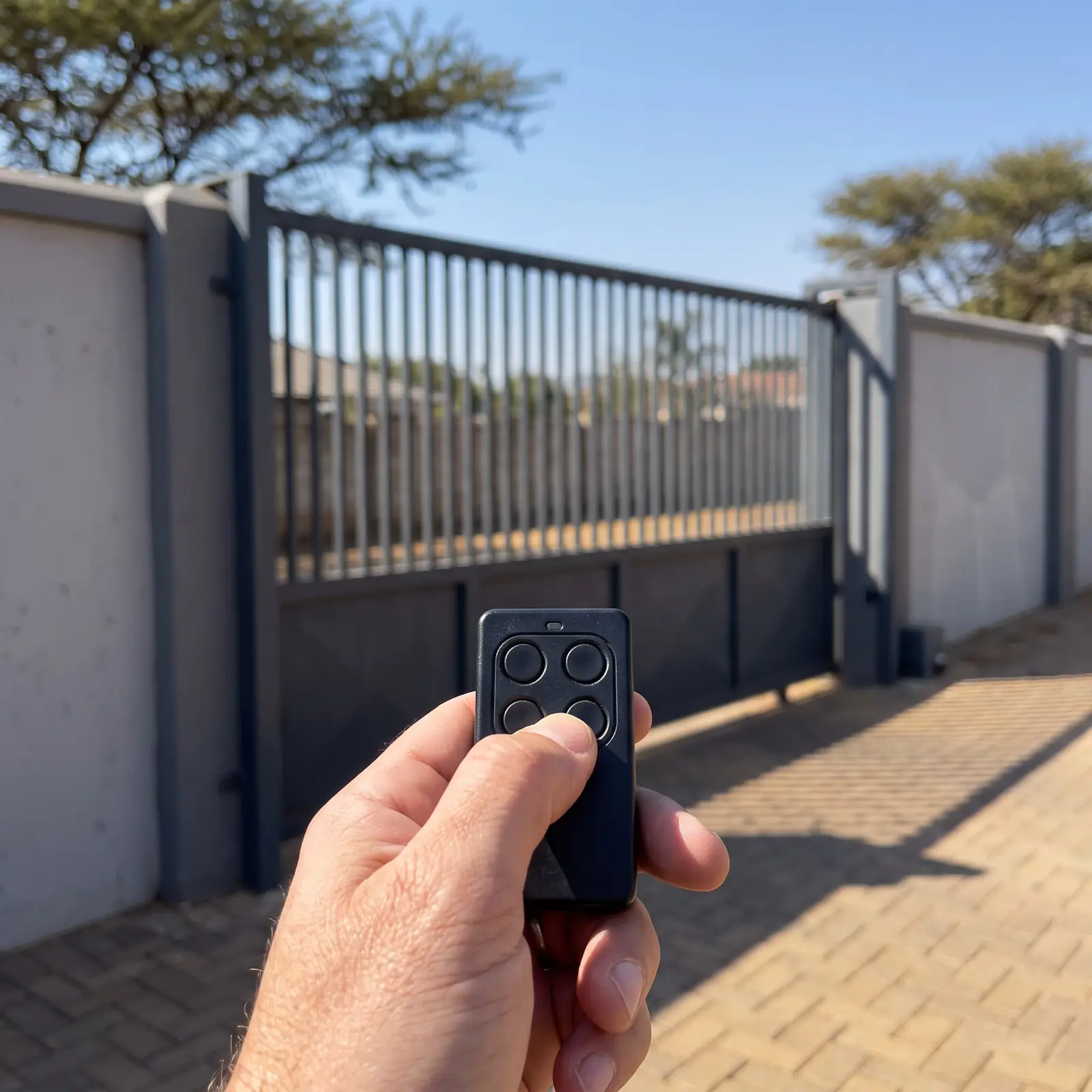
Put it on manual and push the gate
Most gate motor faults are the gate. Centurion's manual override, from its SMART+ manual:
- Make sure the camlock is unlocked, using its key.
- Pull the release handle as far left as it will go. The motor is now disengaged.
- Push the gate the whole way open and closed by hand.
It should roll easily and evenly from end to end. If it sticks, drags or needs a shove at one spot, that's the fault, and the motor has been stopping or reversing because it felt the resistance.
To leave the gate on manual during a long power cut with the cover locked, Centurion's latching method: with the handle open, slide the override cam on the inside of the handle towards the gearbox until it clicks, then close the handle. To put the motor back in charge, push the cam to the left and slide it towards the camlock.
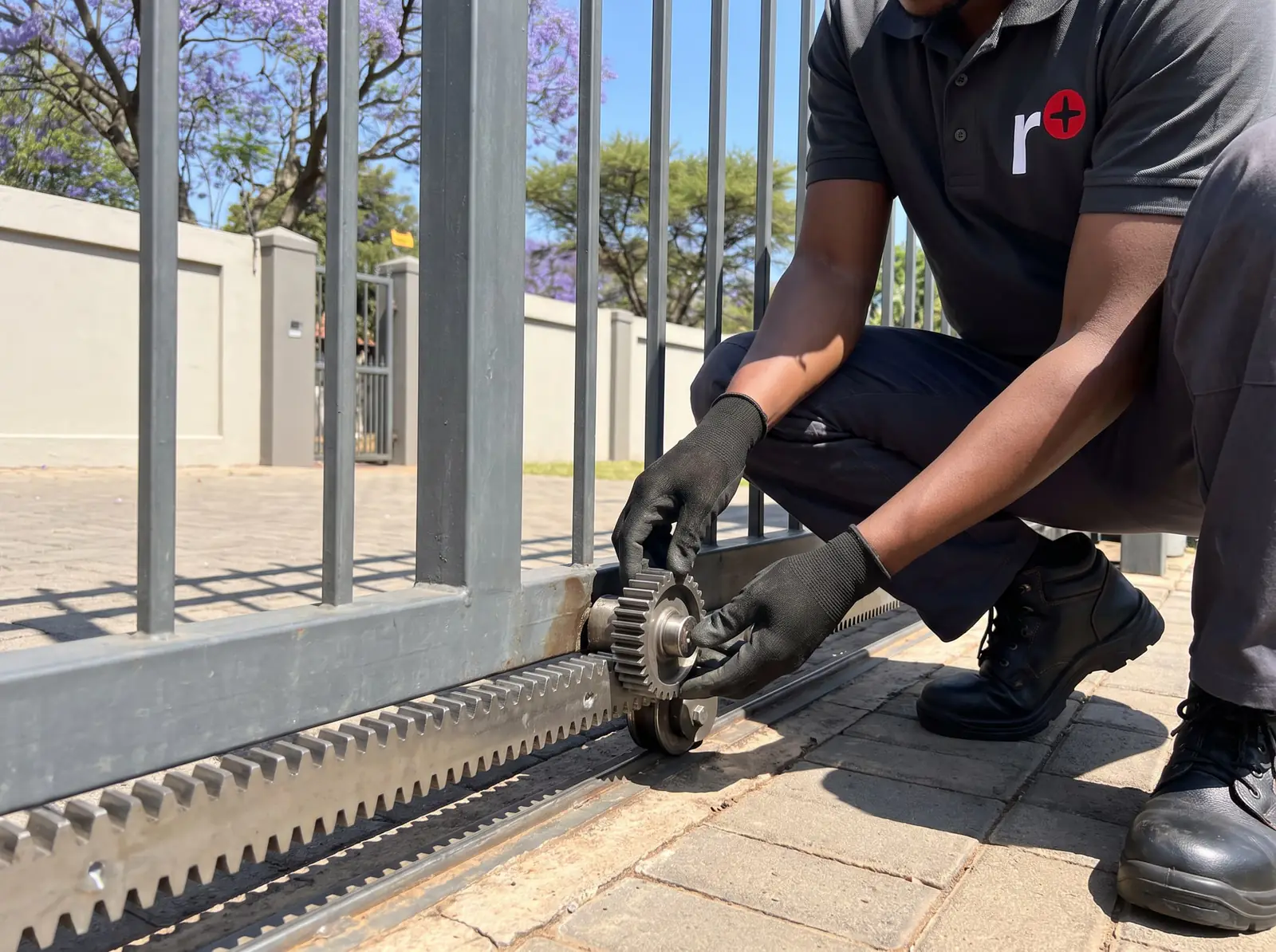
What to look at on the gate
Centurion's installation steps say what a healthy D5 SMART gate looks like:
- The rack rests on the pinion, it doesn't press down on it. Centurion has installers slide the gate back and forth along each section of rack to check exactly this. A rack that has sagged or been knocked down loads the motor on every run.
- Guide rollers hold the gate upright, without pinching it.
- End stops and the catch bracket are in place and solid, so the gate stops where it should.
- The track and wheels are clean and turn freely.
- No grease between the rack and pinion. Centurion says none is needed, and the gearbox comes filled with oil and needs no routine maintenance.
Centurion's handover list asks owners to check these regularly, and to check the obstruction detection and safety devices once a month. The bolts that hold the motor to its foundation plate are tightened to a set torque at installation; if the motor itself moves on its base, that's a job for us.
Battery, charger and fuses
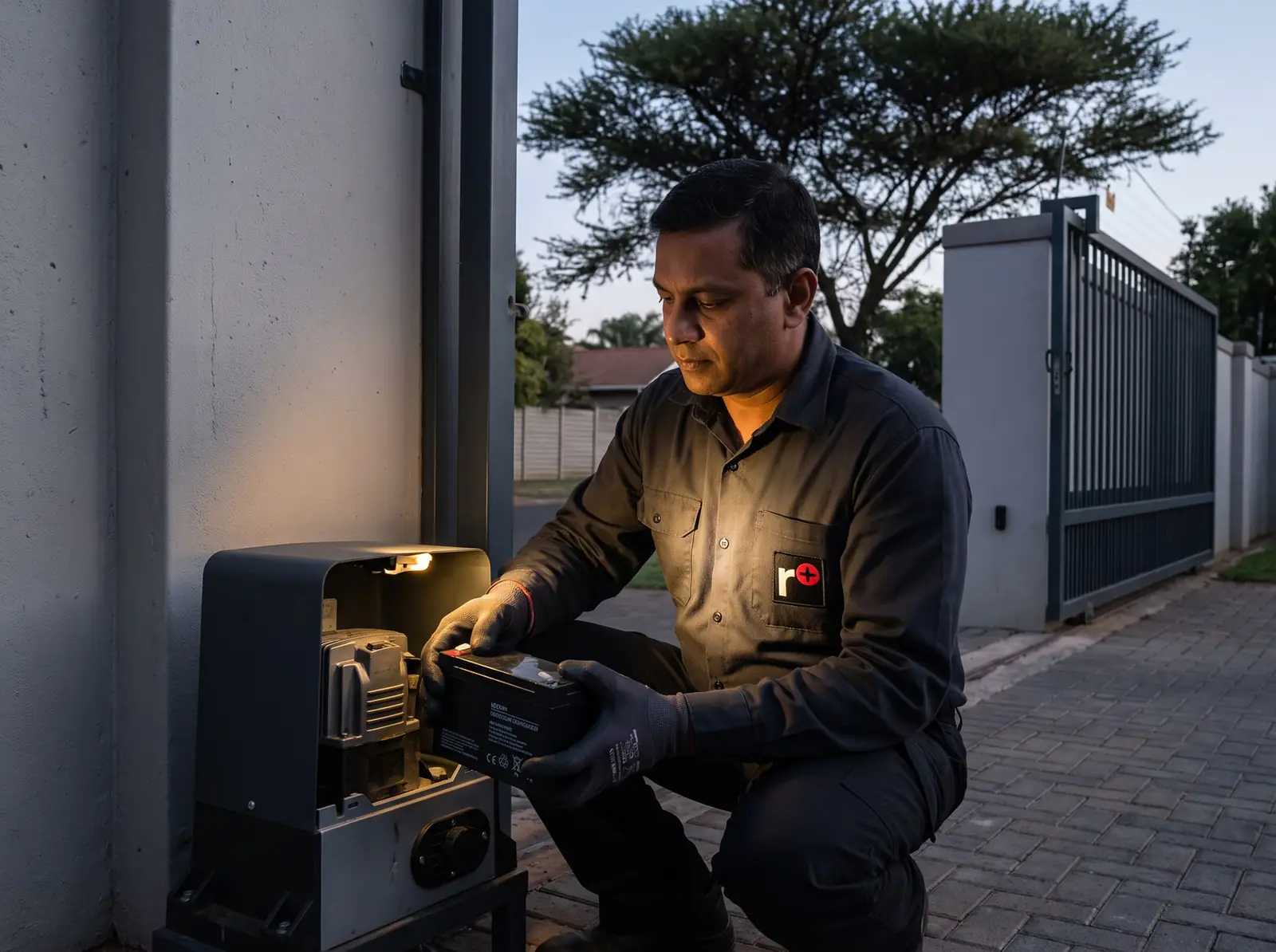
A D5-Evo SMART runs from one 12 V 7 Ah battery, kept charged by a 1.8 A charger at 14.3 V from a 100 to 240 V supply. The motor always runs from the battery, so a worn battery shows up as slow, short or failed runs, worst in a power cut.
| Fuse | Type | Rating |
|---|---|---|
| Main control card | Serviceable | 35 A mini ATO |
| Accessory supply | Resettable | 12 V, 300 mA maximum |
| Charger (mains supply) | Not serviceable | 3 A slow-blow |
So a dead motor with a healthy battery can be a blown 35 A fuse on the control card, which can be replaced; an accessory supply overloaded by beams, a receiver or a keypad drawing too much, which resets itself once the load is removed; or a charger whose own fuse has gone, which means a new charger. A battery that's fine but not being charged points at the mains supply or the charger: the supply to the motor is a job for a registered electrician.
How far the battery goes in a power cut, and why a stiff gate halves it, is on the D5 SMART manual; for testing and replacing batteries, see gate motor batteries.
Inside the motor: for a technician
Past the gate and the power, the remaining causes are inside: the control card, the charger, the position sensor, the motor and its harness. Centurion's manual is specific about details like the motor wires (black on the left, blue immediately to its right on the control card) and warns that each controller variant is wired differently, which is why this is work for someone with the manual open and the power off.
The same goes for re-commissioning. If the limits, speeds or safety settings need changing, an installer does it in MyCentsys Pro, which only connects after the manual override has been opened and closed at the motor, or from a phone already registered as an admin.
When to call us
Call us when the gate runs freely on manual, the battery and power check out, and the motor still won't behave; when a fuse keeps blowing; or when the app shows the motor but it won't respond. We repair D5-Evo SMART and SMART+ control cards, chargers, position sensors and gearboxes, fit batteries, beams and cages, and set up the apps, remotes and Wi-Fi. All our spare parts are genuine, and every repair carries our six-month guarantee on our repairs. Your exact price is set in a free quote before any work starts. No call-out fee when we do the work. If no work is done, a R650 call-out fee applies.
- Centurion D-series SMART+ installation manual: Centurion's SMART+ installation manual
For the older D5-Evo with a display and buzzer codes, see D5-Evo fault finding.
Book a technician
Get a gate motor quote
Job card
We WhatsApp or call you back. Fields marked (required) are needed.