Manual · ET DC Blue Advanced
ET DC Blue Advanced remote programming, including the roll-up
Adding a remote to an ET DC Blue Advanced takes under a minute once you know which model you have: the sectional and tip-up motors, the Pico and the double, have a small display and learn remotes through it, while the roll-up version has two buttons and two lights instead. Here are both, step by step from ET's installer manuals, with what the beeps and display mean, and how to remove a remote you've lost.
Six-month guarantee on our repairs
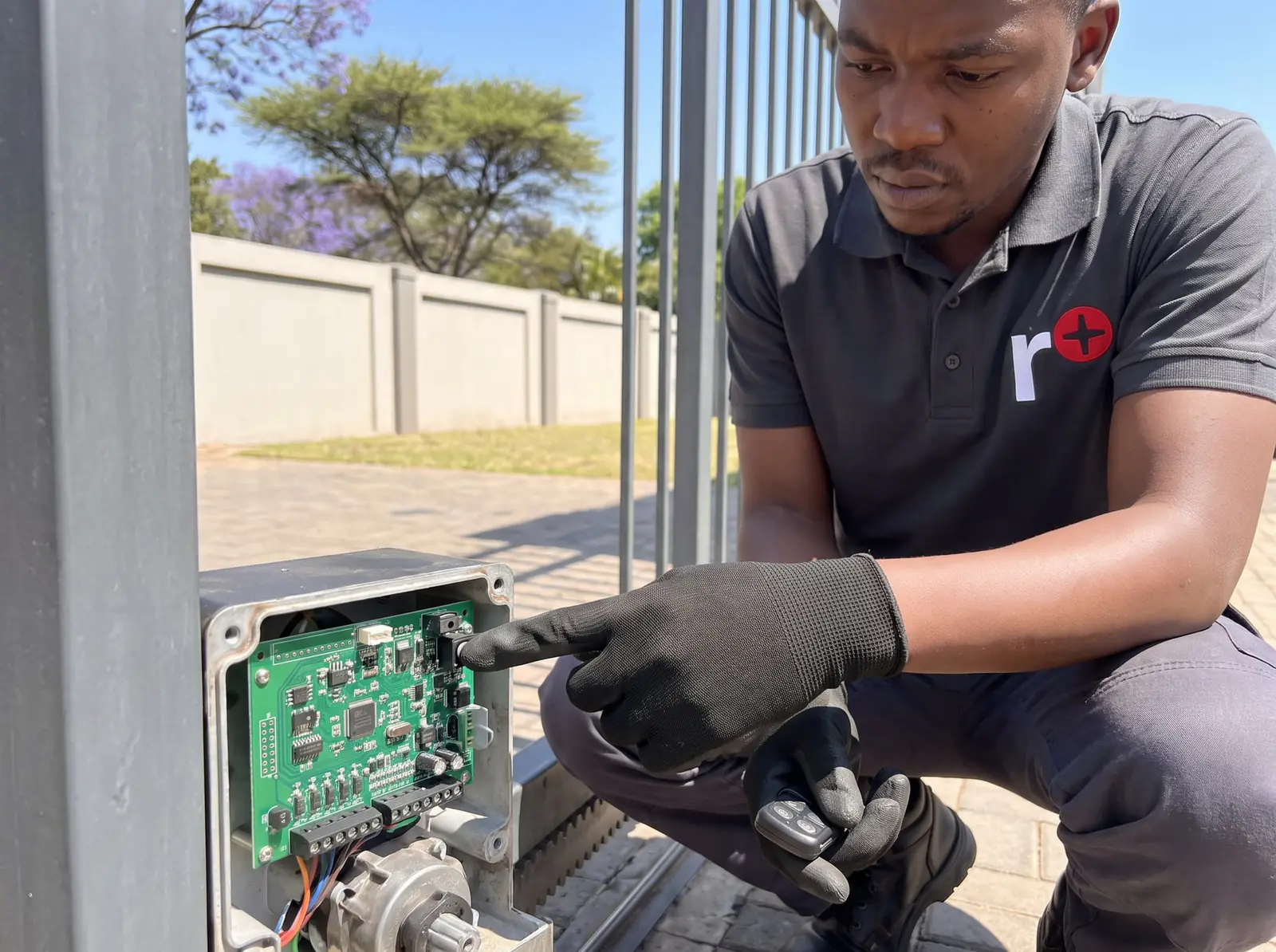
Which DC Blue Advanced, and which remotes
| Sectional and tip-up (Pico and double) | Roll-up | |
|---|---|---|
| On the motor | A one-character display and buttons: SET, UP, DOWN and EXIT | Two buttons, a red light (A), a green light (B) and a buzzer |
| Remotes | ET BLU MIX or ET BLUE rolling code, 433.92 MHz | The same |
| Memory | 35 remotes for the door, 5 for the courtesy light | 30 users, each allowed any mix of four channels |
| Channels | Door (b) and light (L) | Door, light, auxiliary relay and holiday lockout |
The older DC Blue, DC Blue Plus and DC Blue Digital, without a display, learn remotes differently: see the ET DC Blue manual.
Sectional and tip-up: the quick method
ET's shortcut skips the menu. It only learns door buttons, not light buttons.
1. Close the door. 2. Hold UP until the buzzer beeps once and the display shows b. 3. Hold the new remote's button. Its LED stays lit. 4. Press and release SET, still holding the remote. 5. Read the result: - 1 and one beep: learnt. - 2 and two beeps: that button is already in the memory. - 3 and three beeps: nothing was received within 4 seconds of pressing SET. - F and rapid beeps: the memory is full. 6. Let go of the remote and SET. The display returns to standby.
Sectional and tip-up: the receiver menu
The menu does the same, and is the only way to add a light button or to remove remotes.
- Hold SET until the buzzer beeps twice and the display flashes P: you're in the programming menu.
- Press UP until r flashes (receiver setup), then press and release SET. One beep, and b shows.
- Choose the channel with UP or DOWN: b for the door, L for the courtesy light.
- Hold the remote's button, and while holding it, press and release SET. The same results as above: 1, 2, 3 or F.
- Let go. The display goes back to the channel you were on, ready for the next remote. Press EXIT to go back to the receiver menu, and again to standby.
A light button switches the courtesy light on and off without moving the door, handy for a remote kept in the house.
Removing remotes on the sectional and tip-up
One remote, if you have it. In the receiver menu (steps 1 and 2 above), scroll to C, hold the remote's button and press SET. 0 and one beep: it's erased. 3 and three beeps: nothing was received. ET is clear that this only works with the remote in hand.
Every remote, for a lost one. In the receiver menu, scroll to E. Hold SET and, still holding it, press and release UP. The display flashes E and the buzzer beeps on and off as a warning; holding EXIT at this point aborts. Then the display goes blank while it erases, and shows 0 with one long beep when it's done. Learn back every remote you're keeping.
Because a lost remote can only be removed with a master erase, it's worth doing straight away, while everyone's remotes are at home to be learnt again.
The DC Blue Advanced roll-up
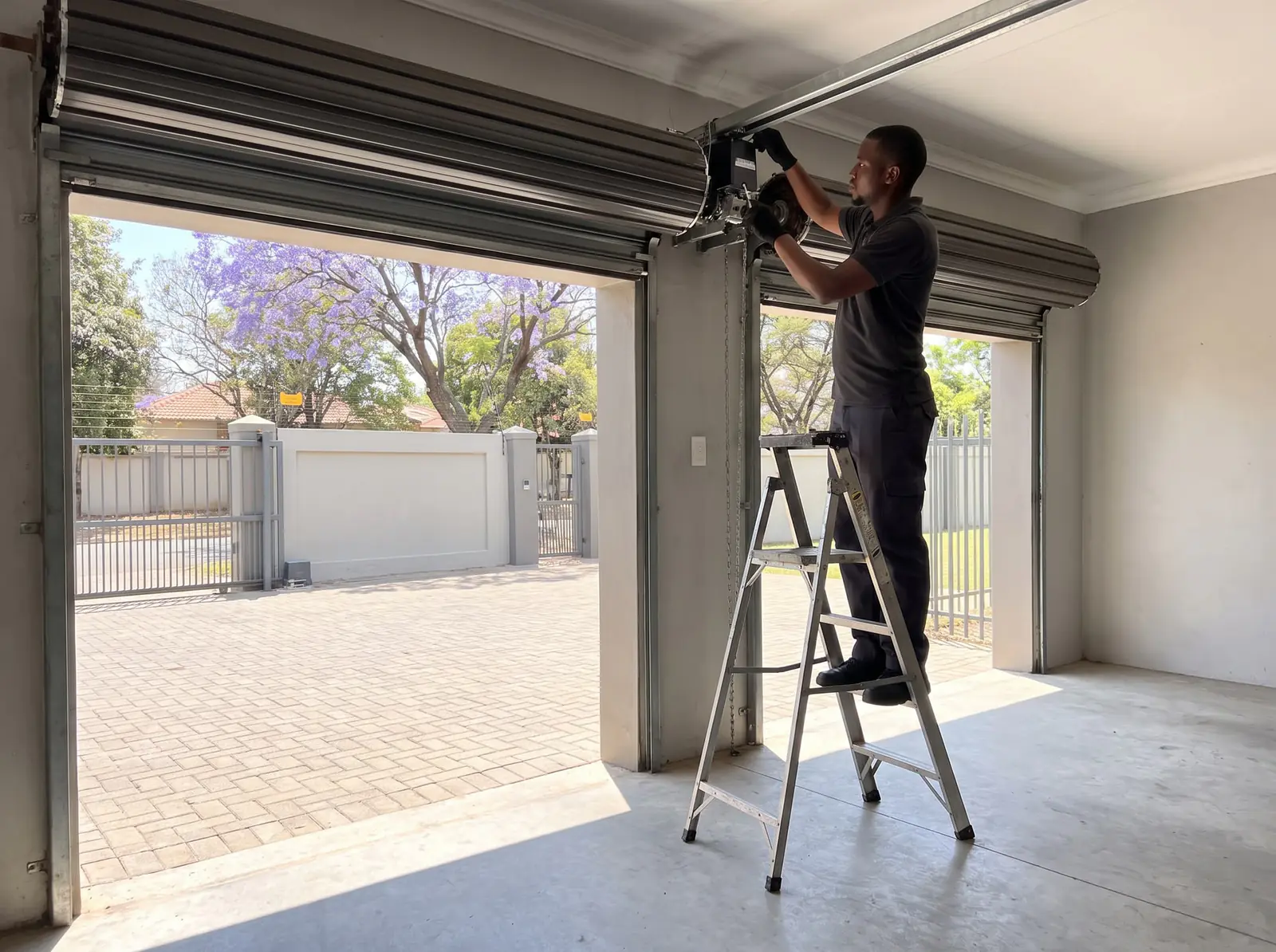
The roll-up has no display, so ET's manual uses its two buttons, its red (A) and green (B) lights and its buzzer instead:
- Enter programming: hold both buttons together for about 3 seconds, until a double beep. Both lights come on.
- Choose the option by pressing the Up button a number of times; the red light blinks the same number back:
| Press Up | Option |
|---|---|
| 1 | Learn a remote button to the door |
| 2 | Learn a button to the courtesy light |
| 3 | Learn a button to the auxiliary relay (needs ET's E-coms relay) |
| 4 | Learn a button to holiday lockout |
| 5 | Erase one remote (it must be present) |
| 6 | Master erase: every remote |
- Hold the remote's button you want to learn (or erase).
- Press both buttons once to save: two rapid beeps.
- Release the remote. One beep means it worked, three that it didn't.
For a master erase, choose option 6, save with both buttons, then hold both buttons: the buzzer beeps on and off (letting go aborts), stops while it erases, and gives one long beep when it's finished. ET notes that a master erase clears only the remotes, not the door's other settings.
When a remote won't learn
- 3 beeps every time: the receiver isn't hearing the remote. Try a new remote battery, stand closer, and check it's an ET BLU MIX or ET BLUE remote: other makes won't learn.
- 2 beeps: that button is already learnt. If it still doesn't work the door, it may be learnt to the light channel instead.
- F, or the memory full: remove lost remotes with a master erase and learn back the ones in use.
- It learns, but the door doesn't respond later: check holiday lockout isn't on, and see garage door remote not working.
The general method for other garage and gate motors is in how to program a gate remote.
When to call us
We supply ET remotes, learn them into DC Blue Advanced motors, clear lost ones and repair the motors themselves. All our spare parts are genuine. Your exact price is set in a free quote before any work starts. No call-out fee when we do the work. If no work is done, a R650 call-out fee applies.
The rest of the DC Blue Advanced (limits, force, auto-close and its warnings) is on the ET DC Blue Advanced manual.
- ET DC Blue Advanced garage door operator, installer manual: the sectional and tip-up models
- ET DC Blue Advanced roll-up door operator, installer manual: the roll-up model
Questions
DC Blue Advanced remote questions
How to program DC Blue Advanced Roll Up Remote?
Hold both buttons on the motor for about 3 seconds until it double-beeps, press Up once for the door channel, hold the remote's button, then press both buttons together to save: two rapid beeps, then one beep if it worked. See the roll-up steps.
Book a technician
Get a garage door quote
Job card
We WhatsApp or call you back. Fields marked (required) are needed.