Guides · Gate remotes
How to program a gate remote, whatever the motor
Adding a remote to a gate motor takes a minute once you know which of three methods your motor uses: a button or menu on the control card, an existing remote, or a phone app. Which one depends on the make and the receiver, not the remote. Here is how to tell what you have, the steps for the motors we work on, how to add a remote using one you already own, and how to wipe out a lost one.
Six-month guarantee on our repairs
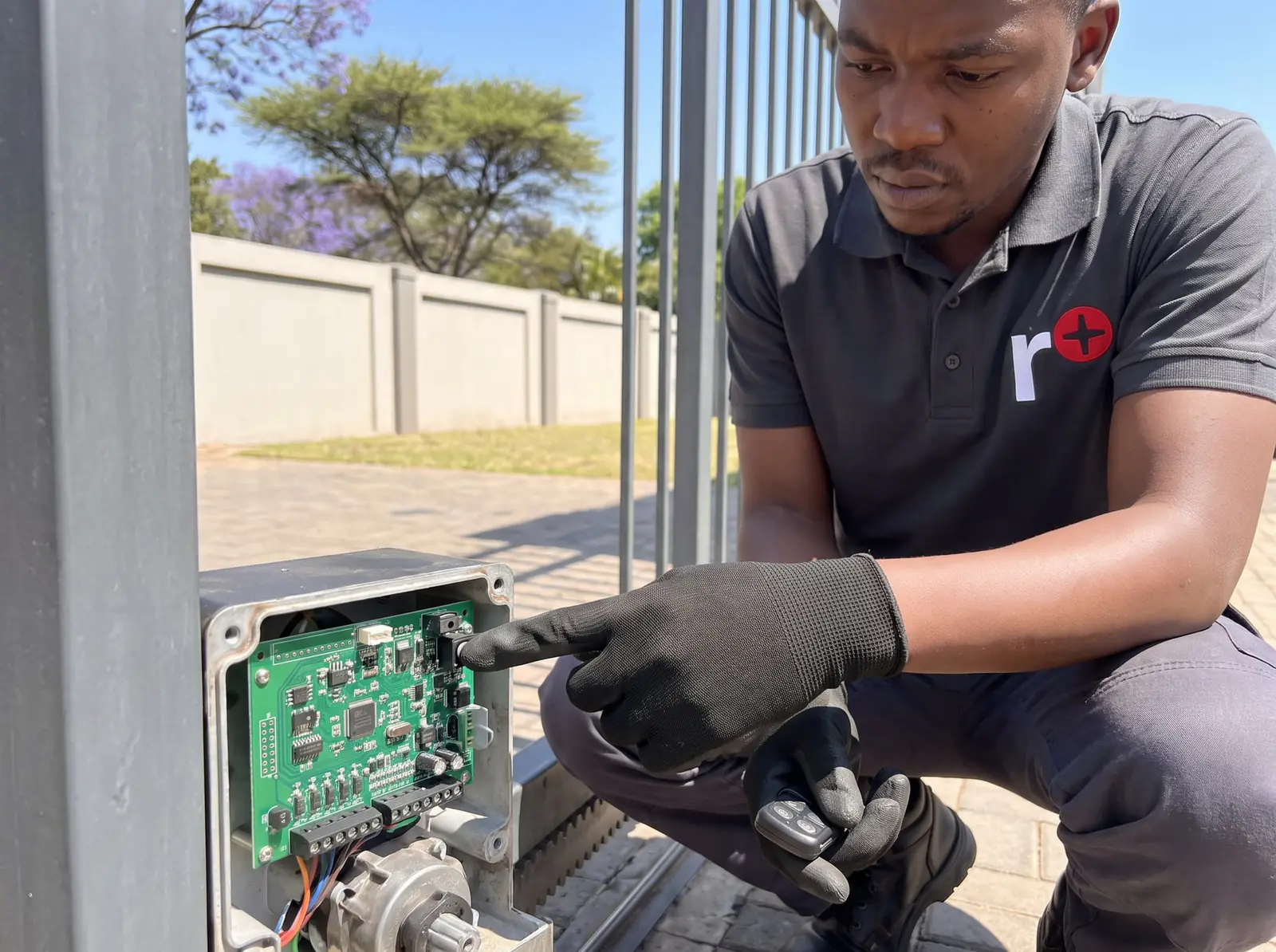
First: the remote has to speak the receiver's language
A remote is learnt into a receiver: a small board that's either built into the motor's control card or plugged in beside it. The receiver decides which remotes it will accept and how it learns them, so the right question is "what receiver does my gate have?", not "how do I program this remote?".
Three things to check before you start:
- The remote must match the receiver's system. Centurion's receivers take its NOVA code-hopping remotes; ET's take ET BLUE and ET BLU MIX (an ET BLU MIX button may need setting to the old ET BLUE code on older receivers); Gemini's take its own code-hopping remotes. A remote from another system won't learn, however long you hold it.
- Know the make and model of the motor. It's on the label inside the cover, or on the old remote. A photo of both is the quickest way for us to help.
- Have a working remote with you, if there is one. On some receivers it opens learn mode without touching the motor.
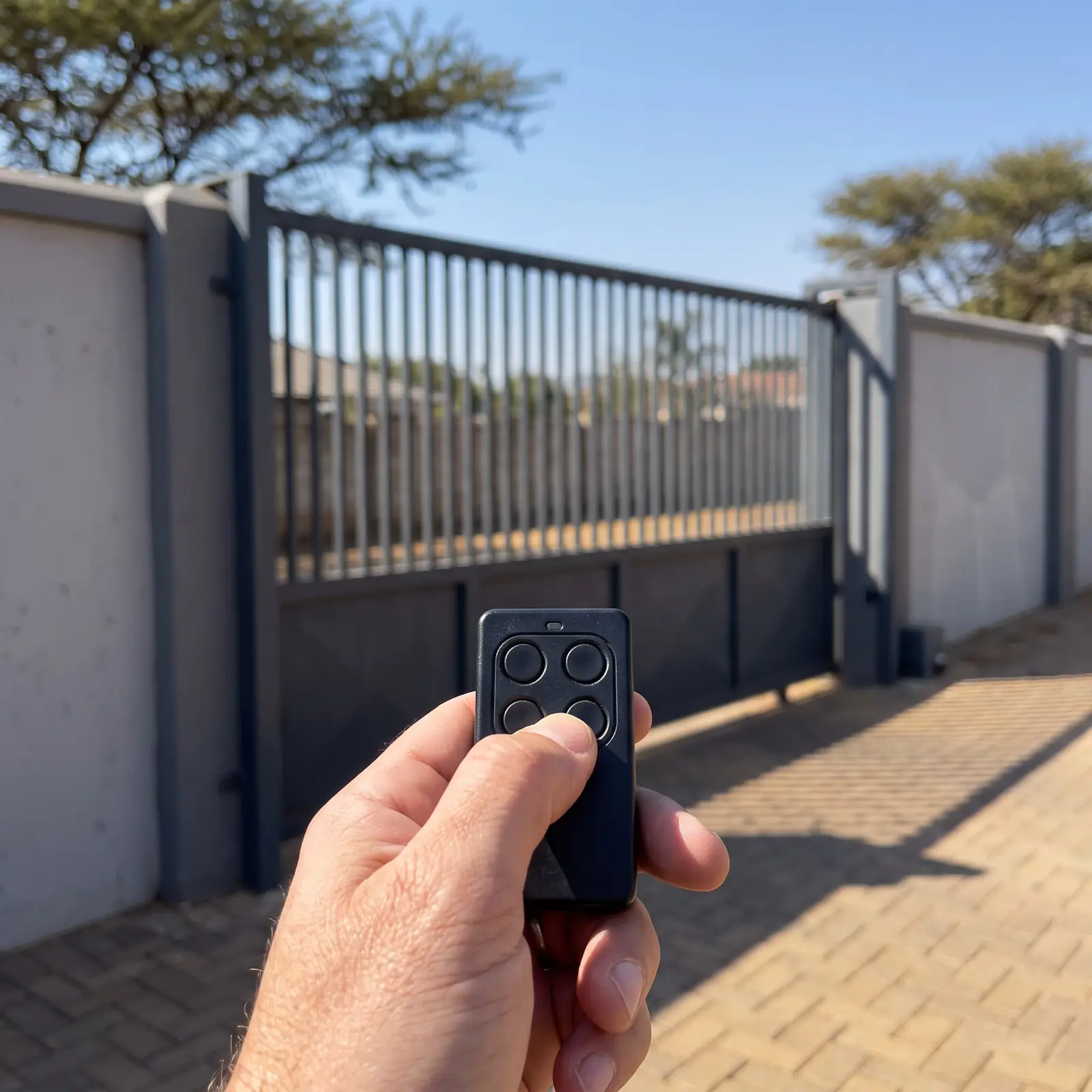
The three ways remotes are learnt
| Motor or receiver | Method | Where the steps are |
|---|---|---|
| Centurion D5-Evo, D10 | The Remote Controls menu on the motor's LCD screen | Centurion remote programming |
| Centurion D-series SMART | The MyCentsys Pro app, over Bluetooth | The Centurion SMART app |
| Centurion with a NOVA Voyager or HELIX receiver | From a master remote, without opening anything | Centurion remote programming |
| ET Drive 300, 500, 600, 1000 | The Receiver setup menu on the control card's display | ET remote programming |
| Older ET 500 and ET 1000 | Two pins on the receiver, shorted while you hold the remote | ET remote programming |
| Gemini sliders and swing motors | The LEARN button on the control card | Gemini gate motor manuals |
The first and last two mean opening the motor, where the battery, charger and mains connections are. The NOVA and app methods don't.
Method 1: a button or menu on the control card
Most motors learn remotes at the control card. The pattern is the same everywhere, even if the buttons differ:
- Put the receiver into learn mode: press the LEARN button (Gemini), choose the learn option in the programming menu (ET Drive, Centurion D5-Evo), or short the learn pins (older ET).
- Hold the new remote's button while the receiver is listening. On some motors you hold the remote first, then press the card's button; Gemini works this way.
- Wait for the confirmation: Gemini's receiver light flashes twice; an ET Drive shows the remote's user number and beeps twice; a Centurion D5-Evo asks on its screen what the button should do.
- Test it from the street, not just beside the motor.
On an ET Drive, the menu also asks which job the button does: full opening, pedestrian opening, the auxiliary relay or holiday lockout. Its Quick learn option learns all four buttons of a remote in one go, provided all four are set to the same format.
Method 2: using a remote you already have
Some receivers let a working remote open learn mode, so nobody needs to touch the motor:
- Centurion NOVA Voyager: hold any button on the master remote (the first one learnt into the receiver) until the receiver's light has flashed ten times, about ten seconds, and let go before twenty. Then press the new remote's buttons while the light stays on.
- Centurion NOVA HELIX: hold a button that already opens the gate; after about 10 seconds the receiver goes into learn mode, and the new remote's button is learnt.
- Centurion SDO4 garage motor: hold a button learnt to the light function for about 5 seconds, then the new remote's button.
- ET DC Blue garage motor: with the door open, hold the button that works the light until the buzzer gives a continuous tone, then press the new remote before the tone stops.
Gemini's and the ET Drive's manuals give no such route: their remotes are learnt at the control card. If you're not sure which you have, try the one that matches your receiver; it does nothing harmful if it's the wrong one.
Method 3: the phone app
Centurion's SMART motors have no screen. Remotes are added in the installer's app, MyCentsys Pro, connected to the motor over Bluetooth, and the free MyCentsys Remote app turns your phone into a remote as well. If you don't have access to the installer's app, the person who installed the motor does, or we can set it up. See the Centurion SMART app.
Garage door remotes
Garage motors follow the same three methods. Our pages for each:
- Centurion SDO4 and SDO4 SMART: SDO4 remote programming
- Centurion RDO II and RDO Digital: Centurion RDO Digital programming
- ET DC Blue Advanced: the DC Blue Advanced manual; the older DC Blue on the ET DC Blue manual
- Gemini: the Gemini garage door motor manual
- Digidoor: the Digidoor manual
One remote can often run both the gate and the garage, a button for each, as long as both receivers use the same remote system.
Erasing a lost or stolen remote
A remote can't be "reset" on its own; what you clear is the receiver's memory. How finely you can do it depends on the receiver:
| Receiver | Remove one remote? | How |
|---|---|---|
| ET Drive | Yes | Erase remotes in the receiver menu, by the remote's user number, or erase all |
| Centurion D5-Evo, D10 | Yes | By the remote's ID in the Remote Controls menu |
| Centurion SMART | Yes | In the MyCentsys Pro app |
| Centurion NOVA Voyager | No | Clear the whole memory and start again, which also loses the master |
| Gemini | No | Hold FUNCTION for about 10 seconds until the receiver light goes off; then learn back the remotes you're keeping |
If a remote is lost or stolen, erase it straight away. Where only a full clear is possible, collect every remote in the house first, because each has to be learnt again.
Hansa, Nice Robus and other makes
We don't publish steps for motors whose manuals we don't hold, such as Hansa and the Nice Robus. A wrong step on an unfamiliar card can clear every remote or change the gate's settings. Most work on the same principle, a learn button or a menu on the receiver, but the details differ, so a technician programs them on site. Send us a photo of the motor's label and your existing remote, and we'll bring the right remote. See Nice and Hansa.
When it won't learn, or you'd rather we did it
If a remote won't learn, check its battery first, then that it's the right system for the receiver, then that the receiver's memory isn't full. Every other cause is in gate remote not working.
We supply and program remotes for Centurion, ET, Gemini, Digidoor and Nice motors, erase lost ones, and set up phone control. What remotes cost is on gate remotes. Your exact price is set in a free quote before any work starts. No call-out fee when we do the work. If no work is done, a R650 call-out fee applies.
Questions
Remote programming questions
How to program a gate remote?
Put the receiver into learn mode (a LEARN button, a menu on the control card, or on some Centurion receivers a working remote held about ten seconds), then hold the new remote's button until the receiver confirms with flashes, beeps or its screen. See the three methods.
How to program a remote for a Hansa gate motor?
We don't have Hansa's manuals, so we don't publish steps: the learn method differs between models, and a wrong step can clear the remotes already stored. Send us a photo of the motor's label and your remote, and a technician will bring a matching remote and program it at the gate. See other makes.
How to programme a gate remote?
Find out first whether your receiver learns from a button on the control card, from an existing remote, or from an app; the make and model on the motor's label tell you. Then follow that method for your motor, and test the new remote from the street. See the table.
How to set a gate remote?
On an ET Drive, setting a remote also means choosing its job: full opening, pedestrian opening, the auxiliary relay or holiday lockout, picked in the receiver menu before you hold the button. Quick learn sets all four buttons at once. See the control card method.
How to program a gate remote using another remote?
On Centurion's NOVA Voyager, hold the master remote until the receiver light flashes ten times, then press the new remote. On a NOVA HELIX, hold a working button about 10 seconds first. Gemini and ET Drive receivers don't offer this. See using another remote.
How to set remote to garage door?
Garage motors use the same methods: a learn button or menu, or an existing remote's light button on the Centurion SDO4 and ET DC Blue. Each model's steps are on its own page, and one remote can often run the gate and the garage. See garage remotes.
Book a technician
Get a gate motor quote
Job card
We WhatsApp or call you back. Fields marked (required) are needed.