Manual · ET remotes
How do I reset my ET remote? Adding and erasing ET BLUE and BLU MIX remotes
ET's remotes come in two code formats, the original ET BLUE and the newer ET BLU MIX, and they're learnt into several different receivers, from the Drive's menu to two pins on an old ET 500. Most "my ET remote won't work" problems come down to the format, the receiver's memory, or a lost remote that was never erased. Here's how each ET receiver learns a remote, what "resetting" an ET remote really means, and how to remove one you've lost.
Six-month guarantee on our repairs
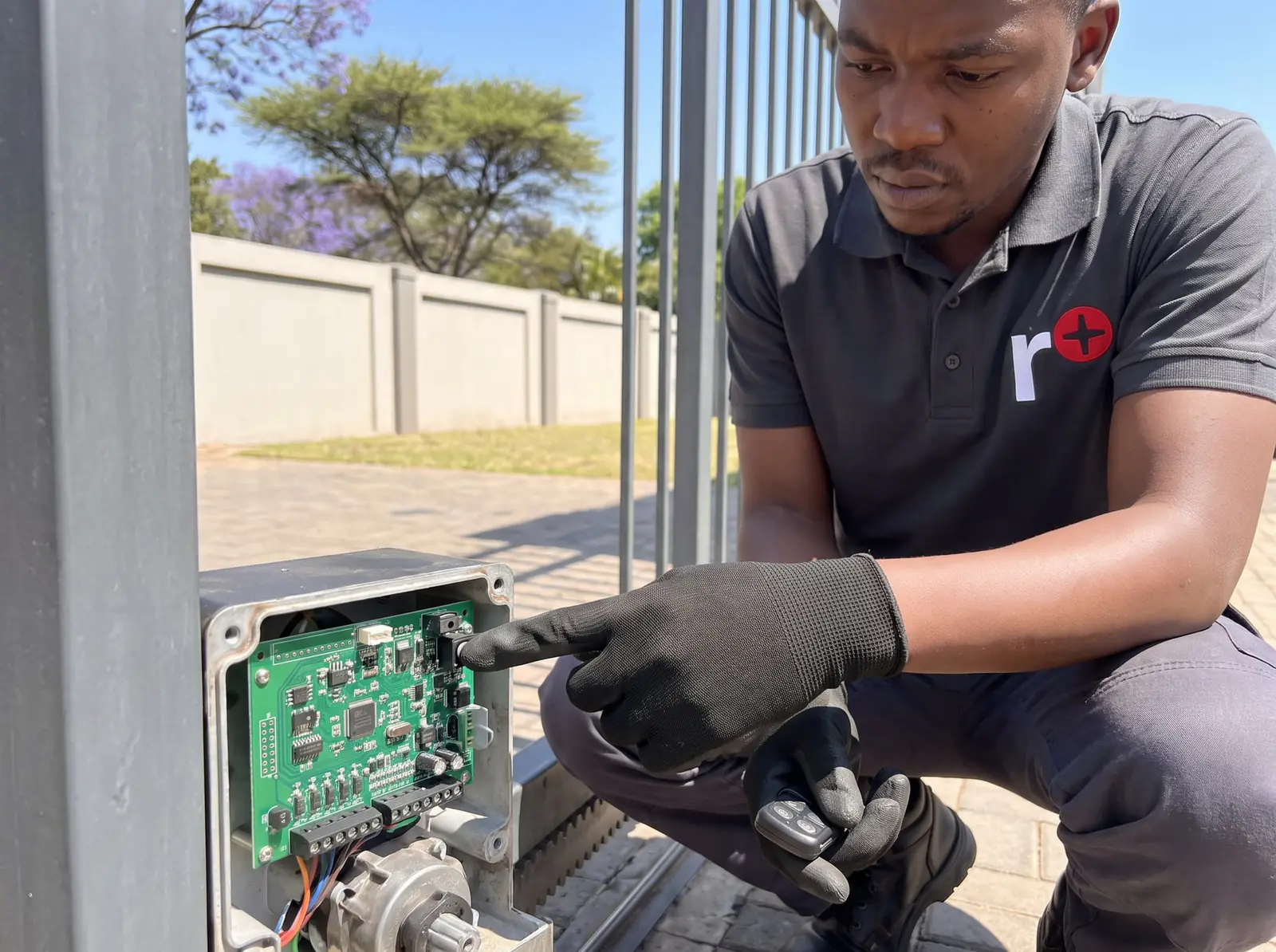
ET BLUE or ET BLU MIX: the format matters
ET's remotes, whether one, two or four buttons, use one of two code formats, and on a BLU MIX remote each button can be set to either:
- ET BLUE, the original rolling code.
- ET BLU MIX, the newer one. ET's Drive receivers accept BLU MIX and are backward compatible with ET BLUE.
The catch is older receivers. ET's remote sheets for the ET 500, ET 1000 and DC Blue Digital say a BLU MIX button must be set to the old ET BLUE code to work with them if the receiver chip has no © logo on it, and the original DC Blue's sheet says it must be, full stop. A BLU MIX remote that won't learn into an older motor, however long you hold it, is usually this.
Two more details from ET's manuals:
- Frequency. ET's RX1 receiver comes in two versions: 433.92 MHz, with an orange-and-white antenna, and 403.55 MHz, with a yellow antenna. A remote only works with a receiver on its own frequency.
- Mixed buttons use two places in memory. On a Drive, a BLU MIX remote whose buttons aren't all set to the same format takes two user numbers, one for each format.
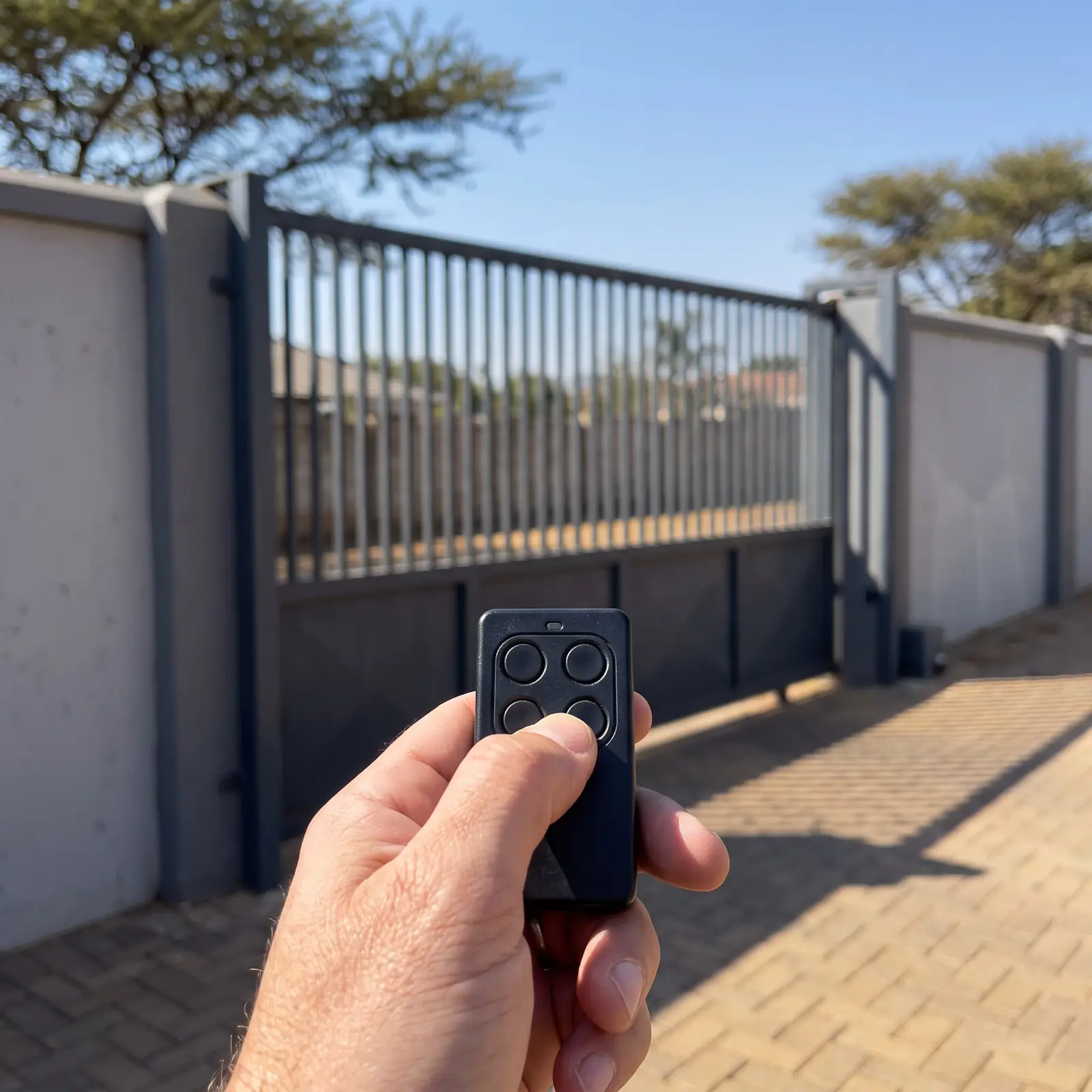
Which receiver is learning the remote?
| Motor or receiver | How a remote is learnt | Memory |
|---|---|---|
| Drive 300, 500, 600, 1000 | Receiver setup menu on the control card's display | Up to 1,023 users on the Drive 500 and 600 |
| ET 500 and ET 500 Plus | Two pins on the receiver shorted while the remote transmits | 25 for full opening, 6 for pedestrian |
| ET 1000 | The RX Learn button on the receiver | 15 |
| DC Blue garage motors | Two pins on the card, or an existing light-button remote | See the ET DC Blue manual |
| RX1-RC DUAL (a separate receiver) | Two pins marked P, or a master remote | 31 |
If you're not sure, the motor's label tells you, and so does what's inside the cover: a display with four keys is a Drive.
ET Drive motors: the receiver menu
On a Drive, remotes are learnt in the Receiver setup menu. In short: open the programming menu with the enter key, choose Receiver setup, then Learn for one button or Quick learn for a whole remote, choose what the button does, and hold the remote's button while you press enter. Two beeps and the remote's user number on the display confirm it. The full keypress-by-keypress steps are on the ET Drive 500 manual, and for the smaller motor on the Drive 300 manual.
Each button gets one of four jobs: full opening, pedestrian opening, the auxiliary relay (a light, for example) or holiday lockout. Quick learn with "Corresponding" sets all four buttons of a four-button remote in one go, but only if all four are set to the same format.
If the display shows an error while learning, ET's manual explains it:
| Display | Meaning | What to do |
|---|---|---|
| Learn Remote, Err: Time-out | No ET remote heard within 2 seconds | Check it's a working ET BLUE or BLU MIX remote on the right frequency |
| Learn Remote, Err: Decode error | The remote isn't an ET format | Only ET BLUE or BLU MIX remotes will learn |
| Learn Remote, Err: RSSI TimeOut | No remote signal within 2 seconds | Check the remote's battery and frequency |
Older ET 500 and ET 1000 receivers
ET 500 and ET 500 Plus. Hold the remote's button, then short the receiver's middle programming pin to the BT pin (the one closest to the gate) for full opening, or to the PED pin (furthest from the gate) for pedestrian. The receiver light flashes once for the first remote, twice when there's room for more, and rapidly when the memory is full. Remove the short, then let go of the remote.
ET 1000. Hold the remote's button, then press and hold the RX Learn button until its light flashes the same way. Release the Learn button, then the remote.
Both mean working inside the motor's cover, beside the power connections, so we normally do this at the gate. Two cautions for any ET receiver: when the memory is full, the last remote learnt may push out an earlier one, so check the household's other remotes afterwards; and older receivers may need a BLU MIX remote set to the old code first.
The RX1 receiver and its master remote
ET's RX1-RC DUAL is a separate receiver, often fitted to add ET remotes to a gate, a garage or a boom. It holds 31 users, and the first remote learnt becomes the master; ET supplies a gold key-ring to mark it.
To add a remote with the master, no tools needed:
- Hold the master's button until the receiver's buzzer starts to sound, then let go.
- Press and release the new remote's button before the tone stops.
- Two beeps confirm it; rapid chirps mean the memory is full.
To add one at the receiver, hold the remote's button and briefly short the two P pins: one beep for the first (master) remote, two for each after it.
To remove one remote, if you have it: with the receiver powered, place jumpers across the D, L and P pin pairs, press the remote's button until the buzzer beeps, then remove the jumpers (and put back D or L if they were fitted before). Only that button is removed.
"Resetting" an ET remote, and erasing a lost one
An ET remote has no reset of its own. What people mean by resetting it is one of three things:
- It stopped working: try a new battery first, then learn it into the receiver again. If it was learnt before and works on nothing now, the receiver may have been cleared, or another remote pushed it out of a full memory.
- It works on one gate but not another: it's the format or the frequency, not the remote.
- It's lost or stolen: it has to be erased from the receiver, which is the part that matters.
How to erase depends on the receiver:
| Receiver | Remove one remote | Remove all |
|---|---|---|
| Drive | Erase remotes, Select address: by its user number, without the remote | Erase ALL, holding two keys until the buzzer stops |
| RX1-RC DUAL | Only with the remote in hand, using the jumpers | Master erase: power off, jumpers on P, L and D, power on until the buzzer holds a steady tone (about 15 seconds), then remove the jumpers |
| DC Blue garage motors | Not in ET's documents | A master erase on the card: see the ET DC Blue manual |
ET's remote sheets for the ET 500 and ET 1000 give no erase steps; we clear those receivers on site.
On a Drive, write down each remote's user number and owner when it's learnt: it's the only way to erase a lost remote by number later. A full erase removes every remote, so collect the household's remotes before it's done.
What an ET remote costs
An ET remote sells for ET R240–R280 (Takealot) in shops, and a new remote with programming typically costs R350–R750 (Kandua) from published South African cost guides. Prices checked October 2026. More on remotes for every make is on gate remotes, and the general method for other motors on how to program a gate remote.
We supply ET BLUE and BLU MIX remotes, set them to the right format for your receiver, learn them in, and erase lost ones. All our spare parts are genuine. Your exact price is set in a free quote before any work starts. No call-out fee when we do the work. If no work is done, a R650 call-out fee applies.
ET's own sheets:
- ET RX1 dual-code receiver, installer manual: the RX1-RC DUAL receiver
- ET 500 / ET 500 Plus sliding gate operator, remote programming sheet: the ET 500 and 500 Plus
- ET 1000 sliding gate operator, remote programming sheet: the ET 1000
Questions
ET remote questions
How do I reset my ET remote?
The remote itself has no reset. Fit a new battery, then learn it into the receiver again; if it's lost, erase it from the receiver instead, by its user number on a Drive, or with a full erase where the receiver offers one. See resetting and erasing.
How to program ET remote control?
It depends on the receiver: on a Drive, use Learn or Quick learn in the Receiver setup menu; on an ET 500, short the BT pin while holding the remote; on an ET 1000, hold the RX Learn button. A BLU MIX remote may need setting to the old ET BLUE code for older receivers. See the receivers.
How do I program an ET Gate motor remote?
On a Drive 300, 500, 600 or 1000, open the programming menu, go to Receiver setup and choose Learn, pick the button's job (full opening, pedestrian, relay or holiday lockout), then hold the remote's button and press enter: two beeps confirm it. See the Drive menu.
How to reset an ET remote control?
If a working ET remote has stopped opening the gate, check whether the receiver's memory was full when another remote was added: the newest can push out an older one. Learn it back in. On the RX1 receiver, a master remote adds it without tools. See the RX1.
How to setup an ET remote?
Set up means choosing what each button does. On a Drive, Quick learn with Corresponding sets all four buttons of a remote at once (full opening, pedestrian, relay and holiday lockout), provided all four are in the same format. See the Drive menu.
How to set ET remote?
On a BLU MIX remote, setting it can also mean choosing its code format: ET BLU MIX for a Drive, or the old ET BLUE code for older ET 500, ET 1000 and DC Blue receivers, as ET's sheets for each say. See the formats.
Book a technician
Get a gate motor quote
Job card
We WhatsApp or call you back. Fields marked (required) are needed.