Manual · ET Drive 300
ET Drive 300 manual: setup, remotes and display codes
The ET Drive 300 is ET's low-traffic sliding gate motor, made for gates up to 300 kg. It has its own control card with a three-character display, so its menus and messages aren't the Drive 500's. Here is its manual in plain English: limits, remotes, the display, the status light and the power options, with ET's PDFs at the end.
Six-month guarantee on our repairs
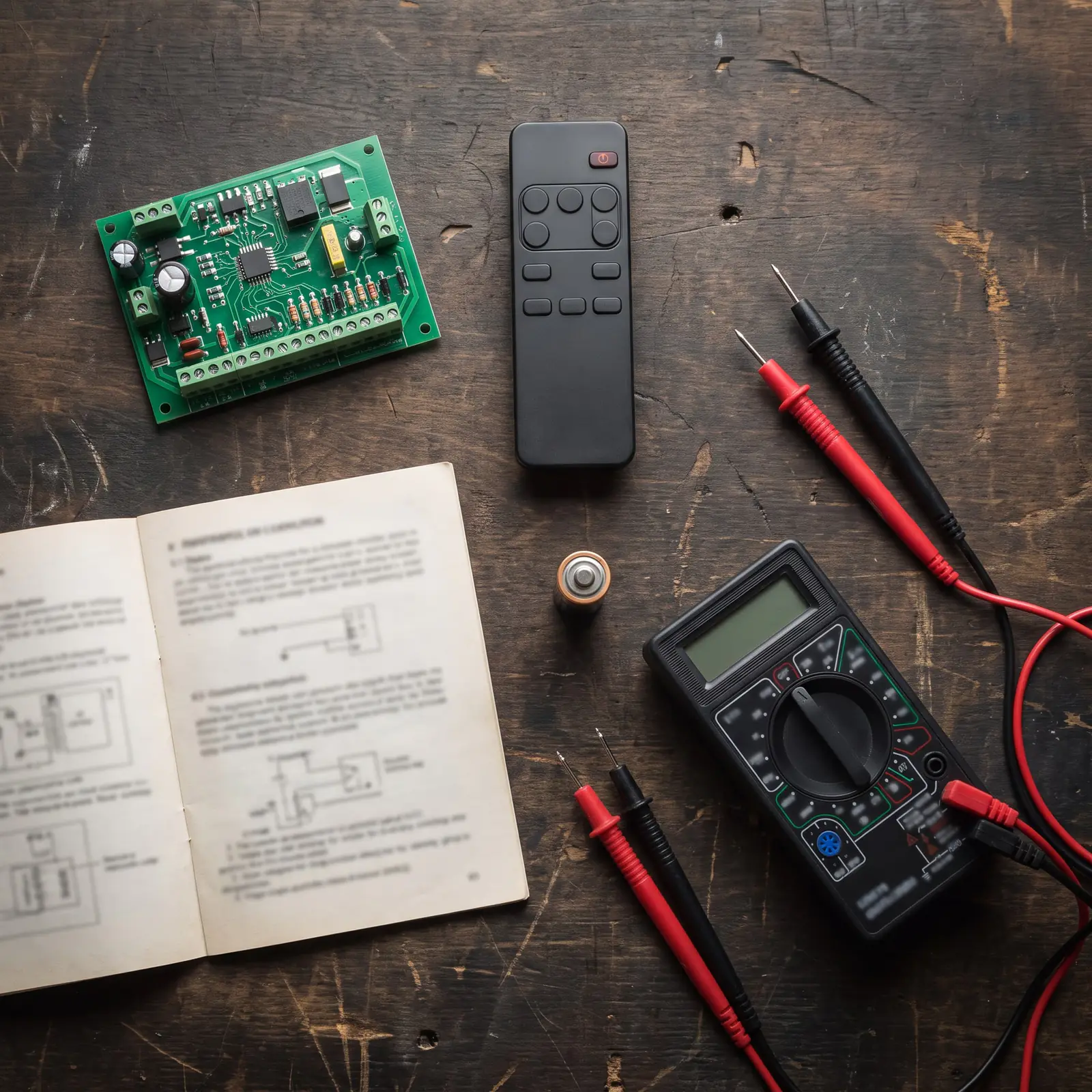
The Drive 300 at a glance
| Item | Drive 300 |
|---|---|
| Heaviest gate | 300 kg, on a leaf up to 25 m long |
| Power at the gate | 220 to 240 V AC, or 29 V AC from an optional plug-in transformer |
| Motor | 24 V DC, with a battery on board |
| Speed | About 25 m a minute |
| On battery in a power cut | About 100 openings in 24 hours (4 m opening, healthy battery) |
| Duty cycle | 25% |
| Accessory output | 12 V DC, up to 400 mA |
| Receiver | Built in: ET BLU MIX and ET BLUE remotes, 4 channels, 32 users |
| Weather rating | IPX4: splashes, not standing water |
"Low traffic" is that 25% duty cycle: the motor should rest three times as long as it runs, say 12 seconds of running then 36 of rest. The gate must also roll freely: ET allows no more than 30 kgf on a spring scale to start it and 24 kgf to keep it moving. Heavier or busier gates belong on the Drive 500 or 600.
Power: 220 V or the plug-in transformer
A Drive 300 is fed in one of two ways, and it helps to know which yours has.
- 220 V at the motor (the standard kit). The transformer sits inside the motor. ET requires a weatherproof all-pole isolator within 1.5 m of the motor, out of the gate's path and out of reach from the street, and a certificate of compliance for the circuit.
- The plug-in transformer. Sold separately, it plugs in at the house and sends 29 V AC to the gate in its own conduit. Per ET there's no isolator at the motor and no certificate for that circuit, though some municipalities ask for one anyway.
Either supply feeds the card's built-in charger, and the 24 V battery carries the gate through power cuts. A Drive 300 that keeps reporting a flat battery with the mains on usually has a supply or charging problem, not a motor problem. Two fuses are worth knowing: 0.5 A fast-blow in the 220 V connector and 10 A in the battery lead. Anything on the 220 V side is a job for a registered electrician.
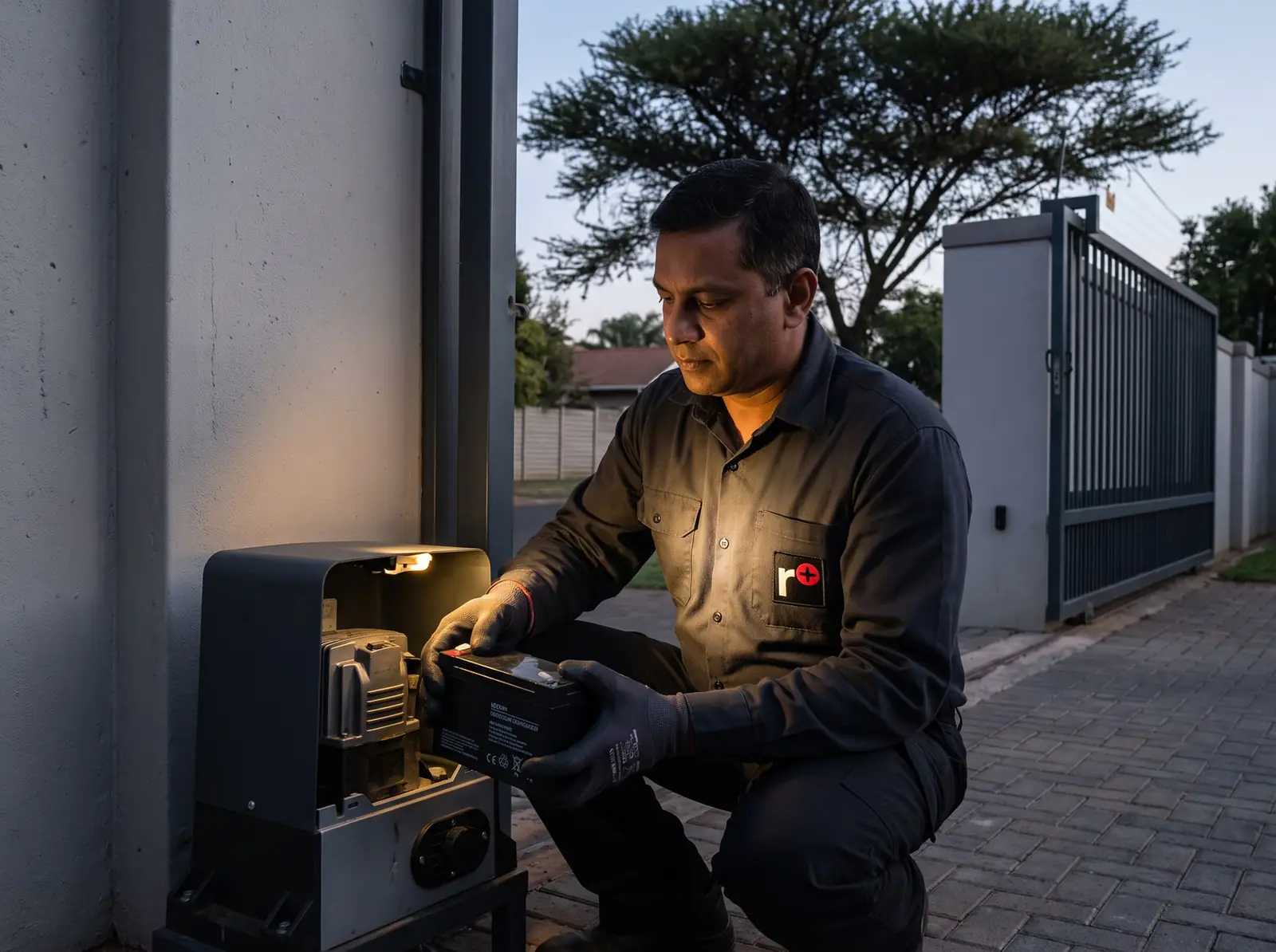
Opening the gate by hand
- Unlock the lever's lock with the small key that came with the motor.
- Swing the release lever upright. The gearbox is now free.
- Slide the gate open or closed by hand.
To go back to motor power, lower the lever and lock it, then nudge the gate until the gears drop into place.
On the next trigger the gate closes at half speed with ref on the display: it is finding the closed position, which it measures everything else from. A press during that run stops it and the next press carries on. It does the same after programming and after a power-up.
The display and its four keys
Everything is set from the card's dashboard:
- Enter: hold it until the buzzer beeps twice to open the menu; press it to go into an option or save a value.
- < and >: scroll and change values. In run-time setup they also tell the card which way the gate closes, and from the ready screen > test-runs the gate.
- X: back out without saving.
The display's three blocky characters turn some letters into numbers: the program menu reads pr9, the slow-down option 5lo and the power option p5u. In standby it shows rdy.
| Display | What it sets | ET's default |
|---|---|---|
| run | Run-time setup: closed limit, open position, gate profile | Set once |
| for | Force before a collision is counted, 1 (most sensitive) to 8 | 3 |
| irb | Safety beams on or off | Off |
| bt | How the gate answers a remote, and the auto-close time | Standard, 15 s |
| ped | Pedestrian opening and its auto-close time | 1,000 mm, 2 s |
| rc | Remotes: learn, erase, signal test, receiver details | Empty |
| p5u | Mains monitoring and the built-in charger | Both on |
| 5lo | How far before each end the gate slows | 200 mm |
| pcl | Positive close: push the last 50 mm shut | Off |
| rly | Auxiliary relay: strike lock, magnetic lock, receiver relay, courtesy light or alarm | Strike lock |
Run-time setup: limits and gate profile
ET calls this the one mandatory setting. First check that the magnet actuator on the rack lights the limit LED just before the gate meets its closed stopper, then engage the gate about halfway.
- Hold enter until two beeps: pr9 shows.
- Scroll to run and press enter. The display asks which way the gate closes.
- Press < if it closes to the left, > if to the right. The gate creeps closed and stops on the limit.
- It starts opening. Press enter where you want it to stop.
- Fine-tune that point with < and >, then press enter to save. The gate creeps closed again.
- At the closed limit the buzzer warns that profiling is starting. Stand clear: the gate opens and closes once at full speed, learning how hard it is to push.
- dne and two beeps mean it's done. Press X to get back to rdy.
Holding < or > speeds up the creeping. If for appears with 20 beeps during setup, the gate takes more force to move than the motor is built for: ET's answer is to fix the gate's rolling, not to change a setting.

Adding ET remotes
The receiver on the card stores 32 users. Each remote button goes into one of four channels: bt (full opening), ped (pedestrian), rly (the auxiliary relay) or hol (holiday lock-out). The gate can be anywhere.
- Hold enter until two beeps (pr9).
- Scroll to rc and press enter: Lrn shows.
- Press enter again and pick the channel.
- Hold the remote button down and, while it's still transmitting, press and release enter.
- The user number, such as 001, shows with two beeps. Let go of the remote.
For a remote whose four buttons are all set to the same format, pick cor at step 3 and one press learns every button to its own channel. On an ET BLU MIX remote that puts blue on bt, red on rly, green on ped and grey on hol; on an ET BLUE remote, grey is bt, red is ped, blue is rly and green is hol.
to means no signal arrived in time (start transmitting before pressing enter), dec that the remote's format isn't one the receiver reads, and ful that all 32 places are used.
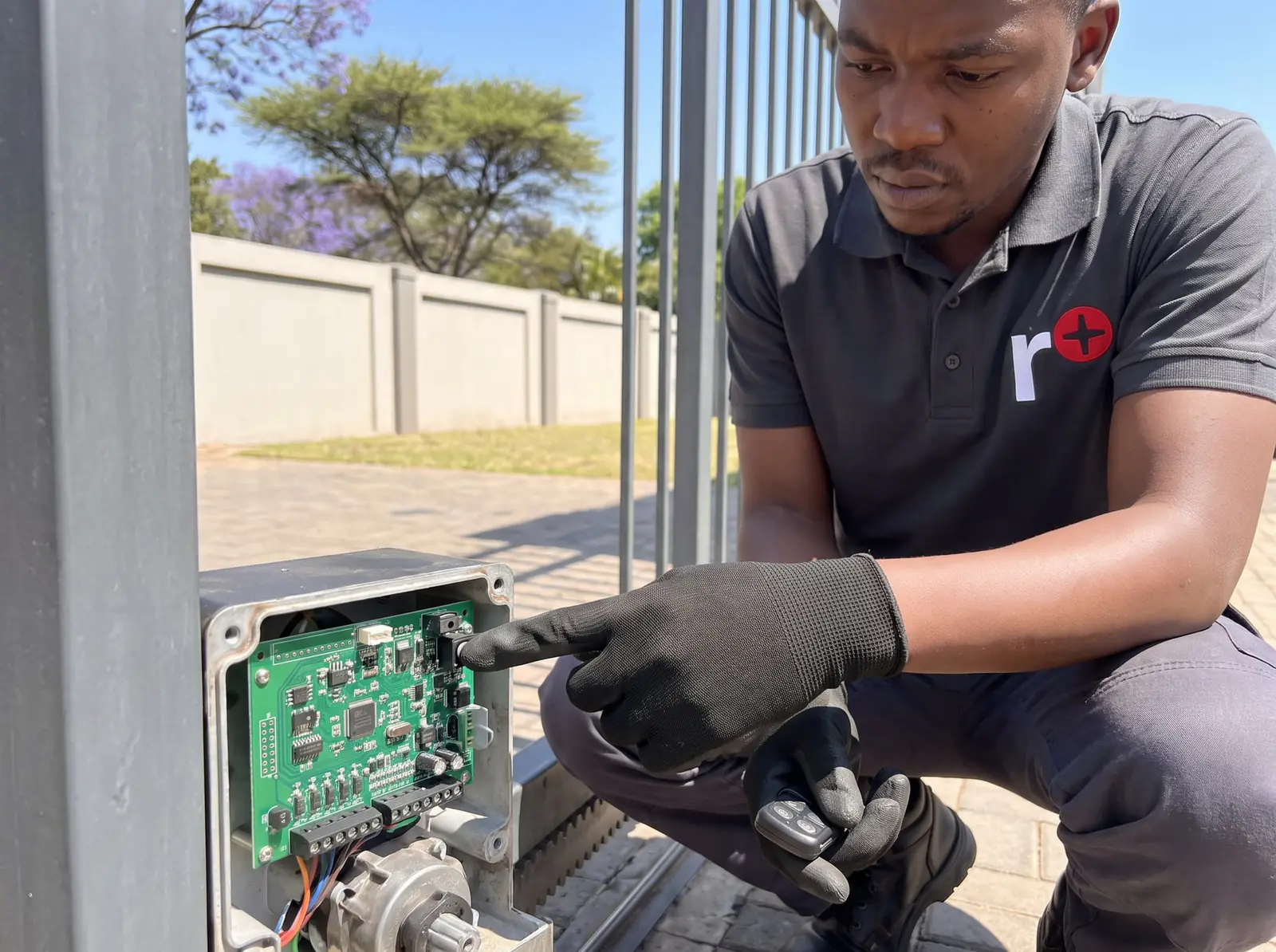
Removing a lost remote or clearing the receiver
Take a lost or stolen remote out of the memory straight away. ET's user manual has a page for logging which user number is whose, which makes it quick.
- One remote: in rc, scroll to ErA, press enter for Adr, press enter again and scroll to that user number. Hold enter until it flashes, then press > while still holding: dne confirms.
- Every remote: in ErA, scroll on to ALL. Hold enter until ALL flashes and the buzzer pulses, press > as well and keep both held until --- shows. Let go, and dne confirms. Letting go before --- cancels it.
After a full erase every remote must be learnt again, so only clear everything when you can't tell which one is missing.
Testing a remote's range
Two more tools sit under rc. diA shows signal strength as one to six bars: with no remote pressed, any bars are another transmitter on the same 433.92 MHz nearby; press a learnt remote and you see its user number, its channel and how strongly it arrived. inF shows how many users are stored out of 32, and the software and hardware versions.
Weak bars right beside the motor usually mean a tired remote battery. Strong bars close up but no response from the road points to interference, which the no-remote reading shows.
Status light and buzzer
The status light, if your installer wired one to the card, follows the Drive 300's state. These six patterns are from ET's user manual, shown at their real speed.
| Light | Pattern | What it means | Buzzer | One cycle |
|---|---|---|---|---|
| Off | Gate closed. | None | 2 s | |
| On a second, off a second | Gate moving, all normal. | None | 2 s | |
| On, steady | Gate standing open. | None | 2 s | |
| Two flashes and a 2-second gap | No mains. The gate runs on its battery until the power is back. | A 1-second beep every 15 seconds, for 5 minutes after the gate last ran | 4 s | |
| Four flashes and a 2-second gap | Battery low. Leave the mains on for at least 8 to 10 hours, then test again. | A 1-second beep every 15 seconds, for 5 minutes after the gate last ran | 6 s | |
| Five fast flashes at each press | Holiday lock-out or party mode is on. | Beeps along with the light | 1.25 s |
What the display is telling you
| Display | Meaning | Start here |
|---|---|---|
| opn | Gate open | Trigger it to close |
| ac | Mains or transformer supply lost; charger off | The supply, the 0.5 A fuse and the 10 A battery fuse |
| Bat | Battery flat or disconnected | 8 to 10 hours of charging; replace it if it doesn't recover |
| rel | Manual release open | Lower and lock the lever; then the reed switch and its magnet |
| irb | Beams blocked | Clear the path; check beam power and the end-of-line resistor |
| col | Four collisions in a row: locked out | Release, clear the gate, re-engage |
| for | Collision force exceeded | Find what's dragging before touching the setting |
| e-l | Closed limit not seen | Check the rack actuator still lines up with the limit switch |
| e1 | Position counter fault | Card seating and the ring magnet on the motor shaft |
| e3 | Motor not running: disconnected, 10 A motor fuse or motor fault | A technician tests the motor directly on a battery |
| hol, par | Holiday lock-out or party mode on | See below |
Most of these are the gate, not the electronics. col and for usually mean a seized wheel, a rubbing guide roller or a rack sitting too hard on the pinion (ET's gap is 1 to 2 mm between the teeth). e1 and e3 need the cover off and a meter.
Holiday lock-out and party mode
Both use the remote button learnt into hol; which you get depends on where the gate is.
- Gate closed: holiday lock-out. Press the hol button; the buzzer sounds for 5 seconds, and a bt press inside that window confirms. Every remote and button then just beeps five times, so a housekeeper's or garden service's remote can't open the gate while you're away.
- Gate open: party mode. The same two presses hold the gate open and stop it auto-closing, handy for mowing the verge.
The same two presses switch either off; coming out of holiday lock-out, the gate starts to open. Neither works in condominium mode. If the gate beeps five times at every press and nobody set either, an accidental press may have, so try switching it off first.
Auto-close, condominium and P.I.R.A.C.
The bt menu sets how the gate answers a full-open press. Standard (5td) steps through open, stop and close, one press at a time. The other four close the gate by themselves after the auto-close time, 1 to 254 seconds:
- aut: simple auto-close.
- con: condominium. Every press opens or keeps the gate open; only the timer closes it.
- pir: P.I.R.A.C. The gate closes as soon as a car has passed the beams.
- p-c: the two combined.
The card hides every auto-close mode until irb is on, because a gate that closes itself needs working beams with the end-of-line resistor fitted.
Drive 300 kit prices and when to replace
In South African shops, an ET Drive 300 kit costs about R4 900 (Takealot). Prices checked October 2026. Installation is extra, as is the plug-in transformer.
A Drive 300 is worth repairing while its gearbox is sound: batteries, chargers, control cards and limit parts can all be replaced. For a gate near 300 kg or in heavy use, the Drive 500 is the better long-term motor, and its receiver takes the same ET remotes. Your exact price is set in a free quote before any work starts. No call-out fee when we do the work. If no work is done, a R650 call-out fee applies.
Sliding gate kit
ET Drive 500 sliding gate kit
R6 999incl. installation
In the kit
- Drive 500 (gates up to 500 kg)
- 12 V 7 Ah battery
- 4 m steel rack
- 2 × 4-button ET remotes
Our promise1-year guarantee on every motor kit we supply and install
Prices checked October 2026. Price includes the kit listed, standard installation on a gate or door that already runs freely, and our 1-year kit guarantee. Not included: a power point at the motor if there isn't one (a job for a registered electrician), extra rack, gate or door repairs, and accessories. These are quoted before any work starts.
When to call us, and ET's PDFs
Call us when the display shows e1 or e3, when ac stays on although the supply is fine, when the gate keeps locking out on col with nothing in the way, or when you'd rather not open the motor. We repair Drive 300 control cards, chargers, receivers, limits and gearboxes. All our spare parts are genuine, and every repair comes with our six-month guarantee on our repairs.
The official PDFs, free to download from Nice Group South Africa:
- ET Drive 300 sliding gate operator, installer manual: installation, wiring, every menu and the troubleshooting table
- ET Drive 300 sliding gate operator, user manual: the operating modes, the status light and a page to log your remotes
- ET Drive series range (spec sheet): Nice's two-year manufacturer's warranty on Drive motors made from 1 March 2024, which excludes the battery and depends on yearly servicing at a home
Questions
ET Drive 300 questions
How to program ET drive 300?
Run-time setup comes first: hold enter until two beeps, choose run, tell it which way the gate closes and set the open point, and it learns the gate at full speed. Then switch on the beams (irb) if you have them, choose a mode under bt, set the pedestrian opening and learn the remotes under rc. Start with run-time setup.
What do the error codes on an ET Drive 300 gate motor mean?
They're three-character messages: ac is a lost mains or transformer supply, Bat a flat battery, rel the release lever open, irb blocked beams, col a collision lock-out and e-l a missing closed limit. e1 (position counter) and e3 (motor not running) are jobs for a technician. See every message.
What are the common problems with the Drive 300 gate motor?
Mostly the gate or the power: a tired battery that won't last a power cut, a dragging gate tripping the collision sensing, a limit actuator that has shifted on the rack, and remotes that were never learnt or were erased. Electronic faults show as e1 or e3. Book a technician to find yours.
What is included in the ET Nice Drive 300 Gate Motor Kit?
ET's manual describes the motor with its control card, receiver, transformer and battery, a baseplate with J-bolts, nuts and washers, the limit actuator and its screw, and screws for the rack. Remotes and rack length vary between sellers, so check the listing; the plug-in transformer is bought separately. See kit prices.
Book a technician
Get a gate motor quote
Job card
We WhatsApp or call you back. Fields marked (required) are needed.