Manual · ET DC Blue
ET DC Blue Digital manual: the DC Blue, DC Blue Plus and Blue-Roll garage motors
Before the DC Blue Advanced and its display, ET's garage motors were set up with two thumbwheels, a small potentiometer and a pair of pins on the control card. Many DC Blue, DC Blue Plus and DC Blue Digital motors are still in use, and their beeps, remotes and limits work differently from the newer model. Here is what ET's own documents say about them, in plain English, with the roll-up Blue-Roll and the official PDFs at the end.
Six-month guarantee on our repairs
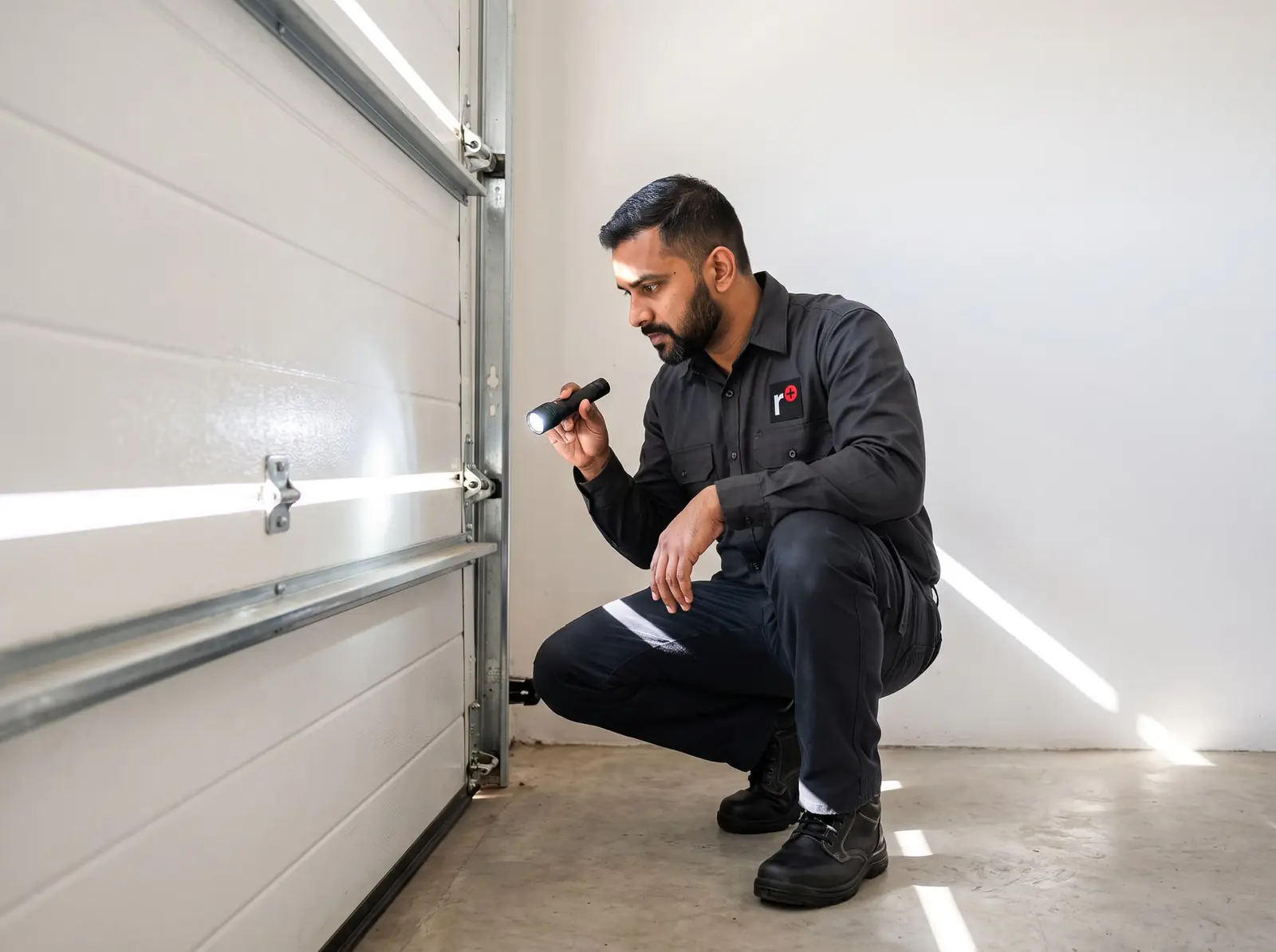
Which DC Blue is yours?
| Model | What ET's document covers | How you tell |
|---|---|---|
| DC Blue (2006) | Sectional and trackless tip-up doors | A motor-head on a drawbar, limit thumbwheels under its bottom cover |
| DC Blue Plus (2008), which ET publishes as its DC Blue Digital manual | The same doors | As above, with a 24 V battery in a bracket on top of the drawbar |
| DC Blue Digital version 1 | Adding remotes | A red RX Learn button on the card |
| DC Blue Digital version 2 | Adding remotes | Receiver programming pins on the card |
| ET BLUE-ROLL (2008) | Roll-up doors | A drive on the door's axle and a control box with a light and batteries |
If your motor has a two-character display and four buttons, it's the newer DC Blue Advanced: see the ET DC Blue Advanced manual.
All of them take ET's ET BLUE remotes, and ET BLU MIX remotes once the button is set to the old ET Blue code (on the Digital version 2, only where the receiver chip has no © logo on it).
The drawbar and where the motor is mounted
The DC Blue's motor-head sits on a drawbar with a chain inside, and its limit switches are synchronised to the drawbar in the factory. ET's warning is plain: never run the motor-head without the drawbar attached, and never move the bobbin along the drawbar without the motor-head on it. Either throws the limits out.
ET's mounting measurements matter too. On a trackless tip-up door the drawbar's front sits 275 mm above the closed door, with the link arm at 180° to the door when it's open; on a sectional door the front mount sits 50 mm above the door's highest point of travel, with the bracket in line with the top rollers at the centre of the door. ET warns that ignoring them causes intermittent running and can damage the door and the motor.
Setting the limits: the two thumbwheels
To reach the limits, press and hold the red catch and pull the motor-head's bottom cover down and away. The two thumbwheels are side by side: the open limit on the left, the closed limit on the right.
| What the door does | Thumbwheel | Turn it |
|---|---|---|
| Stops short of fully closed | Closed limit | Anti-clockwise |
| Closes hard and opens again on its own | Closed limit | Clockwise, a little at a time |
| The chain hangs out of the drawbar when closed (DC Blue Plus) | Closed limit | Clockwise |
| Stops short of fully open | Open limit | Clockwise |
| Reaches fully open but stops by sensing an obstruction, not the limit | Open limit | Anti-clockwise |
ET is firm about the last row: a door left to stop on obstruction sensing at the top, rather than on its limit switch, can be damaged; it gives fibreglass doors being ripped as the example.
Obstruction sensing and the load setting
The DC Blue watches for resistance as the door moves. Closing, it stops and reverses; opening, it stops and waits for the next press. A small potentiometer on the card sets how much resistance it takes: clockwise makes it less sensitive.
ET asks owners to test it regularly: close the door onto a brick or a milk crate, as ET suggests, and check it reverses.
If it reverses for no reason, release the door and run the motor on its own. If it completes a full cycle without the door, the door needs servicing; if it never senses the test obstruction, the motor needs a technician. ET notes that an untreated wooden door gets heavier as it soaks up water in the rainy season, enough to trip it.
Adding remotes
From a remote you already have, without opening anything, which is the owner's way: open the door fully, hold the button that works the light until the buzzer gives a continuous tone, then press the new remote's button before the tone stops. Two beeps means it worked; no beeps means it didn't; ten beeps means it worked but an older remote was deleted to make room.
From the control card, the installer's way, on the DC Blue, the Plus and the Digital version 2: hold the new remote's button and join the card's middle receiver pin to its BT pin (or L for a light button) until the buzzer beeps. One beep means the first remote in that memory, two that there's room left, ten that it's full and the last remote learnt may have been pushed out. On the Digital version 1, the RX Learn button replaces the pins and its light flashes instead of the buzzer. The pins sit beside the card's mains connections, so leave this one to a technician.
Erasing every remote
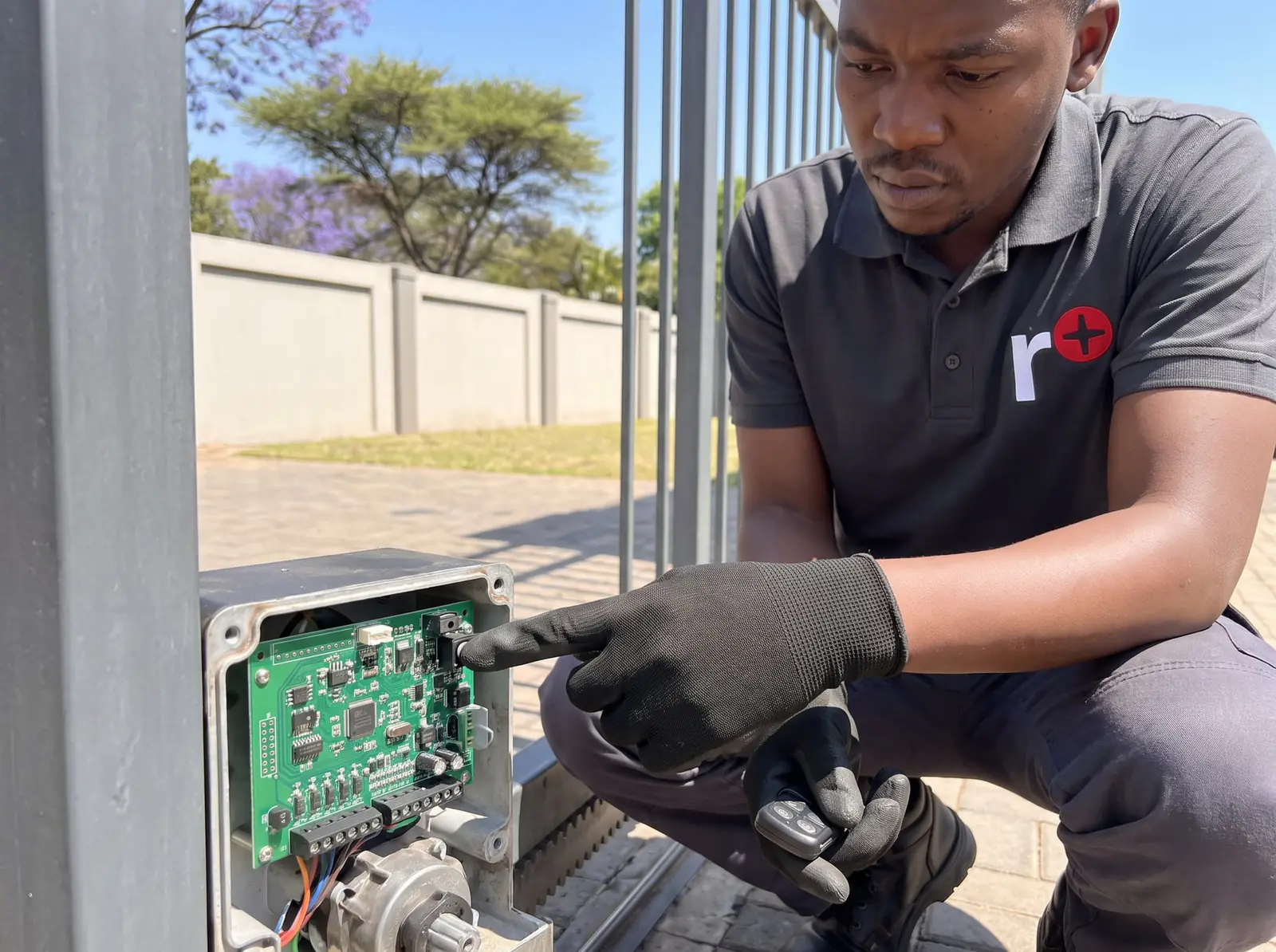
ET calls it a master erase and recommends it on every new installation. It's the only way to remove remotes: there's no deleting one at a time. With all power off, the middle and BT receiver pins are joined and the C and BT terminals shorted (on the DC Blue Plus, the test button held instead); with power back on, the buzzer beeps once a second, then gives one long tone, and the shorts come off before the power is restored and the remotes you're keeping are learnt again.
It's done on the control card beside the mains wiring, so it's a job for a technician. Book us if a remote is lost or stolen.
What the beeps mean
The original DC Blue's user pages list three:
| Beeps | Meaning |
|---|---|
| 1 | The battery is low: give it time to recharge, and call your installer if it carries on |
| 2 | The mains power is off: check the plug point and the distribution board |
| 3 rapid | Holiday lockout is on |
The DC Blue Plus and the Blue-Roll have a fuller table:
| Beeps | When | What it means |
|---|---|---|
| 1 | Power applied | Starting up |
| 2 | Door closed, mains off | Mains failure: the door opens after the beeps, on battery |
| 3 | Door open | Auto-close is about to close the door |
| 4 | Lockout button held | Holiday lockout is unlocking |
| 5 rapid | Door closed | Holiday lockout is locking, or is locked |
| 15 | Mains off, button pressed | The battery is below its safe minimum: the door won't move and must be opened by hand |
| One every 16 seconds | Mains on | The battery is recovering after running flat; the door works on mains meanwhile |
Note the beeps before you call us: they tell a technician most of the story.
Power cuts and the battery
On the DC Blue Plus, ET's figures for the single 24 V, 3.5 Ah battery are:
- Standby: about 12 to 18 hours without running the door, with nothing extra connected; after that the door may not run properly.
- Recharging takes about 10 to 12 hours once the mains is back.
If the battery runs below its safe level, the motor protects it: on battery alone it gives 15 beeps and won't move, and once the mains returns it beeps every 16 seconds for about four to five hours while it recharges carefully. ET warns that long power failures shorten the battery's life, and advises never running this model without a battery. When yours no longer lasts, we replace it with the right 24 V battery.
Opening the door by hand
To release it: pull down on the emergency release cord while you start moving the door with your other hand, then let go of the cord. The lever springs back and the door moves freely. If it locks into the drive again partway, repeat.
To re-engage: press the door's button. The drive runs and collects the door with a click; if the motor stops before it catches, press again so it collects the door going the other way. You can also move the door slowly by hand until it clicks onto the drive.
To lock the door in a power cut: with it released, close it fully until it locks in place. When the power is back, press the button and the drive picks it up.
Never release a door with anyone under it. Other makes are in how to open a garage door manually.
Holiday lockout and auto-close
Holiday lockout stops every other remote and button, for example while you're away. With the door closed, hold the light button until the motor confirms: three rapid beeps on the original DC Blue, five on the DC Blue Plus and the Blue-Roll. To unlock, hold it again: three long beeps on the DC Blue, four on the Plus and the Blue-Roll.
Auto-close is switched on with a jumper on the card. The door then closes 20 seconds after opening, with three warning beeps first, and you can still close it sooner with the button. ET strongly recommends safety beams with auto-close, and for the Blue-Roll makes them compulsory: with beams fitted, a car or person in the doorway stops the close and sends the door back up.
The ET BLUE-ROLL motor for roll-up doors
The Blue-Roll drives a roll-up door from the end of its axle, like other roll-up motors. From ET's installation manual:
- Side room: 85 to 125 mm from the drum wheel's face to the inside of the door's support bracket.
- The door first: it must be balanced, stay put when stopped between 900 and 1,200 mm up, not bind in its guides, and need no more than about 15 kg to lift or lower.
- Limits are two cams on the drive, the inner for open and the outer for closed, locked with two wing-nuts.
- The obstruction test uses a 40 mm object under the door; the Blue-Roll sets its opening sensitivity from the closing one.
- Every month: the obstruction test, the door run by hand, the limits, and a battery test of about five full cycles with the mains off. Once a year: a professional door service, including the spring tension.
- Don't lubricate the motor or the door tracks.
ET's conditions for the manufacturer's warranty on the Blue-Roll and the DC Blue: one motor per door, never outdoors (carports included), and never on a busy entrance such as an apartment block's garage.
When to call us
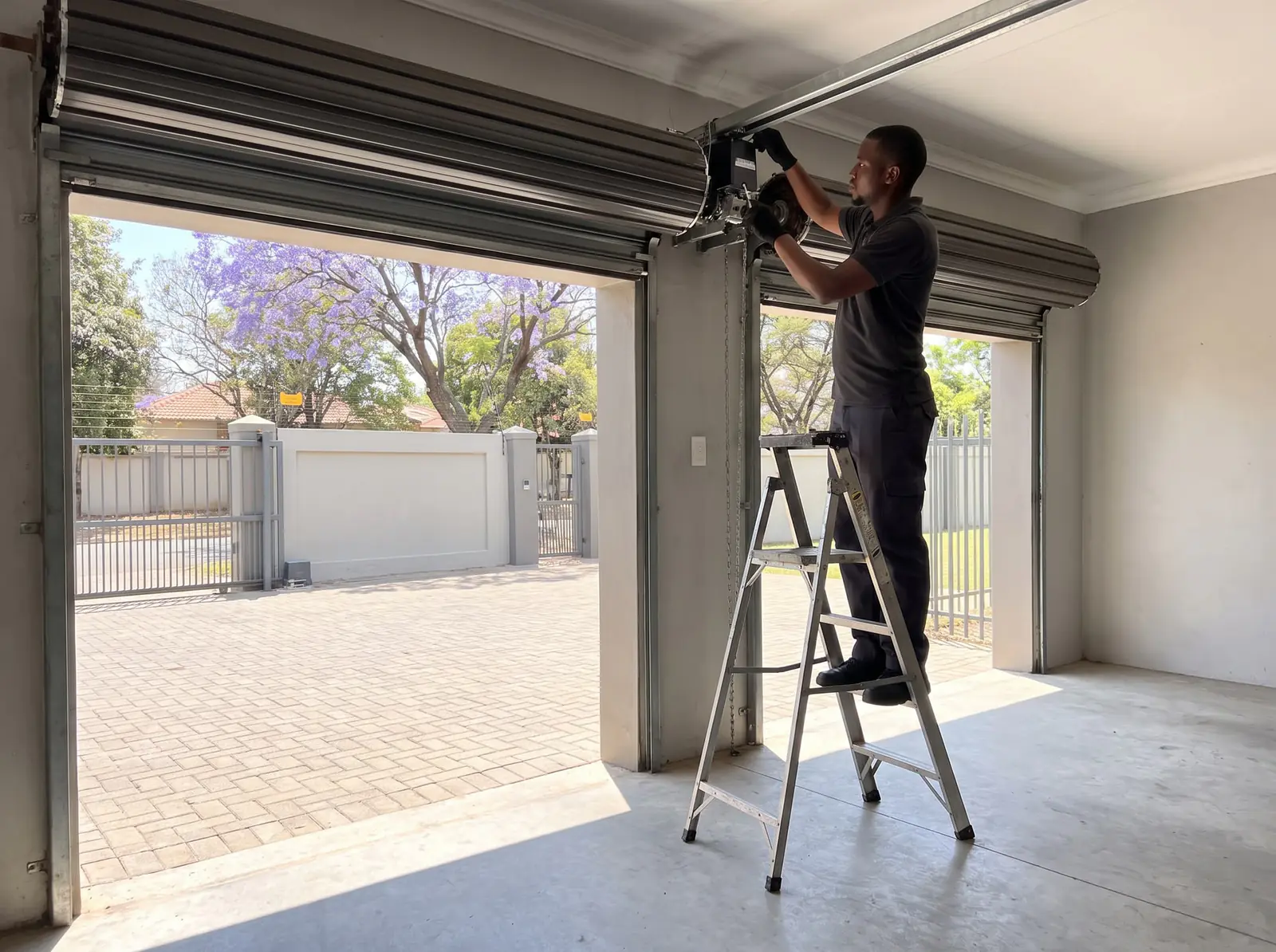
Call us for a DC Blue that won't learn remotes, needs every remote erased, beeps 15 times, reverses for no reason, or has a battery that no longer carries it through a power cut. We repair the older DC Blue range, replace batteries and learn ET remotes, and service the doors they drive. All our spare parts are genuine, and every repair carries our six-month guarantee on our repairs.
When a new motor makes more sense, our installed kits use the current DC Blue Advanced. Prices checked October 2026. Your exact price is set in a free quote before any work starts. No call-out fee when we do the work. If no work is done, a R650 call-out fee applies.
Sectional or tip-up garage kit
ET DC Blue Advanced sectional / tip-up kit
R5 599incl. installation
In the kit
- DC Blue Advanced
- 24 V battery back-up
- 2 × 4-button ET remotes
Our promise1-year guarantee on every motor kit we supply and install
Roll-up garage kit
ET DC Blue Advanced roll-up kit
R4 399incl. installation
In the kit
- DC Blue Advanced
- 2 × 4-button ET remotes
- 24 V battery back-up
Our promise1-year guarantee on every motor kit we supply and install
Prices checked October 2026. Price includes the kit listed, standard installation on a gate or door that already runs freely, and our 1-year kit guarantee. Not included: a power point at the motor if there isn't one (a job for a registered electrician), extra rack, gate or door repairs, and accessories. These are quoted before any work starts.
ET's PDFs
- ET DC Blue garage door operator (original), installer manual: the original DC Blue, for installers
- ET DC Blue garage door operator (original), user manual: the original DC Blue, for owners
- ET DC Blue garage door operator, remote programming sheet: adding remotes to the DC Blue
- ET DC Blue Digital garage door operator, installer manual: published by ET as the DC Blue Digital manual; written for the DC Blue Plus
- ET DC Blue Digital V1 and V2, remote programming sheet: adding remotes to the DC Blue Digital versions 1 and 2
- ET DC Blue roll-up door operator (2008), installer manual: the ET BLUE-ROLL motor for roll-up doors
ET's gate motors are on the ET gate motor manual, and the whole brand on ET.
Questions
DC Blue questions
Why is my DC Blue garage door motor beeping?
On the original DC Blue, one beep means a low battery, two a power failure and three rapid beeps holiday lockout. On the DC Blue Plus, 15 beeps means the battery is too flat to move the door, and a beep every 16 seconds that it's recharging after running flat. See every beep.
What are the common error codes for the DC Blue Advance motor?
The DC Blue Advanced shows its warnings as letters on its display, with buzzer and light signals; ET's table is on our DC Blue Advanced manual page. The older DC Blue and DC Blue Plus on this page have no display: they warn with beeps instead. See the beeps.
How do I program the DC Blue garage door motor?
Hold the new remote's button, and while holding it, join the middle receiver pin on the control card to the BT pin until the buzzer beeps; then let go and remove the short. On a Digital version 1, press the RX Learn button instead of using the pins. See remotes.
How to program ET DC Blue garage motor?
Without opening the motor, use a remote that already works the light: open the door fully, hold that light button until the buzzer gives a continuous tone, then press the new remote's button before it stops. Two beeps confirm it. See remotes.
How to reset DC Blue garage motor?
ET's reset for the remotes is the master erase: power off, short the middle and BT receiver pins and the C and BT terminals, power on until the beeping becomes one long tone, then remove the shorts and power up again. It's done on the control card, so it's a technician's job. See the erase.
How do I reset the DC Blue garage door motor?
If it stopped after a long power cut, it may simply be protecting a flat battery: restore the mains and it recovers over a few hours, beeping every 16 seconds. If the limits are wrong, the thumbwheels need adjusting; to clear the remotes, a master erase. See power cuts.
Where can I find the manual for my DC Blue garage door opener?
ET's own PDFs for the original DC Blue, the DC Blue Plus (published as the DC Blue Digital), the remote sheets and the Blue-Roll motor for roll-up doors are linked at the end of this page, from ET's site. The newer DC Blue Advanced has its own page. See the PDFs.
Book a technician
Get a garage door quote
Job card
We WhatsApp or call you back. Fields marked (required) are needed.