Manual · ET DC Blue Advanced
ET DC Blue Advanced manual: setup, warnings and the roll-up versions
ET's DC Blue Advanced drives sectional and trackless tip-up garage doors: the Pico for single doors under 10 m², the standard model for double doors under 15 m². It's set up from a small display and four buttons on the motor-head. Here is its manual in plain English, with the roll-up DC Blue Advanced and DC Blue Absolute, and ET's own PDFs.
Six-month guarantee on our repairs
1-year guarantee on every motor kit we supply and install
Which DC Blue is on your door?
| Model | Door | Size in the manual | Set up with |
|---|---|---|---|
| DC Blue Advanced Pico | Sectional or trackless tip-up, single width | Under 10 m² | A display and four buttons on the motor-head |
| DC Blue Advanced | Sectional or trackless tip-up, double width | Under 15 m² | The same display and buttons |
| DC Blue Advanced roll-up | Roll-up | 8 m² | Two buttons, a red and a green light and a buzzer in a wall-mounted control box |
| DC Blue Absolute | Roll-up, the 2024 model | 8 m² | The same two buttons and lights; limits read by an absolute encoder |
Every size assumes a door that's balanced and moving freely. ET's 2024 manuals come from Nice Group South Africa, including one for the current sectional and tip-up operator, linked at the end of this page.
DC Blue Advanced specifications
| DC Blue Advanced Pico | DC Blue Advanced | |
|---|---|---|
| Doors | Single width, under 10 m² | Double width, under 15 m² |
| Peak power | 100 W | 120 W |
| Motor | 24 V DC | 24 V DC |
| Use | 50 full cycles a day, no more than 5 an hour | 50 full cycles a day, no more than 5 an hour |
| Traveller speed | 8 m a minute | 8 m a minute |
| Drawbar | 2.2 m or 3.2 m | 2.2 m, 3.2 m or 3.7 m |
| Receiver | ET BLU MIX rolling code, 433.92 MHz | ET BLU MIX rolling code, 433.92 MHz |
| Battery | 24 V 3.5 Ah, an optional extra | 24 V 3.5 Ah, an optional extra |
ET's terms are clear about where it doesn't belong: busy entrances such as office parks and complexes, and places that aren't weatherproof, such as carports, fall outside the manufacturer's warranty.
Opening the door by hand
The DC Blue Advanced has an emergency release cord hanging from the traveller on the drawbar.
- To release: pull the cord down and, while holding it, move the door open or closed by hand.
- To re-engage: let the cord go and move the door until the traveller locks back onto the chain drive.
ET's warning matters here: if a balancing spring is damaged, broken or fatigued, the door can plummet when it's released from the drive. If the door feels heavy, or drops when you start to lift it, lower it and leave it closed. See garage door springs.
Setting the limits and the door profile
- Hold SET until two beeps, then scroll up until L flashes and press SET. The display shows O.
- Hold UP to raise the door to its open position, fine-tuning with UP and DOWN, then press SET. The display shows C.
- Hold DOWN to lower the door to its closed position, fine-tune, then press SET.
- The door opens and closes once on its own while the buzzer beeps, learning how heavy the door is along its travel. When it's done, the display flashes P again.
ET's one trap: press EXIT before the profile run finishes and no limits are saved at all. The motor won't run normally until the setup is completed.
A door that's hard to move by hand teaches the motor a heavy profile, so the door is put right before the limits are set, never after.
When the door meets something
The obstruction force (menu F) decides how much resistance the motor accepts before it gives up. ET describes what happens next:
- While opening: the motor stops, the buzzer beeps once and it waits. The next press closes the door.
- While closing: the motor stops, beeps once and opens the door again fully. The next press closes it.
Test it after any change: the door should reverse when it closes onto something solid. If the door reverses for no reason, Nice's remedy starts with the door: clear anything in the way and check it moves freely by hand before adjusting the force.
Adding a remote
The built-in receiver takes ET BLU MIX and ET BLUE rolling-code remotes: up to 35 for the door and 5 for the courtesy light. ET's quick method, with the door closed:
- Hold UP until the buzzer beeps and the display shows b.
- Hold the remote button you want to use, and press and release SET.
- Read the display: 1 and one beep means learnt, 2 means it was already in memory, 3 means nothing was received within 4 seconds, and F with rapid beeps means the memory is full.
A single remote can only be cleared with that remote in hand. If it's lost, ET's answer is a master erase of every remote, then learning the ones you're keeping again. The full receiver menu is covered on DC Blue Advanced remote programming.
Display, buzzer and light warnings
ET's warnings table pairs each signal with its cause:
| What you see or hear | Cause | What to do |
|---|---|---|
| b on the display, and the door won't close | Safety beams blocked | Clear whatever is in the beams |
| H, rapid beeps and a flashing light | Holiday lock-out on | Switch it off with the light button and the door button, as below |
| Rapid beeps, and the door won't move | Party mode on | Hold the door button about 10 seconds |
| P, with five beeps | Limits and door profile not set, or the setup was left early | Complete the limit setup |
| One short beep every 15 seconds for 5 minutes after each use, and no courtesy light | No mains: running on the battery | Restore the power |
| The door stops | Motor fuse blown, or the encoder faulty or disconnected | A technician job |
| The door won't run at all | Regulator circuit damaged | The control card goes for repair |
Holiday lock-out is switched on with the door closed: hold the remote's courtesy-light button until the buzzer sounds (about 5 seconds), and while it's still sounding press the door button. The same steps switch it off, and the door then opens. Party mode holds the door open: with the door open, hold the door button for about 10 seconds; do the same again to release it.
The roll-up versions: DC Blue Advanced roll-up and DC Blue Absolute
ET's roll-up motors fit on the door's torsion pole and drive the drum wheel, with the electronics in a separate control box on the wall. Both are made for roll-up doors of 8 m², travel up to 137 drum revolutions and give about 25 operations on battery. The Absolute, the 2024 model, reads its limits from an absolute encoder, charges either a lithium (LiFePO4) or a lead-acid battery, and its control unit only works with its own motor-head. The control box is IP20, so it must be kept dry.
Their two lights tell you where you are:
| Red light | Green light | Meaning |
|---|---|---|
| Off | Off | Standby: normal |
| On | On | Programming mode |
| Blinking | Off | Receiver setup |
| Off | Blinking | Operation setup |
A blinking red light on its own means the box is in receiver setup; it leaves programming by itself 30 seconds after the last button press. Programming starts by holding both buttons for 3 seconds until two beeps. Down-button options set the door (B1 runtime and load profile, B2 force, B3 beams, B4 auto-close, B5 positive close) and up-button options manage remotes (A1 door, A2 light, A3 relay, A4 holiday lock-out, A5 erase one, A6 erase all).
| Signal | Cause | Remedy in the manual |
|---|---|---|
| One half-second beep, then a 15-second pause, for 5 minutes | No mains | Restore the power and check the mains fuse |
| One 1-second beep, and the door stops short | Battery failing | Recharge for 8 to 10 hours, or replace it |
| 20 half-second beeps, door won't run | Gearbox disengaged, 10 A motor fuse, or motor disconnected | Pull the release cord down once to re-engage; the fuse and wiring are a technician job |
| 20 beeps and 20 flashes, both lights blinking a second on and off | Motor drive (FET) failed | The control card goes for repair |
| 5 beeps and 5 flashes | Party mode or holiday lock-out on | Switch it off with a remote learnt to the right channels |
When to call us
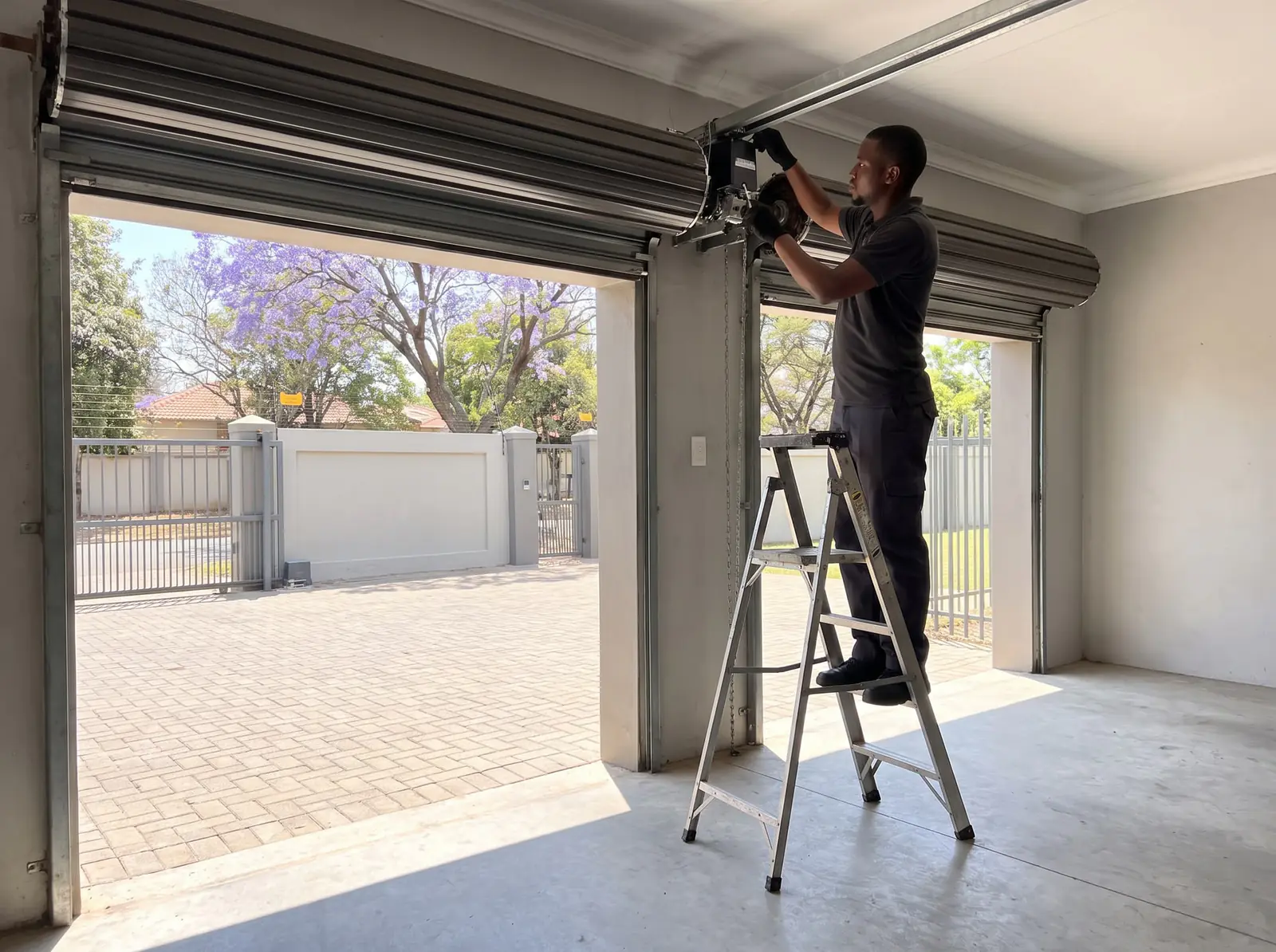
Call us for a door that stops with a fuse or encoder warning, a control card that has failed, a door that won't reverse when it should, or one whose springs make it heavy. We repair DC Blue Advanced, roll-up and Absolute motors, replace batteries and encoders, and set up limits, force and remotes. The motor plugs into a 15 A socket; a new socket is a job for a registered electrician. All our spare parts are genuine, and every repair carries our six-month guarantee on our repairs.
When a new motor makes more sense, our installed ET DC Blue Advanced kits are below. Prices checked October 2026. Your exact price is set in a free quote before any work starts. No call-out fee when we do the work. If no work is done, a R650 call-out fee applies.
Roll-up garage kit
ET DC Blue Advanced roll-up kit
R4 399incl. installation
In the kit
- DC Blue Advanced
- 2 × 4-button ET remotes
- 24 V battery back-up
Our promise1-year guarantee on every motor kit we supply and install
Sectional or tip-up garage kit
ET DC Blue Advanced sectional / tip-up kit
R5 599incl. installation
In the kit
- DC Blue Advanced
- 24 V battery back-up
- 2 × 4-button ET remotes
Our promise1-year guarantee on every motor kit we supply and install
Prices checked October 2026. Price includes the kit listed, standard installation on a gate or door that already runs freely, and our 1-year kit guarantee. Not included: a power point at the motor if there isn't one (a job for a registered electrician), extra rack, gate or door repairs, and accessories. These are quoted before any work starts.
ET's PDFs
- ET DC Blue Advanced garage door operator, installer manual: installation, every menu option and the warnings table
- ET DC Blue Advanced garage door operator, user manual: the release, everyday use and warnings
- ET DC Blue Advanced roll-up door operator, installer manual: the DC Blue Advanced roll-up
- ET Nice DC Blue Advanced roll-up operator (2024), installer manual: the 2024 DC Blue Absolute roll-up
- ET Nice DC Blue Advanced sectional / tip-up operator (2024), installer manual: Nice's 2024 sectional and tip-up operator
Choosing and fitting a new garage motor is on garage door motor installation, and the rest of ET's range on ET.
Questions
ET DC Blue Advanced questions
How to fix DC Blue Advanced E1 error?
The DC Blue Advanced shows faults as a symbol on its display, and ET's warnings table pairs each symbol with its cause. The hardware faults in that table are a blown motor fuse, a faulty or disconnected encoder and a damaged regulator circuit, all inside the motor-head, so check the symbol in the table and call a technician. See the warnings.
How to reset DC Blue Advanced?
ET's manual has no single factory reset. Its two clean-slate steps are the receiver's master erase (menu r, option E), which clears every remote, and the limit setup (menu L), which relearns the door's travel and profile. See the limit setup.
How to set limits on DC Blue Advanced?
Hold SET until two beeps, choose L, then drive the door up with UP and press SET at the open position, down with DOWN and press SET at the closed position. The door then runs once by itself to learn its load. Don't press EXIT before it finishes. Read the steps.
How to program DC Blue Advanced Garage Motor?
Hold SET until the buzzer beeps twice and the display flashes P, then scroll with UP and DOWN: L for limits, F for force, b for beams, A for auto-close and r for remotes. EXIT steps back a level without saving. See the menu.
What do the beeps on a DC Blue Advanced mean?
One short beep every 15 seconds after the door is used means the mains is off and it's on battery. Rapid beeps mean party mode or holiday lock-out is on, and five beeps with P on the display mean the limits aren't set. See every warning.
Why is the red light flashing on my DC Blue roll-up?
On the DC Blue roll-up control box, a blinking red light with the green off means it's in receiver setup; it leaves programming by itself 30 seconds after the last press. On the 2024 Absolute, both lights blinking a second on and off with 20 beeps points to a failed motor drive. See the roll-up lights.
Book a technician
Get a garage door quote
Job card
We WhatsApp or call you back. Fields marked (required) are needed.