Manual · Digidoor
Digidoor garage motor manual: setup and remotes for each Digi
Hydro Doors makes four Digidoor openers, and each is set up its own way. The Digi One and Digi 6 run along a rail on the ceiling and are set from a small display with SET, CODE, UP and DOWN buttons. The Digi 7 sits on a roll-up door's axle and has a fuller menu and fault codes. The older Digidoor III sets its own limits and learns remotes through a wireless wall console. Find yours in the table, then follow its steps, taken from Hydro Doors' manuals.
Six-month guarantee on our repairs
10 years of experience in gate motor installation and repairs
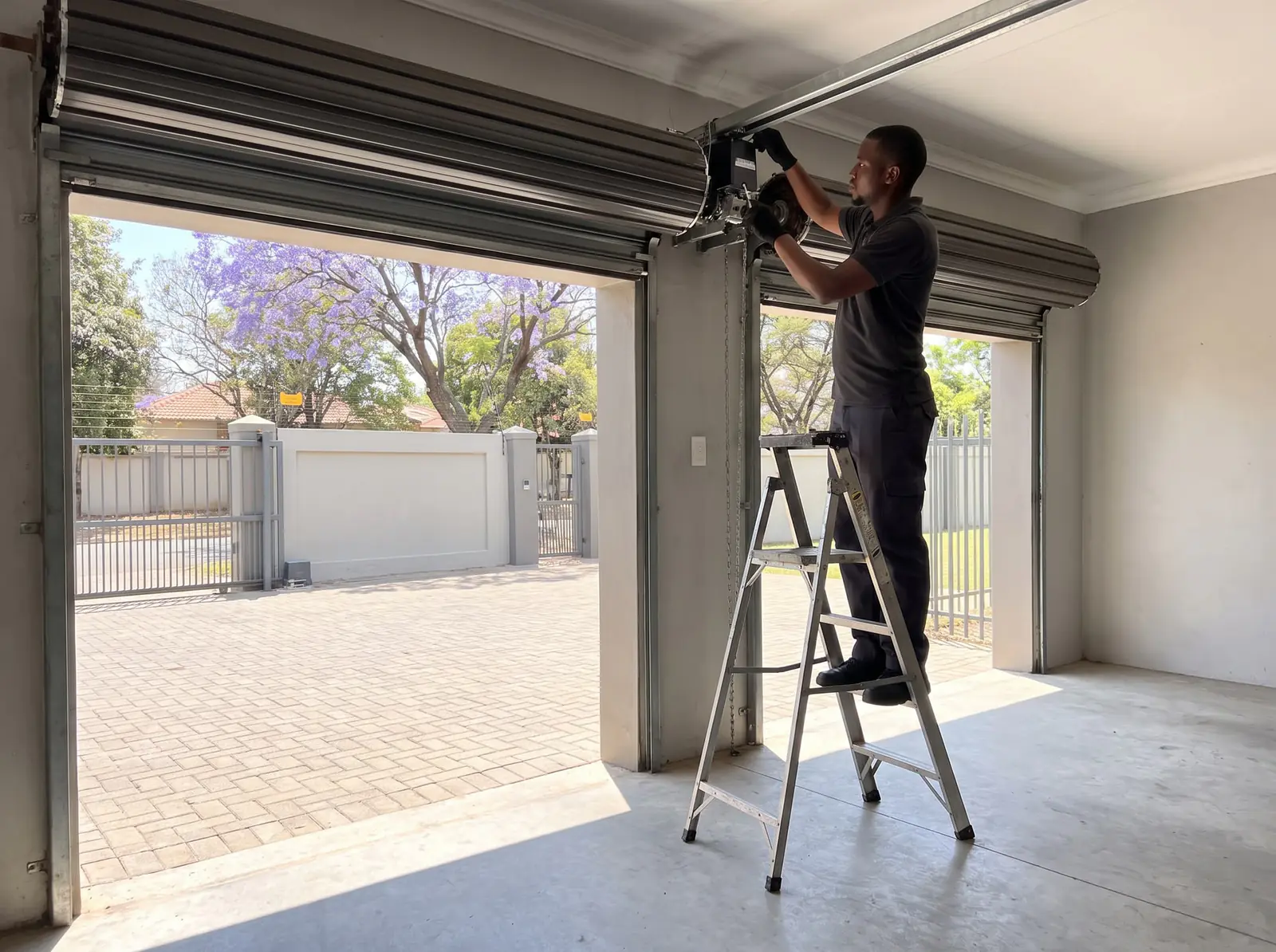
Which Digidoor do you have?
| Model | Door | Set up from | Remotes stored | Force |
|---|---|---|---|---|
| Digi One | Overhead doors, on a chain rail | A two-digit display: CODE, SET, UP, DOWN | 20 | 1,000 N |
| Digi 6 | Sectional and tip-up, up to 12 m² and 180 kg balanced, chain or belt rail | The same four buttons, plus Up and Down on the back of the motor | 20 | 600 N |
| Digi 7 | Roll-up, up to 20 m², 130 kg and 5 m high, on the door's axle | A display with SET, CODE, UP, DOWN, L/R, AUTO Closing, Force Margin and RST | 50 | 800 N |
| Digidoor III | Sectional, tip-up and (with a kit) roll-up, on a chain strut | An Enter button, a status light and a wireless wall console | 28 | 700 N |
All four run on 24 V DC motors with rolling-code remotes on 433.92 MHz (the Digi 7 also comes in an 868 MHz version). We have no Hydro Doors manual for the Digidoor 2: what we can tell you about it is on Digidoor 2.
Digi One: limits, force, beams and auto-close
Before you start, turn the carriage's release lever horizontal and move the door by hand until the carriage locks onto the shuttle. At power-up the courtesy light comes on and the display counts from 99 to 11, then shows two dashes: standby. Programming closes by itself after 30 seconds without a button.
Every setting starts the same way, by holding SET until P1 shows; UP then steps through the menu:
| Menu | Setting | How |
|---|---|---|
| P1 | Open and closed positions | SET shows OP: hold UP to open, fine-tune with UP and DOWN, press SET. CL shows: hold DOWN to close, fine-tune, press SET. The door runs once each way to learn its force |
| P2 | Obstruction force | SET shows the level: F1 to F9 with UP and DOWN, F5 from the factory; SET saves |
| P3 | Safety beams | H0 off, H1 on |
| P4 | Auto-close | b0 off, up to b9; each step adds a minute |
Leave P3 on H0 if no beams are fitted: with H1 and no beams, the door opens but won't close.
Digi 6: limits, force, auto-close and beams
The Digi 6 uses the same four buttons, but holds each one down to reach a different setting:
- Limits. Hold SET until 1 shows. Hold UP until the door reaches the open position you want, fine-tune with UP and DOWN, and press SET: 2 shows. Hold DOWN to the closed position, fine-tune, and press SET. The door then runs open and closed to learn its travel and force.
- Force. Hold SET until 3 shows, then UP for more force, DOWN for less. The lowest is 1 and the factory setting 3; SET saves. The force is learnt during the limit setup, so normally it needs no change.
- Auto-close. Hold UP until a horizontal bar shows, press UP once, then set the delay with UP and DOWN; the manual's longest is 135 seconds, and 0 switches it off. SET saves.
- Safety beams. Hold DOWN until 11 shows. UP turns beams on (H shows), DOWN turns them off (11 shows); SET saves. With beams switched on and none fitted, the door won't close, and the LED blinks once.
Extra Up and Down buttons on the back of the motor open and close the door from the motor itself.
Digi 7: the roll-up opener's menu
At first power-up the display shows FC and counts down from 99. Two jobs come before the limits:
- Which side. Seen from inside looking out, the Digi 7 comes set for the right-hand end of the door. For the left, hold L/R for 6 seconds until its light changes.
- Door halfway. Release the clutch, lift the door by hand to about halfway, check the side setting, then lock the clutch again.
Hold SET until 1.- shows; UP and DOWN choose a menu and SET opens it:
| Menu | Setting | Options (factory setting first) |
|---|---|---|
| 1 | Limits | Hold UP to the open position, fine-tune, SET; hold DOWN to the closed position, fine-tune, SET. It runs once to learn its force |
| 2 | Slow stop | 2.0 stops at once; 2.1 to 2.4 slow to 50, 40, 30 or 20% of speed first |
| 3 | Auto-close | Delay 03 (15 seconds), from 01 to 99 in 5-second steps; then 3.1, close only from fully open, or 3.2, from any position |
| 4 | Courtesy light | 4.3 (3 minutes), from 1 to 9 minutes |
| 5 | Partial open | 5.0 off; 5.1 to 5.9 open 10 to 90% of the way |
| 6 | Photo cell | 6.0 off; 6.1 on |
The AUTO Closing button switches auto-close on and off (its light shows when it's on), and the courtesy light flashes before the door closes itself. Force Margin sets the reversing force in nine steps, L1 to L9, L3 from the factory; if the door reverses before it closes, Hydro Doors' answer is a higher number. Holding RST for 4 seconds restores the factory settings and restarts the opener, but keeps the remotes.
Once a month, close the door onto something about 40 mm high on the floor: it must reverse, not just stop.
Digidoor III: self-set limits and the wall console
The Digidoor III finds its own limits:
- With the door closed by hand and the latch lever horizontal, move the door until the opener engages it.
- Switch on: it beeps and its indicator flashes amber, which means setup mode.
- Press Enter (twice for a lightweight door). The door closes slowly to the floor, opens slowly to its open stop, then runs once each way at full speed. Two beeps mean the limits are set.
- Press Enter again (the amber light flashes fast), then press Operate on the wall console twice. Four beeps and a green light: this console is now the master, the only one that can add or erase remotes.
Settings are jumpers on the control board. Removing the A-Close jumper turns on auto-close: 30 seconds after opening, with 10 seconds of flashing and beeping first; three obstacles in a row switch it off until the door has closed. Removing the BEAM jumper turns the beams on. The wall console's lock button locks the door and overrides auto-close.
| Indicator or sound | Meaning |
|---|---|
| Green | Mains on |
| Green, flashing | No mains: running on the battery |
| Red | Locked from the wall console |
| Red, flashing | Battery low |
| One beep and a flash when you try to run it | It's locked |
| Two beeps when you try to close | Beams blocked or not working |
On battery it manages at least 10 cycles. The factory reset (all power off, battery too; hold Enter as the power returns) erases the limits and the master console but keeps the remotes.
Adding and deleting Digidoor remotes
Each model learns remotes its own way, and every one deletes them all at once:
| Model | Add a remote | Delete them all |
|---|---|---|
| Digi One | Press CODE (SU shows), press the remote's button, then the same button again; SU flashes. Fu means the memory is full | Hold CODE for 8 seconds until dL shows |
| Digi 6 | Press CODE (a dot shows bottom right), press the remote's button, wait 2 seconds, then hold the same button 2 seconds; the dot flashes. F means full | Hold CODE until C shows |
| Digi 7 | Press CODE, then press the same remote button two or three times; the display's dots flash quickly, then the light flashes | Hold CODE: the dots flash; keep holding until the display changes |
| Digidoor III | On the master console, hold the light button: the light comes on, then goes off after 5 seconds. Let go (it comes back on), press the remote's button within 30 seconds (it goes off) and press it again: four flashes | Hold the light button: after 5 seconds the light goes off; keep holding 5 seconds more, until six flashes |
The Digi 6's own remotes come already coded, and the Digidoor III takes one button per remote. Lost a remote? Delete them all and add back the ones you still have; the Digidoor III's erase leaves the master console working.
When a remote won't work, Hydro Doors checks the remote's battery first (a Digidoor III remote's LED flashes when it's low), then the opener's aerial, which must be attached and stretched out, then interference nearby. A remote of another make won't code. Rolling-code remotes on other brands are covered on gate remotes.
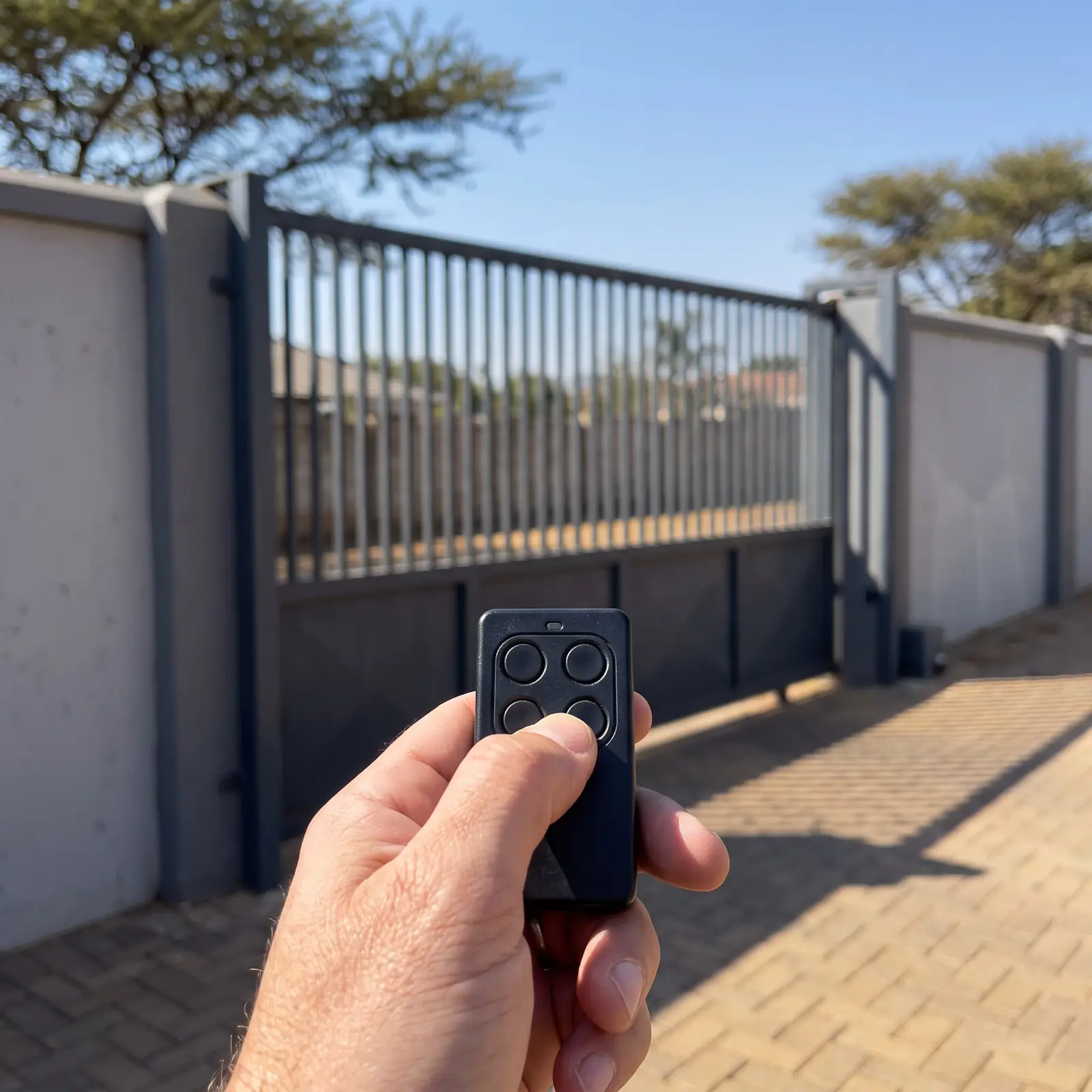
Releasing a Digidoor by hand
- Digi One and Digi 6: pull the release handle to free the carriage from the drive, and hold it while you move the door. To reconnect, run the motor or move the door until the carriage locks back on.
- Digi 7: pull the clutch handle down until it clicks, then let go: the door is free. Do the same again to lock it back on to the motor. The handle should hang no higher than 1.8 m.
- Digidoor III: pull the release cord; to reconnect, set the latch lever horizontal and move the door until it engages.
Hydro Doors warns that an open door can fall fast if its springs are weak, so free the motor with the door closed where you can. A garage with no other way in needs an outside key release. The release on other makes is covered in how to open a garage door manually.
Digidoor display codes
| Code | Fault | Hydro Doors' fix |
|---|---|---|
| E0 | Encoder failure | Replace the encoder |
| E1 | No running signal | Check the limiter connection, the gear motor and the trolley |
| E2 | Motor wires reversed | Reconnect them the right way round |
| E3 | Opener short of power | Often an unbalanced door or a door too big for it; it can still run |
| E4 | Overload | Free the motor and check the door runs smoothly by hand |
| E5 | Fire alarm input triggered | Reset the fire alarm |
| E6 | Photo cell triggered | Clear the beam's line of sight; check its connection |
| E7 | Door's service is overdue | Have the door serviced |
| E8 | Limits not learnt | Restore factory settings and set the limits again |
| Display | Cause |
|---|---|
| P | Not enough voltage |
| L or b | The door's springs are out of balance |
| A dash | Limits not learnt, or learnt wrongly |
| H | Hall sensor or motor wiring fault |
| r | Beams: switched on with none fitted, or blocked or misaligned |
| F | Remote memory full |
| O, while learning | Travel under 30 cm or over 9 m |
On a Digi 6, four flashes of the courtesy LEDs with the door open mean auto-close is about to shut it. E0 to E2, H and anything inside the cover are technician jobs.
When to call us
Call us for any of the codes above that point inside the opener, a door that's heavy or crooked by hand, limits that won't learn, or remotes that won't code after a new battery. We repair Digi One, Digi 6, Digi 7 and Digidoor III openers, fit back-up batteries where the model takes one, and code remotes. The opener plugs into a socket by the motor; a new one is a job for a registered electrician. All our spare parts are genuine. Six-month guarantee on our repairs. No call-out fee when we do the work. If no work is done, a R650 call-out fee applies.
More on the brand, its faults and prices is on Digidoor.
Hydro Doors' PDFs
Questions
Digidoor manual questions
How do I set the limits on a Digidoor?
On a Digi One, hold SET until P1, then SET for OP and CL; on a Digi 6, hold SET until 1; on a Digi 7, open menu 1. Each time you drive the door open with UP and closed with DOWN, confirming each end with SET. A Digidoor III learns its own when you press Enter. See each model.
How do I delete all remotes from a Digidoor?
Hold the CODE button: 8 seconds until dL on a Digi One, until C on a Digi 6, and until the display changes on a Digi 7. On a Digidoor III, hold the master console's light button for about 10 seconds, until six flashes. See the remote table.
Why won't my Digidoor remote work?
Start with the remote's battery, then check the opener's aerial is attached and stretched out. If the door still won't answer, code the remote again, or check a Digidoor III isn't locked from its wall console. See the remote checks.
How many remotes can a Digidoor remember?
20 on a Digi One or Digi 6, 50 on a Digi 7 and 28 on a Digidoor III. When the memory is full, the Digi One shows Fu, the Digi 6 shows F and the Digidoor III beeps for four seconds; delete them all and add back the ones you use. See the remote table.
What does E8 mean on a Digi 7?
The opener failed to learn its travel. Hydro Doors' fix is to restore the factory settings (hold RST for 4 seconds) and set the limits again from menu 1, with the side setting checked first. See every Digi 7 code.
Which Digidoor fits a roll-up door?
The Digi 7, which mounts on the door's axle and handles doors up to 20 m². The older Digidoor III can also drive a roll-up door with Hydro Doors' roll-up kit. The Digi One and Digi 6 are for sectional and tip-up doors. Compare the range.
Book a technician
Get a garage door quote
Job card
We WhatsApp or call you back. Fields marked (required) are needed.