Manual · Digidoor 2
Digidoor 2 problems: what goes wrong and what to check
The Digidoor 2 is an older opener from the Digidoor range that Hydro Doors makes. We don't have a Hydro Doors manual for it, so this page gives no programming steps: guessed steps can lock you out or upset the door's settings. What it does give is the problems openers like it develop, the checks that are safe for you to do, and when it's worth repairing.
Six-month guarantee on our repairs
1-year guarantee on every motor kit we supply and install
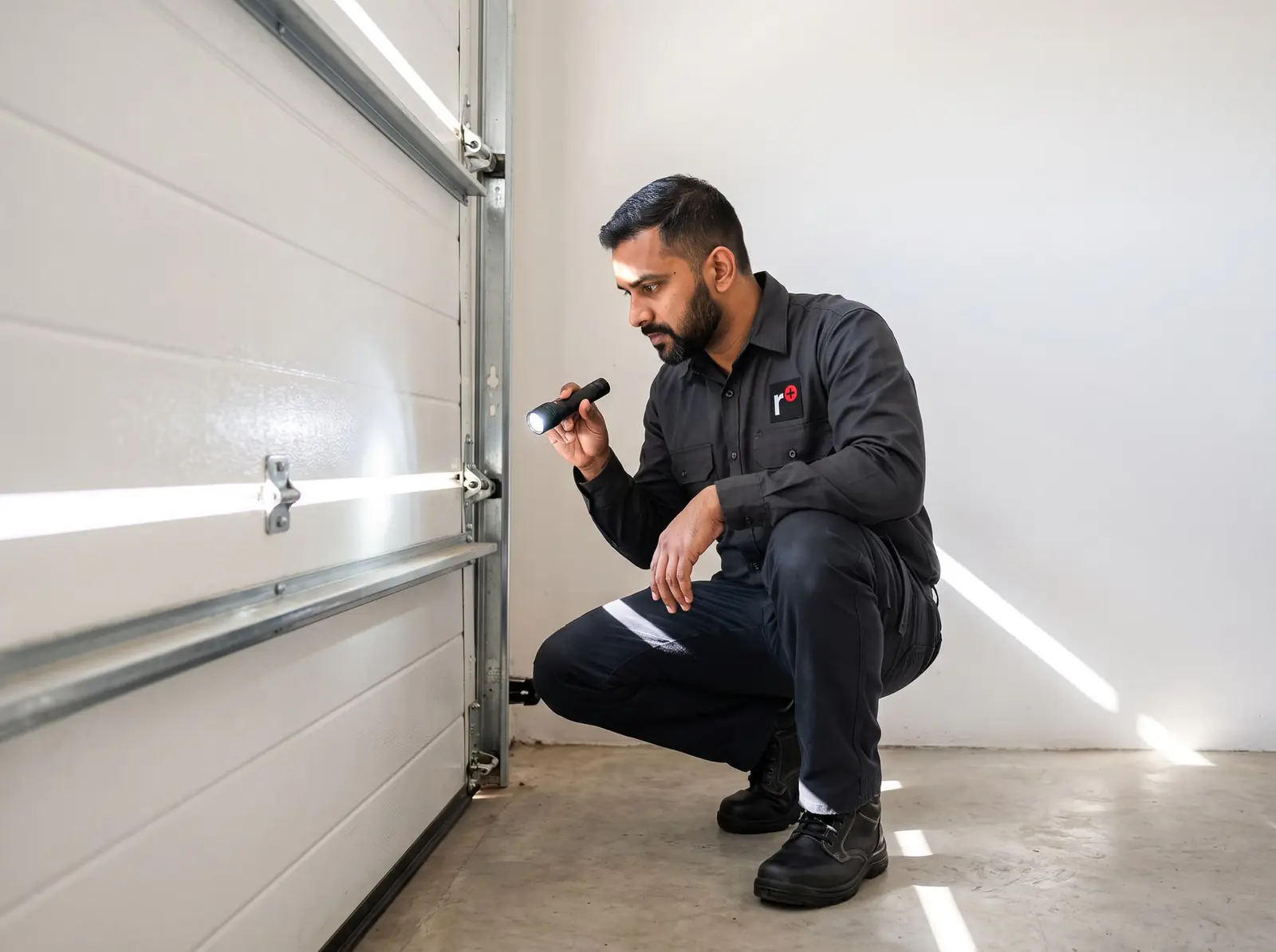
First, check it is a Digidoor 2
The model name is on the label on the motor-head. Hydro Doors' later openers each have a manual, and our Digidoor manual covers them step by step:
- Digi One and Digi 6: a small two-digit display with SET, CODE, UP and DOWN buttons on a rail-mounted motor.
- Digi 7: a roll-up door opener sitting on the door's axle, with its own display.
- Digidoor III: a status light and an Enter button on the motor, set up through a wireless wall console.
If the label says Digidoor 2, or has worn away, read on. Everything below is either a check that's safe on any garage opener, or a fault Hydro Doors describes for one of its other models, named as such.
Common Digidoor 2 problems
| What happens | Likely cause | What you can check |
|---|---|---|
| Nothing at all: no light, no sound | No power at the plug point, a loose plug, or a blown fuse inside the opener | Whether the plug point works (plug in a lamp). A fuse inside is a technician's job |
| Works from the wall button but not the remote | A flat remote battery or a remote that has lost its code; the Digi One's manual says several remotes failing at once points to the control board | Try a new battery in the remote, and try a second remote |
| Opens but won't close | Safety beams blocked, dirty, out of line or faulty | Clear anything between the beams and wipe their lenses |
| Stops and reverses, or won't open all the way | A door that's heavy, stiff or out of balance | The door by hand, as below |
| The chain is noisy or slaps | A slack chain; the Digi One's manual tightens it at the chain spring | A technician adjusts the tension |
| The courtesy light stays on | On a Digi 6, Hydro Doors puts this down to the power board | A technician tests the boards |
| Dead in a power cut | No back-up battery, or a flat or old one | See the battery section below |
| Only works close up | A weak remote battery | A new remote battery |
Most of these come back to two things: power, and the door itself. Hydro Doors says it plainly in its Digi One manual: most complaints about garage door operation trace back to the door, and an opener can't make up for a door that's unbalanced or binding.
Safe checks before you call
- Power. Check the plug point the opener runs from: plug something else into it. If the point is dead, a tripped breaker on your board may be why; a faulty point is a job for a registered electrician.
- The remote. Fit a new battery. If a second remote works and the first doesn't, the first is the problem.
- The beams. If your opener has safety beams near the floor at each side of the door, clear anything between them and wipe the lenses.
- The door by hand. With the door closed, pull the release cord to free it from the opener, then lift it. A healthy door lifts smoothly with one hand and stays where you let go, held by its springs. If it's heavy, jerky, drifts down or shoots up, the door needs work before the opener will behave: see garage door springs.
- The lock. If yours has a wall console with a lock button, check the door hasn't been locked from it.
Stop there. Don't open the opener's cover, and never touch the springs, cables or brackets: Hydro Doors warns that they're under enough force to cause serious injury. How to free and reconnect a garage door is covered in how to open a garage door manually.
Digidoor 2 remotes and the wall console
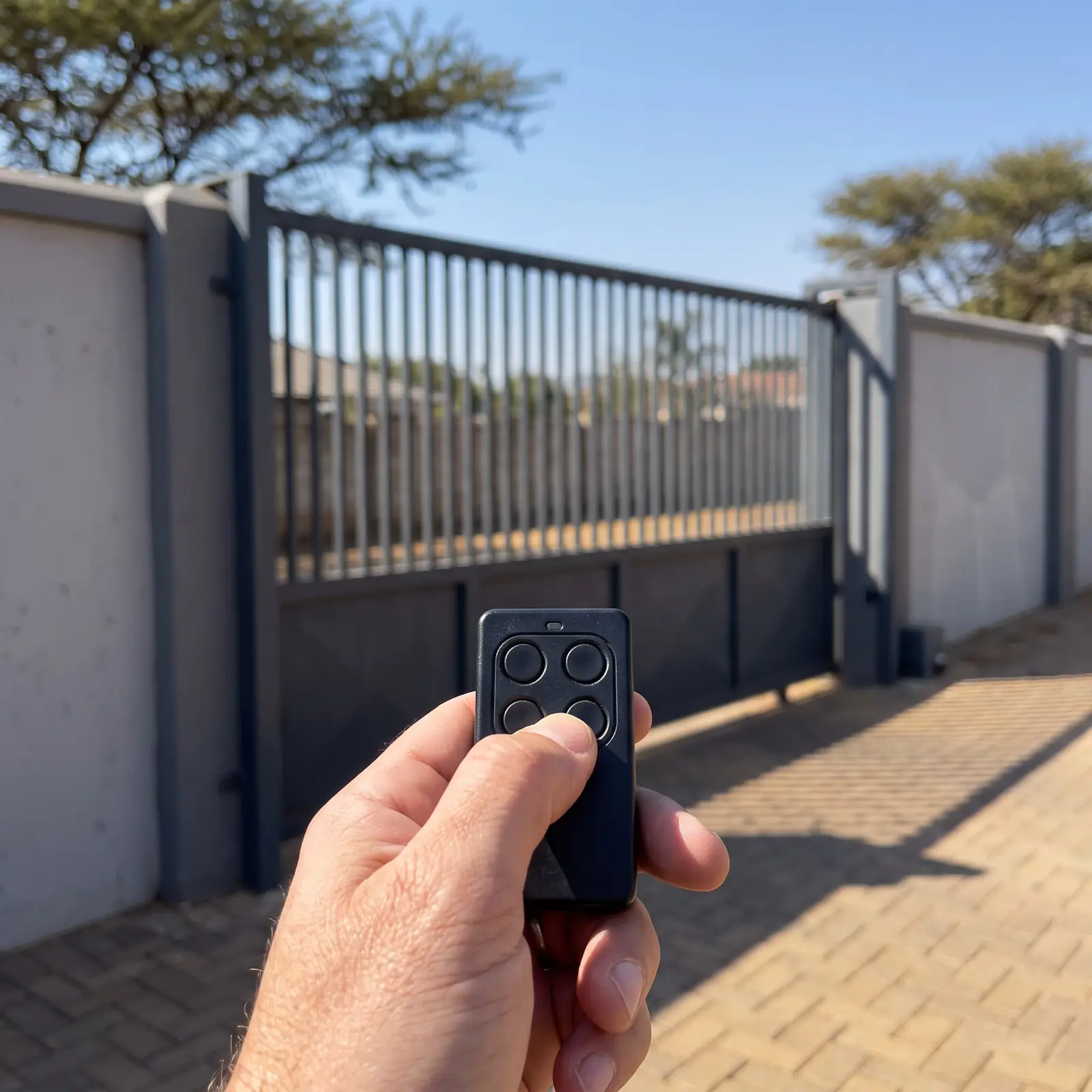
Without the maker's manual we don't publish coding steps for the Digidoor 2: coding is something we do on site, with the opener's receiver in front of us. What the other Digidoor manuals show is that the range has used more than one method. The Digi models learn remotes through a CODE button on the motor, while the Digidoor III learns them only through the first wireless wall console paired with it, its master console.
Two things hold across the range. The remotes use rolling codes, so a copied signal won't open your door; and Hydro Doors' Digi 6 and Digi 7 manuals warn that a remote of another make won't code. If a remote is lost or stolen, the safe fix is to clear every remote from the opener's memory and code back the ones you still have. The Digidoor III manual says exactly this.
Battery back-up and power cuts
Not every Digidoor has a battery. The Digidoor III comes with a 24 V back-up, and the Digi One and Digi 6 take one as an option. To find out whether your Digidoor 2 has one, switch off its plug point for a moment and try the remote: if the door still runs, there's a battery.
Without a battery, or with a flat one, the door is opened by hand with the release cord. Hydro Doors' warning applies here too: an open door can come down fast if its springs are weak, so free the opener with the door closed where you can, and keep everyone clear. A battery that no longer holds a charge is replaced by a technician, who also checks that the opener is charging it. Battery care in general is covered on gate motor batteries.
Repair it or replace it?
An older opener is often worth repairing: a remote, a battery, a beam or a slack chain is a much smaller job than a new motor. It's a different picture when the control board or motor has failed and parts for it can't be found, or when the door itself has worn to the point where it needs work anyway.
We look at the opener and the door together, tell you which it is, and price the job before any work starts. If a new opener is the better answer, these are our installed kits, by door type. Prices checked October 2026. Your exact price is set in a free quote before any work starts. No call-out fee when we do the work. If no work is done, a R650 call-out fee applies.
Sectional or tip-up garage kit
ET DC Blue Advanced sectional / tip-up kit
R5 599incl. installation
In the kit
- DC Blue Advanced
- 24 V battery back-up
- 2 × 4-button ET remotes
Our promise1-year guarantee on every motor kit we supply and install
Roll-up garage kit
Centurion RDO Digital roll-up kit
R3 899incl. installation
In the kit
- RDO Digital motor
- 4-button NOVA remote
- 24 V battery back-up
Our promise1-year guarantee on every motor kit we supply and install
Roll-up garage kit
ET DC Blue Advanced roll-up kit
R4 399incl. installation
In the kit
- DC Blue Advanced
- 2 × 4-button ET remotes
- 24 V battery back-up
Our promise1-year guarantee on every motor kit we supply and install
Prices checked October 2026. Price includes the kit listed, standard installation on a gate or door that already runs freely, and our 1-year kit guarantee. Not included: a power point at the motor if there isn't one (a job for a registered electrician), extra rack, gate or door repairs, and accessories. These are quoted before any work starts.
Compare two kits
| Spec | ET DC Blue Advanced sectional / tip-up kit | Centurion RDO Digital roll-up kit |
|---|---|---|
| Price, installed | R5 599 | R3 899 |
| For | Sectional or tip-up garage door | Roll-up garage door |
| In the box | DC Blue Advanced | RDO Digital motor |
| In the box | 24 V battery back-up | 4-button NOVA remote |
| In the box | 2 × 4-button ET remotes | 24 V battery back-up |
| Guarantee | 1-year guarantee on every motor kit we supply and install | 1-year guarantee on every motor kit we supply and install |
When to call us
Call us when the checks above don't bring it back, when the door is heavy by hand, when remotes need coding or clearing, or when the light or chain points to a fault inside. We repair Digidoor openers, fit and replace back-up batteries, code remotes and service the door they drive. All our spare parts are genuine. Six-month guarantee on our repairs.
The rest of the brand is on Digidoor.
Questions
Digidoor 2 questions
Can I program a DigiDoor 2 remote without a wall console?
We can't confirm a method without Hydro Doors' manual for it. On the later Digidoor III, only the master wall console can add remotes, so a lost console means a technician's visit; we check your opener's receiver and code remotes on site. Read about remotes.
Does Digidoor 2 have a battery?
Some Digidoors do and some don't, so check yours: switch off its plug point for a moment and press the remote. If the door still runs, it has a back-up battery; if not, it's opened by hand in a power cut. See battery back-up.
How to program a Digidoor 2 garage remote?
We don't publish steps for it, because we don't have the maker's manual and guessed steps can clear the remotes you rely on. Book a visit and we'll code new remotes, or clear lost ones, with the opener in front of us. Book a technician.
How do I program my DigiDoor 24 remote?
Check the label on the motor-head first: the Digi One, Digi 6, Digi 7 and Digidoor III each code remotes differently, and the steps for all four are on our Digidoor manual page. If the label doesn't match any of them, we'll code it on site. See the Digidoor manual.
Why does my Digidoor 2 light stay on?
A courtesy light that won't time out points to the opener's boards: on the Digi 6, Hydro Doors names the power board. It needs a technician to test, and it's a repair, not a reset. See the common problems.
Book a technician
Get a garage door quote
Job card
We WhatsApp or call you back. Fields marked (required) are needed.