Manual · Centurion G-SPEAK ULTRA
Centurion G-SPEAK ULTRA: the 4G intercom that rings your phone
Centurion's G-SPEAK ULTRA is an intercom with no handset in the house: when a visitor presses the button at the gate, it phones your cellphone, and you talk to them and open the gate from wherever you are. It uses the cellular network, so no cable has to run from the gate to the house. This is its manual in plain English: the parts, the wiring, setting it up in G-WEB, the reset menu, and how it differs from the older G-SPEAK Classic.
Six-month guarantee on our repairs
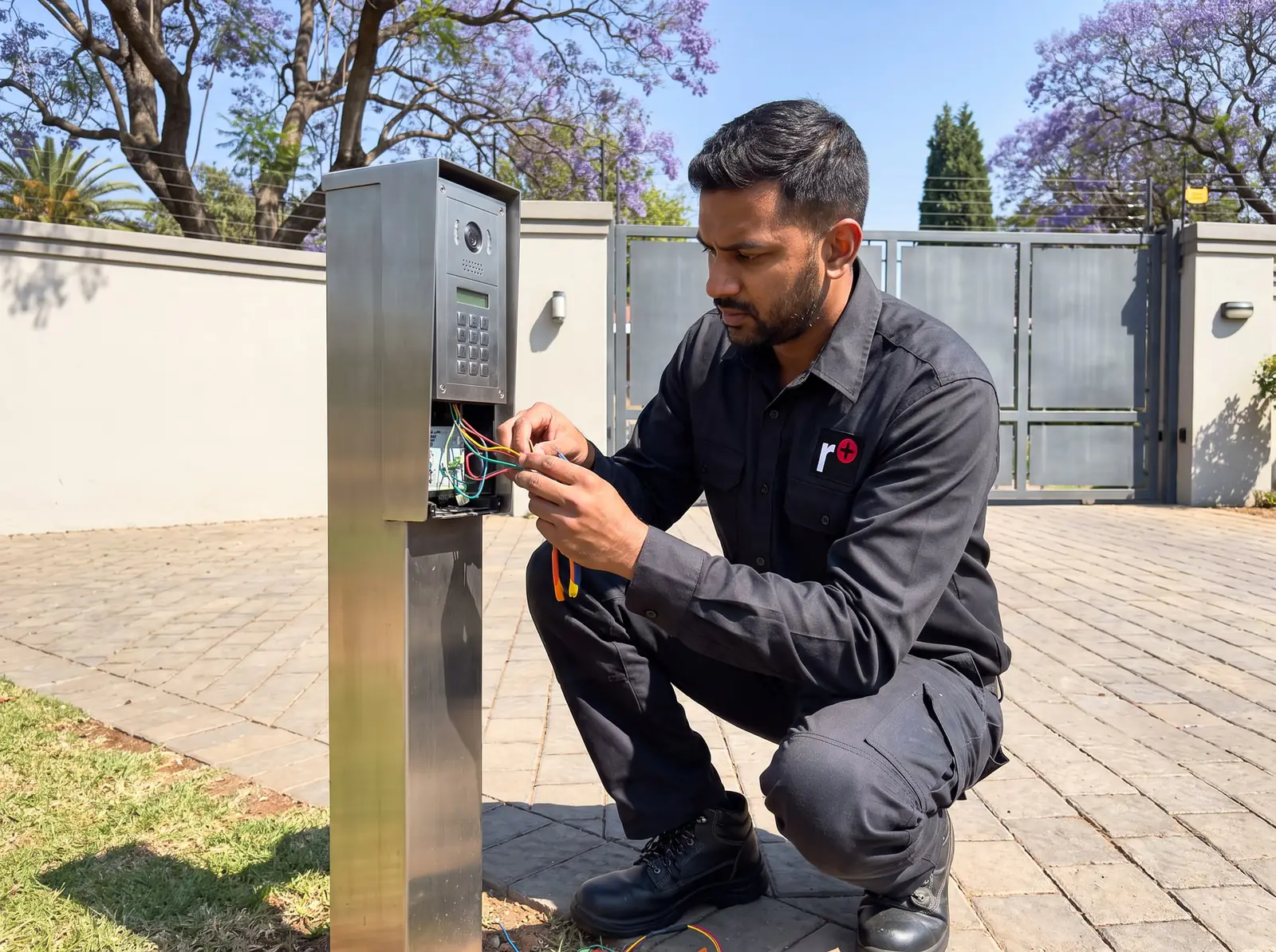
The two parts of a G-SPEAK ULTRA
A G-SPEAK ULTRA is two pieces wired together:
- The gate station outside, with the call buttons, speaker and microphone. Centurion makes a metal one with one, two or four buttons and a plastic one with two. Both confirm to the visitor that the call is going through.
- The G-SPEAK ULTRA unit inside the property, often near the gate motor, with the SIM card, a small screen, the terminals and the connection to the gate motor.
Six wires join the gate station to the unit: two for power to the station, two for its speaker and two for its microphone. Four more terminals, IO1 to IO4, can each be an input or an output, which is how the unit opens the gate and knows whether it's open.
G-SPEAK ULTRA specifications
| Item | G-SPEAK ULTRA |
|---|---|
| Supply | 11 to 24 V DC, up to 300 mA at 12 V |
| Network | 4G wherever possible, 2G only as a fallback |
| SIM | Nano SIM, or an e-SIM in South Africa |
| Antenna | Internal, with a socket for an external one where the signal needs it |
| Inputs and outputs | 4, each set as an input or an output |
| Operating temperature | −40 °C to +85 °C |
| Weather rating | Unit IP40; metal gate station IP54; plastic gate station IP52 |
At IP40 the unit itself needs shelter, indoors or inside a housing, while the gate stations are sealed for outdoors; a metal station on a gooseneck needs Centurion's gooseneck backing plate to keep its rating.
Its memory holds 5,000 event logs, 20 access profiles, a welcome SMS for new access numbers, 20 custom activation messages, 30 custom input notifications by SMS or email, 100 visitor time windows between two dates, 30 weekly time windows, 10 weekly activation schedules and 4 input-to-output links.
Wiring it to a gate motor
Centurion's quick guide has diagrams for its 24 V Dx SMART, 12 V D5-Evo SMART and Vx SMART controllers, the older 12 V D-series and V-series controllers, electric fences, alarm systems and a striker lock. On a gate motor the unit can:
- Open the gate fully or for pedestrians, and hold it open (free exit).
- Report on it: gate open or closed, opening or closing, standing open, mains failure, battery low and multiple collisions.
On a SMART motor, the matching terminals are set in the installer's MyCentsys Pro app: trigger on IO1, pedestrian on IO2, gate status on IO4. Centurion's safety notes say not to install the unit near the motor's DOSS position sensor, its remote receiver or any other sensitive electronics.
The unit goes on a wall on its mounting plate, with four screws and wall plugs, and clicks into place; a DIN-rail kit is available for control cabinets.
Setting it up
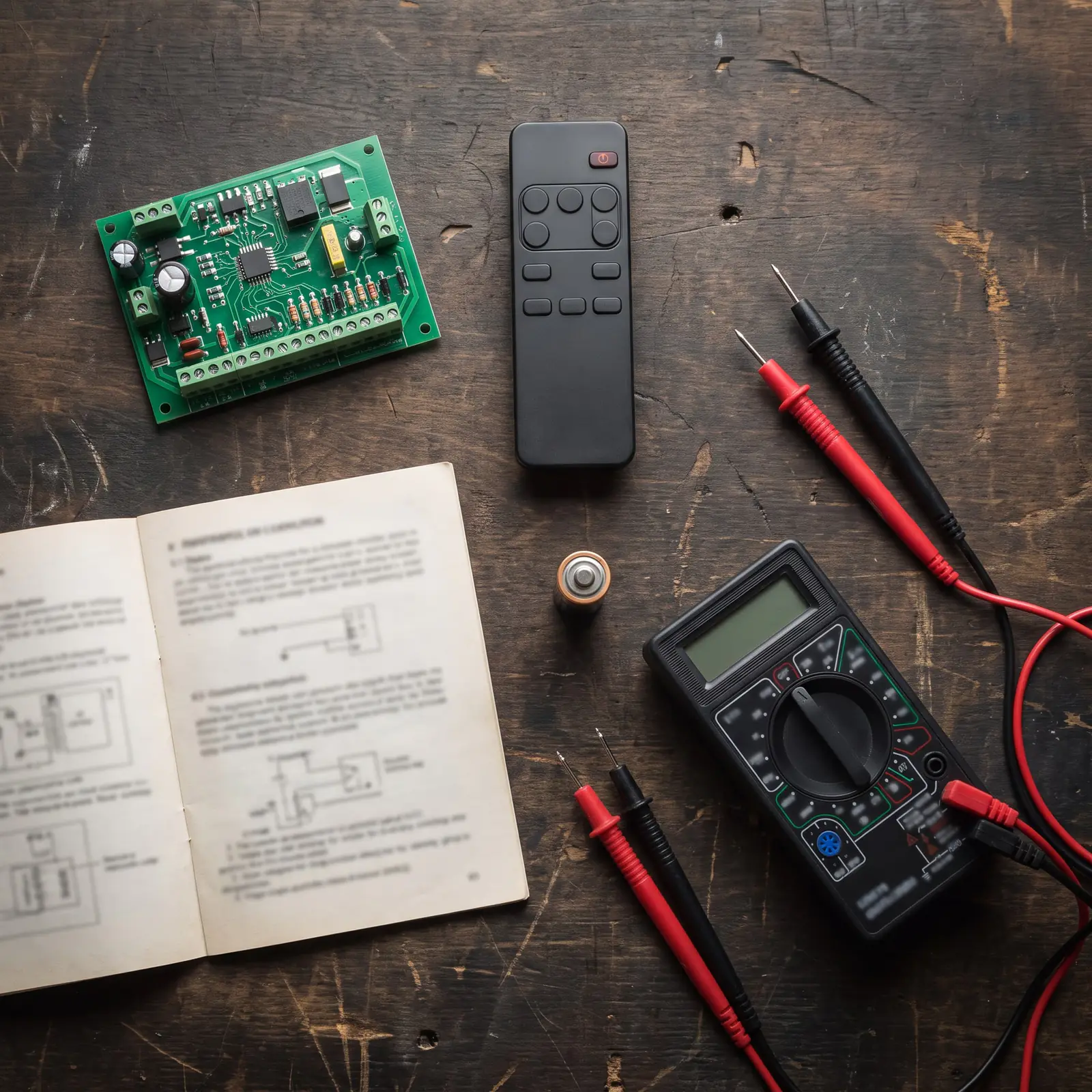
Every feature, basic or advanced, is configured online in G-WEB. Centurion's steps:
- Finish the wiring to the gate station and the motor.
- Power up the unit and check on its home screen that it has connected to G-WEB.
- Go to G-WEB (gweb.co.za) and log in, or register a new profile.
- On My Devices, choose Add New G-SPEAK ULTRA Device and follow the instructions. In the G-WEB mobile app, scanning the device's QR code adds it straight to your profile.
- Set up the call buttons' numbers, who may open the gate, the notifications and any time windows.
Each call button has a primary and a secondary voice number, shown on the unit's IMEI screen. The free MyCentsys Remote app then controls the device from a phone and receives its push notifications; it needs an iPhone 6s or newer with iOS 13, or Android 8.0 or newer.
The unit's screens, from signal strength to gate status, are the same as the G-ULTRA's and are explained on the G-ULTRA manual.
Re-sync and factory reset
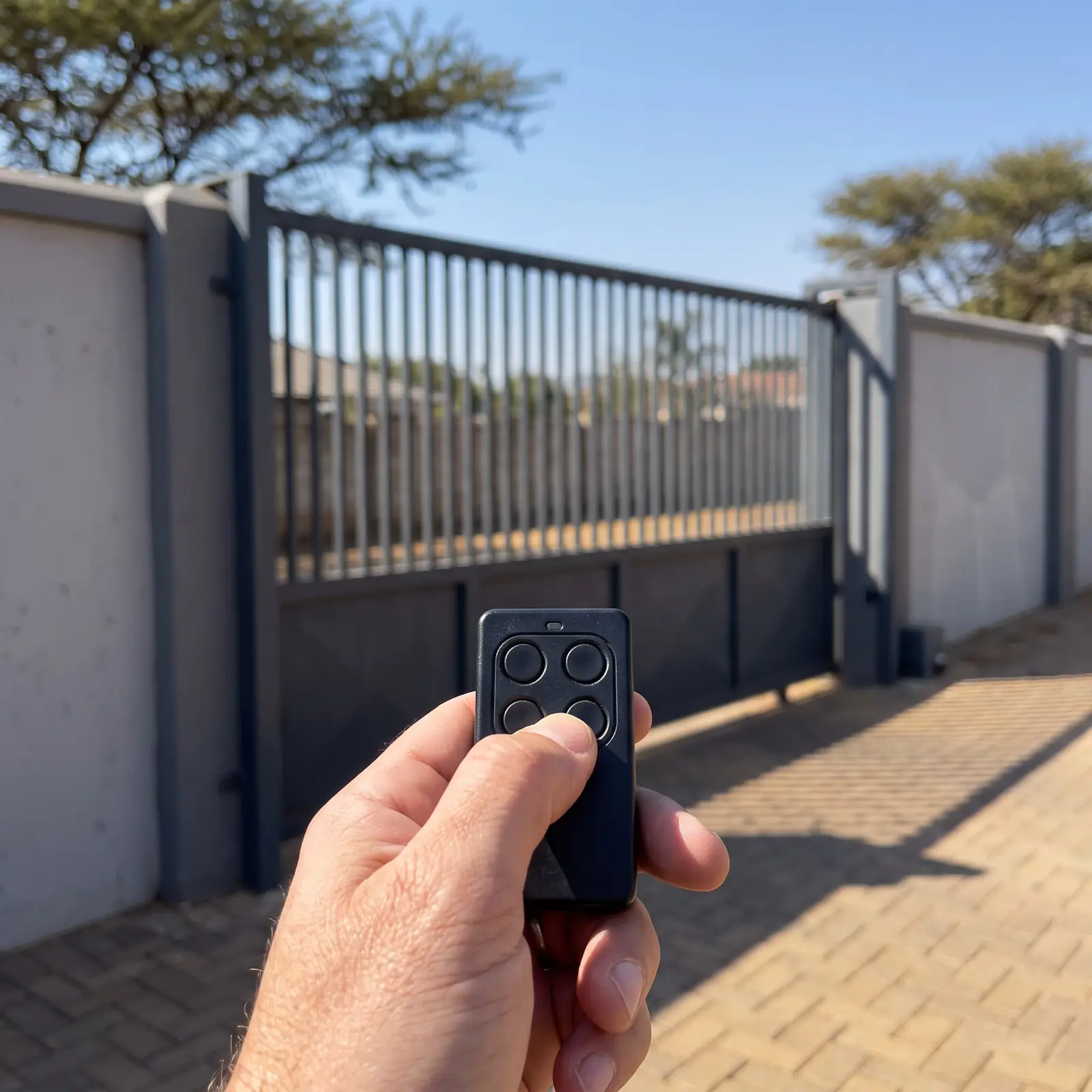
The Device Reset menu is on the unit itself: from the main screen, scroll left until Device Reset appears and press the enter button.
- Re-sync refreshes the unit's connection to G-WEB and keeps every setting. Try it first when changes made in G-WEB don't seem to have reached the unit.
- Factory Reset erases every setting and returns the unit to its factory state, after a "Settings will be lost, proceed?" confirmation. Centurion notes it only works while the unit has a G-WEB connection.
A factory reset means setting the call numbers, access list and notifications up again in G-WEB, so it's a last resort.
G-SPEAK Classic and Classic+
Before the ULTRA, Centurion's GSM intercoms were the G-SPEAK Classic and Classic+, 2G intercoms built the same way: a calling module outside joined by six wires to a GSM controller, often inside the gate motor housing. They are set up differently, by commands rather than G-WEB, and they work like this:
| G-SPEAK Classic | G-SPEAK Classic+ | |
|---|---|---|
| Numbers per call button | 1 | 2 (the second is tried if the first doesn't answer) |
| Outputs opened by keypad during a call | 1 | 4, each also usable as an input |
| Users who can open by missed call | 10 | 100 |
During a call, pressing 1, 2, 3 or 4 on the phone's keypad works an output, for example 1 for the gate and 2 for the pedestrian gate. Calls end after the call duration (30 seconds by default, 10 to 60), when a call button is pressed again, when the called phone hangs up, or 15 seconds after a keypad press. Three beeps from the calling module mean the call has ended; three low beeps when a button is pressed mean no number has been set for it.
G-SPEAK repairs
Most G-SPEAK faults come down to a handful of causes:
- The button does nothing: no number set for that button (on a Classic, three low beeps say so), or no power to the gate station.
- It rings but you can't hear the visitor, or they can't hear you: the speaker or microphone wires between the station and the unit, or a damaged station.
- It won't call at all: the signal at the unit, the SIM, or airtime. Check the signal and G-WEB icons on the home screen; an external antenna helps where coverage is weak.
- The gate won't open from the call: the output's wiring to the motor's trigger input, or its setting in G-WEB.
- Settings won't take: a re-sync from the Device Reset menu.
We install, wire, set up and repair G-SPEAK ULTRA and older G-SPEAK intercoms, replace gate stations, and repair the gate motors they open. All our spare parts are genuine, and every repair carries our six-month guarantee on our repairs. Other intercoms are on our intercom page. Your exact price is set in a free quote before any work starts. No call-out fee when we do the work. If no work is done, a R650 call-out fee applies.
Centurion's PDFs
- Centurion G-SPEAK ULTRA quick guide: the G-SPEAK ULTRA, specifications, wiring diagrams and setup
- Centurion G-SPEAK GSM intercom (original), installer manual: the earlier G-SPEAK Classic and Classic+
The G-ULTRA GSM module, the G-SPEAK ULTRA's sister without the intercom, is on the G-ULTRA manual.
Questions
Centurion G-SPEAK ULTRA questions
How do I install G-Speak Ultra?
Mount the unit indoors or in the motor housing, away from the DOSS sensor and receiver, wire the gate station to it with six wires and the outputs to the motor, power it up, then add it to your G-WEB profile and set the numbers. See the setup.
What is the Centurion intercom GSM G-Speak Ultra Controller Module V3?
It's the G-SPEAK ULTRA's main unit: the GSM part with the SIM, screen and terminals that sits inside the property, wired to the gate station outside and to the gate motor. Centurion's quick guide doesn't mention version numbers. See the parts.
Book a technician
Get an intercom quote
Job card
We WhatsApp or call you back. Fields marked (required) are needed.