Manual · Centurion A10
Centurion A10 manual: the three-phase industrial sliding gate motor
The Centurion A10 is an industrial sliding gate motor for heavy, busy gates: factories, complexes, depots and office parks. Unlike Centurion's battery-driven D-series, it runs a three-phase induction motor from the mains through an electronic inverter, which gives it its pulling power and its long working hours. This is its manual in plain English, with Centurion's own PDF at the end.
Six-month guarantee on our repairs
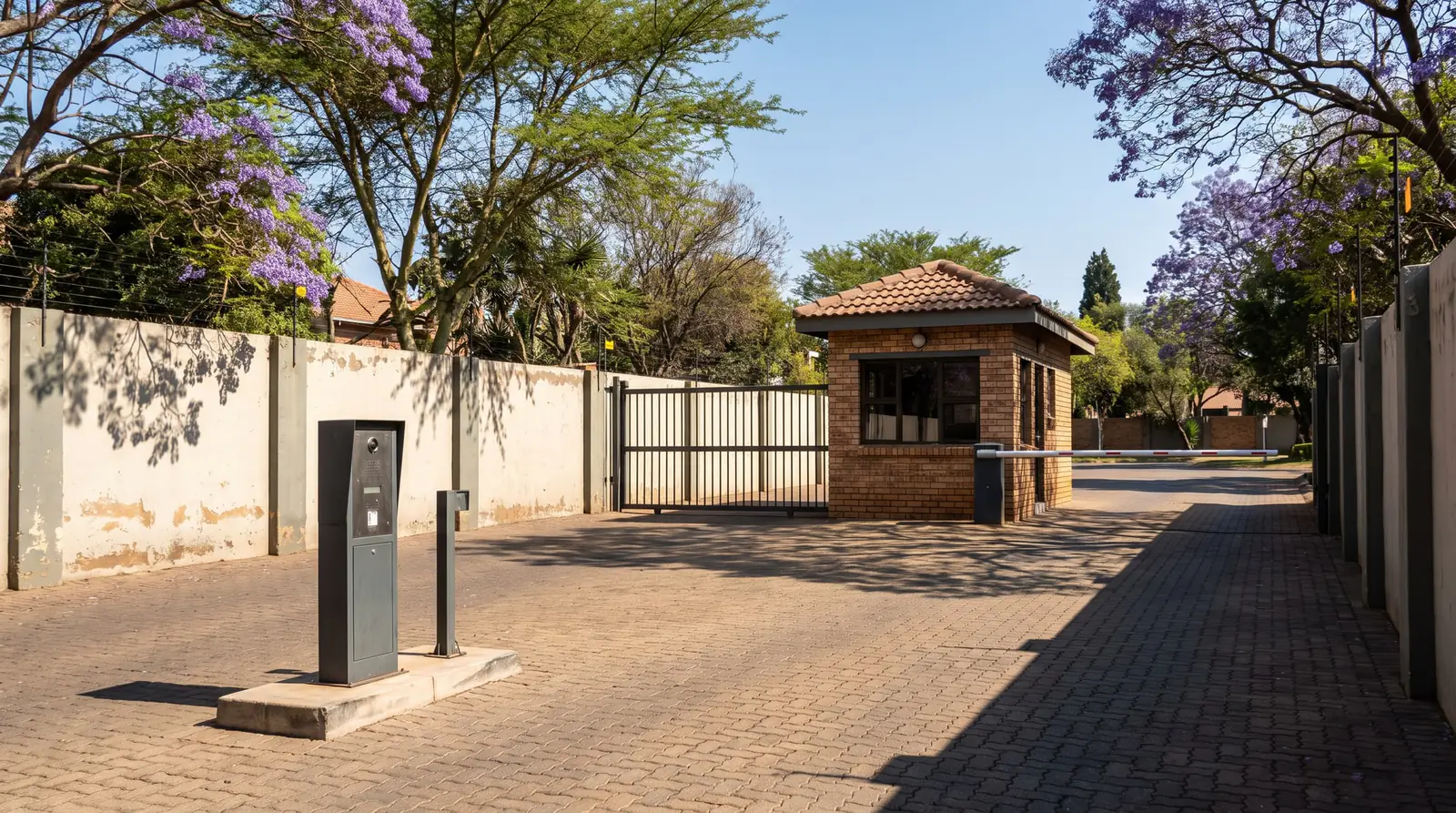
The three A10 models
| A10 Basic | A10 Endurance | A10 Heavyweight | |
|---|---|---|---|
| Heaviest gate | 1,000 kg, or 600 kg at sprint speed | 1,000 kg, or 600 kg at sprint speed | 2,000 kg |
| Longest gate | 20 m | 20 m | 17 m |
| Starting and running thrust | 40 and 30 kgf (30 and 22.5 kgf at sprint speed) | 40 and 30 kgf (30 and 22.5 kgf at sprint speed) | 47 and 35 kgf |
| Speed under load | 16 m a minute, adjustable up to 30 | 16 m a minute, adjustable up to 30 | 13.6 m a minute |
| Pinion | 20 teeth | 20 teeth | 17 teeth |
| Cooling | Fan on the motor shaft | Separate high-efficiency fan, always running | Separate high-efficiency fan, always running |
| Duty cycle, continuous | 45% | 90% | 90% |
| Duty cycle, 30 minutes | 65% | 95% | 95% |
All three run on a single-phase 220 V supply drawing up to 6 A, carry an IP44 weather rating and work from −20 °C to +50 °C. Centurion offers a chain drive kit for sites that need a chain instead of a toothed rack, and a steel theft-resistant cage.
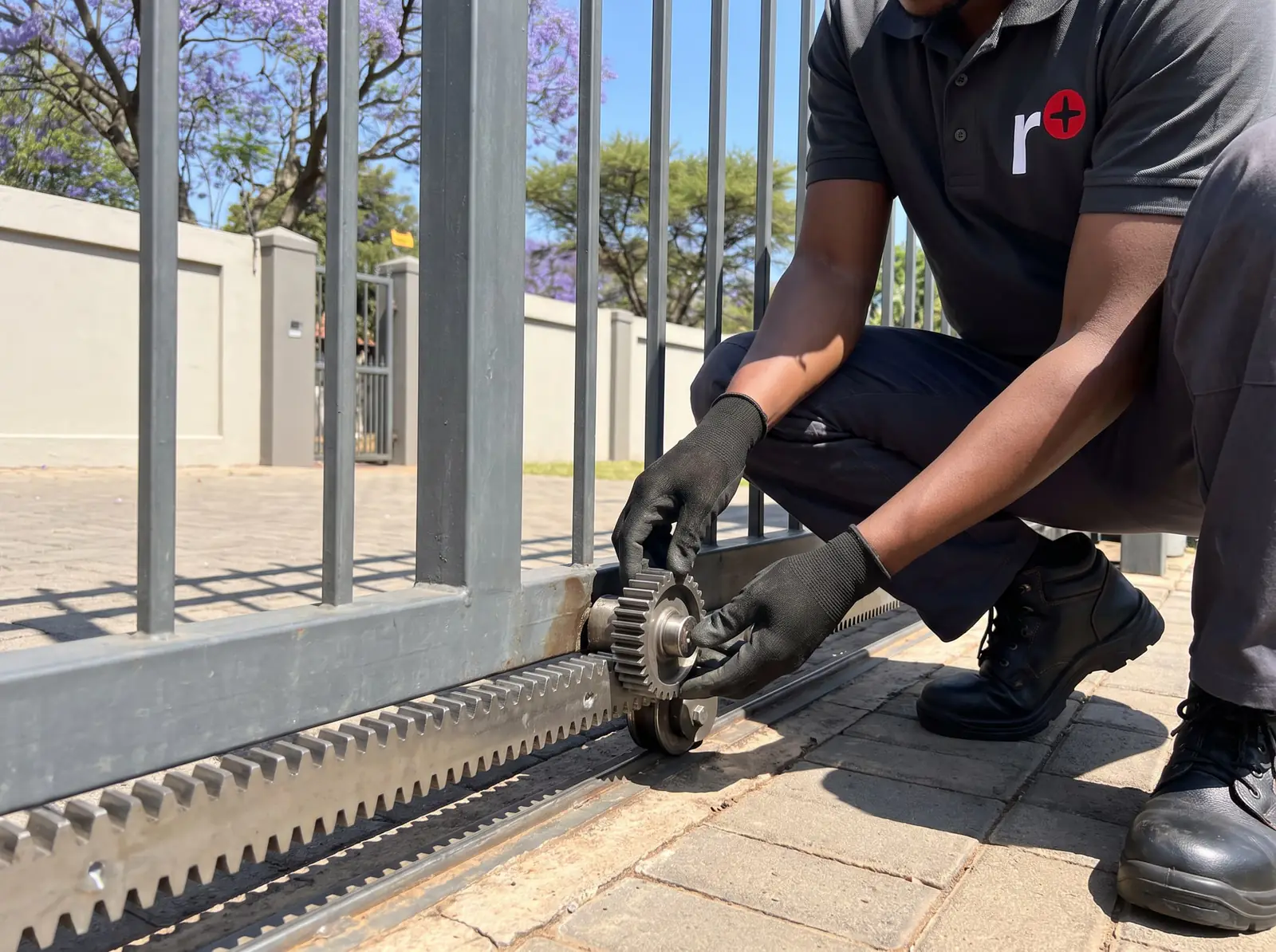
How an A10 differs from a D-series motor
- Mains, not battery. A D5 or D10 runs from its batteries and the mains only charges them. The A10's inverter turns the single-phase mains into variable-frequency three-phase power for the motor, which is what gives it its smooth soft start and stop. In a power cut it stops, unless the optional DC converter is fitted.
- Battery backup is an extra. The DC converter, in its own weatherproof box, carries a 12 V 7 Ah battery as standard (40 Ah optional) and keeps the gate going for a limited time. Centurion's figure is 7 to 12 open-and-close cycles on the 7 Ah battery, or 40 to 70 on 40 Ah, depending on the site.
- Duty cycle is the selling point. The Endurance and Heavyweight keep a cooling fan running all the time, which is what lets them work 90% of the time without overheating.
- Sprint mode. Opening and closing speeds can each be raised by 30%, 60% or 90% over standard, at the cost of the gate weight it can handle.
Working out the duty cycle
Duty cycle is the share of time the motor is actually running. Centurion's formula adds up the opening and closing times, then divides by the whole cycle including the pause while open and the wait before the next run:
Duty cycle % = (opening time + closing time) ÷ (opening + closing + pause + interval) × 100
Centurion's curves, for a 4 m, 500 kg gate needing 20 kg to pull in the shade at 25 °C, show what that means for an A10 Basic: at standard speed both ways it can run at 65% for 30 minutes, 50% for 45 minutes and 45% indefinitely. Opening and closing at high speed raises those figures to 90%, 83% and 80%, because the gate spends less time moving. The Endurance gets a single curve that covers every speed combination.
A gate that is near its limit for the Basic, at a busy factory or complex entrance, is the case for the Endurance model.
Setting the A10's limits
The A10's CP201 controller finds the open and closed positions by itself, using an origin marker on the gate and an encoder in the motor. With the end stops fitted and the wiring connected:
- Release the motor, move the gate to the middle of its travel and engage it again.
- Flip out the controller board. Fit the SET link on its SET pins, then press and release RESET. The STATUS light flashes five times and the SET and L2 lights come on: you're in programming mode.
- Hold TEST until L1 flashes once, then let go. L2 goes off and L1 flashes once a second.
- Hold TEST again, watching STATUS this time: let go after one flash if the gate opens to the right, two if it opens to the left, as seen from the release handle side.
- The gate creeps open to its open end stop, then closed to its closed end stop, then runs each way at normal speed past the origin magnet.
- It then opens to the shortest pedestrian opening. For a wider one, jog it further by briefly connecting the PED and COM terminals, and press TEST when it's right. STATUS flashes five times and L2 lights: the limits are set.
- Remove the SET link, parking it on one pin, and run the gate a few times.
If the rack is mounted under the pinion, the inverted-rack setting (feature 16) has to be chosen first, or the motor gets its directions wrong. Centurion's fault finder points to that, or to the wrong left or right choice, when the gate starts closing on a step where it should open.
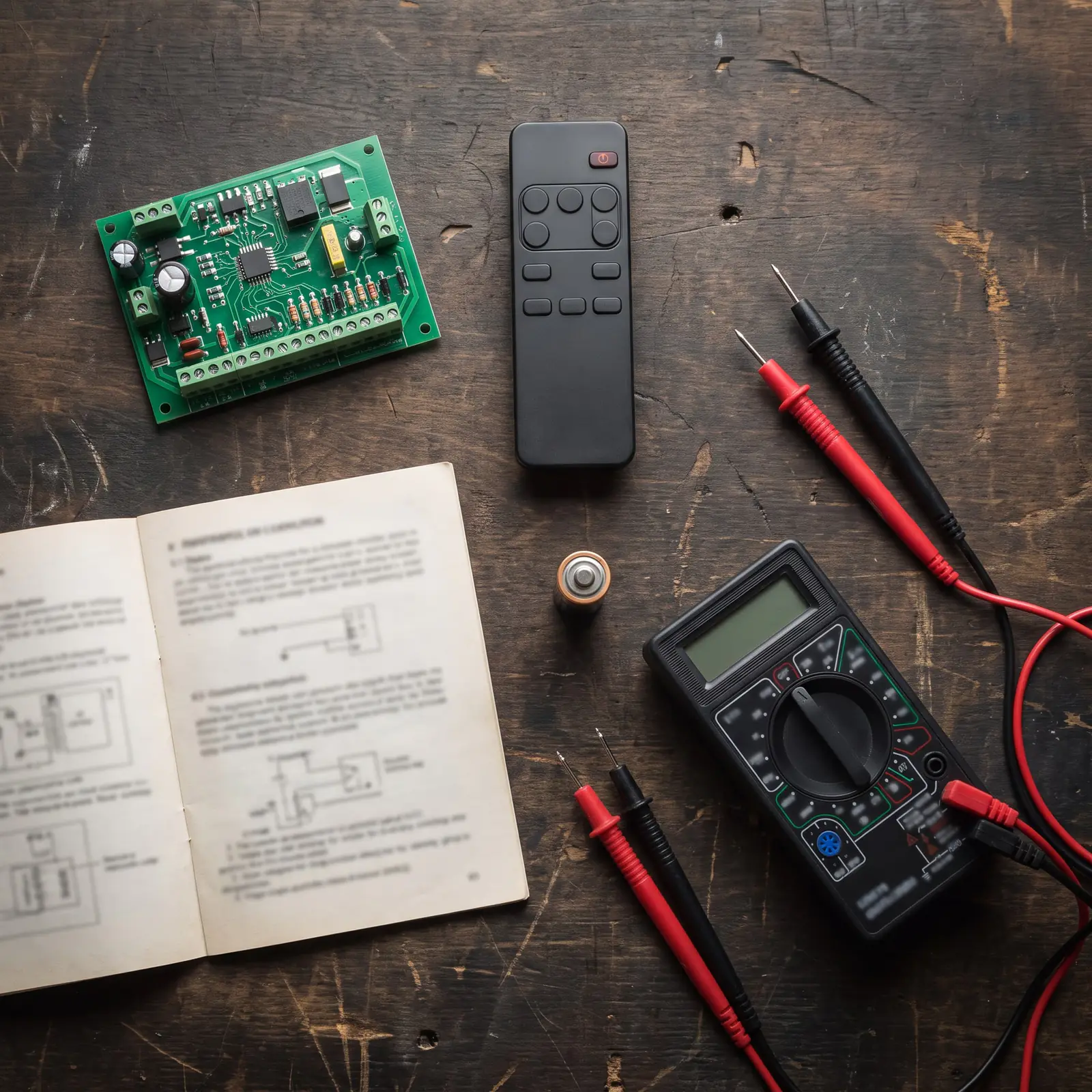
Changing a feature
Every other setting uses the same two-step method in programming mode: choose the feature by counting flashes of L1 while holding TEST, then set its value by counting flashes of STATUS while holding TEST again. L2 comes back on to confirm. If the wrong feature is picked, pressing RESET before the value is set leaves every setting as it was, and you start the selection again.
| No. | Feature | Default |
|---|---|---|
| 2 | Auto-close | Off |
| 3 | Auto-close time | 15 seconds (1 to 255) |
| 4 | Mode of operation | Standard |
| 5 | Pedestrian auto-close time | 5 seconds |
| 6 | Courtesy light time | 120 seconds |
| 7 | Collision sensitivity | High |
| 8 | Auto-close override | 3 seconds |
| 9 | Positive close | Off |
| 10 | Pre-flashing | Off |
| 11 | Pre-flash time | 2 seconds |
| 12 | Collision counter | 4 collisions |
| 13 and 14 | Opening and closing speed | Standard |
| 15 | Motor cut-out time | 60 seconds |
| 16 | Inverted rack | Rack above the pinion |
The modes are what set an A10 apart on a commercial site: Standard (start, stop, reverse), Condominium (any signal opens, only the timer closes), PIRAC (closes as soon as a vehicle clears the beam), Reversing, PLC (separate open, close and stop inputs for an access control system) and Deadman (the gate moves only while a button is held, for supervised gates).
What the A10's status light means
In normal use the STATUS light is off with the gate closed and on with it open, and its flash rate reports trouble:
| STATUS light | Meaning |
|---|---|
| Single slow flashes | The pillar light has been switched on permanently |
| 2 flashes a second | Thermal shutdown: the motor has overheated |
| 3 flashes a second | Origin failure: the gate marker wasn't seen |
| 4 flashes a second | The collision detector has tripped |
| 5 flashes a second | The microprocessor has reset |
Four collisions before the gate reaches closed block all signals for a minute. After that the gate answers signals again, though it won't auto-close, and the next valid signal clears the warning. The motor cut-out stops the motor after 60 seconds if something mechanical stops the gate reaching its end. On the board, the green IRB and LCK lights should be on and the red TRG, FRX, PED and SET lights only lit while a signal arrives.
Back to factory settings
Centurion's reset for the A10 restores every feature to the defaults above, and leaves the gate limits alone:
- With power on, fit the SET link and connect PED and FRX to COM.
- Briefly press RESET. STATUS flashes five times, then L1 and L2 light.
- Remove the SET link and disconnect PED and FRX from COM.
- Briefly press RESET again. STATUS flashes five times and the defaults are loaded.
This is controller work inside a mains-powered motor, so it's one for a technician.
Opening an A10 by hand
- Open the lock cover, put in the key and turn it a quarter turn anticlockwise.
- Pull the manual release handle down. The gate now moves by hand.
To keep it on manual during a long power cut or a breakdown without leaving the cover open, Centurion latches the release with the split pin from the mounting kit: with the handle down, the pin goes through the hole in the gearbox, the cover goes back on, the handle is pushed up, and the key is turned a quarter turn clockwise to lock it.
Oil, upkeep and when to call us
The A10's gearbox runs in an oil bath. It ships dry, with an 80 ml bottle of EP 80W90 oil that the installer adds, and Centurion says it needs no routine oil changes, only a top-up with the same oil if it loses oil through damage or a strip-down.
Most A10 call-outs are the gate, not the motor: a 1,000 kg gate on worn wheels or a twisted track overloads anything. Thermal shutdowns point to a gate that's too stiff, or a Basic being worked harder than its duty cycle allows. We service A10 gearboxes, controllers, inverters, origin sensors and DC converters. The mains supply to the inverter is a job for a registered electrician. All our spare parts are genuine, and every repair carries our six-month guarantee on our repairs. Your exact price is set in a free quote before any work starts. No call-out fee when we do the work. If no work is done, a R650 call-out fee applies.
Centurion's PDF
- Centurion A10 installation manual: specifications, installation, programming and the fault finder
For lighter industrial gates on batteries, see the Centurion D10, and every other Centurion model is on Centurion manuals.
Book a technician
Get a gate motor quote
Job card
We WhatsApp or call you back. Fields marked (required) are needed.