Manual · Centurion RDO Digital
Centurion RDO Digital manual: fitting, limits, menu and reset
The RDO Digital is Centurion's current roll-up garage door motor, for doors up to 2.8 m wide, 10 m² in area and 20 kg of lift. Like the older RDO II it drives the door from the end of its axle, but everything is set on a two-character display with four buttons: the limits, the obstruction sensitivity, auto-close, speed and the rest. Here is its setup from Centurion's installation manual, step by step, with the menu, the factory reset and what its alerts mean.
Six-month guarantee on our repairs
1-year guarantee on every motor kit we supply and install
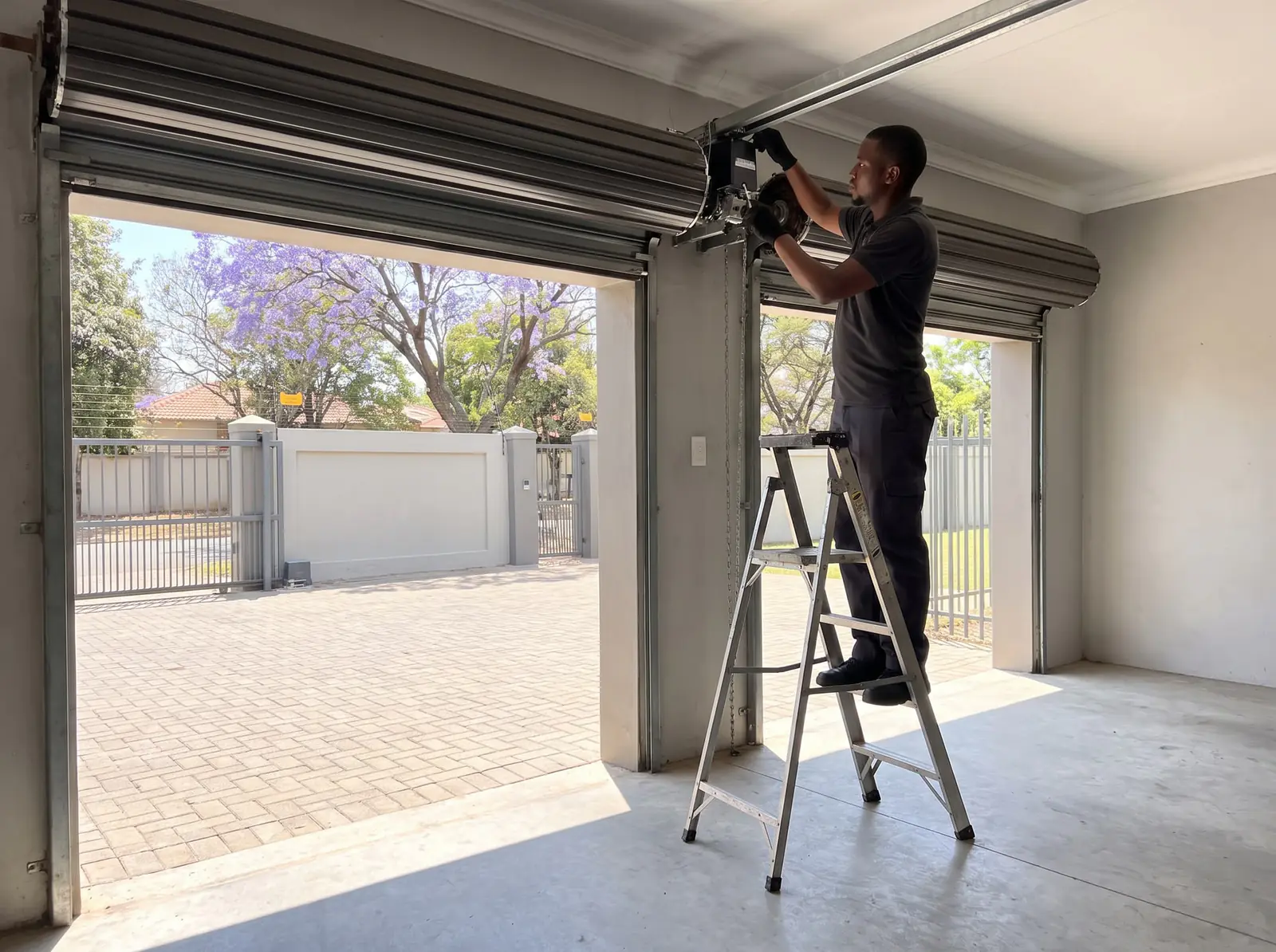
What the RDO Digital is built for
| RDO Digital | |
|---|---|
| Widest door | 2.8 m |
| Largest door | 10 m² |
| Most it lifts | 20 kg |
| Motor | 24 V DC, 120 W |
| Batteries | Two 12 V 1.3 Ah, in the control box, on a 300 mA plug-in charger |
| On battery in a power cut | 12 to 20 operations, depending on the door and how long the power is off |
| Door speed | 110 to 150 mm a second, depending on the door's weight |
| Limits | Set digitally, from the display |
| Courtesy light | 2 W LED |
| Remotes | 20 code-hopping remotes on 433 MHz, with several buttons per remote allowed |
It comes in two parts: a drive unit that slides over the door's axle and a control box on the wall, with the display, the batteries, the light and the buttons.
How to tell it from the RDO II: the RDO Digital's control box has a two-character display with +, −, a red Learn and a green Confirm/Enter button, and a Run button on the light cover. The older RDO II has an LED and limit cams on the drive instead, and is covered on the Centurion RDO manual.
Check the door before anything else
Centurion won't have the RDO Digital fitted to a door that is worn, damaged or badly adjusted. Its tests for a good door:
- It takes the same effort to open as to close, and no more than 150 N (about 15 kg) either way.
- Opened to 900 to 1,200 mm and let go, it stays put, rising or falling no more than 100 mm.
- It doesn't bind in the side tracks or rub on anything around it.
- Its springs are greased between the coils. Centurion warns that dry, rusty springs add friction, and that seasonal temperature changes then make the motor misbehave.
Old locks and pull ropes come off first. A door that fails these tests needs a door technician first: see garage door springs.
How it's fitted, in Centurion's order
Centurion says the RDO Digital should be installed by a technically qualified person. This is the order its manual gives, so you know what the job involves:
- Control box at about chest height on the same wall as the door bracket, with its cable long enough to reach the drive. Two 6 mm holes about 75 mm deep, wall plugs and screws, using the template. The charger stays unplugged for now.
- Door open and propped. The far end's U-bolt must be tight. The door goes fully open on its stoppers, with a strong, padded prop under the drive end; Centurion won't accept door-damage claims where the prop was unsuitable.
- Drive on. The U-bolt and the wall bracket come off at the drive end, one pull on the release frees the drive's forked gear, and the drive slides over the axle until a drum spoke sits between its forks. The bracket goes back, sometimes moved so the holes line up, and Centurion's U-bolt clamps the two together.
- Checked by hand. Raised and lowered fully, the door must not catch on the drive.
- Cord, weight bar and curtain. The red cord is cut to hang about 1.8 m above the floor; the weight bar goes on top of the bottom rail so the curtain doesn't balloon; and the curtain is screwed to the drum wheel at points at least 90° apart (aluminium or stainless rivets near the coast).
- Power. The red battery cable goes onto the positive terminal, the cover goes back on, and the charger is plugged in: its light glows green.
The door bracket should sit 85 to 125 mm in from the curtain's edge. Where the drum wheel sits too deep, or the drive's forks don't fit its slots, Centurion supplies an extra drum wheel or an adaptor plate. The motor ships set for the right-hand end, seen from inside the garage.
One warning from the manual: the LED board in the control box must never be removed. Centurion says doing so can damage the electronics beyond repair and voids the manufacturer's warranty.
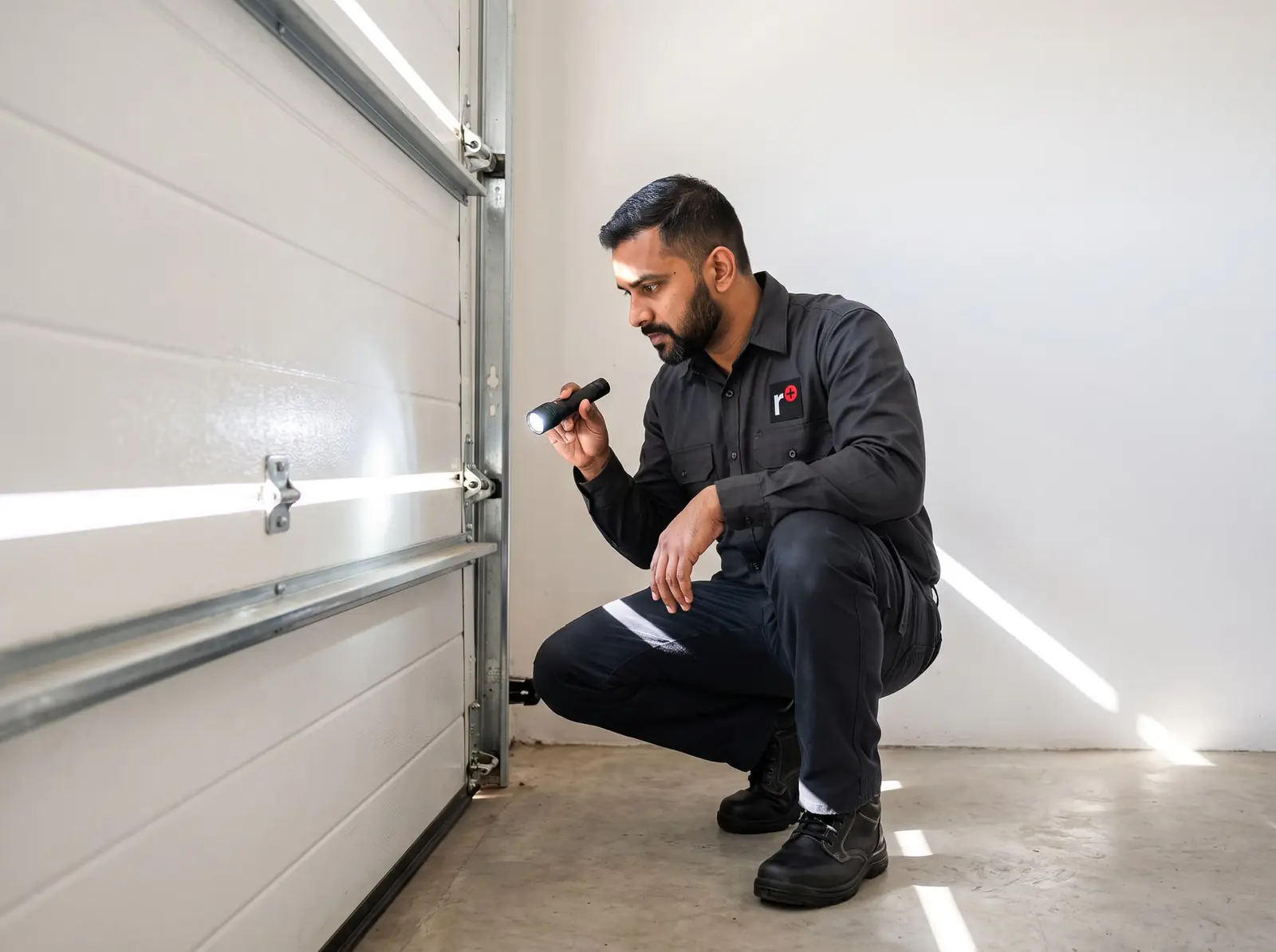
The release cord, and turning it sideways
One pull down on the red cord frees the drive with a click; another pull engages it again. Centurion's rule is to release it with the door fully closed. If the door is open or part-open, make sure no one and nothing is under it first, and never open or close the door by pulling the cord.
The cord comes set up to hang straight down. Where the site needs it to run sideways, the manual shows the switch: take off the E-clip, move the cable and its anchor to the second position, and clip it back. Opening other garage doors by hand is in how to open a garage door manually.
Setting the limits on the RDO Digital
The limits are learnt from the display, with the door starting halfway and the drive engaged.
- Choose the side. Power on: the display shows dL (left-hand). Use + or − to pick dL or dr (right-hand) and press Confirm/Enter. If it shows rP instead, hold Learn for about three seconds until dL or dr appears.
- Closed position. The display shows CL. Hold − and the door runs down while the light slow-flashes and the display counts. Fine-tune with short presses of + or −, then press Confirm/Enter. The door lifts a little, comes back, and two beeps confirm it.
- Open position. The display shows OL. Hold + to run the door up, fine-tune, and press Confirm/Enter. The door drops a little and goes back, and three beeps confirm it.
- Force learn. The display shows FL. Press Confirm/Enter: the door closes fully, then opens fully, learning its force. When it stops and the display shows a single dot, setup is done.
The first movement must be downward. If the door goes up first, the wrong side was chosen: start again from step 1. Changing the speed or the slow-stop setting later sends the motor back into limit learning by itself.
rP after a power cut
If the power to the control card was cut with the door fully open, the display shows rP, for reference point. Centurion's fix: move the door by hand to halfway, engage the drive again, and once the power is back, run it with Confirm/Enter so it finds its open limit again.
The obstruction test and the safety offset
Centurion asks for these two tests after setup and every month after that:
- Opening: from closed, start the door and, when it's about 450 mm up, press down firmly on one of its ribs. It must stop.
- Closing: with the door resting firmly on the floor when closed, put a 32 mm block of wood under its middle and close it. It must stop and reverse to fully open. (The manual's safety notes give a 35 mm object; either way, it must reverse.)
How easily it reacts is the safety offset, from F1, the most sensitive, to F5, the least. With only a dot on the display and the door still, press + or − to see the current value, change it, and press Confirm (the display flashes once). Press Learn, or wait 10 seconds, to leave it unchanged.
Raise the offset to stop false reversals on a worn or unbalanced door, but treat that as a stopgap: a door that needs F5 needs servicing. Centurion says force adjustments are for a technically qualified person, because the system only reacts once it has pushed against something.
Safety beams
Centurion strongly recommends beams on every RDO Digital, and auto-close needs them. Its i5, Photon and other two- or four-wire beams connect to the control box's SB terminals, which give 24 V DC and a normally-closed input:
- Four-wire beams (i5, Photon): the beam's normally-closed contacts go to SB, with the jumper on 4W.
- Two-wire beams: one strand of each cable to SB, with the jumper on 2W.
The beams sit with their bottom edge 125 mm off the floor, inside the door frame, facing each other. Then Sb is switched on in the menu. If they're broken, blocked or out of line while closing, the door reverses.
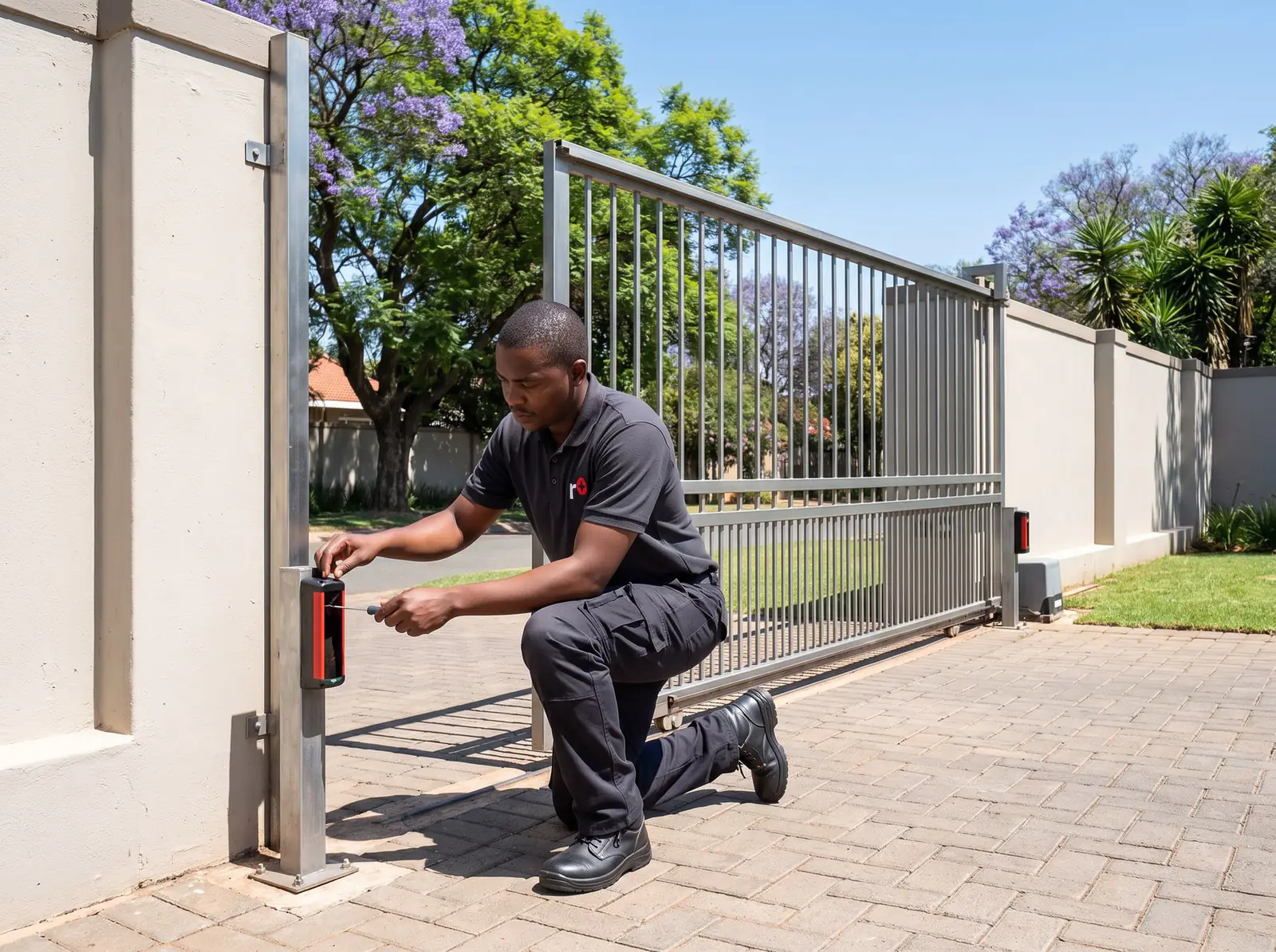
Factory reset (default) on the RDO Digital
To default the RDO Digital, hold the Learn button while the power comes on, until the display shows Fr. The control box runs on its batteries as well as the charger, so cutting the power means disconnecting the battery inside the box: a job for whoever installed it, or for us.
A factory reset puts the settings back to Centurion's defaults, and the limits then need learning again from the side selection (above). It keeps the remotes. To clear every remote, for example after one is lost or stolen, there's a separate delete: see Centurion RDO Digital programming.
Remotes and the wall switch
The RDO Digital learns up to 20 remotes and Centurion's four-button wireless wall switch. Each button can run the door, switch the light, lock out every other remote for a holiday, or override auto-close, and a bulk mode learns all four buttons of a remote in one go. The steps, the codes on the display and how to delete remotes are on Centurion RDO Digital programming.
What its alerts mean
Centurion's manual lists seven alerts, with its own fix for each:
| Alert | Centurion's fix |
|---|---|
| Safety beams misaligned, damaged or blocked | Check the beams' pilot light and the wiring. To close the door meanwhile, switch Sb off in the menu, close it with Confirm/Enter, and switch Sb back on once the beams are fixed |
| Door service monitor: the door is out of balance | Free the motor and check the door by hand; a door technician rebalances it, then the limits and force are learnt again |
| 30-second run time reached | Check the door's balance, springs, guides and rails; the run time can be raised to 60 seconds in the menu |
| Safety reverse while closing | Look for an obstruction. On the third in a row, the door stops instead of reversing |
| Safety stop while opening | Check the batteries are properly connected; then move the door to halfway and run it again |
| Blown fuse or loose motor wire | A technician's job |
| Hall sensor signal missing | A technician's job: the sensor's plug, or the sensor itself |
What each flash and code on the display looks like is on Centurion RDO light flashing.
When to call us, and a new RDO Digital
Call us when the RDO Digital won't learn its limits, keeps reversing or stopping, shows a fuse or Hall sensor alert, or the door itself is heavy or out of balance. We fit and repair RDO Digital motors, set limits and the safety offset, fit beams and learn remotes, and service the roll-up doors they drive. Its charger plugs into a socket next to the control box, and a new socket is a job for a registered electrician. All our spare parts are genuine, and every repair carries our six-month guarantee on our repairs.
Our installed Centurion roll-up kit uses the RDO Digital. Prices checked October 2026. Your exact price is set in a free quote before any work starts. No call-out fee when we do the work. If no work is done, a R650 call-out fee applies.
Centurion's own manual: Centurion RDO Digital installation manual. Other roll-up motors are on roll-up garage doors.
Roll-up garage kit
Centurion RDO Digital roll-up kit
R3 899incl. installation
In the kit
- RDO Digital motor
- 4-button NOVA remote
- 24 V battery back-up
Our promise1-year guarantee on every motor kit we supply and install
Prices checked October 2026. Price includes the kit listed, standard installation on a gate or door that already runs freely, and our 1-year kit guarantee. Not included: a power point at the motor if there isn't one (a job for a registered electrician), extra rack, gate or door repairs, and accessories. These are quoted before any work starts.
Questions
RDO Digital questions
How to default Centurion RDO Digital?
Hold the Learn button while the power comes on until the display shows Fr. The settings go back to Centurion's defaults and the limits need learning again, but the remotes stay stored; deleting remotes is a separate step. See the reset.
How to factory reset Centurion rdo digital?
With the control box open, hold Learn while powering it up, until Fr shows on the display. Afterwards, set the door halfway, engage the drive and learn the limits again: side, closed position, open position, then the force-learn run. See the limits.
How to install Centurion RDO Digital?
In Centurion's order: mount the control box at chest height, prop the door fully open, slide the drive onto the axle so it grips a drum spoke and U-bolt it to the door bracket, then hang the red cord at 1.8 m, fit the weight bar, screw the curtain to the drum, connect the battery and learn the limits. Centurion wants a qualified installer. See the fitting order.
How to program Centurion RDO Digital?
Learn the limits first. After that, remotes go in from learn mode on the control box, either one function per button or all four buttons together in bulk mode, and up to 20 can be stored. Our RDO Digital programming page has every step and display code. See remotes.
Book a technician
Get a garage door quote
Job card
We WhatsApp or call you back. Fields marked (required) are needed.