Manual · Centurion RDO
Centurion RDO light flashing: what each pattern means and how to fix it
A Centurion RDO roll-up garage motor talks through its light. Flashes can mean it's learning the door, that holiday lockout is on, that a remote has just been learnt, or, on the newer RDO Digital, that the door itself is out of balance. Here is what each pattern means on both models, from Centurion's manuals, and what to do about it.
Six-month guarantee on our repairs
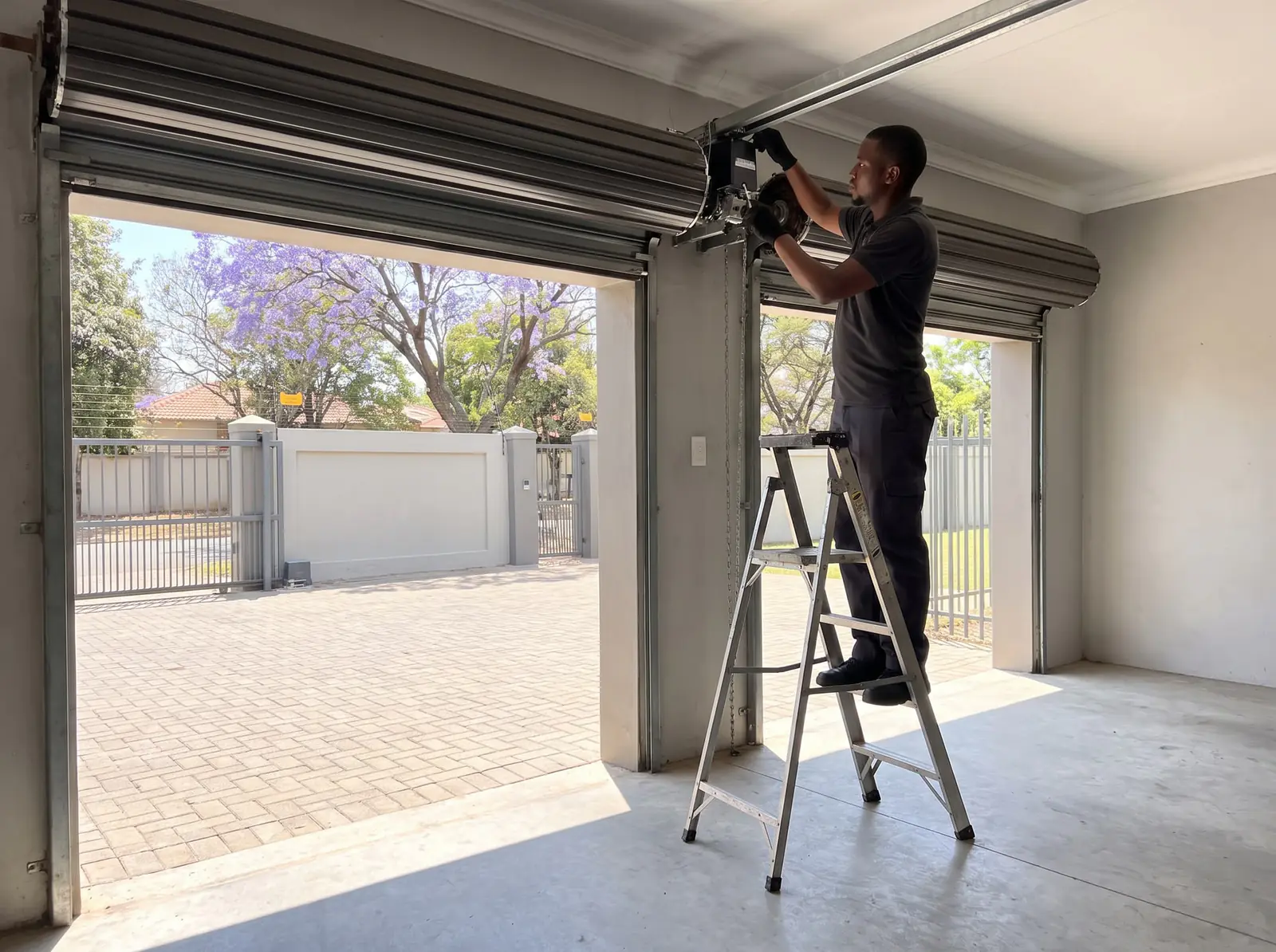
First, which RDO is it?
- RDO II: a control box with a courtesy lamp under a hinged cover, and a small LED indicator next to the Learn button under that cover. No display.
- RDO Digital: a control box with a two-character display on the front, + and - buttons, a green Confirm button and a red Learn button, a courtesy LED light, and a buzzer that beeps along with many of the flashes.
The patterns differ between the two, so check which one you have before reading on. The RDO II's setup is on the Centurion RDO page.
Flashing while it learns the door
The most common reason for an RDO's light to flash after a power cut or a service is that it's learning.
RDO II. In Adaptive mode the motor learns its run time and drive force over five uninterrupted open-and-close cycles, starting from closed, and the courtesy light quick-flashes once every two seconds throughout. When learning is complete the LED changes to a slow flash. It also starts learning again on its own, with the LED quick-flashing, if its run time drifts too far, or after three safety reverses or three safety stops in a row.
RDO Digital. After the limits are set, the light slow-flashes as the door closes to confirm the closed limit, then stays on as the door opens to confirm the open limit, and the display shows a dot when setup is complete.
What to do: let it finish. Run the door through its cycles from fully closed, watching the doorway: Centurion warns the obstruction force sits at maximum while it learns, so nothing should be in the way.
Holiday lockout: flashes when you press the remote
Holiday lockout locks out every remote except the ones learnt to switch it, and it's the usual reason a working motor seems to ignore a remote.
| What you see | RDO II | RDO Digital |
|---|---|---|
| Lockout switched on (button held 3 seconds) | One flash | One flash and one beep |
| Another remote pressed while locked | Two flashes | Three flashes and one beep |
| Lockout switched off | Two flashes | Two flashes and two beeps |
On the RDO II, if the door is open when lockout is switched on, it closes first. On the RDO Digital the display blinks "ho" until the door is closed, and the control box's own buttons stop working once it is.
What to do: hold whichever remote button was learnt for holiday lockout for three seconds to switch it off.
Flashes while remotes are learnt or deleted
Learning remotes produces counted flashes that confirm what was learnt.
RDO II: pressing Learn once, twice, three or four times picks a function, and the light and LED flash that many times every two seconds. Three flashes confirm a button has been learnt. Deleting all remotes makes the LED flash rapidly until it's done.
RDO Digital: the courtesy light flashes, with matching beeps, to say which function a button was learnt to:
| Display | Function | Confirmation |
|---|---|---|
| ru | Open, stop, close | 2 flashes, 2 beeps |
| ho | Holiday lockout | 3 flashes, 3 beeps |
| Li | Courtesy light (and learning more remotes) | 4 flashes, 4 beeps |
| Ao | Autoclose override | 5 flashes, 5 beeps |
Deleting all remotes on the RDO Digital makes the light flash rapidly. Centurion warns that this can affect anyone with photosensitive epilepsy, so keep them away while it's done. Full steps are on RDO remote programming.
Quick flashes and beeps: autoclose override
On both models, holding the autoclose override button for three seconds with the door closed makes the light flash quickly several times while the buzzer beeps. It's confirming that the door will open and stay open, without auto-closing, until the open-and-close button is pressed again. Nothing is wrong; it's useful for a day of loading the car.
RDO Digital: flashing in use means the door is out of balance
The RDO Digital has a door service monitor in its menu. Switched on, it flashes the light while the door is running to warn that the door is out of balance, and it raises an alert. Centurion's check for balance:
- Disengage the motor from the door so it moves by hand.
- Lift the door to any point between closed and open and let go.
- A balanced door stays put, rising or falling no more than 100 mm.
A door that drops or climbs needs its springs serviced, and Centurion says an out-of-balance door must only be serviced by a qualified door technician; the motor's forces and limits then need learning again. Don't adjust the springs yourself: see garage door springs.
RDO Digital: what the display is saying
| Display | Meaning |
|---|---|
| . | Standby: all is well |
| dL | Left-hand installation chosen during setup |
| CL, OL, FL | Setup steps: close limit, open limit, force learn |
| rP | Reference point: power was lost with the door fully open |
| ho (blinking) | Holiday lockout is engaging as the door closes |
| bu | Bulk learn mode for remotes |
| Fr | Factory reset (remotes are kept) |
| F1 to F5 | Safety offset, F1 most sensitive, F5 least |
rP has its own fix in Centurion's manual: move the door by hand to halfway, engage the motor again and, with the power back, run it with the Confirm button to re-establish the open limit.
The manual also lists alerts the display can show: the safety beams misaligned, damaged or blocked; the door service monitor; the 30-second run-time limit reached (which can be raised to 60 seconds in the menu, though Centurion says to check the door's balance, springs, guides and rails first); a safety reverse while closing, which stops instead of reversing on the third in a row; a safety stop while opening, where Centurion's fix is to check the batteries are properly connected; a blown fuse or loose motor wire; and a missing Hall sensor signal. The last two are for a technician.
When the flashing isn't one of these
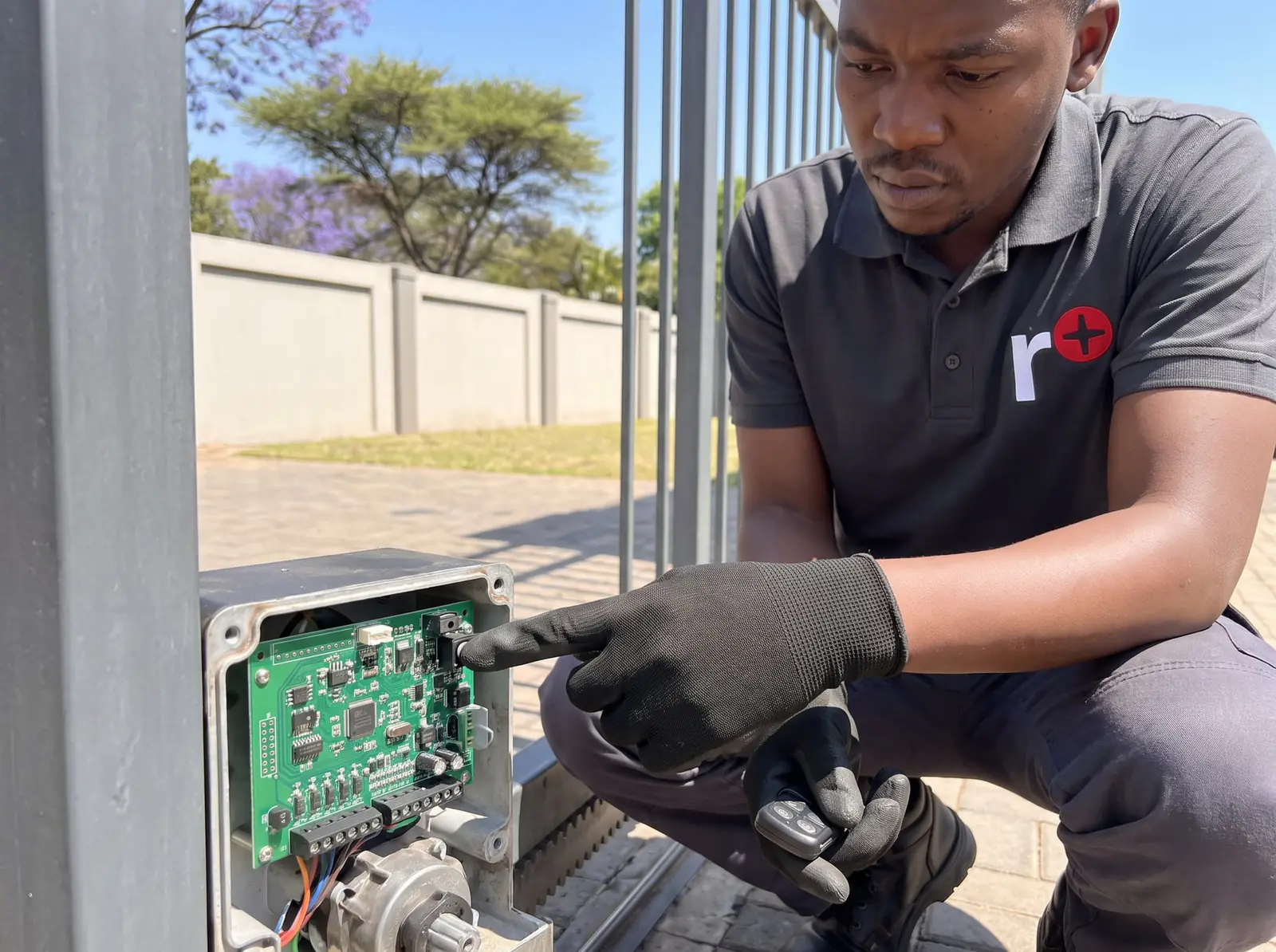
If the light flashes and the door won't run, and it isn't learning, locked out or confirming a remote, check the beams are clear and lined up, then call us. On an RDO Digital, note what the display shows: it tells our technician most of the story before they arrive. We repair RDO II and RDO Digital motors, set limits and forces, learn and delete remotes, and service the doors and springs they drive. All our spare parts are genuine, and every repair carries our six-month guarantee on our repairs. Your exact price is set in a free quote before any work starts. No call-out fee when we do the work. If no work is done, a R650 call-out fee applies.
- Centurion RDO installation manual: the RDO II
- Centurion RDO Digital installation manual: the RDO Digital, with its display functions and error alerts
Questions
RDO light questions
My Centurion RDO opener light is flashing. What does this mean and how do I fix it?
Usually it's learning the door (let it finish its cycles), holiday lockout is on (hold the lockout button three seconds), or it's confirming a remote. On an RDO Digital, flashing while the door runs means the door is out of balance and needs servicing. See every pattern.
Book a technician
Get a garage door quote
Job card
We WhatsApp or call you back. Fields marked (required) are needed.