Electric fences · Hyde Park
Electric fence repairs in Hyde Park, zone by zone
A long boundary wall near Illovo that alarms somewhere along its length every second night, a keypad in the house that says "Keypad Not Polled", a new fence on a stand by Sandhurst that needs zones and names: we repair and install electric fences across Hyde Park. 2-year warranty and a compliance certificate on every new electric fence we install.
2-year warranty and a compliance certificate on every new electric fence we install
Six-month guarantee on our repairs
Hyde Park and the areas around it. Every area we cover
A long perimeter, in zones
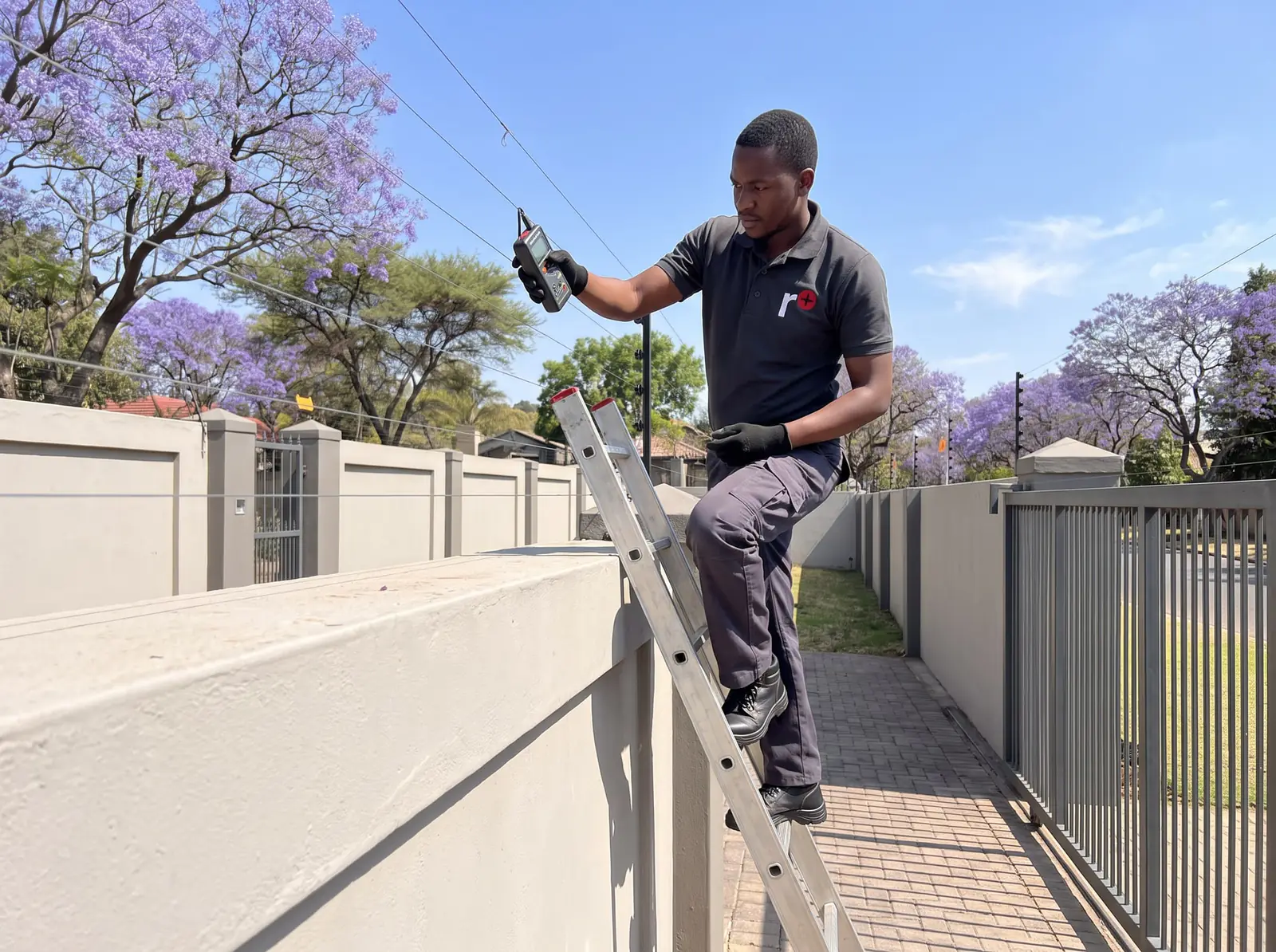
Hyde Park is a small suburb, home to 2,431 people at the 2001 census, but on one of its larger stands the electric fence can run for well over a hundred metres along the boundary walls. Fed as one long circuit, a single alarm tells you only that something is wrong somewhere. Split into zones, each on its own channel of the energiser or on its own energiser, an alarm points to the stretch it came from: the street front, the side wall, the back of the garden. That saves time at two in the morning, and it saves time when we come to find a fault.
Zones are only as useful as the way you read them, and that's where the keypad comes in.
JVA's 4-line keypad
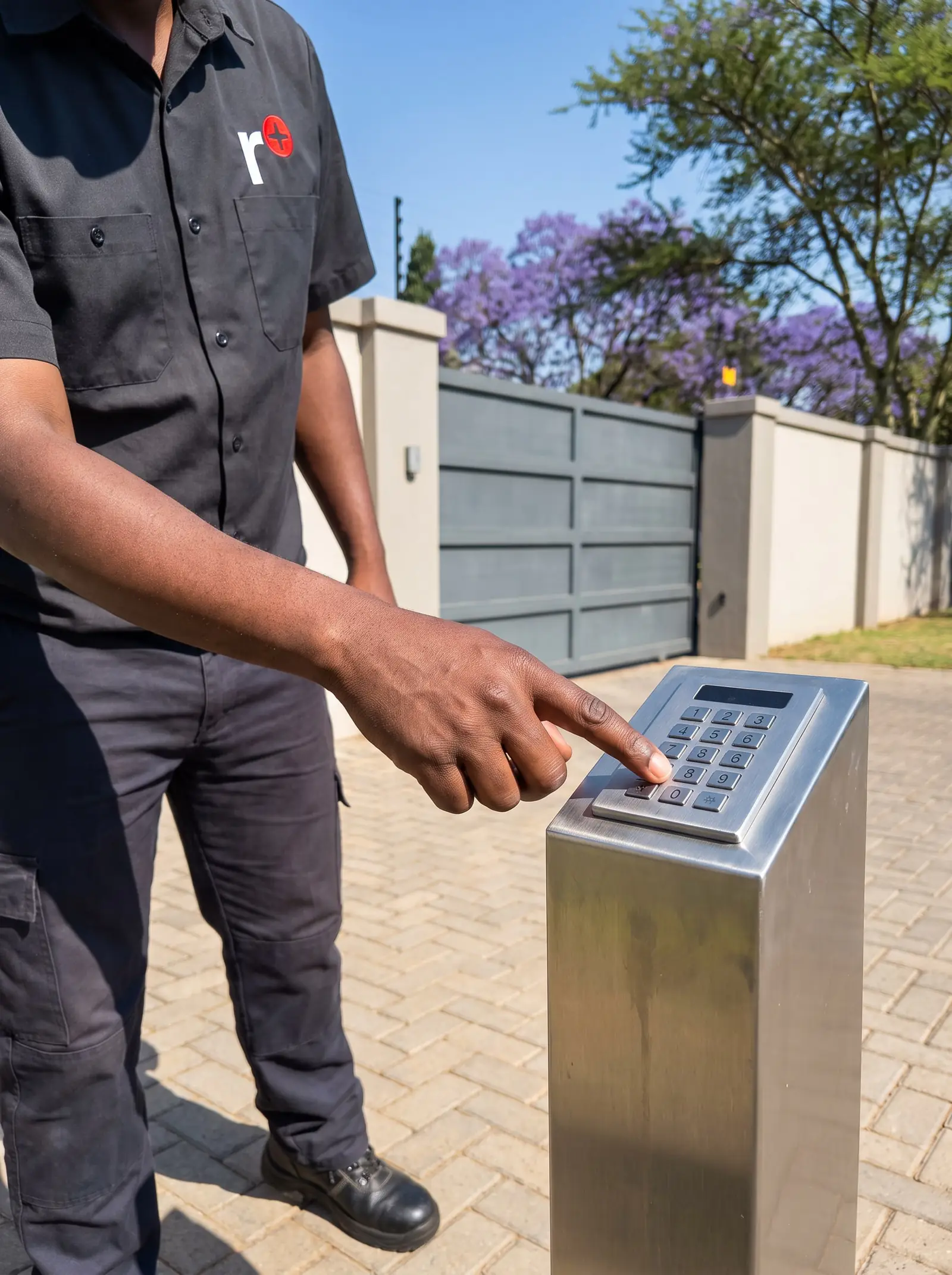
JVA's 4-line LCD keypad is the control point for its Z-Series energisers and monitors. It's joined to the energiser by just three wires, and from it you can arm and disarm the whole site, see each zone's state, and, for the installer, program the devices. From JVA's manual:
- A backlit four-line display that shows each zone's fence voltages and any alarm or trouble.
- A key area that glows red when there's an alarm.
- Quick keys to arm and disarm the site.
- Zone names you can read, set by the installer.
- An event log of 500 entries, each with a date and time from a battery-backed clock.
In normal use the display cycles through a summary screen and then one screen per energiser, each for about five seconds. The summary shows the installer's message, the time and date, whether the site is armed, part armed or disarmed, and whether there's an alarm, a trouble or all is well. Each energiser's screen shows its zone name, its voltages and any alarm. Press # to hold the current screen for 20 seconds, and # again to move on.
When a new alarm or trouble arrives, such as a mains failure or a low battery, the keypad jumps straight to that zone, beeps, and stays on it for about three minutes, so you see where the problem is without looking for it.
Zone names and the service message
A zone called "Zone 3" means little at night. The keypad can hold up to 16 zone names, so when we install or service a JVA system we name each zone after the stretch it guards: "Street wall", "Pool side", "Back boundary". Those names appear at the top of each energiser's screen.
Two other messages can be set:
- The dealer message, shown on the summary screen all the time, with the installer's details.
- The service message, shown on the summary screen only when something needs attention: a mains failure, a communication failure or a low battery. It's the place for the number to call, so it's there exactly when it's needed.
The event log
The keypad keeps the last 500 events: every alarm, every trouble, every time the fence was armed or disarmed, each stamped with the date and time. You can scroll through it from the menu, newest first.
After a run of night-time alarms, the log is the first thing we look at. A fence that alarms on the same zone at the same hour every night points to something different from one that alarms at random: a sprinkler that wets the fence, a branch that moves in the evening wind, an animal on its nightly route. The clock runs on its own battery, so the times stay right through a power cut, but it's worth checking it's set correctly, or the log is harder to read.
A keypad where you need it
Up to four keypads can work on one JVA system: one by the front door, one in the main bedroom, one in a staff cottage or at the gate. Each needs its own address, set by the installer, with one kept as keypad 1. If a keypad ever seems slow to respond, someone may be using another one at that moment; JVA's advice is simply to wait a few seconds and try again.
A keypad in a room that's already secure can be set to remember the user PIN, so its arm and disarm keys work at a touch. It's convenient in a bedroom, but it means anyone at that keypad can disarm the fence, so it's a choice to make with care, and never for a keypad anyone can reach from outside.
Quieter at night, and quick checks
From the keypad's menu, each keypad can be set to suit where it is:
- Key beeps, gate chimes, error sounds and alarm sounds can each be switched on or off, so a bedroom keypad needn't chime every time the gate opens.
- The backlight can stay on, switch off after a while, or stay off.
- The fence can be armed in low or high power from the menu.
The test menu has two checks worth running now and then: a siren test, which sounds the sirens for two seconds, and a battery test, whose result shows on the energiser's own display.
When the keypad misbehaves
JVA's manual covers the faults we meet most often on these keypads:
- "Keypad Not Polled" on the summary screen: the keypad hasn't been introduced to the master energiser. With several keypads, each needs its own address and the master needs to be reset so it finds them all.
- Zone names that have turned to nonsense: the keypad's memory has been corrupted. A factory reset clears it, and the names and messages are entered again.
- One energiser always showing a communication failure: its group setting has been changed, or it has been removed from the system, and the keypad has to discover the site's energisers again.
- An older keypad on a newer energiser: as JVA updates its firmware, an old keypad may not be compatible with the latest Z-Series devices.
Each of these is a job for the installer menu, so it's one for us rather than for you.
Electric fence repairs in Hyde Park
We repair JVA and Nemtek energisers and keypads, and the fences themselves: broken and slack wires, cracked insulators, bent brackets, earth spikes, gate contacts, sirens and strobes. All our spare parts are genuine, and every repair comes with our six-month guarantee on our repairs. The fault finder below has the checks that are safe to try first, none of which mean touching the wires.
New fences and certificates
A new fence on a large stand is planned zone by zone with you, built to the rules JVA and Nemtek print in their manuals, and handed over with its certificate, its zones named on the keypad and a walk through the keypad's menu. Certified electric fence installer. If you only need a certificate, for a sale, see electric fence certificates.
Typical electric fence prices
Market prices in Gauteng, from installer price lists, cost guides and shop listings, not ours:
- 10-line wall-top fence, installed: R130–R145 a metre (published price lists of Gauteng installers)
- A home with a 100 m perimeter: R14 500–R25 000 (published price lists of Gauteng installers)
- JVA Z13 (1 zone) energiser, in shops: about R3 370 (Takealot)
- Complex faults or a new energiser: R1 500–R5 000+ (Kandua)
Prices checked October 2026. Your exact price is set in a free quote before any work starts. No call-out fee when we do the work. If no work is done, a R650 call-out fee applies.
Booking a fence technician in Hyde Park
On the job card, give the energiser's make, what the keypad says (a photo of the screen is ideal), and which zone is alarming. We work across Hyde Park, from the homes near Hyde Park Corner to the stands on its borders with Illovo and Sandhurst. Same-day repairs are offered when the day allows, and a fence that's down or alarming without end is treated as urgent.
Fault finder
What is your fence doing?
Pick what you're seeing for the likely causes, the safe checks you can do yourself, and when to stop and book. Taken from the manufacturers' own manuals.
What's it doing?
Likely causes
Electric fence · the alarm keeps going off
Most likely first
The fence voltage has dropped below the alarm level: something is touching the wires, or plants have grown into the fence.
The gate input is open: the gate isn't fully closed.
The fence condition is poor: dirty or failed insulators, or wet insulators after rain.
Safe checks you can do
When to stop and book
Never touch the fence wires or open the energiser. If the alarm won't clear, we'll find the fault on the fence.
From the official manuals: Nemtek Druid 25 and 28 user manual, Nemtek Druid LCD user manual.
Questions
Electric fence questions in Hyde Park
What does "Keypad Not Polled" mean on a JVA keypad?
The keypad hasn't been introduced to the master energiser, so it can't talk to the system. With more than one keypad, each needs its own address. It's an installer's job. Read about keypad faults.
How many events does a JVA keypad remember?
The 4-line LCD keypad keeps 500, each with the date and time: alarms, troubles, and every time the fence was armed or disarmed. Read about the event log.
Can I have more than one electric fence keypad in my house?
On a JVA Z-Series system, up to four keypads can work together, as long as each has its own address. Read about extra keypads.
Can I name the zones on my electric fence keypad?
On JVA's 4-line keypad, yes: up to 16 zone names, set from the installer's menu, shown at the top of each energiser's screen. Read about zone names.
Book a technician
Get an electric fence quote in Hyde Park
Job card
We WhatsApp or call you back. Fields marked (required) are needed.