Manual · ET Drive 1000
ET Drive 1000 manual: setup, remotes and display messages
The ET Drive 1000 is ET's heavy, high-traffic sliding gate motor: up to 1,000 kg of gate and up to 40 m of travel, with a control card that talks to you in plain words on its display. It's the motor we find on complex entrances, factories and long, heavy gates. Here is its manual in plain English, from the specifications to the messages on the screen, with ET's PDFs at the end.
Six-month guarantee on our repairs
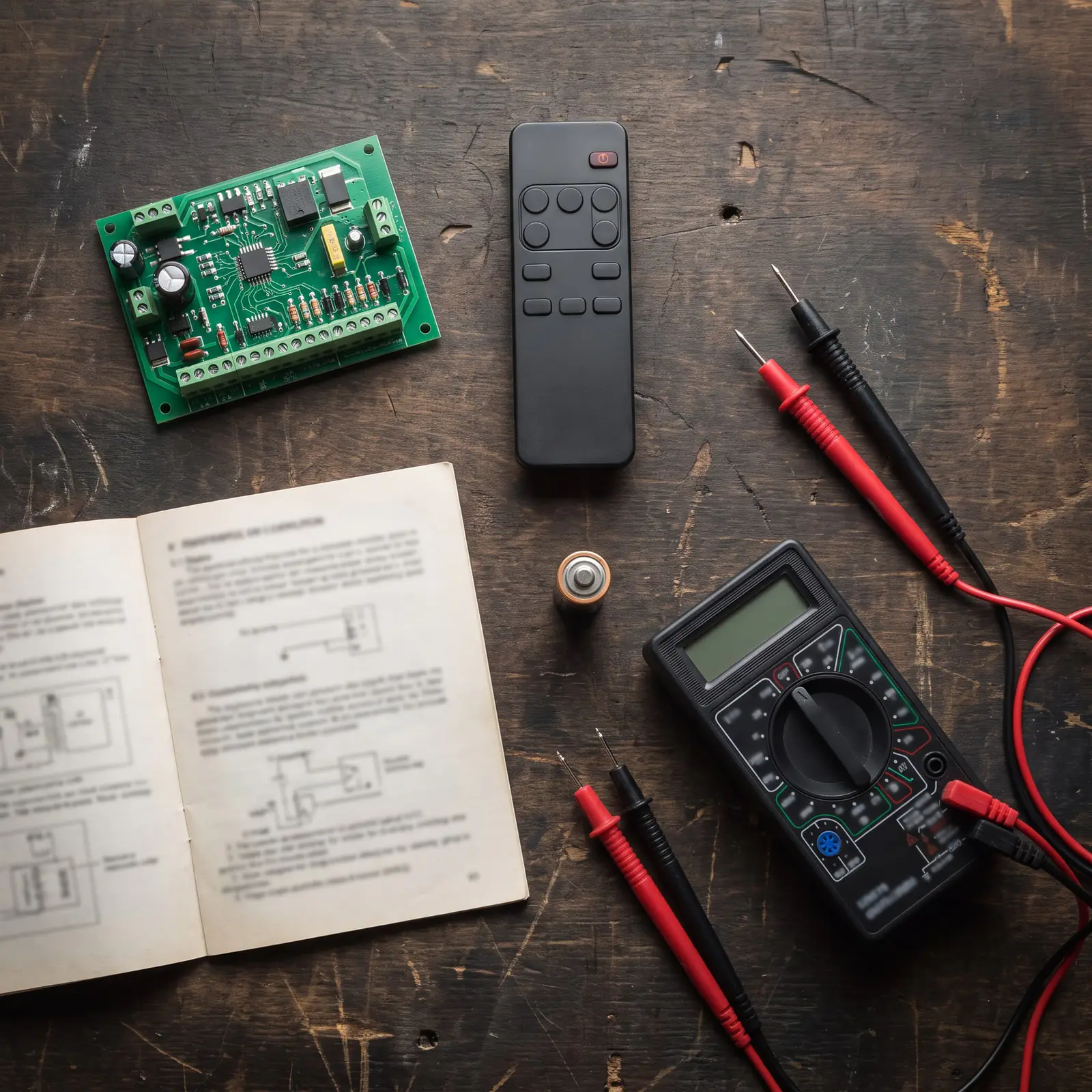
The Drive 1000 at a glance
| Item | High-traffic kit (220 V) | Low-traffic option (plug-in transformer) |
|---|---|---|
| Heaviest gate | 1,000 kg | 1,000 kg |
| Longest travel | 40 m | 40 m |
| Power at the gate | 220 to 240 V AC | 29 V AC, 1 A |
| Duty cycle | Up to 98% with mains present | Up to 25% with mains present |
| Motor | 24 V DC, current limited to 13 A | 24 V DC, current limited to 13 A |
| Speed | Up to 28 m a minute, adjustable down | Up to 28 m a minute, adjustable down |
| On battery in a power cut | About 100 openings on the standard 5 Ah battery, or 150 with two 3.5 Ah batteries | The same |
| Receiver | ET BLU MIX, backward compatible with ET BLUE, 4 channels, 1,023 users | The same |
| Accessory output | 12 V DC, 400 mA | 12 V DC, 400 mA |
| Weather rating | IPX4 | IPX4 |
The battery figures are ET's, worked out on a 5 m gate that rolls easily, with a healthy, charged battery: a longer or stiffer gate gets fewer openings. The plug-in transformer is not in the kit.
High traffic: what the duty cycle means
Duty cycle is how much of the time a motor can spend running without overheating. ET's formula is run time divided by run time plus rest time, times 100. Its own examples: a gate that runs 17 seconds and rests 20 is at about 46%; one that runs 17 seconds and rests only 1 is at about 94%.
That's why the Drive 1000 is sold as a high-traffic motor. On the standard 220 V kit ET allows up to 98%, so it can keep cycling at a busy entrance. On the plug-in transformer it drops to 25%, which is fine for a heavy gate at a quiet house but not for a complex. ET also notes that gate weight and rolling resistance add heat, so a gate that drags uses up the motor's margin: the manual asks for no more than 40 kgf to start the gate moving and 30 kgf to keep it running.
Opening the gate by hand
The Drive 1000 releases with a key and a lever behind a hatch on the motor:
- Lift the lock cover and put the key in.
- Turn the key clockwise and open the override hatch.
- Swing the lever to the right. The gearbox is now free and the gate can be pushed by hand.
To put it back:
- Swing the lever to the left and close the hatch.
- Turn the key anti-clockwise and lower the lock cover.
- Push or pull the gate until the gears click back in.
ET notes that the gearbox can be left in manual mode with the hatch closed and locked, which is useful while a motor waits for a repair. A gate left in manual mode won't open by remote until the gears are engaged again, and on a Drive 1000 the card notices the lever: if it's released during setup, setup stops with "Learn Error, Manual Released".
Run-time setup: teaching it the gate
Run-time setup is mandatory: the motor won't run normally until it has learnt where the gate closes and opens and how hard it is to push. The limit actuator must be fitted on the rack first. In outline, from ET's manual:
- Put the gate about halfway along its travel, engaged.
- Hold the enter button until the buzzer beeps twice and the display shows the programming menu.
- Scroll to Runtime setup and select it; confirm the gate is midway.
- Choose the closing direction with the left or right button. The gate closes slowly to find its closed limit.
- The gate then starts opening: press enter where you want it to stop open, fine-tune if needed, and press enter again to save.
- The gate closes slowly to check the length, warns with the buzzer, then runs fully open and closed at full speed while it profiles the gate.
When it stops closed and shows Runtime setup again, it's done. Holding the left or right button speeds the gate up during the slow parts. If anything changes that affects how the gate runs, the display asks for it again with "Gate re-profile required".
Coding remotes to a Drive 1000
The Drive 1000's receiver takes ET BLU MIX remotes, and older ET BLUE ones, and holds up to 1,023 users. Each remote button can be given one of four jobs: full opening, pedestrian opening, the auxiliary relay (for example a light or a lock) or holiday lock-out. ET's quick-learn method:
- Hold enter until two beeps, scroll to Receiver Setup and select Quick learn.
- Scroll to the job you want, for example BT, Full opening.
- Hold the remote button down and, while still holding it, press and release enter. The display shows the user number and the buzzer beeps once.
- Let go of the remote button. Repeat for more remotes or jobs, then exit.
If a remote with buttons set to different formats is learnt, the receiver gives it two user numbers. The same menu erases single remotes or all of them, and has a remote diagnostics screen. "Address used" means that number already has a remote: choosing yes replaces it.
The older ET 1000 receiver is different: it has an RX Learn button and LED and remembers 15 remotes. Hold the remote button, press and hold RX Learn until the LED flashes (once for the first remote, twice when there's still room, rapid flashes when it's full), then let go of both.
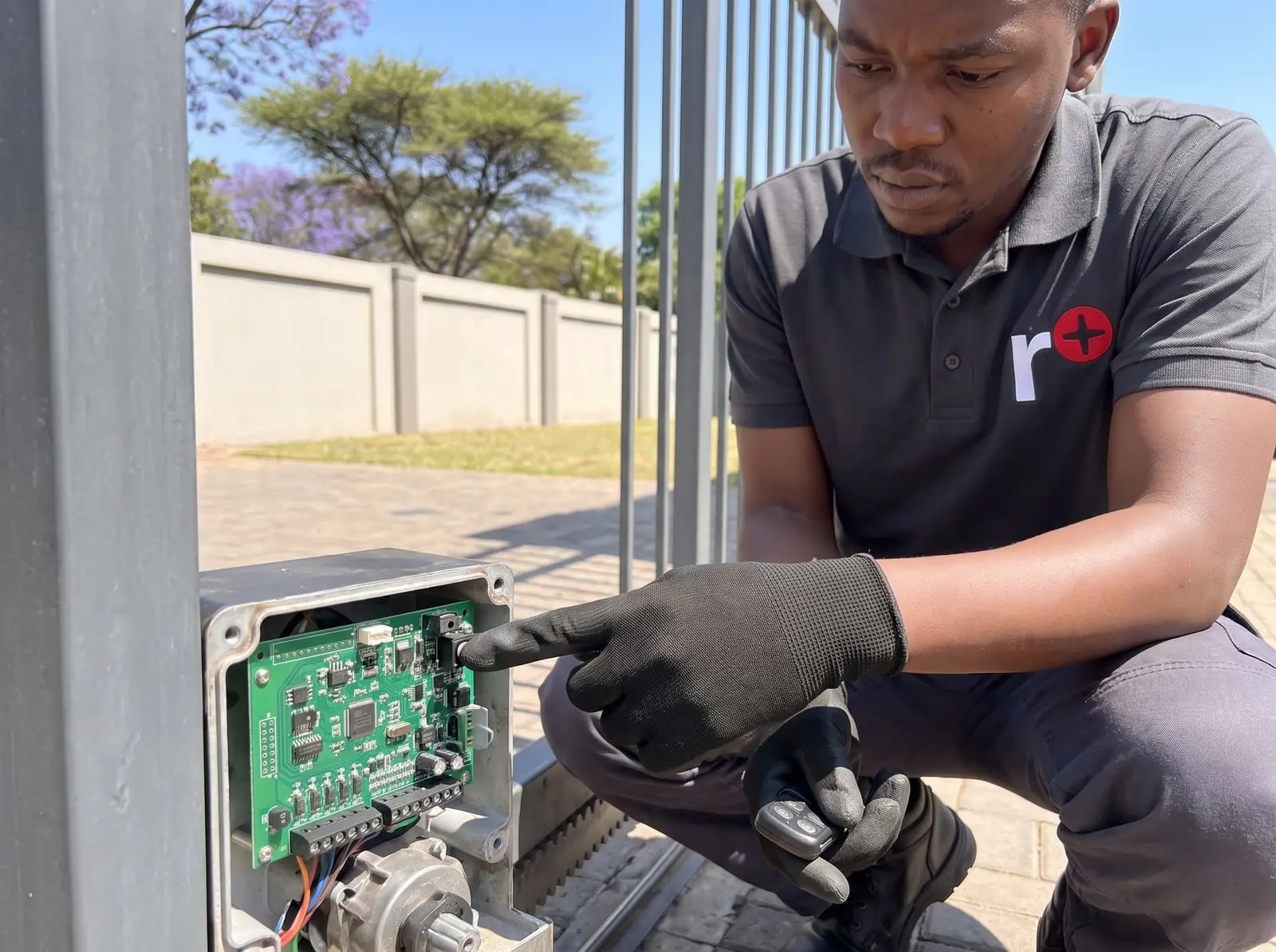
Status light and buzzer
If a status light was wired to the card, it follows the gate. These patterns are from ET's installer manual, shown at their real speed.
| Light | Pattern | What it means | Buzzer | One cycle |
|---|---|---|---|---|
| Off | Gate fully closed. | None | 2 s | |
| On a second, off a second | Gate running normally. | None | 2 s | |
| On, steady | Gate open. | None | 2 s | |
| Two flashes and a 2-second gap | Mains off. Restore the power as soon as you can; the gate is on its battery. | A 1-second beep every 15 seconds, for 5 minutes after the gate last ran | 4 s | |
| Four flashes and a 2-second gap | Battery low. Give it 8 to 10 hours of uninterrupted charge before checking again. | None | 6 s | |
| Five fast flashes at each trigger | A lock-out mode is on. Press and release any holiday lock-out button to switch it off. | Copies the light | 1.25 s |
What the display messages mean
The Drive 1000 writes its faults out in words. The ones owners see most, from ET's troubleshooting table:
| Display | Meaning | What to do |
|---|---|---|
| Beam interrupted | The safety beams were blocked | Clear the gate area |
| Close Run Ovload / Close Slo Ovload | The gate met too much resistance while closing | Look for an obstruction |
| Close Stall(enc) | The gate stalled while closing | Find what is binding the gate |
| Collision Timer | More than 4 collisions in a row; it waits 10 seconds before accepting another trigger | Remove the obstruction |
| Holiday Locked | Holiday lock-out is on | Switch it off with a holiday lock-out button |
| Battery short | A short on the battery output | A faulty battery or its wiring |
| Charg supply low | The supply is too low for the charger (it needs at least 30 V) | Check the power supply |
| Learn Error, Manual Released | Setup stopped because the manual release was opened | Re-engage the release and redo setup |
| Learn Error, Limit Range | The limit is out of range | The limit actuator has moved or the rack is jumping |
| Gate re-profile required | Something changed that affects how the gate runs | Redo the run-time setup |
| Encoder error | The card can't read the motor's position sensor | A technician's job |
| Flash mem error / ERROR: RF comms | A fault on the control card | Card repair |
Messages that point to the card itself, or to voltages that are too high, are jobs for a technician. So is anything inside the motor's mains connection, which is a job for a registered electrician.
The diagnostics screen and battery health
The Drive 1000 has a diagnostics menu that shows live readings without entering programming: the gate's speed, how far it is from closed, the motor's current and force, the supply voltages, the battery voltage and the charger's state. Two readings are worth knowing:
- Bat health: None until the gate has run about 20 full cycles, then Good, Fair or Poor. Poor means ET suggests replacing the battery.
- Recent Rx: the last remote that triggered the gate, which helps track down a gate that opens by itself.
ET gives the normal ranges too: the power supply should read 30 to 38 V and the 12 V accessory output 11 to 13 V. A reading well outside those is a fault to look into, not something to adjust.
When to call us, and ET's PDFs
Call us when the display shows a card fault, an encoder error, a voltage error or a learn error you can't clear, when the gate keeps stalling or overloading with nothing in its way, or when the battery health reads Poor. We repair Drive 1000 control cards, chargers, receivers, limits and gearboxes, and service the gate itself so the motor isn't fighting it. All our spare parts are genuine, and every repair comes with our six-month guarantee on our repairs. Your exact price is set in a free quote before any work starts. No call-out fee when we do the work. If no work is done, a R650 call-out fee applies.
The official PDFs, from ET:
- ET Drive 1000 sliding gate operator, installer manual: specifications, installation, every menu and the full troubleshooting table
- ET Drive 1000 sliding gate operator, user manual: everyday use of the motor
- ET 1000 sliding gate operator, remote programming sheet: coding remotes to the older ET 1000 receiver with the RX Learn button
Lighter ET motors have their own pages: the Drive 500 and 600 and the Drive 300.
Questions
ET Drive 1000 questions
How heavy a gate can an ET Drive 1000 move?
Up to 1,000 kg, over up to 40 m of travel, according to ET's installer manual, as long as the gate rolls freely: no more than 40 kgf to start it and 30 kgf to keep it moving. See the specifications.
How do I code a remote to an ET Drive 1000?
On the current card, hold enter until two beeps, go to Receiver Setup, Quick learn, choose the job, then hold the remote button and press enter. The older ET 1000 receiver uses an RX Learn button instead. See coding remotes.
What does Collision Timer mean on an ET Drive 1000?
The gate hit resistance more than four times in a row, so the motor waits 10 seconds before it will run again. Look for something in the gate's way, or a gate that's dragging. See the display messages.
Why does my Drive 1000 flash four times?
Four flashes and a pause on the status light means the battery is low: ET says to give it 8 to 10 hours of charge before checking again. If it keeps happening, check the battery health reading. See the status light.
Book a technician
Get a gate motor quote
Job card
We WhatsApp or call you back. Fields marked (required) are needed.