Brands · Hikvision and HiLook
Hikvision CCTV installation and repairs, including HiLook
Hikvision and its lower-priced HiLook range are the cameras and recorders you'll find on more South African homes and businesses than almost any other, and in more shops. We install new Hikvision and HiLook systems, take over and repair ones someone else put in, and sort out the problems owners run into most: a recorder that has stopped recording, cameras that went black, a phone app that won't connect, and a password nobody remembers.
Six-month guarantee on our repairs
10 years of experience in gate motor installation and repairs
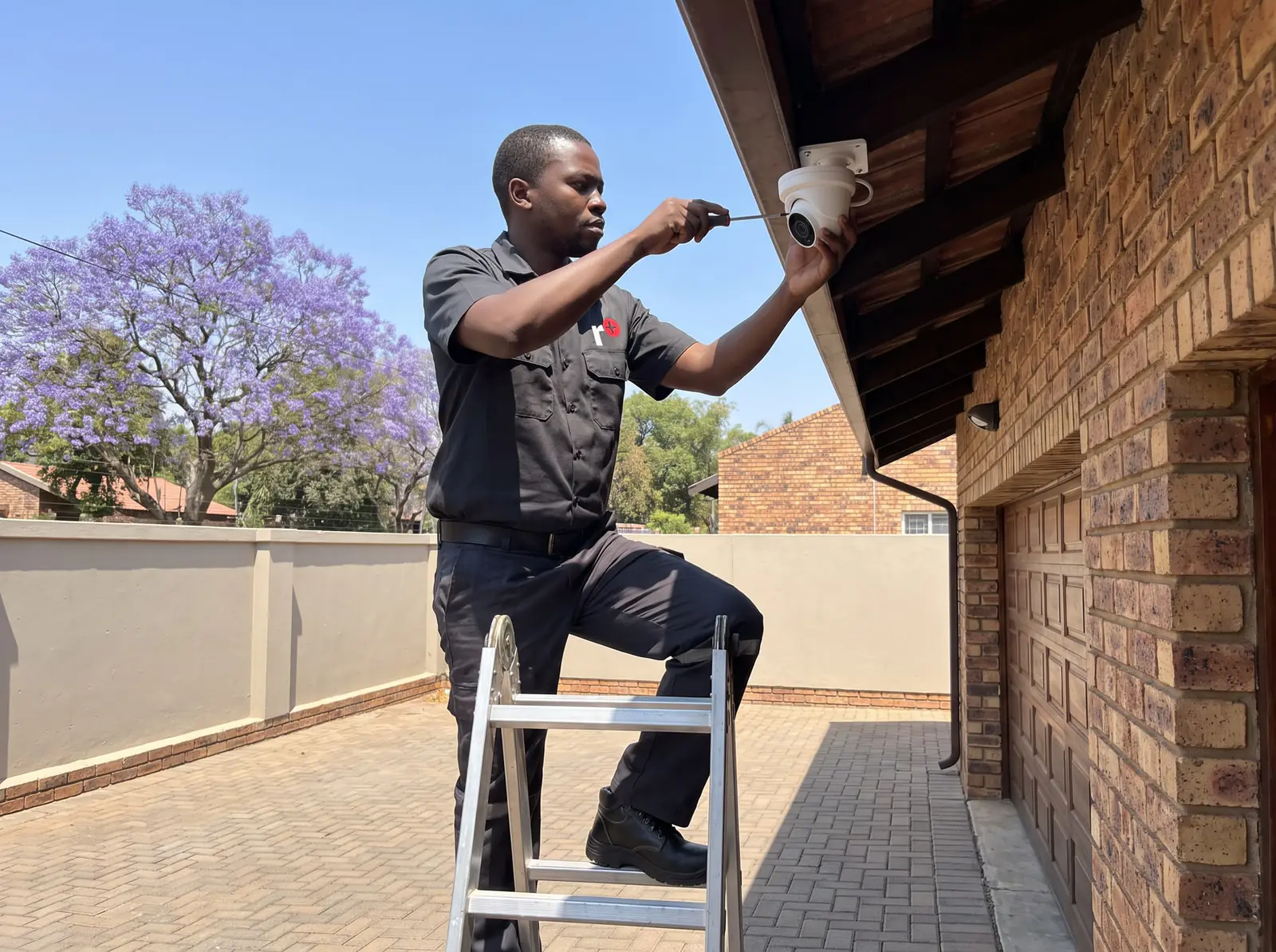
Hikvision and HiLook: what's the difference?
HiLook is Hikvision's budget line. Both are made by the same company, use the same app and work on the same principles; HiLook systems cost less and have fewer of the higher-end features. On a typical home, either does the job; the difference shows on larger systems and where night pictures and smart alerts matter most.
The parts of any Hikvision system:
- Cameras: dome or bullet, analogue HD on coaxial cable or IP on network cable, with infrared for black-and-white night pictures or ColorVu for colour at night where there's a little light.
- The recorder: a DVR for analogue HD cameras, or an NVR for IP cameras, in 4, 8 or 16 channels.
- The hard drive inside the recorder, which sets how many days of footage are kept.
- Power: a power supply for analogue cameras, or power over the network cable for IP cameras.
- Hik-Connect, the app for viewing and playing back on a phone.
Setting up a Hikvision DVR for the first time
When a new Hikvision recorder starts for the first time, it asks for an admin password to be created before it will do anything else. From there, the set-up is: the date and time, the hard drive (formatted so it can record), each camera's recording schedule and quality, the network settings, and the link to Hik-Connect.
The menus differ between models and firmware versions, so we don't publish step-by-step paths. What matters more than the menus is the order: a strong admin password written down somewhere safe, a hard drive that has been formatted and shows as healthy, recording that has been tested by playing it back, and phone viewing tested away from the home Wi-Fi. We do all of that on the day we install, and show you how to play back footage yourself.
Viewing on your phone with Hik-Connect
Hikvision and HiLook systems are watched through Hik-Connect. The recorder at home has to be online through your router, and the app has to be linked to that recorder; once it is, you can see live cameras, play back recordings and get alerts from anywhere with signal.
When phone viewing stops, the cameras are almost never the problem. The usual causes are a new router, a changed Wi-Fi password, the recorder being unplugged from the router, or an expired login in the app. If the cameras still show on the recorder's own screen, the fix is a reconnection, not a new system. See view CCTV on your phone.

Common Hikvision DVR problems
- "HDD error" or no recording: a failed, full or unformatted hard drive. Drives wear out, and a recorder can sit for months showing live pictures while recording nothing. See CCTV not recording.
- "No video" on one camera: that camera, its cable, its connectors or its power.
- Every camera black at once: the power supply feeding them, or a surge.
- Pictures fine by day, useless at night: a camera facing into a light, spider webs on the lens, or infrared reflecting off a nearby wall or eave.
- The recorder keeps restarting: its power adaptor, an overheating cabinet or a failing drive.
- A lost admin password: see below.
- After a storm: surge damage to cameras, the recorder or the network switch.
We test each part in turn rather than replacing the lot. All our spare parts are genuine, and every repair carries our six-month guarantee on our repairs.
Lost the Hikvision password?
It's one of the most common calls we get: the system was installed years ago, the installer can't be reached, and nobody knows the admin password. Hikvision recorders don't have a universal back-door password, and we don't publish reset methods, because they depend on the model, the firmware and how the recorder was set up, and some reset paths erase the settings.
What we do on site: confirm who owns the system, recover access through Hikvision's own reset process for that model, then set a new password, record it with you and update the firmware. Footage on the drive is kept where the process allows it. Never buy a "reset tool" from a stranger online: it can leave a recorder open to anyone.
What Hikvision and HiLook cost
In South African shops:
- Hikvision or HiLook 4-channel 1080p kits: about R2 000–R3 800 (Takealot)
- 8-channel kits: about R5 300–R6 200 (Takealot)
- Hikvision 2 MP camera: about R230 (Takealot)
- ColorVu camera: about R510 (Takealot)
- 8-channel DVR: about R860 (Takealot)
Supplied and installed, typical figures are R6 000–R12 000 (CompareSecurity) for 4 cameras, entry hd and R11 000–R20 000 (CompareSecurity) for 8 cameras, entry, and a fault visit or annual service costs R500–R1 500 (CompareSecurity). These are the market's figures, not ours. Prices checked October 2026. Your exact price is set in a free quote before any work starts. No call-out fee when we do the work. If no work is done, a R650 call-out fee applies.
Installing a Hikvision system
We plan the cameras around what you need to see, run the cable out of sight and out of reach, fit the recorder somewhere secure with backup power for load shedding, size the drive for the days of footage you want, and set up Hik-Connect for everyone who needs it, each with their own login. We can also add cameras to a Hikvision system you already have, as long as the recorder has channels free. 6 months warranty on equipment we install. More on CCTV installation and, for businesses, CCTV for business.
Booking a Hikvision repair or installation
We install and repair Hikvision and HiLook systems across Johannesburg, the East Rand and Centurion, as well as Dahua. Tell us what the system is doing, how many cameras you have, and send a photo of the recorder's label if you can. No call-out fee when we do the work. If no work is done, a R650 call-out fee applies.
The other makes are on brands we work on. Repairs Plus is an independent installer and repairer. We are not the manufacturer.
Questions
Questions about Hikvision
How do I set up a Hikvision DVR for the first time?
On first start it asks you to create an admin password; then set the date and time, format the hard drive, set each camera's recording, connect it to your router and link Hik-Connect. Menus vary by model, so test recording and phone viewing before you rely on it. Read about set-up.
How to connect HiLook cctv to phone?
HiLook uses Hikvision's Hik-Connect app: connect the recorder to your router, install the app, add the recorder to it and test it away from your home Wi-Fi. If it used to work, a new router or Wi-Fi password is the usual reason it stopped. See phone viewing.
How to factory reset Hikvision DVR without password?
There's no universal password; access is recovered through Hikvision's own reset process for that model, which can erase settings, so we confirm ownership and do it on site, then set and record a new password. Read about lost passwords.
Is Dahua the same company as Hikvision?
No: Hikvision and Dahua are separate companies, both based in China, each with its own cameras, recorders and app. HiLook, on the other hand, is Hikvision's own budget range. See Hikvision and HiLook.
Which brand is better, Dahua or Hikvision?
For a typical home or small business, both make dependable cameras and recorders at similar prices; the installation, cabling, drive size and backup power matter more than the badge. We install both. See installation.
Book a technician
Get a CCTV quote
Job card
We WhatsApp or call you back. Fields marked (required) are needed.