Manual · Digidoor III
Digidoor 3 manual: setup, remotes, lights and reset
The Digidoor III, written Digidoor 3 by most owners, is the Hydro Doors garage opener with a chain strut on the ceiling, a 60 W light in the power head and a wireless wall console instead of a wired button. It learns its own limits and is set up with one Enter button. Here is how it works, how to code its remotes, what its lights and beeps mean and how to reset it, from Hydro Doors' own manual.
Six-month guarantee on our repairs
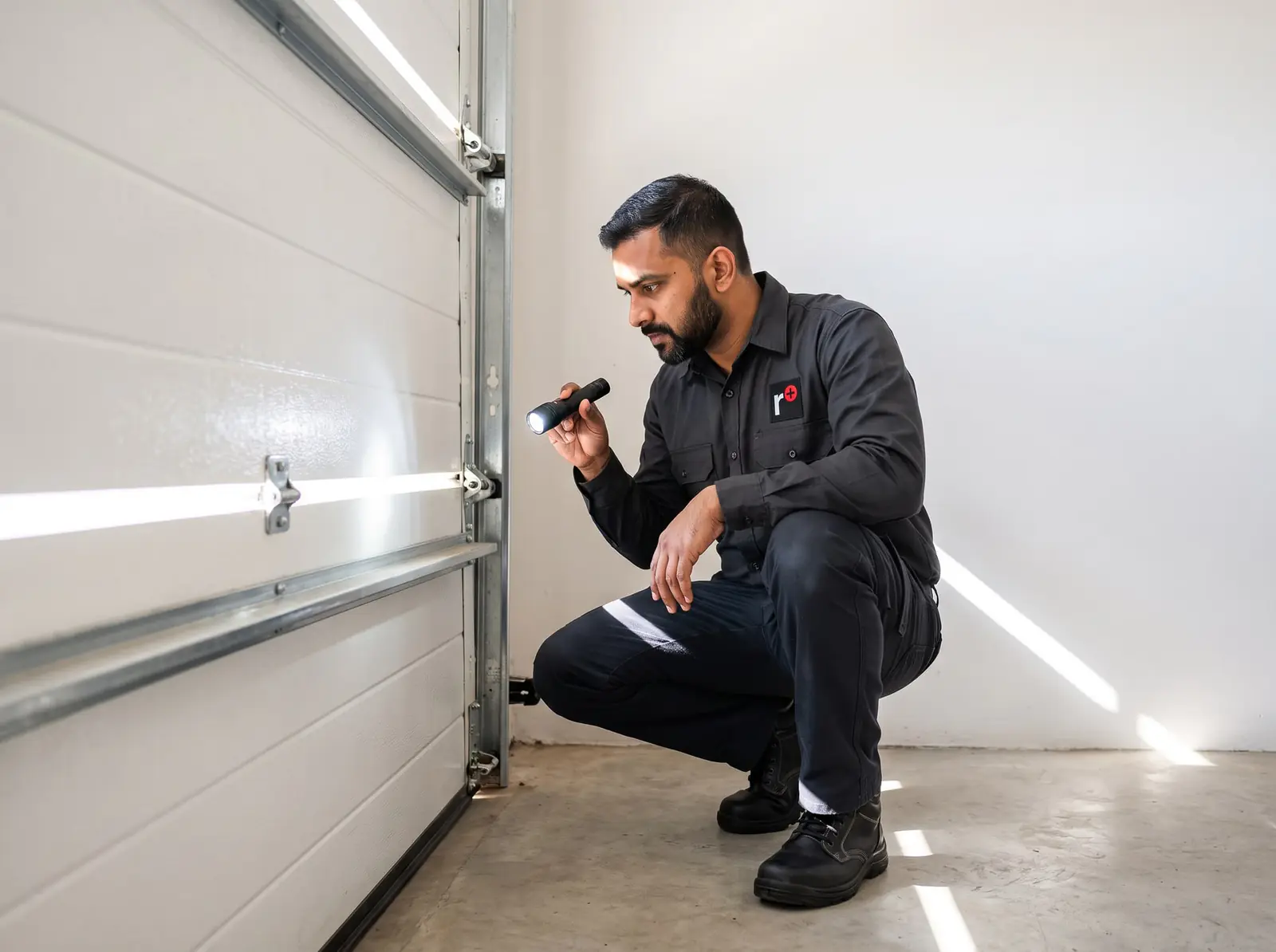
The Digidoor 3 in brief
| Item | Digidoor III |
|---|---|
| Motor | 24 V DC with a built-in gearbox, on an endless-loop chain |
| Power | 220 V AC through a 15 A moulded plug, with optional 24 V battery backup |
| Pulling force | 700 N |
| Speed | About 130 mm a second: roughly 16 seconds to open or close a standard sectional door |
| Remotes | Digi e-key rolling-code remotes on 433.92 MHz, 28 of them, range over 25 m |
| Controls | A wireless wall console with Operate, Light and Lock buttons |
| Light | 60 W courtesy light |
| Doors | Sectional (3 m strut, or 3.6 m for extra-high doors), tip-up (2.3 m strut) and, with a kit, roll-up (2.36 m strut) |
The settings on the control board, auto-close and safety beams, are switched with small jumpers rather than a menu.
The door comes first
Hydro Doors makes a point that most complaints about a Digidoor turn out to be the door, not the opener. A door the Digidoor III can run properly:
- opens and closes easily with one hand, and stays where you leave it halfway, held by its springs;
- has greased torsion springs, and tracks that are clean, secure and correctly spaced;
- has no badly worn hinges, rollers or bushes, and no ropes, old locks or levers left on it.
The opener isn't designed to make up for a door that's out of balance or binding: it will strain, trip its obstacle sensing and wear out sooner. Springs and cables carry enormous force, so adjusting them is a job for a door technician, never a DIY one. More on garage door springs.
Setting it up: limits and the master console
The Digidoor III teaches itself the door. From Hydro Doors' manual, in order:
- Engage the opener. With the door shut, set the latch lever level and move the door by hand until it locks onto the opener.
- Power on. It beeps and the indicator flashes amber: it's in set-up mode.
- Learn the travel. Press Enter once, or twice for a light door. The door creeps down to the floor, creeps up to its open stop, then runs down and up at full speed. Two beeps: the limits are stored. Pressing Enter during this pauses it; pressing again carries on.
- Pair the master console. Press Enter (the amber light flashes faster), press Operate on the wall console, then press Operate again to confirm. Four beeps and a green light mean set-up is finished.
- Set the obstacle sensing with the small adjuster on the board, so the door stops and backs off when it meets resistance; Hydro Doors' test is a 40 mm block on the floor under the middle of the door, repeated once a year.
If there's no mains during installation, a Power Up button on the board lets set-up run from the battery. The first console paired is the master: it's the only one that can add remotes or erase them all.
What the light and beeps mean
| You see or hear | It means |
|---|---|
| Amber, flashing | Set-up mode |
| Green | Running on mains, ready |
| Green, flashing | No mains: running on the battery |
| Red | Locked from the wall console |
| Red, flashing | The battery is low |
| One beep and a light flash when you press a remote | The door is locked |
| Two beeps when you try to close | The safety beams are blocked or not working |
| A 4-second beep while coding a remote | The remote memory is full |
A Digidoor 3 that won't open and flashes once is almost always just locked: press Lock on the wall console to unlock it.
Coding a Digidoor 3 remote
Remotes are coded through the light button on the master console:
- With the power on, switch the courtesy light off if it's on.
- Press and hold the console's light button. The light comes on, and after 5 seconds goes off.
- Let go: the light comes back on.
- Within 30 seconds, press the button you want on the remote. The opener's light goes off.
- Press the same remote button again. The light flashes four times: the remote works.
Each remote works on one button only; coding a different button replaces the first. The receiver holds 28 remotes, and a 29th is ignored with a long beep. A remote whose own LED flashes has a low battery.
To erase every remote, hold the light button through the first 5 seconds and keep holding: after another 5 seconds the light flashes six times. Only the master console still works afterwards. Hydro Doors says to do this whenever a remote is lost or stolen, then recode the ones you still have.
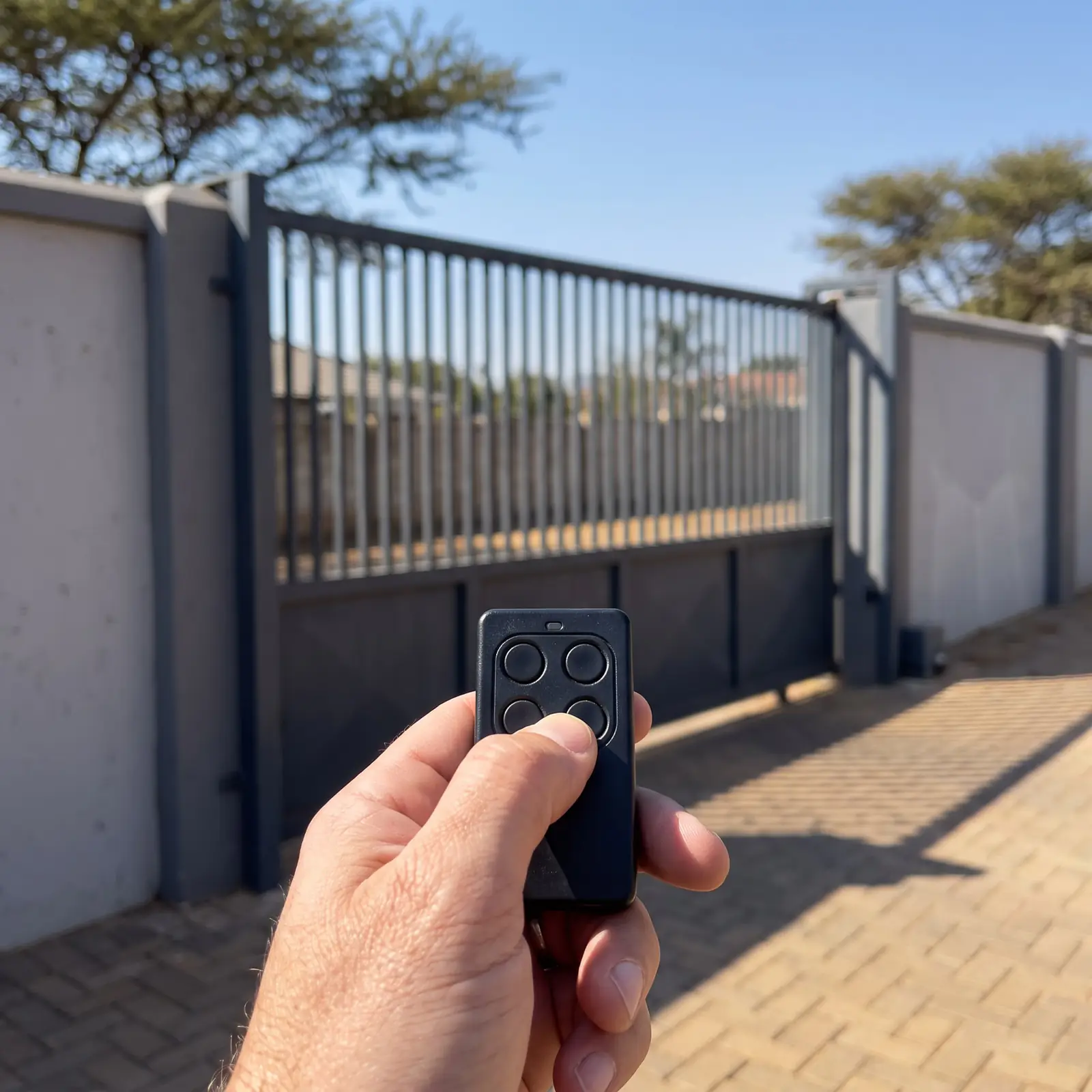
Auto-close and the lock
Auto-close is switched on by removing the A-Close jumper on the board. The door then closes 30 seconds after it opens, from any position, after 10 seconds of flashing light and beeping. A beam interruption, or a press on a remote or the console during the warning, restarts the 30 seconds. Three obstacles in a row switch auto-close off until the door has been closed properly. Hydro Doors strongly advises auto-close only with safety beams fitted.
The lock on the wall console stops the door from being opened by any remote, turns the indicator red and overrides auto-close. Stopping the door part-way and pressing lock holds it there.
Safety beams are switched on by removing the BEAM jumper. Hydro Doors' advice on height: low enough to protect toddlers and pets, but not below the underside of a typical car.
Battery backup in a power cut
With the optional batteries fitted, the Digidoor III gives at least 10 open-and-close cycles in a power cut, and can work for up to 24 hours depending on use. It cuts the battery off before it's completely flat, which protects it, and recharges in under 6 hours once the mains is back. Extra equipment powered from the opener, such as an external receiver, shortens that; safety beams don't, because they're only powered while the door is moving or open.
A garage with no other door needs an emergency key release fitted, so the door can be released from outside when the power and the battery are both gone.
Resetting a Digidoor 3
A factory reset returns the opener to how it left the factory so the set-up can be done again:
- Switch off the power, and unplug the battery's two-way connector on the charger board if batteries are fitted.
- Hold Enter while you switch the power back on. The door runs in the closing direction for a moment and stops.
- The limits and the master console are now erased. Switch everything off again and start the set-up from the beginning.
The reset keeps the coded remotes; erasing them is the separate light-button routine above. Because a reset clears the limits, the door won't run normally until set-up is complete.
When to call us, and the PDFs
Call us when the door strains, reverses for no reason or won't learn its limits, when the indicator flashes red even after a long charge, or when a remote won't code after a new battery. We repair Digidoor III power heads, control boards, chains and receivers, fit batteries and beams, and service the door so the opener isn't fighting it. A new socket for the opener is a job for a registered electrician. All our spare parts are genuine where the parts are still made, and every repair carries our six-month guarantee on our repairs.
For comparison, a digidoor opener with battery back-up sells for about R4 580 (Takealot) in shops (Prices checked October 2026). Your exact price is set in a free quote before any work starts. No call-out fee when we do the work. If no work is done, a R650 call-out fee applies.
The official PDFs: Digidoor III garage door motor, installer manual and the Digidoor III (leaflet). Every Digidoor model side by side is on the Digidoor manual.
Questions
Digidoor 3 questions
How to reset a DigiDoor 3?
Switch off the power and unplug the battery, hold Enter while switching the power back on, let the door run briefly and stop, then switch off again and redo the set-up. It clears the limits and the master console but keeps the remotes. See resetting.
How do I program the DigiDoor 3 remote?
Hold the light button on the master wall console until the light goes off after 5 seconds, let go, press the remote's button within 30 seconds, then press it again; four flashes confirm it. See coding a remote.
Why is my Digidoor 3 light red?
A steady red light means the door is locked from the wall console, so press Lock to unlock it; a flashing red light means the battery is low. See the lights and beeps.
How many remotes can a Digidoor 3 take?
Its on-board receiver stores 28 Digi e-key remotes, one button each; a 29th is refused with a long beep. See coding a remote.
Book a technician
Get a garage door quote
Job card
We WhatsApp or call you back. Fields marked (required) are needed.