Manual · Nemtek Merlin
Nemtek Merlin manual: keypad codes, users and lights
Nemtek's Merlin energizers, the M15S, M18S, M28S and the rest of the Stealth range, are run from a keypad of lights rather than a screen. Every function is a PIN followed by a short code and the hash key, and the pattern of the lights tells you what the fence is doing. Here is the Merlin keypad in plain English: who can do what, every code an owner uses, the battery test and what each light means.
2-year warranty and a compliance certificate on every new electric fence we install
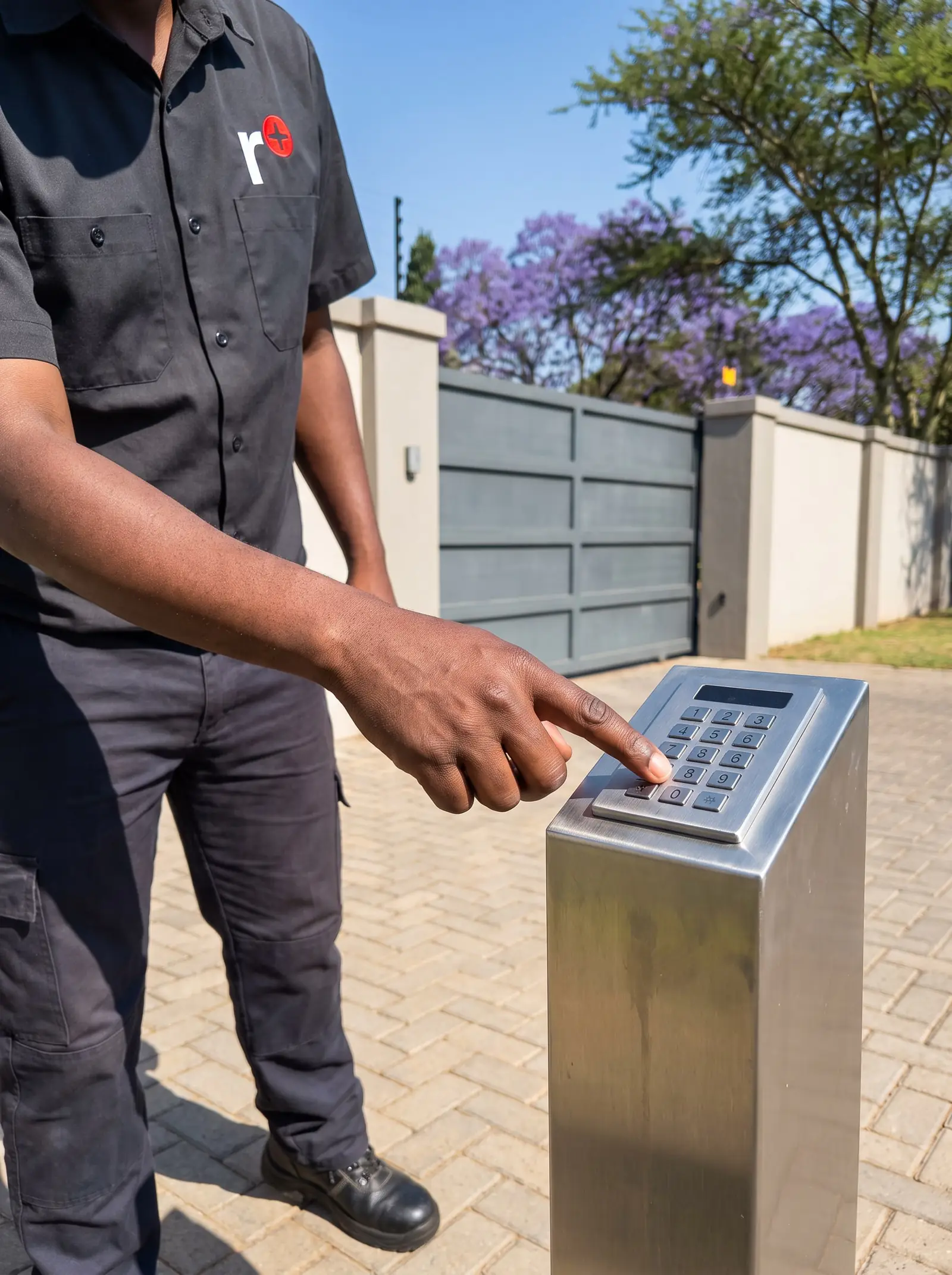
The Merlin range
Nemtek introduced the current Merlin range in 2005 to replace its older M1x and M2x energizers. Every model monitors its earth loop, has on-board diagnostics and a communications port, and meets the IEC rules for energy output and interference. Single-zone and two-zone models share the same keypad; the codes that mention zone 2 or gate 2 only apply to the two-zone ones, such as the M28S. The battery and service lights are on the M15S and M18S.
The Merlin is meant to be run from a remote keypad, which gives access to all its functions and the best security, but it can also be switched with Nemtek's plastic tab or a key switch. It remembers its state through a total power failure, even with the battery flat, and its gate inputs keep working when the fence is switched off.
Master, normal and reset users
The Merlin has seven user slots:
- The master user (user 0) has full control: switching the fence, bypassing alarms, changing settings and setting everyone's PIN.
- Three normal users (1 to 3) can switch the fence on and off and reset alarms, but can't change how the energizer works. Nemtek suggests one for each of three eight-hour shifts on a guarded site.
- Three reset users (4 to 6) can only reset alarms.
For security, the normal and reset users have no PIN until the master user gives them one. The master PIN should have been changed by your installer at handover; if it hasn't, change it.
Entering codes: don't pause more than 5 seconds between keys or the PIN is rejected; if you make a mistake, press # and start again. A wrong PIN gets five beeps.
Switching on and off, and after an alarm
- On or off: your PIN, then #. The red ON light is lit or flashing when the fence is live.
- After an alarm: your PIN, then #. The siren and beeper stop and the fence switches off. An alarm light that flashes means the fault is still there; one that stays steadily lit means it has gone, and switching on again clears it. A fault that can't be cleared will keep raising the alarm however often the fence is switched off and on.
- Without a keypad: hold the Nemtek tab over the logo until the energizer switches. After an alarm, switching off with the tab silences it; to clear the memory once the fault is fixed, switch on, off and on again.
Merlin keypad codes
All of these start with the master PIN, then the \* key, and end with #:
| What it does | Keys after the PIN |
|---|---|
| Low voltage on or off (high voltage when off) | \* 3 # |
| Bypass the fence alarm, all zones (repeat to cancel) | \* 1 # |
| Bypass zone 1 or zone 2 only | \* 1 1 # or \* 1 2 # |
| Silent alarm: siren and strobe off | \* 4 # |
| Siren and strobe back on | \* 7 # |
| Gate alarm immediate, both gates | \* 2 7 # |
| Gate alarm immediate, gate 1 or gate 2 | \* 2 7 1 # or \* 2 7 2 # |
| Gate alarm delayed, both gates | \* 2 4 # |
| Gate alarm delayed, gate 1 or gate 2 | \* 2 4 1 # or \* 2 4 2 # |
| Bypass the gate alarm, both gates | \* 2 # |
| Bypass gate 1 or gate 2 | \* 2 1 # or \* 2 2 # |
| Gate 1 chime on or off | \* 2 8 1 # or \* 2 8 2 # |
| Gate 2 chime on or off | \* 2 8 3 # or \* 2 8 4 # |
| Bypass the service alarm (repeat to cancel) | \* 9 # |
| Battery test | \* 6 # |
With the chime on, the keypad beeps three times when that gate opens and twice when it closes. Low voltage is for times when children are near the fence; on a two-zone energizer, the Merlin can't tell which zone alarmed while in low voltage. Holding 1 or 7 brightens or dims the keypad's lights, with no PIN.
Changing a PIN
- Enter the master PIN, press \*, then 0, then #.
- Enter the user number, 0 to 6, and #. User 0 is the master.
- Enter that user's new four-digit PIN and #.
- Enter the new PIN again and #.
Four beeps mean the new PIN was accepted; five beeps mean it was rejected or mistyped, so start again. When someone with a PIN leaves, give their slot a new PIN rather than sharing yours.
Testing the battery
The Merlin can test its own battery. Enter the master PIN, then \* 6 #. The keypad beeps four times and the energizer disconnects the mains for 20 minutes while it watches the battery voltage. If the voltage drops too far, the battery service light comes on (unless the service alarm is bypassed), which means the battery needs replacing.
Nemtek advises running the test at least twice a year, with the fence on high voltage. It's worth doing before winter storms and after a run of long power cuts, because a battery that looks fine on mains can collapse as soon as it has to work. The energizer also shows a service alarm by itself when the battery voltage is low.
What the Merlin's lights mean
| Lights | Meaning |
|---|---|
| Power on, ON on, fence good flashing slowly | Fence on and working properly |
| Power on, everything else off | Fence off, working normally |
| Fence alarm flashing fast with the fence off | Switched off with an alarm still active |
| Power light off | Mains failure: running on the battery |
| ON flashing slowly | Low voltage mode |
| Fence check flashing slowly | Check the fence: remove plants |
| Fence alarm flashing fast | A problem on the fence |
| Fence alarm flashing slowly | Fence alarm bypassed |
| Gate light flashing fast | Gate open |
| Gate light flashing slowly | Gate alarm bypassed |
| Gate light, one flash every 5 seconds | That gate is set to immediate |
| Service light, one short flash every 5 seconds | Silent alarm: the siren and strobe won't sound |
A fence-check light that won't settle, even after cutting back the plants, usually means a tired insulator, a loose joint or a weak earth somewhere along the line.
When to call us, and Nemtek's PDFs
Call us when the fence alarm keeps flashing after you've cleared the line, the battery test lights the service light, the keypad is dead or beeps without reason, or the power light is off with the mains on. Don't open the energizer: it stores a dangerous charge and has no parts an owner can service. We repair Merlin energizers and keypads, replace batteries, earth systems and insulators, and can upgrade an older Merlin. All our spare parts are genuine, and every repair carries our six-month guarantee on our repairs.
In shops, a Nemtek Merlin 4i with keypad costs about R3 750 (Takealot) (Prices checked October 2026). Your exact price is set in a free quote before any work starts. No call-out fee when we do the work. If no work is done, a R650 call-out fee applies.
The official PDFs: Nemtek Merlin keypad, user manual and Nemtek Merlin keypad, installer manual. Druid energizers have their own page, and alarm problems in general are on electric fence alarms.
Questions
Nemtek Merlin questions
How do I put a Nemtek Merlin on low voltage?
Enter the master PIN, then * 3 #. The red ON light flashes while the fence is on low voltage; the same code puts it back to high. See the keypad codes.
How do I test the battery on a Nemtek Merlin?
Enter the master PIN, then * 6 #. It beeps four times and runs on the battery for 20 minutes; if the battery service light comes on, the battery needs replacing. Nemtek advises doing it twice a year. See the battery test.
Why does my Merlin keypad beep five times?
Five beeps mean the PIN or code was rejected: a wrong PIN, a pause of more than 5 seconds, or a mistake while changing a PIN. Press # and start again. See users and PINs.
What does a slowly flashing fence check light mean on a Merlin?
The fence voltage is lower than it should be, usually from plants touching the wires; cut them back and check the insulators. A fast-flashing fence alarm light means an actual fault on the fence. See the lights.
Book a technician
Get an electric fence quote
Job card
We WhatsApp or call you back. Fields marked (required) are needed.