Manual · Zartek
Zartek wireless intercom manual: pairing, calling and repairs
Zartek is the South African name behind many of the wireless gate intercoms on Gauteng pillars: the ZA-660-A doorphone with its portable handset, the four-button ZA654, the CDP-808 multi intercom for complexes and the ZA620 radio intercom for long distances. Here's how each is used, paired, charged and powered, and what to check when one goes quiet, from Zartek's own manuals.
Six-month guarantee on our repairs
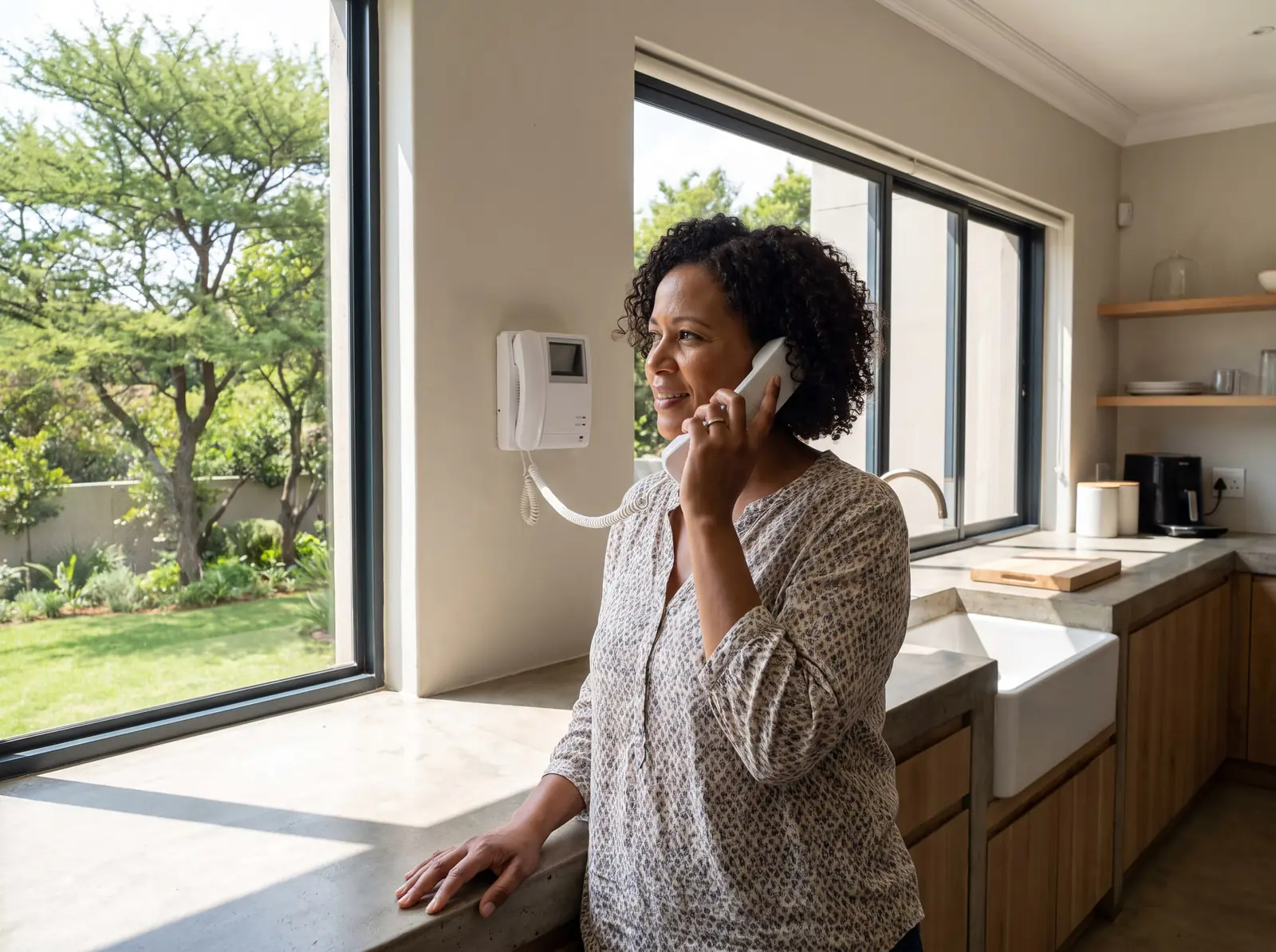
Which Zartek do you have?
| Model | What it is | Who it suits |
|---|---|---|
| ZA-660-A | One-button gate station and a portable handset; ZA-661 extra handsets and ZA-662 back gate stations can be added | A house with one gate |
| ZA654 | A caller unit with four call buttons and an illuminated name plate, paired to handsets | A few households or rooms on one entrance |
| CDP-808 | A keypad gate station that calls one of up to 80 handsets by a 3-digit code (ZA-610 gate station, ZA-613 handsets) | Complexes, flats, office blocks and estates |
| ZA620 | A weatherproof radio intercom that talks to Zartek two-way radios on the same channel | Farms, factories, warehouses and receiving bays |
All of them talk simplex: one side at a time. The gate station's microphone is always live once a call is answered, so the visitor just speaks; the person inside presses and holds the PTT (push-to-talk) button to reply.
Before mounting: Zartek's range test
Zartek asks for a two-person range test before anything is screwed to a wall:
- Power the gate station temporarily (on a ZA-660-A, with three AAA alkaline batteries) and fully charge the handset.
- Hold the gate station where it will go, at the gate, on a gooseneck or on the wall, and press the bell.
- Answer on the handset and walk to every room where you'll want to use it, listening to the sound quality.
- Leave the handset's charger where the sound was best, then mount the gate station properly and connect its 12 V supply and the gate relay.
Mounting matters as much as distance. The gate station mustn't be built into a wall or hidden behind a metal rain cover, and Zartek warns against mounting it on metal screening or near electric fences and cameras: concrete and metal block the radio. On the ZA620, keep metal walls, gates and electric fences at least 1 m away.
Power and charging
- ZA-660-A gate station: for a permanent installation it must run on 12 V, from the supplied power supply or from a gate motor's 12 V. Three AAA alkaline batteries are only a backup and run flat within a few days on their own. Zartek recommends alkaline over rechargeables, which perform badly in the cold.
- Handsets: a lithium battery pack, fully charged within about 4 hours the first time. A handset can live in its cradle without overcharging, and lasts about 15 hours of normal use off it. The charging light glows red while it charges; if it doesn't, reseat the handset. Only ever put a rechargeable battery in a handset.
- CDP-808 gate station: has a backup battery that runs it for about 4 hours in a power cut.
- ZA620: runs on mains or 12 V through its adaptor, with a rechargeable battery that takes over automatically for about 24 hours. A flat ZA620 tells you so out loud until it has charged.
A handset that freezes or won't switch on is reset by taking its battery out and putting it back.
Pairing a ZA-660-A handset and gate station
The handset and gate station come paired from the factory, but Zartek recommends pairing them again so nobody else's doorphone can ring yours or open your gate. In outline:
- Disconnect the gate station's 12 V for now; it pairs on alkaline batteries. Put the handset and gate station within a metre of each other.
- With the handset switched off, hold its power button and its door-lock button together for about 3 seconds. The screen lights and a letter flashes: it's in pairing mode.
- Hold the pairing button on the back of the gate station while you put its batteries in. After about 3 seconds its call light flashes: it's in pairing mode too.
- Let go and press the gate station's call button. Two beeps and a steady letter on the handset mean it worked, and the call light stops flashing.
- Switch the handset off, take the batteries out of the gate station and reconnect its 12 V supply.
If the letter keeps flashing, start again. Adding a handset or a back gate station means pairing every unit again together, with the handsets put into pairing mode first; otherwise the new unit won't work with the old ones. On the ZA654, the pairing switch on the caller unit must be back on NORMAL after pairing.
Using a CDP-808 in a complex
- Calling a home: the visitor enters that home's 3-digit code and presses #. Even house 1 is entered as 001. A single-home system just needs #.
- Finding a name: pressing the star key twice and then # lists the residents' names and numbers in alphabetical order; the arrows page through.
- Ringing: only the called home's handsets ring, flash or vibrate. A 20-second countdown runs; with no answer, the screen says to try again.
- Talking: the resident answers with PTT. The screen tells the visitor when to listen and when to speak; the microphone is sensitive enough to talk from about a metre, without leaving the car.
- Opening: Lock A opens the main gate and Lock B a second gate or door; the screen shows which opened. Residents can also open gate A with \* and their own 4-digit entry code.
- Hanging up: the handset's hang-up button ends the call, and the gate station hangs up by itself 60 seconds after it last hears the handset.
A motion sensor wakes the keypad when someone comes within about 3 m. Names, numbers and new handsets are changed by the installer with Zartek's programming cable or codes.
Common Zartek faults
- The handset doesn't ring: a flat handset, a handset that has lost its pairing, or a gate station without 12 V power. Check the handset charges, then the gate station's supply.
- It rings but the sound breaks up: the handset is near the edge of its range, or new metal, walls or trees are in the way. Move closer, then think about the gate station's position or an external antenna on models that take one.
- The gate won't open from the handset: the relay wiring to the gate motor or striker lock, or the motor's input. Try the gate with a remote first.
- It worked for a few days, then died: the gate station was running on its AAA backup batteries alone, without 12 V.
- A new handset won't work: it wasn't paired together with all the existing units.
- The ZA620 can't be heard: check the channel and that the radios are compatible models, wipe rain off the speaker grille, and make sure the volume is up.
All our spare parts are genuine where the parts are still made, and every repair carries our six-month guarantee on our repairs.
When to call us, and Zartek's PDFs
Call us when pairing won't take, the gate station is dead on 12 V, the handset won't charge in its cradle, or a CDP-808 needs names, codes or handsets changed. We install, pair and repair Zartek systems across Johannesburg, the East Rand and Centurion, connect them to gate motors, and move gate stations to where the signal reaches. Your exact price is set in a free quote before any work starts. No call-out fee when we do the work. If no work is done, a R650 call-out fee applies.
The official PDFs, from Zartek:
- Zartek ZA660A manual
- Zartek ZA654 manual
- Zartek CDP808 wireless intercom (ZA613), user manual and Zartek CDP808 wireless intercom (ZA610), installer manual
- Zartek ZA620 radio intercom, installer manual
Choosing between wireless and other kinds is on wireless intercoms. Repairs Plus is an independent installer and repairer. We are not the manufacturer.
Fault finder
What is your intercom doing?
Pick what you're seeing for the likely causes, the safe checks you can do yourself, and when to stop and book. Taken from the manufacturers' own manuals.
What's it doing?
Likely causes
Intercom · the handset can't reach the gate unit
Most likely first
No power to the gate (caller) unit.
The handset's battery has run down.
Too far apart, or a lot of steel in between.
The handset and gate unit have lost their pairing.
Safe checks you can do
When to stop and book
Re-pairing a system or moving a unit for better range is a quick job on the visit.
From the official manuals: Zartek ZA654 manual, Zartek ZA660A manual.
Questions
Zartek intercom questions
How do I pair a Zartek intercom handset?
With the gate station on alkaline batteries and the handset close by, put the handset in pairing mode (power and door-lock buttons together for 3 seconds), hold the gate station's pairing button while inserting its batteries, then press its call button; two beeps confirm it. See pairing.
Why does my Zartek gate station keep going flat?
It's probably running on its AAA backup batteries alone: Zartek says those last only a few days, and a permanent installation needs 12 V from the power supply or the gate motor. See power and charging.
How does a visitor call a house on a Zartek CDP-808?
They enter the house's 3-digit code, such as 001, and press #; only that home's handsets ring. The star key twice and then # lets them search by name. See using a CDP-808.
How long does a Zartek handset battery last?
Zartek gives about 15 hours of normal use off the cradle, and about 4 hours for a first full charge; the handset can stay in its cradle without overcharging. See power and charging.
Book a technician
Get an intercom quote
Job card
We WhatsApp or call you back. Fields marked (required) are needed.