Guides · Intercoms
Commax intercom not working: symptom by symptom
Commax door phones are among the most common gate intercoms in Gauteng homes, from the basic audio handset to the 7-inch video monitors. When one stops working, the symptom tells you a lot: whether the problem is at the gate, in the house or in the cable between. Here's what each kind of failure usually means, what you can safely check, and when it's cheaper to replace than repair.
Six-month guarantee on our repairs
Match the symptom
| What's happening | Look first at |
|---|---|
| Nothing works: no ring, no light, no screen | The indoor unit's power: its adaptor, plug and plug point |
| Visitor presses, nothing rings inside | The call button at the gate, then the cable |
| Rings, but no picture (video models) | The camera at the gate, then the monitor |
| Picture but no sound, or sound only one way | The speaker or microphone at one end |
| Hum, buzz or crackle | Water in the door station, or a poor joint in the cable |
| Rings by itself, often after rain | A stuck call button or water in the door station |
| Talks fine, but the gate won't open | The release's link to the gate motor |
A Commax is two units joined by a cable: the door station on the pillar and the indoor handset or monitor. Most faults sit in one of the three, and the table narrows it down before anyone opens anything.
Completely dead
A dead indoor unit is most often simply without power: an adaptor knocked out of the wall, a switched-off plug, a tripped circuit or a plug point that has failed. Try another appliance in the same socket. If the socket works and the unit is still dead, the adaptor or the unit itself has failed, and after a storm, a surge along the gate cable is a likely cause. If the gate motor or the electric fence died at the same moment, that points strongly to a surge. See gate motor not working after rain or lightning.
Problems at the gate
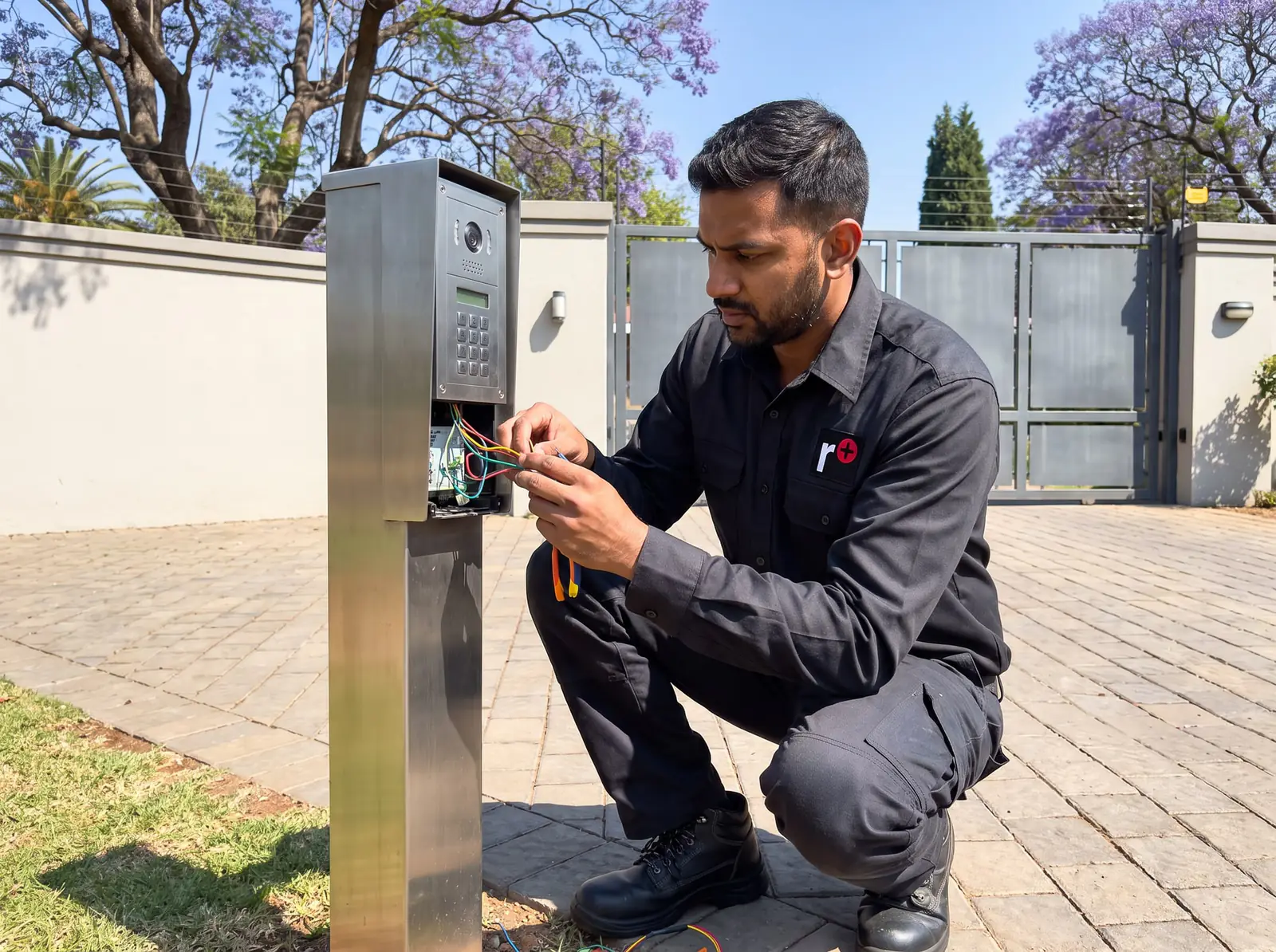
The door station lives outdoors in sun, rain and dust, so it's usually the first part to fail:
- A bell that doesn't ring: a call button that's worn, stuck or full of grit.
- A bell that rings by itself: a stuck button, or water bridging its contacts.
- No picture or a blurred one: a camera lens fogged inside, dirty outside, or a failed camera.
- Crackling, especially after rain: water inside the station.
From outside, without opening it, check that the button springs back, the front isn't cracked, there's no condensation behind the cover and the lens is clean. A door station that has let water in once usually does again; replacing it, and sealing where the cable enters, is the lasting fix.
Problems in the house
- No picture with a working camera: the monitor's screen, which can be tested by pressing the monitor's view button when nobody's at the gate.
- You can't be heard at the gate: the handset's microphone, or a core in the cable.
- Low volume: check the unit's volume setting before anything else.
- A second indoor unit that doesn't ring: its own link, while the first unit works.
If the problem is only at one indoor unit and the other works, the fault is local to that unit or its branch of the cable.
The cable between them
The cable from the pillar to the house usually runs underground along the driveway, and that's where digging, paving, a gardener's spade or rodents break it. A cable fault often shows as several symptoms at once, or symptoms that come and go with the weather. Think back: has anyone been working along the driveway recently? Finding a break means testing each core from end to end, which we do with a meter. The cable is the expensive part to replace, so repairing a break is often worthwhile.
Safe checks you can do
- Check the indoor unit's power and the plug point.
- Test the gate with a remote, to separate gate faults from intercom faults.
- Look at the door station from outside for water, cracks, a stuck button or a dirty lens.
- Check the volume and, on video units, press the monitor's view button.
- Note the pattern: constant, only after rain, or since building work.
Don't open the door station or the indoor unit: there's nothing inside to adjust without the maker's manual, and a wrong connection can damage the system or the gate motor.
Repair or replace?
Because Commax kits are relatively inexpensive, an old audio system with more than one failed part is often better replaced. In shops:
- Commax 1-to-1 audio kit: about R680 (Takealot)
- Commax CDV-43K video kit: about R3 700 (Takealot)
- Commax 7-inch CDV-70N kit: about R4 700 (Takealot)
These are the market's figures, not ours. Prices checked October 2026. A damaged cable, a single failed door station on a video system, or a monitor on a good system are usually worth repairing. All our spare parts are genuine where the parts are still made, and every repair carries our six-month guarantee on our repairs. Your exact price is set in a free quote before any work starts. No call-out fee when we do the work. If no work is done, a R650 call-out fee applies. More on the brand is on Commax. Repairs Plus is an independent installer and repairer. We are not the manufacturer.
Questions
Questions about Commax intercoms
How to fix Commax intercom?
Find which part failed first: check the indoor unit's power, test the gate with a remote, and look at the door station for water, cracks or a stuck button. Faults inside the units or the cable need testing with a meter, which is our job. See the safe checks.
How to connect Commax intercom?
The door station and indoor unit are joined by a multi-core cable, and the indoor unit's release output is wired to the gate motor's trigger input. The exact terminals depend on the model's manual, so we connect and test it on site rather than publish wiring. See the Commax page.
How to install Commax intercom?
The door station goes on the gate pillar at driver's-window height, out of direct rain where possible, the indoor unit by a plug point, with a cable between them and a link to the gate motor. We install and test it from the call button to the gate opening. See the gate-side problems.
Book a technician
Get an intercom quote
Job card
We WhatsApp or call you back. Fields marked (required) are needed.