Guides · CCTV
CCTV camera night vision not working: why night pictures fail
Most break-ins happen in the dark, so a camera that's perfect by day and useless at night is a camera that fails when it matters most. The good news is that night-vision problems usually have a simple, visible cause: something reflecting the camera's own light back at it, something in front of the lens, or a light shining into it. Here's how to tell which from what the picture looks like.
Six-month guarantee on our repairs
How cameras see at night
There are two main kinds of night picture:
- Infrared (IR) night vision. The camera has a ring of infrared lights around the lens, invisible to people, and switches to black-and-white when it gets dark. Look at a camera at night: a faint red glow means the infrared is on.
- Full-colour night vision, such as Hikvision's ColorVu, which uses a more sensitive camera and a little visible light to keep the picture in colour.
Either way, the camera switches between its day and night modes by itself as the light changes.
What the picture tells you
| What you see at night | Usual cause |
|---|---|
| A white haze or glare over everything | Infrared reflecting off the dome cover, an eave, a wall or a gutter near the camera |
| A bright blob moving across the picture | A spider or a web in front of the lens, lit up by the infrared |
| Completely black, but fine by day | The infrared has failed, or the camera isn't switching to night mode |
| Washed out in one area, dark elsewhere | A light shining into the lens, or the camera pointed at a light |
| Grainy and dim | Too far for the infrared to reach, or dirt on the lens |
| Flickering between colour and black-and-white | A light that switches on and off nearby, confusing the day/night switch |
| Pink or odd colours by day | A day/night filter that's stuck |
Reflections: the most common cause
Infrared light bounces off anything close to the camera and floods the lens. The usual culprits:
- The dome's own cover, when it's dirty, scratched or not seated properly, so the light reflects inside it.
- An eave, a gutter or a wall close to the camera, catching the infrared beam.
- A camera mounted too close to a corner, so part of its view is a nearby wall.
Cleaning the dome inside and out, re-seating its cover, or moving the camera a little away from the eave usually cures it. That's a technician's job when the camera is up high.
Spiders, insects and dirt
Insects are drawn to a camera's warmth and its infrared glow, and spiders follow. A web in front of the lens, invisible by day, shows up at night as a bright, moving smear. Dust, pollen and bird droppings dim the picture more at night than by day. Cleaning the camera and its cover regularly, and removing webs, is part of every service.
Lights shining into the lens
A security light, a streetlight or the headlights of cars turning into the driveway can blind a camera at night, leaving the area around the light white and the rest dark. A light that switches on and off nearby can make the camera flip between its day and night modes. Re-aiming the camera, shading it, or moving the light usually sorts it out. Full-colour cameras actually benefit from a little steady light, so the answer depends on which kind you have.
When the camera itself has failed
If the picture is black at night and you can't see the infrared glow, the infrared lights may have failed, often after years outdoors, a power surge or water getting in. A camera that isn't getting full power, from a failing power supply or a long cable, can also lose its infrared first, because it's the part that uses most power. If several cameras lost their night vision at once, the shared power supply is the likely cause.
In shops, a Hikvision 2 MP camera costs about R230 (Takealot) and a ColorVu camera about R510 (Takealot); a fault visit or annual service is typically R500–R1 500 (CompareSecurity). These are the market's figures, not ours. Prices checked October 2026. Your exact price is set in a free quote before any work starts. No call-out fee when we do the work. If no work is done, a R650 call-out fee applies.
Safe checks you can do
- Look at the camera at night for the faint red infrared glow.
- Look at the picture and match it to the table above.
- Check for new lights or a newly fitted gutter or awning near the camera.
- Clean what you can reach safely from the ground, with a soft cloth, without twisting the camera.
- Compare cameras: if only one is affected, it's that camera's spot; if all are, think power.
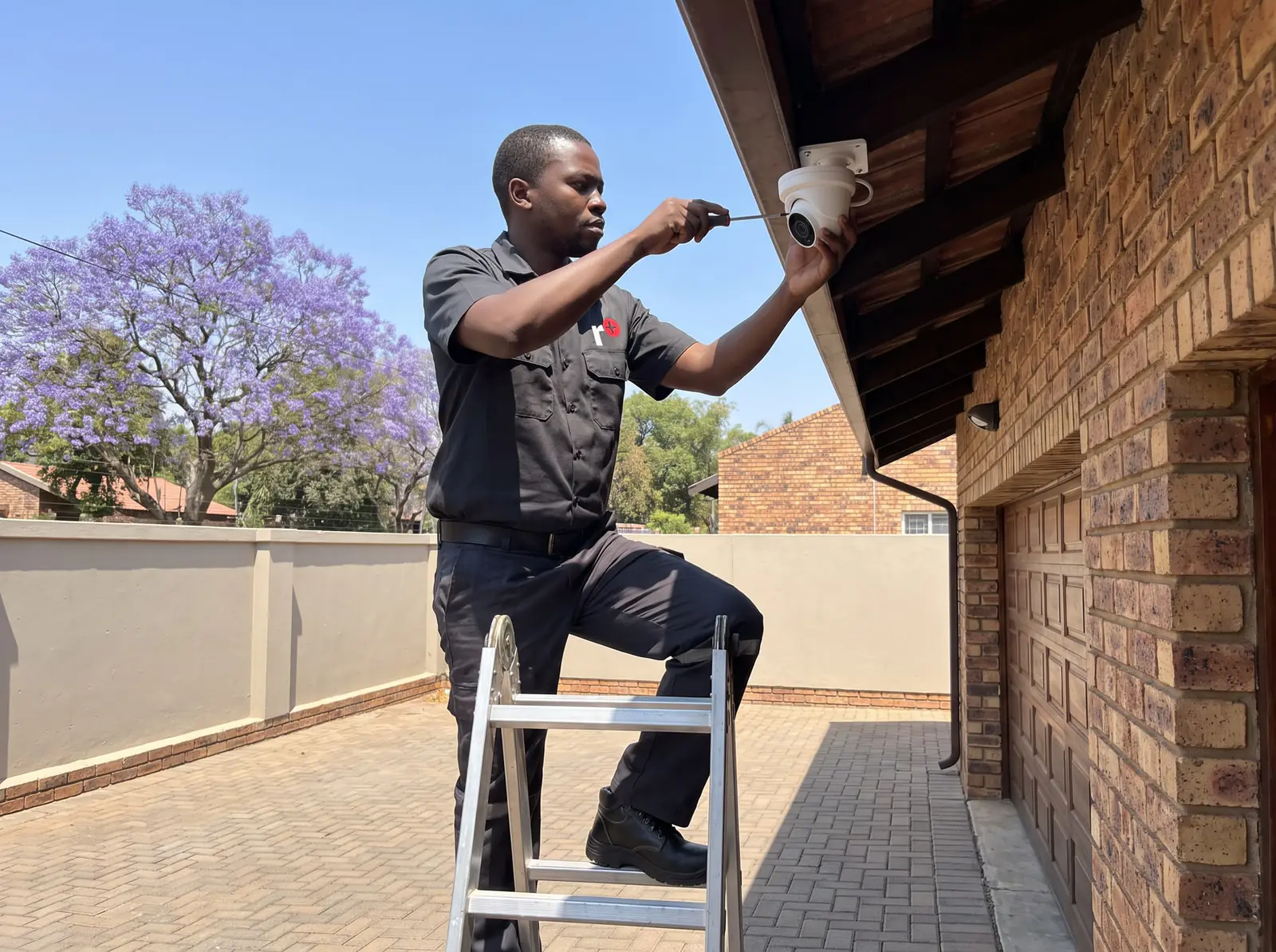
Don't climb ladders to cameras on the eaves, or open the camera's housing.
When to call us
Call us when the night picture is still white or black after the checks, when cameras up high need cleaning or moving, or when several cameras lost night vision together. We clean and re-aim cameras, replace failed ones, fix power supplies and can suggest full-colour cameras where some light is available. Every repair carries our six-month guarantee on our repairs. No call-out fee when we do the work. If no work is done, a R650 call-out fee applies. More on CCTV repairs.
Questions
Questions about CCTV night vision
Why is my night vision not working on my camera?
Most often the camera's infrared is reflecting off its dome cover, an eave or a wall, or a web or dirt is in front of the lens; if there's no red glow at night, the infrared or its power has failed. See what the picture tells you.
How to know if CCTV has night vision?
Look at the camera at night: a faint red glow around the lens means infrared night vision; the picture turning black-and-white in the dark confirms it. Full-colour night cameras keep colour with a little light instead. See how cameras see at night.
Why does my camera show a white haze after dark?
The camera's infrared is bouncing back at it, from a dirty or loose dome cover or something close by such as an eave or wall; cleaning or moving the camera slightly usually fixes it. Read about reflections.
Book a technician
Get a CCTV quote
Job card
We WhatsApp or call you back. Fields marked (required) are needed.