Manual · ET Wingo
ET Wingo manual: swing gate setup, remotes and display codes
The Wingo 3524 HS is the ram-type swing gate motor in ET's range: one arm per gate leaf, driven by a 24 V control box that runs one or two gates. It's common on double driveway gates across Gauteng. Here is ET's Wingo manual in plain English: what the motor can carry, how to release it, how it learns the gates, how remotes are added and what the display and the status light are telling you.
Six-month guarantee on our repairs
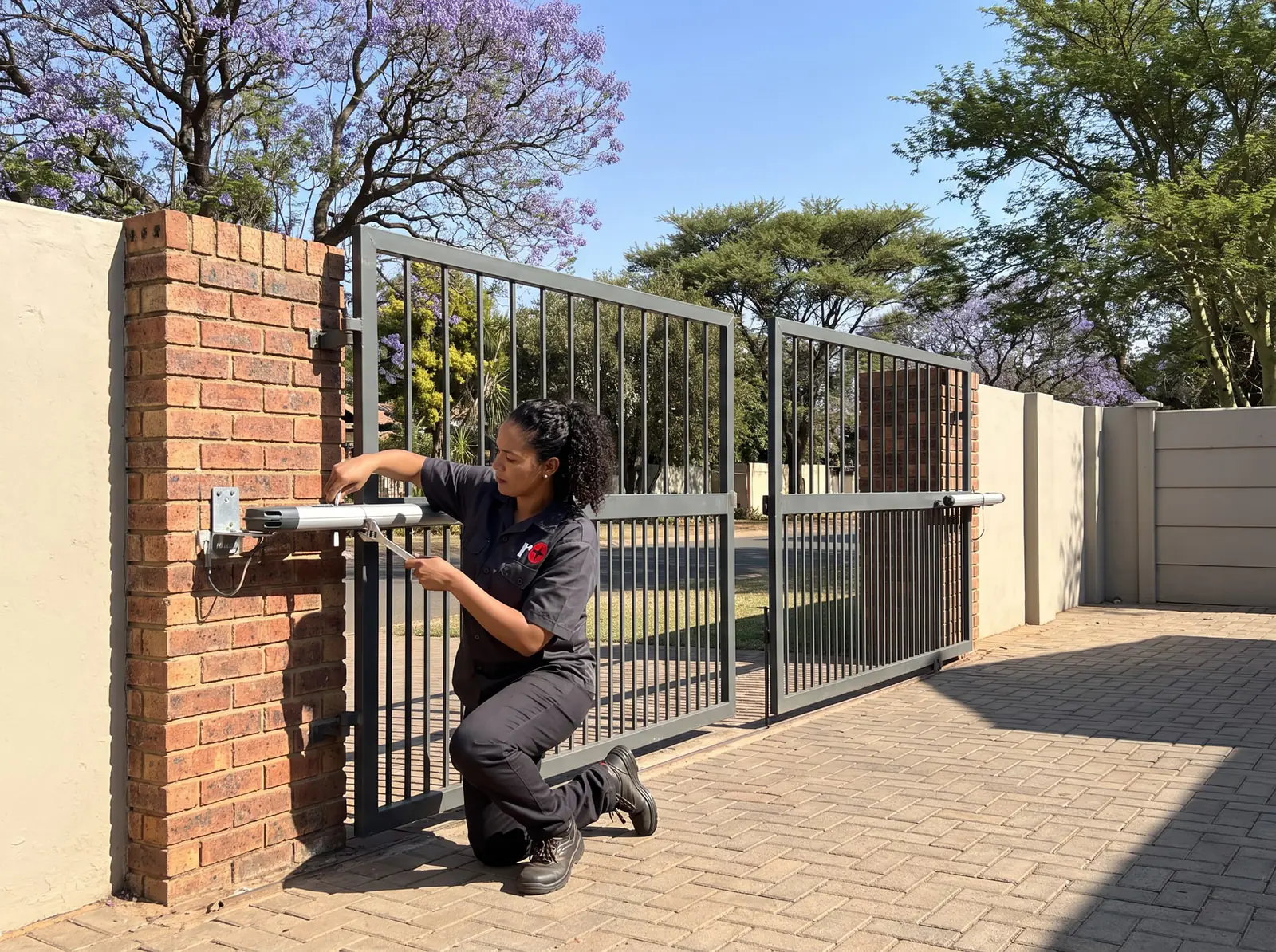
The Wingo 3524 HS at a glance
| Item | Wingo 3524 HS |
|---|---|
| Heaviest leaf | 500 kg |
| Longest leaf | 3.5 m |
| Opening time through 90° | Under 10 seconds |
| Most cycles a day | 720 in 24 hours, at no more than 30 an hour |
| Motor | 24 V DC, 3 A in normal running, 5 A at most |
| Arm thrust | Up to 1,500 N |
| Weather rating | IP44 |
| Control box power | 230 V AC (required for high traffic), or 29 V AC from a separate transformer for low traffic |
| Battery charging | 27.6 V DC |
| Receiver | Snap-fit ET receiver: ET BLU MIX and ET BLUE remotes, 4 channels, 64 users as standard or 999 as an upgrade |
ET's figures assume the arm's full 440 mm stroke is used and the gate swings freely and evenly. A heavier, longer, cladded gate in a windy spot works the motor harder.
How long a Wingo lasts on your gate
ET's manual has an unusual table: a "demand index" that adds up what makes a swing gate hard work. A leaf over 200 kg adds 10%, a leaf 2 to 3 m long adds 10%, a cladded leaf 15%, a windy site 20%, and so on. The total is read off a durability graph.
ET's own example: a 200 kg leaf, 2.5 m long, in a windy spot comes to 35%, which the graph puts at about 62,500 operations. ET is careful to call this an estimate from prototype tests, not a promise. The practical lesson is that cladding, wind and weight shorten a swing motor's life, and a gate that has been closed in with sheeting since the motor was fitted may now be asking too much of it.
Opening the gates by hand
Each Wingo arm has its own release:
- Slide the lock cover open.
- Put the key in and turn it to unlock.
- Lift the manual override lever. The gate leaf can now be swung by hand.
To engage it again, lower the lever, lock it with the key and slide the cover back. On a double gate, release both arms before you try to open the pair. When the motors are engaged again after being moved by hand, the control box may show rEF and run the gates slowly to find their positions again before it runs normally.
Run-time setup: how a Wingo learns the gates
Run-time setup is mandatory. The brackets must be fitted properly and the end-of-travel stoppers on each arm set first; on a single gate, the motor must be on output M1. Start with the gates engaged and halfway. In outline, from ET's manual:
- Hold SET until the buzzer beeps twice and the display shows Prg.
- Press down to run and press SET. The display shows cL1.
- Hold UP: gate 1 must run closed. If it opens instead, the wiring is wrong and must be corrected. Press SET.
- The display shows cL2: hold UP and check gate 2 runs closed. Press SET.
- The display shows Lrn and the gates learn their travel on their own: gate 2 closes, gate 1 closes, gate 1 opens, gate 2 opens, then each closes at normal speed.
When gate 1 reaches closed, the buzzer stops and the display goes back to Prg. If the stoppers are moved afterwards, the setup must be done again.
Motor type and delayed start
Two settings matter on most Wingo installations:
- Motor type (tyP): the box runs Wingo or Toona motors. It's set to 001, Wingo, by default; 002 is Toona. It must match the motors fitted.
- Delayed start (dLy): on a double gate where one leaf overlaps the other, one gate starts a little later so they don't clash. It's off by default and can be set from 1 to 20 seconds.
The box also has settings for the safety level of the collision sensing, the safety beams, auto-close, the pedestrian opening, the slow-down near the ends of travel and the auxiliary relay. Those are installer settings: changed wrongly, they can make the gate unsafe.
Adding remotes to a Wingo
The Wingo control box uses a snap-fit ET receiver, with up to 64 users as standard. Each remote button can be learnt to one of four channels: bt (open and close), ped (pedestrian opening), rLY (the auxiliary relay) or hoL (holiday lock-out). From ET's manual:
- Hold SET until two beeps and Prg shows.
- Scroll to rc and press SET: Lrn shows. Press SET again: bt shows.
- Choose the channel with UP or DOWN.
- Start pressing the new remote's button, and while holding it, press and release SET. The user number shows.
A message instead of a user number tells you why it didn't work:
| Display | Meaning |
|---|---|
| Ful | Receiver memory full. A 64-user receiver can be upgraded to 999 |
| Dup | That button is already learnt. Delete it and learn it again |
| To | Timed out: no compatible remote seen. A faulty or incompatible remote, or interference |
| Dec | Decoding error: the remote is faulty or not compatible |
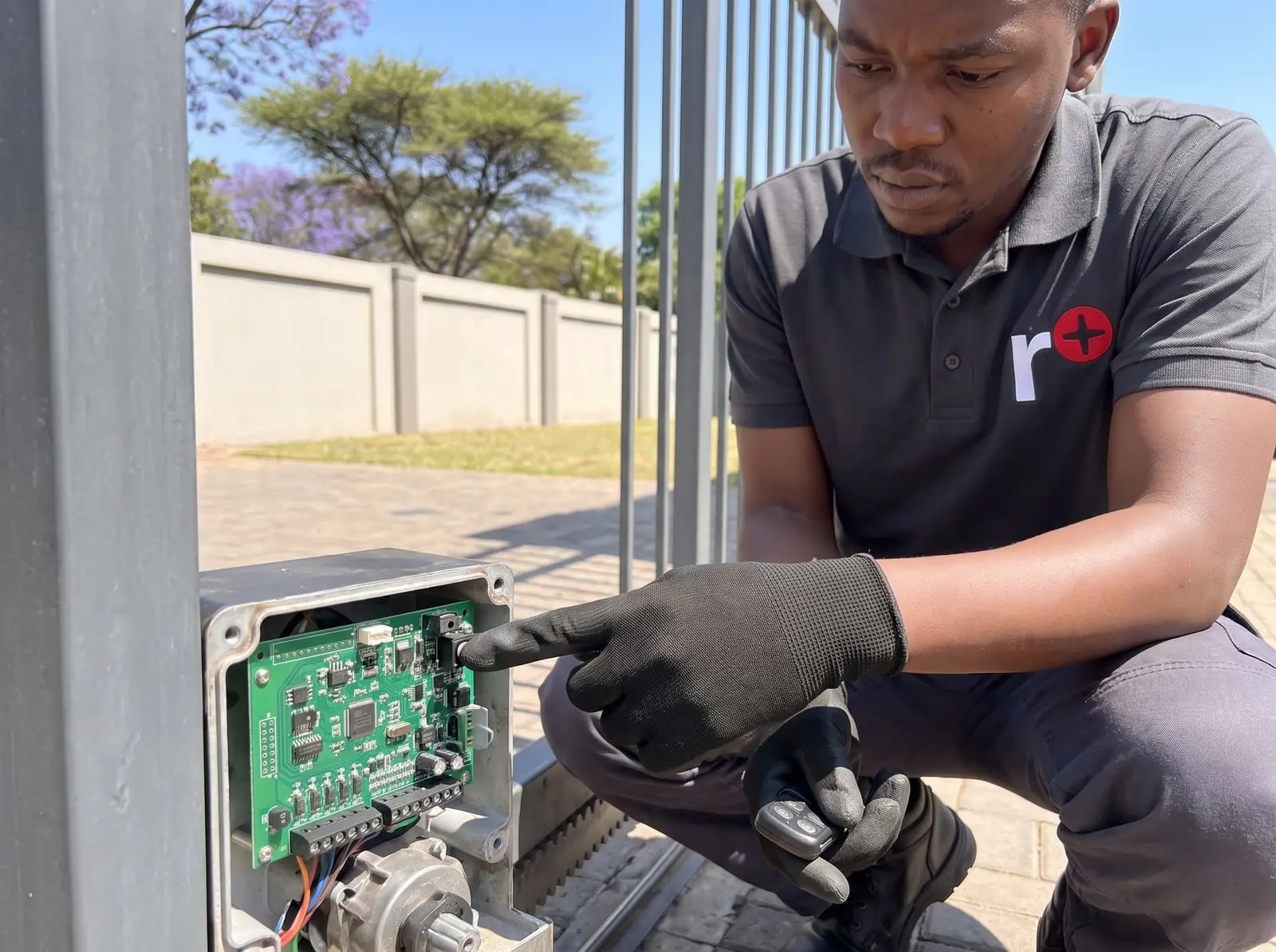
Status light
If a status light is connected, these are its patterns from ET's manual, shown at their real speed.
| Light | Pattern | What it means | One cycle |
|---|---|---|---|
| Off | Gates fully closed. | 2 s | |
| On a second, off a second | Gates running normally. | 2 s | |
| On, steady | Gates open. | 2 s | |
| Fast flashing, non-stop | One of the gates has hit an obstruction. | 0.5 s | |
| Two flashes and a 2-second gap | Mains off. Restore the power as soon as possible. | 4 s | |
| Four flashes and a 2-second gap | Battery low. Leave it on mains for 8 to 10 hours before checking again. | 6 s | |
| Five fast flashes at each trigger | A lock-out mode is on. Press and release a holiday lock-out button to switch it off. | 1.25 s |
What the display codes mean
| Display | Meaning | What to do |
|---|---|---|
| hoL | Holiday lock-out is on | Switch it off |
| PAr | Party mode (auto-close override) is on | Switch it off |
| AC | Mains failure (beeps every 15 s for 5 minutes after the gate runs) | Restore the power |
| bAt | Battery low under load | Allow 8 to 10 hours of charge; replace the battery if it doesn't recover |
| rEF | The motors' positions are out of step | Let the gates complete their referencing run |
| run | Run-time setup wasn't completed | Do the setup again |
| E1 / E2 | No encoder signal from motor 1 or 2, or the gate is hard against its closed stopper | Encoder wiring: a technician's job |
| E3 | No motor on output 1, or its fuse has blown | A technician's job |
| E4 | The gates must be closed for that setup | Close them first |
| E5 | Gate 1 was obstructed while setting the pedestrian opening, or the stoppers have moved | Clear it and reference again |
| E6 | The encoder wiring is intermittent, or a gate hit something while referencing | Clear any obstruction; wiring is a technician's job |
Fuses, encoder wiring and the mains side of the control box are for a technician, and the mains connection is a job for a registered electrician.
When to call us, and ET's PDFs
Call us when an E code won't clear, a gate keeps reporting a collision with nothing in its way, one leaf has stopped while the other works, or the gates have sagged or been clad since the motors went in. We repair Wingo arms, control boxes, receivers, encoders and batteries, and adjust the gate itself so the motors last. All our spare parts are genuine, and every repair comes with our six-month guarantee on our repairs. Your exact price is set in a free quote before any work starts. No call-out fee when we do the work. If no work is done, a R650 call-out fee applies.
The official PDFs, from ET:
- ET Wingo swing gate operator, installer manual: specifications, durability guide, installation, every setting and the troubleshooting tables
- ET Wingo swing gate operator, user manual: everyday use and the manual release
For swing gates generally, see swing gates; for other ET motors, the ET gate motor manual.
Questions
ET Wingo questions
How heavy a gate can an ET Wingo open?
ET's manual gives 500 kg and 3.5 m per leaf for the Wingo 3524 HS, if the gate swings freely and the arm's full stroke is used. Cladding and wind make the motor work harder. See the specifications.
How do I add a remote to an ET Wingo?
Hold SET until Prg shows, go to rc, then Lrn and the channel you want, and press SET while holding the remote's button; the user number confirms it. Ful, Dup, To or Dec on the display explain why it didn't work. See adding remotes.
What does rEF mean on an ET Wingo?
The control box has lost track of where the gates are, often after they were moved by hand, so it runs them slowly to find their positions again. Let it finish; if it keeps showing E6, the encoder wiring needs attention. See the display codes.
Why does only one of my Wingo gates open?
Often that arm is still in manual override, or the control box shows a motor or encoder error (E1, E2 or E3) for it. Check both release levers are down and locked, then read the display. See the display codes.
Book a technician
Get a gate motor quote
Job card
We WhatsApp or call you back. Fields marked (required) are needed.