Guides · CCTV
CCTV no signal: camera not showing on the DVR
"No signal", "video loss" or a black square where a camera should be: the recorder is telling you it isn't getting a picture from that camera. The pattern, which cameras and when, points straight to the cause, and some of it you can check from the couch.
Six-month guarantee on our repairs

Start with the pattern
Look at the recorder's own screen, not just your phone, and note which cameras are missing:
| What you see | Where to look |
|---|---|
| One camera shows no signal | That camera's power, cable, connectors or the camera itself |
| Several cameras drop out together | Something they share: a power supply or a network switch |
| Every camera is gone | The recorder, the shared power, or the monitor |
| Fine on the recorder, offline on your phone | The internet connection, router or app, not the cameras |
| Fine by day, black at night | The camera's infrared night lights, or the lens |
DVR or NVR?
How a camera gets its picture and its power depends on the system:
- A DVR system uses analogue HD cameras on coaxial cable, usually with a separate power supply for the cameras.
- An NVR system uses IP cameras on network cable, and the cameras are usually powered over the same cable, often through a network switch.
The recorder's label, or the cable at the back of a camera, tells you which you have. Our CCTV page explains both.
One camera shows no signal
The fault is somewhere between that camera and its input on the recorder:
- No power at the camera. A camera that has lost power goes dark. At night, many cameras show a faint red glow from their infrared lights when they're powered, which is a useful clue from the ground.
- A connector. Outdoor connections let water in over time, and corroded or loose ones lose the picture, often after rain.
- The cable. Cut by a garden service, chewed by a rodent, crushed by building work, or damaged by a lightning surge.
- The camera itself, after years in the sun and rain, or a surge.
A technician finds which by testing the camera on a known-good cable and input, and the cable with a known-good camera. That quickly separates a connector job from a new camera.
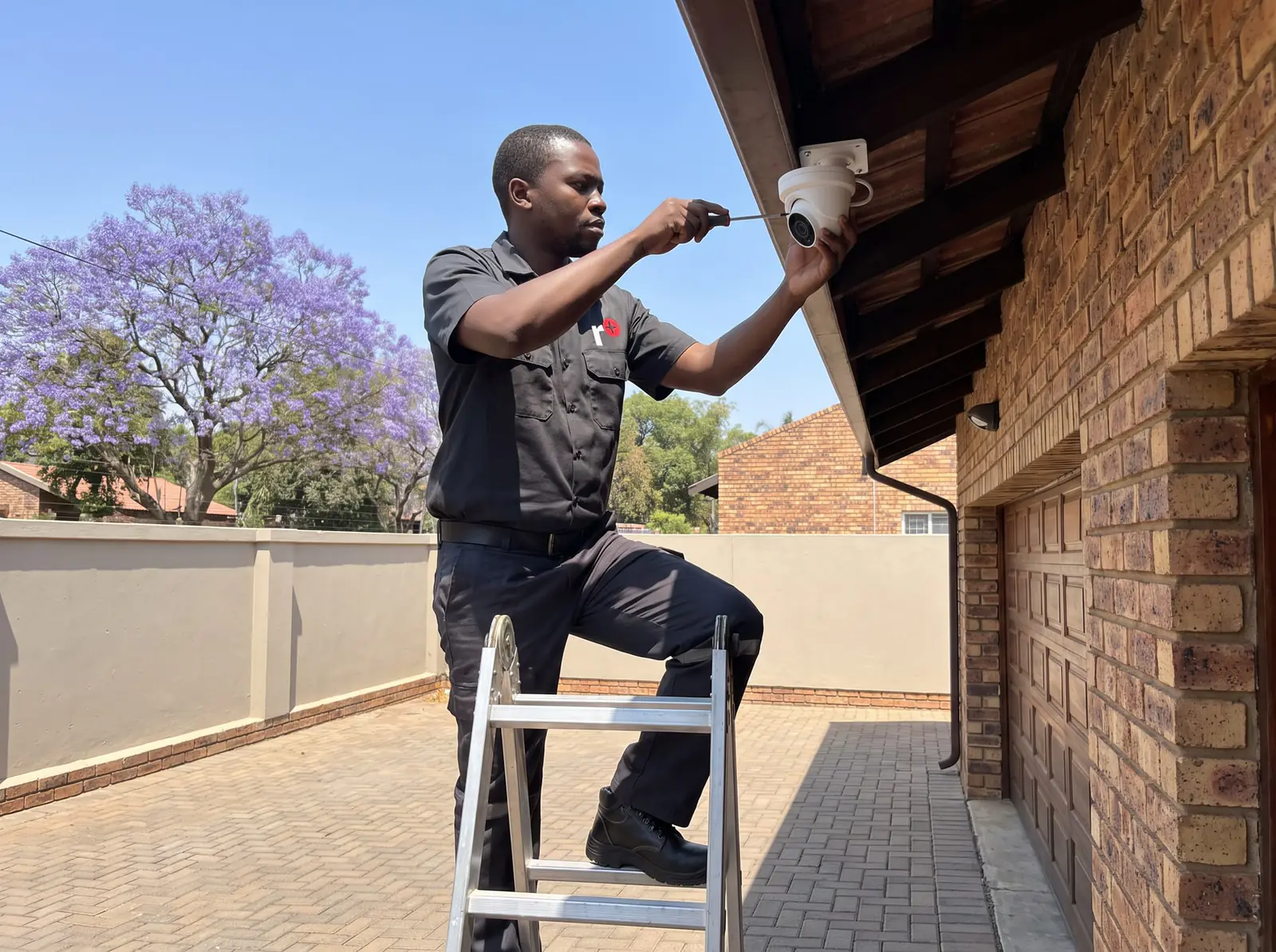
Several cameras at once
When two or more cameras vanish together, look at what they share. On a DVR system, that's usually the camera power supply: one supply often feeds several cameras, and when it fails, they all go. On an NVR system, it's often the network switch that powers them. Both are common casualties of a power surge. A camera power supply that's warm and silent, or a switch with no lights, is the likely culprit.
Every camera is gone
- Is the recorder on? Look for its lights and listen for its fan.
- Is it the monitor? If the phone app still shows the cameras, the cameras and recorder are fine and the fault is the monitor or its cable.
- After a power cut or storm, a surge may have damaged the recorder, the camera power supply or both.
Restarting the recorder from its menu, or switching it off and on at its plug, is a safe first step. If it doesn't come back with its cameras, leave it for us.
Showing on the recorder, offline on the phone
If the recorder's own screen shows every camera, nothing is wrong with the cameras. The phone app reaches the recorder through your internet connection, so a new router, changed Wi-Fi details, an internet outage or an app update can break the link. Check the internet is working, and that the recorder is still plugged into the router. Reconnecting the recorder to a new router is a quick job for us.
Fine by day, black at night
At night, most cameras switch to black-and-white and light the scene with infrared. If the picture goes black or white-out at night only, the infrared lights may have failed, or a spider web or dust on the lens is reflecting them back into the camera. Cleaning a lens is only worth doing if you can reach the camera safely from the ground; anything on a ladder is a job for us.
After a storm or load shedding
The return of the power, or a nearby lightning strike, can take out power supplies, cameras, switches and recorders, often several at once. A UPS that runs the recorder, the camera power supply and the router helps the system ride out load shedding and softens the surge when the power returns. Our CCTV page explains how we size one.
When to call us
Safe checks stop at the recorder, the monitor, the router and the plugs you can reach from the ground. Call us for anything on a ladder, inside a camera or a power supply, or on the mains, and whenever cameras stay dark after a restart. We repair Hikvision, HiLook and Dahua systems, whoever installed them. All our spare parts are genuine, and every repair comes with our six-month guarantee on our repairs.
Getting it fixed
On the job card, give the recorder's make, which cameras are missing, and whether it happened after rain, a storm or a power cut; a photo of the recorder's screen helps. Same-day repairs are offered when the day allows. No call-out fee when we do the work. If no work is done, a R650 call-out fee applies.
Questions
Questions about CCTV cameras with no signal
Why is my CCTV camera showing no signal?
The recorder isn't getting a picture from it: no power at the camera, a corroded connector, a damaged cable, or a failed camera. If several drop out together, suspect a shared power supply. Read more.
Why is my CCTV showing no video?
On every camera at once, check the recorder is on and the monitor's cable; after a storm, a surge may have damaged the recorder or power supply. Read more.
Why is my CCTV camera not showing on my phone?
If the recorder's own screen shows it, the cameras are fine: the internet, router or app has dropped the link. Check the internet and that the recorder is still connected. Read more.
Why is my CCTV camera black at night?
Its infrared lights may have failed, or a web or dust on the lens is reflecting them back. Clean it only if you can reach it safely from the ground. Read more.
Book a technician
Get a CCTV quote
Job card
We WhatsApp or call you back. Fields marked (required) are needed.